This is the procedure for installing NTPd to keep a server's time accurately synchronized. Verified working on CentOS 7.5.
Installation and Configuration Steps
Install with yum.
# yum install ntp
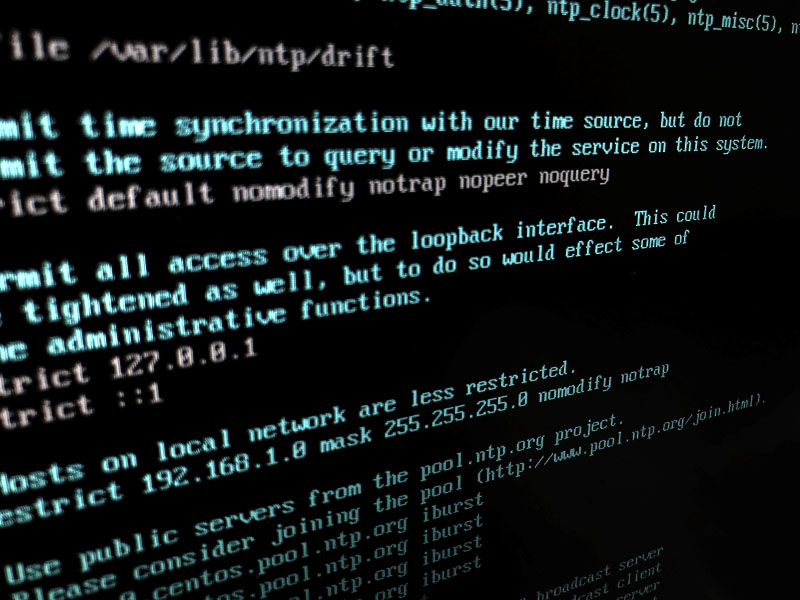
Once installation is complete, edit the NTPd configuration file.
# vi /etc/ntp.conf
#server 0.centos.pool.ntp.org iburst
#server 1.centos.pool.ntp.org iburst
#server 2.centos.pool.ntp.org iburst
#server 3.centos.pool.ntp.org iburst
pool ntp.jst.mfeed.ad.jp iburst
Change the relevant lines as shown above.
Next, start NTPd and change the timezone to Japan.
# systemctl start ntpd
# timedatectl set-timezone Asia/Tokyo
# timedatectl
      Local time: Mon 2018-10-08 13:05:29 JST
  Universal time: Mon 2018-10-08 04:05:29 UTC
        RTC time: Mon 2018-10-08 04:05:27
       Time zone: Asia/Tokyo (JST, +0900)
     NTP enabled: yes
NTP synchronized: yes
 RTC in local TZ: no
      DST active: n/a
Confirm that Time zone is set to Asia/Tokyo.
Finally, enable NTPd to start automatically at OS boot, and you're done.
# systemctl enable ntpd.service