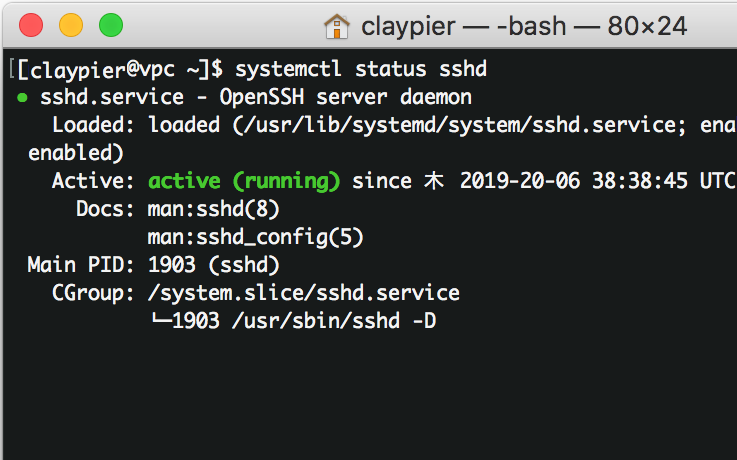
After changing the SSH configuration and trying to start sshd, you may sometimes see an error like the one below and the service refuses to come up.
$ sudo systemctl start sshd
Job for sshd.service failed because the control process exited with error code. See "systemctl status sshd.service" and "journalctl -xe" for details.
Let's check the logs.
$ sudo  tail /var/log/secure
Sep 2 17:34:49 claypier sshd[14565]: error: Bind to port 22222 on :: failed: Permission denied.
In this case, the port was changed in sshd_config from 22 to 22222, so the SELinux security policy blocks it and we end up with Permission denied.
So we need to use the semanage command to tell SELinux to allow port 22222.
Installing policycoreutils-python with yum makes the semanage command available.
$ sudo yum install policycoreutils-python
Once it's installed, allow port 22222 with the following command.
$ sudo semanage port -a -t ssh_port_t -p tcp 22222