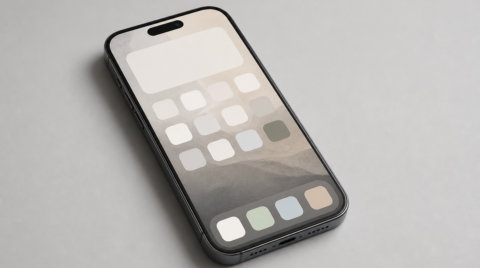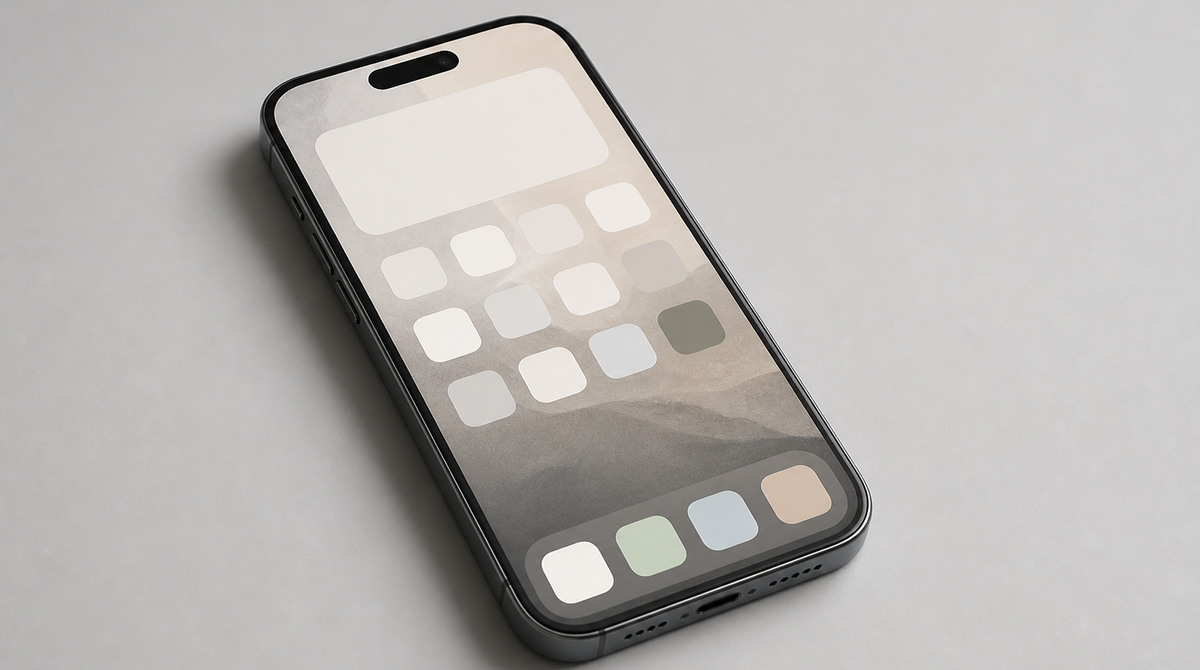
The "iOS 27" update that Apple plans to release this fall focuses less on flashy new features and more on raising everyday speed and usability. App launches and AirDrop transfers get faster, and the "Liquid Glass" look introduced in iOS 26 gains controls that let you fine-tune its appearance. The list of supported devices stays the same as iOS 26, covering iPhone 11 and later, so even older models benefit from the improvements. Here is a look at what iOS 27 actually changes beneath its understated surface.
A Focused Investment in Speed You Can Feel
The first thing iOS 27 emphasizes is smoother, more reliable operation. App launch times are cut by up to 30% on the iPhone 11 Pro Max, and screen transitions feel smoother as well. In the Photos app, library loading is up to 70% faster on the iPhone 15, so the more photos you store, the more you notice the reduced wait.
File sharing via AirDrop has also been reworked, with transfer speeds up to 80% faster on the iPhone 16 Plus. These figures are all maximums measured on specific models, and the actual gain varies by device, but the point is clear: rather than adding a headline feature, iOS 27 goes after the small daily delays. Search accuracy and responsiveness are improved too, and the handoff between Wi-Fi and cellular is less prone to interruptions, so calls and downloads stay stable.
Liquid Glass Gains the Freedom to Adjust
The translucent "Liquid Glass" design introduced in iOS 26 is more polished in iOS 27, and it now moves toward letting users tune it to their taste. A slider for the transparency of system elements lets you reduce how much the background shows through to keep things easier to read.
There is also a way to undo and redo appearance changes, making it easy to experiment with settings and roll them back. App icons have been reworked for better contrast so they remain legible even outdoors in bright light. Rather than imposing a single look, the update lets users strike their own balance between readability and personal preference, and that is the heart of this design refresh.
Siri AI and Photo Editing Move Forward as Well
Alongside the performance work, the AI-related features have been steadily strengthened. The voice assistant has been overhauled as "Siri AI," responding with awareness of what is on screen and the current context, and handling actions that span multiple apps. You can also point the camera at an object, sign, or text to get information about it on the spot.
For photos, AI editing tools that correct perspective distortion and reframe shots have been added, and the "Image Playground" image generation feature is easier to use. On the sharing side, iCloud photo sharing now works with Android and Windows devices, making it easier to share albums and projects with people on different platforms. Parental controls have been expanded as well, organizing age-based restriction suggestions, blocking of inappropriate content in messages, and Screen Time scheduling.
Supported Devices and Release Timing
The supported devices for iOS 27 are unchanged from iOS 26, covering the iPhone 11 and iPhone SE (2nd generation) and later. Because Apple continues to support iPhones from several years ago rather than only the newest models, one of the widest ranges of devices ever can receive this update. The official release is expected this fall, around September 2026 if the usual schedule holds, with features being tuned in stages through the beta period until then.
Summary
iOS 27 is an update that polishes the fundamentals, faster launches and transfers, more freedom to adjust the design, and more practical AI, rather than leading with a single marquee feature. Because the supported device list stays broad, the improvements reach people still using older iPhones too. As the official fall release approaches, it is worth checking how much the experience changes on your own device.
Source
Tom's Guide, “iOS 27 is official: All the new upgrades and features announced at WWDC 2026”



















![Newsed Phone Opens Store for Used iPhones With 100% Battery Capacity [PR]](https://claypier.com/wp-content/uploads/2026/07/newsedphone-battery-100-iphone-480x236.png)