Even people who don't usually play games on a PC have probably heard of devices called "gaming this" or "gaming that" at least once. Among all the "gaming-something" gear out there, one of the most representative is the gaming keyboard. As the name suggests, a gaming keyboard is a keyboard optimized for gameplay. So what exactly sets a regular keyboard and a gaming keyboard apart? Let's start by comparing them.
A Wide Variety of Typing Feels
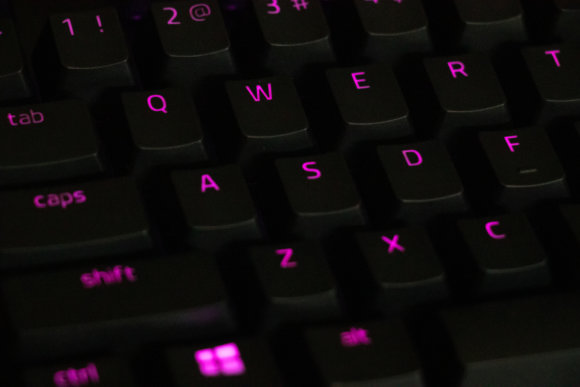
Keyboards come in several input mechanisms. The four main ones are "membrane," "pantograph (scissor)," "electrostatic capacitive (Topre-style)," and "mechanical."
Membrane
Price: cheap. Typing feel: soft and quiet, with a "peko-peko" mushy bottom-out.
These are commonly used in inexpensive keyboards. Because you have to push the key all the way down for the input to register, mistypes are less likely.
Pantograph (Scissor-Switch)
Price: average. Typing feel: light and quiet, with a "pata-pata" tap.
Mainly used in laptops. Since they're thin and light, they tend to also be adopted in wireless keyboards built for portability.
Electrostatic Capacitive (Topre-Style)
Price: very expensive. Typing feel: a smooth, medium "soko-soko" press.
They're highly durable, and because the design structurally avoids chattering (a state where a key keeps registering input on its own), this type is also used in some ATMs and similar equipment.
Mechanical
Unlike the other types, the feel of a mechanical keyboard varies dramatically depending on which switch (often called a "shaft" in Japanese) is used.
Price: expensive. Typing feel: depends on the switch used.
Mechanical keyboards are by far the most common choice for gaming keyboards. Because each switch type has its own character, you can pick a typing feel that suits your preferences. That's why packaging will often advertise something like "uses 〇 switches," and that becomes a key buying criterion. We'll cover the switches themselves later in this article.
High Durability
When you play PC-popular game genres like Apex Legends or League of Legends, you end up doing a huge volume of high-speed inputs. Stretch that across long play sessions and the number of keystrokes inevitably becomes far higher than what a regular keyboard sees.
For that reason, gaming keyboards are very often marketed on their durability. The author has been using a "Razer BlackWidow Chroma 2014" for six years now, and not once has a key failed. Even if you don't normally play games, if you're someone who keeps replacing keyboards, why not give a gaming keyboard a try?
Multiple Simultaneous Key Inputs Recognized
Take an FPS, for example. The moment you try to do something complex like "moving diagonally while reloading and checking the map" all at once, you need to press several keys at the same time. A typical keyboard usually only handles 2–3 keys pressed simultaneously. If you tried to pull off the move described above, you might fail to reload, or fail to bring up the map.
A gaming keyboard, on the other hand, can recognize 10–20 simultaneous inputs depending on the model. That helps prevent the situation where you've pressed the keys but your character refuses to move the way you intended.
They Can Be Lit Up
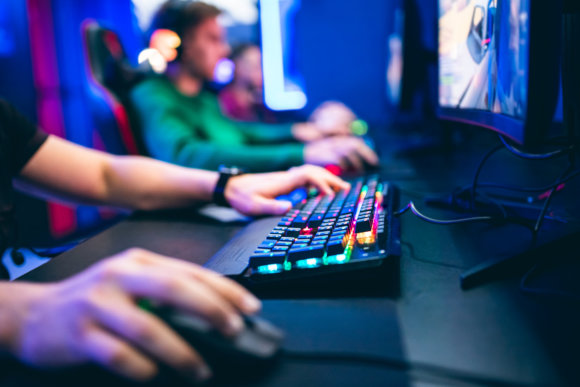
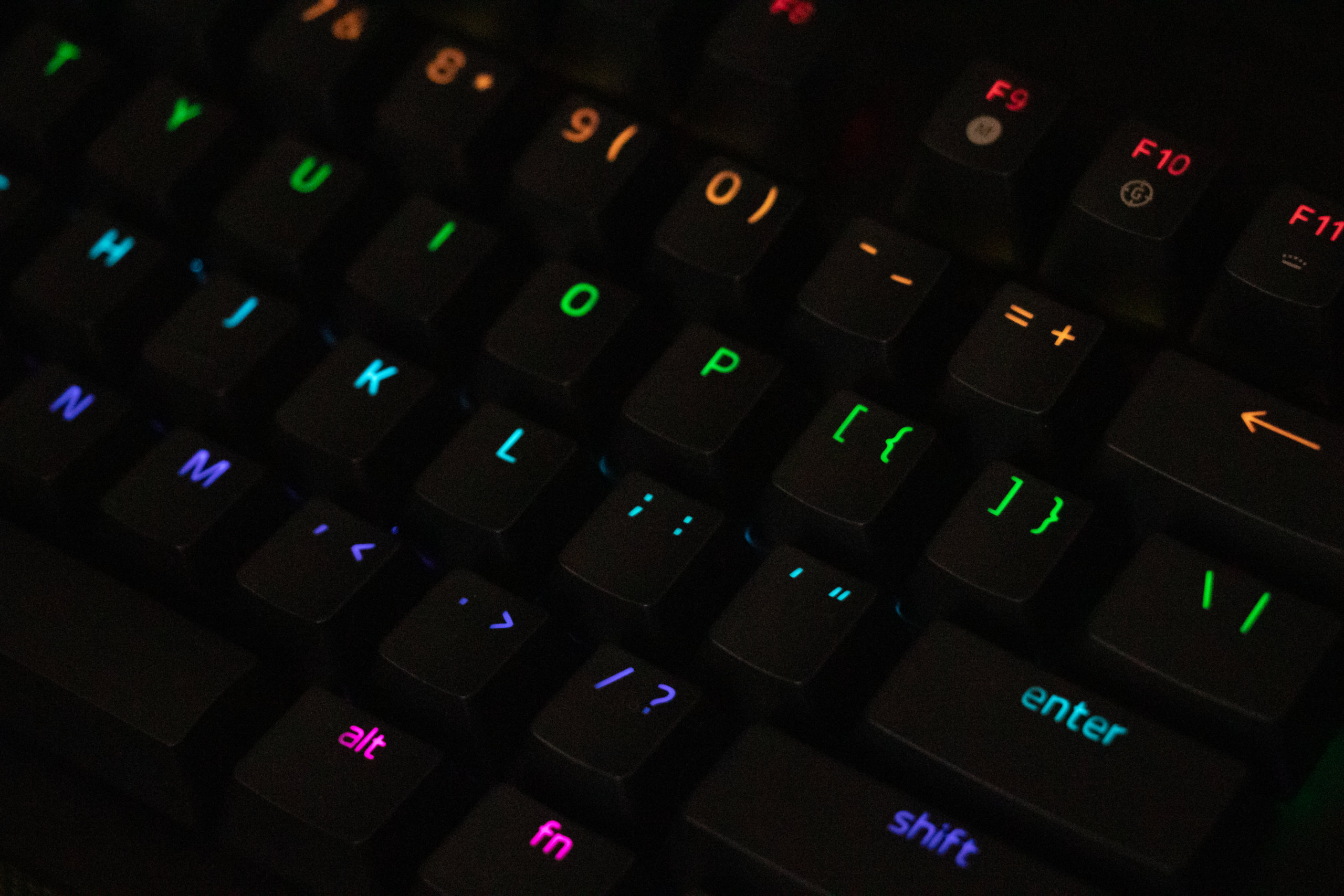
Gaming keyboards typically have LEDs built into the switches, so as a baseline they can be illuminated. Whether it's single-color or whether you can change to all sorts of colors depends on the model, so it's worth checking. Lighting itself doesn't have a major impact on gameplay, but one practical use is "lighting up only the keys you're going to use when playing an unfamiliar game, so you can identify them more easily." Some people will say "I hate it when gaming keyboards glow!" — don't worry. With the bundled software you can usually turn the lighting off entirely, so it's best to set it however suits your taste.
Tenkeyless Keyboards Are Popular
Gaming keyboards mostly come in two main sizes: the "full-size keyboard" and the "tenkeyless keyboard." A full-size keyboard is the standard size most people picture when they think "keyboard," and it has every key. A tenkeyless keyboard is a full-size minus the "numpad" on the right side, which is the part optimized for entering numbers.
Recently, when manufacturers announce a new gaming keyboard, it's increasingly common for them to release both the full-size and the tenkeyless version of the same brand. So why is the tenkeyless format so well suited to gaming? It's because in PC games, you use the mouse to aim your view, and depending on the situation you sometimes have to swing it around violently. To secure the mouse's range of movement, the smaller tenkeyless keyboard tends to be preferred.
About Switches
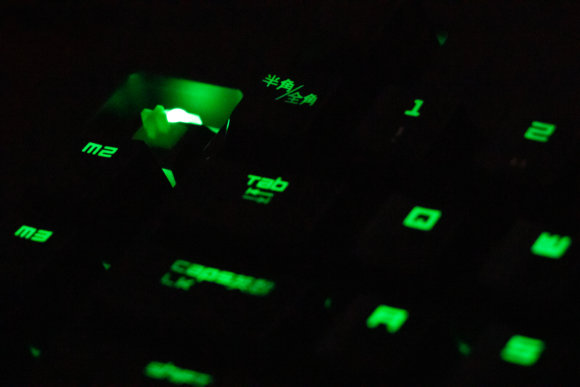
As mentioned earlier, mechanical keyboards use what the Japanese market calls "shafts" — what English speakers usually just call "switches." Different switches give very different typing feels, and checking the switch type when buying lets you roughly predict how it will feel. These three specs in particular matter:
Operating force: the force required to register an input. Key travel: the depth from the top of the key to bottom-out. Actuation point: the depth at which the input is registered.
Blue Switch
A clicky "click-click" feel with a loud, satisfying typing sound. Because the key is on the heavier side and a bit deep, it's good at preventing and reducing mistypes. The downside is that the loud typing noise can get picked up by your microphone when you're using voice chat in games. You may want to consider adjusting your mic position or sensitivity so it's less prone to picking up your typing.
Operating force: 50g. Key travel: 4.0mm. Actuation point: 2.2mm.
Red Switch
A linear feel with little tactile bump — a "kata-kata" sound and very light to press. The typing noise is quiet, so it's recommended for people who type while on calls or similar. It's also less fatiguing, which makes it great for long writing sessions.
Operating force: 45g. Key travel: 4.0mm. Actuation point: 2.0mm.
Brown Switch
The middle ground between blue and red. The typing noise isn't as loud as blue, but there's still a tactile bump. An all-rounder we'd recommend for both gaming and general typing.
Operating force: 45g. Key travel: 4.0mm. Actuation point: 2.0mm.
Black Switch
A heavy "kosu-kosu" touch with a relatively quiet sound. To type properly with these you really have to commit to pressing each key. On the other hand, that means you can avoid the situation where simply resting your fingers on the keys causes accidental inputs. In games where you're hammering keys at high speed, long sessions might leave you tired.
Operating force: 60g. Key travel: 4.0mm. Actuation point: 2.0mm.
Various Gaming Device Manufacturers
Even within the category of gaming keyboards, there are tons of options across many companies. From here on, we'll introduce recommended gaming keyboards by manufacturer.
Logicool (Logitech)
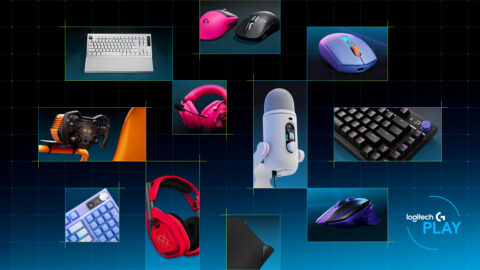
In Japan they're called Logicool; outside Japan the name is Logitech. They used to be known for very mechanical-looking, busy designs, but lately simpler and more refined designs have been on the rise. The two-year warranty is a long one, and that alone is reason enough to consider Logitech.
Razer
Razer's theme colors are black and green. They're known for putting out not just gaming keyboards but laptops, gaming chairs, and even energy drinks — all kinds of products. As with Logitech, perhaps as an industry trend, more recent products lean toward simpler designs.
SteelSeries
A lot of people probably know SteelSeries from their mousepads. On the gaming keyboard side, we recommend the Apex Pro, which uses what SteelSeries calls "OmniPoint" — switches that let you freely change the actuation point.
Corsair
If anything, Corsair has a stronger image as a memory and PC case brand. They make a full lineup of gaming peripherals, with many in a clearly "gamer-aesthetic" style. If you stack up your PC parts and peripherals all in Corsair, you'll get a seriously unified look.
Conclusion
Hopefully this has shown you that the keyboard you use without thinking is actually a deep and personality-rich device. Switches in particular are something the major gaming peripheral makers tend to develop and adopt in-house, and there are far more switch variations out there than we could possibly cover here. So the best move is to actually go to an electronics store, type on the keys, and look for the gaming keyboard that fits you. If you live somewhere where you can't easily get to a store to try them out, there are kits sold for trying various switches — so consider grabbing a tester [link removed: original Amazon listing for product B07XQ2LX2T is no longer available] and trying it out before you commit to a gaming keyboard.