
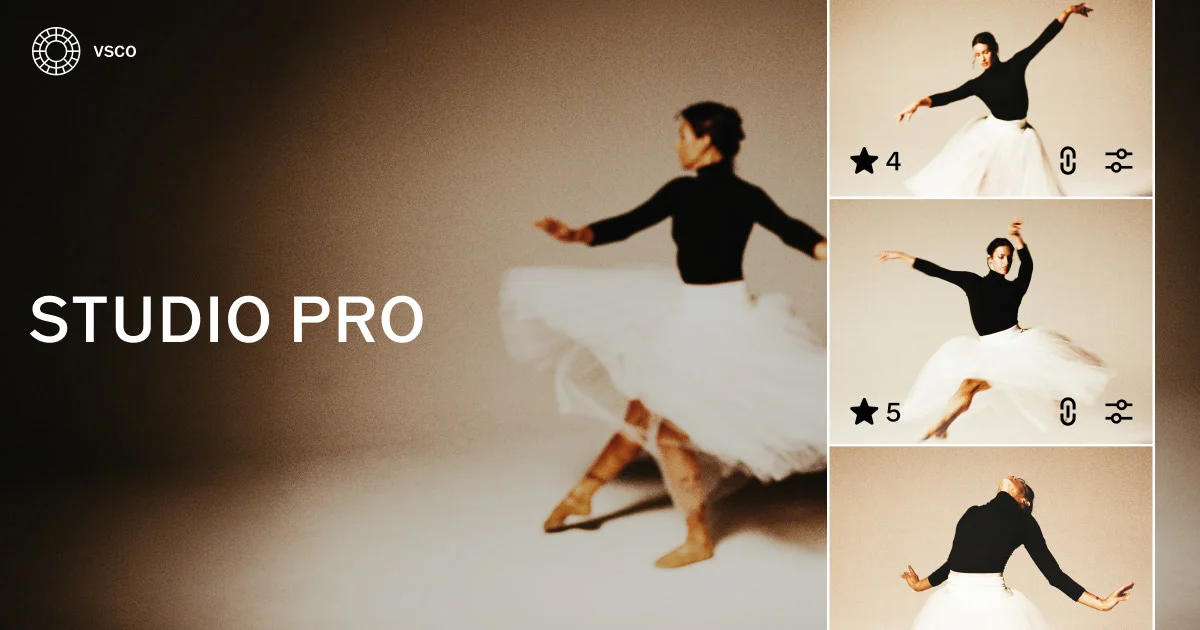
VSCO (Visual Supply Company), the maker of the VSCO photo editing apps, has released a Mac version of VSCO Studio Pro, called Studio Pro Desktop. The company's website now promotes the app as "Now on Mac" and offers it as a download for Macs with Apple silicon. Anyone with a VSCO account can start using it for free, while features such as batch editing are unlocked through paid plans.
Runs on M1 to M6 Macs and batch-edits hundreds of RAW and JPEG files
According to the FAQ on VSCO's website, Studio Pro Desktop runs on Macs with M1 through M6 chips. As of this writing, there is no Windows version. VSCO does offer a separate browser-based product, VSCO Web Studio, which works on both Mac and PC.
Batch editing is the app's core feature. VSCO says users can edit RAW and JPEG photos in batches of hundreds at a time. The app supports RAW files from the cameras that macOS supports.
The editing tools cover exposure, contrast, highlights, shadows, white point and black point, saturation, white balance (temperature and tint), HSL (hue, saturation, and luminance), skin tone, sharpen, clarity, vignette, grain, and fade. In its FAQ, the company lists these as features that come with a Pro membership.
More than 200 presets and direct publishing to galleries
Paid plans include more than 200 presets. This brings the film-style looks VSCO has offered on smartphones to the Mac, where they can be applied to large sets of photos at once.
Finished photos can be published directly to VSCO Galleries, the company's gallery feature, without exporting them as files first. VSCO says Pro members can create an unlimited number of galleries.
Style Match, which applies the color and tone of a reference image to other photos, is already available in the iPhone version, but VSCO says it is coming soon to the Mac app. As of this writing, edits also do not sync between the Mac and iPhone versions.
Mac version arrives less than six months after the iPhone app
Studio Pro first launched as an iPhone app. According to its App Store version history, version 1.0.0 was released on June 17, and the app has been updated regularly since, through version 1.5.0 on November 9. Version 1.4.0 in October added SD card import, crop and straighten, and undo/redo.
The iPhone version can batch-edit more than 100 photos at a time and handles JPEG and HEIC files. The Mac version, by contrast, also includes RAW files in batch editing, which is a key difference.
Pro costs $59.99 a year; the higher-tier VSCO One costs $499.99 a year
Studio Pro has no separate price of its own. The features available depend on the user's VSCO membership plan. The main plans as of this writing are as follows.
| Plan | Price | Main Studio Pro features |
|---|---|---|
| Starter | Free | Some presets; batch editing and Style Match are preview only |
| Pro | $59.99 a year, or $12.99 a month | More than 200 presets, batch editing |
| VSCO One | $499.99 a year (annual only) | More than 200 presets, batch editing |
The Pro plan comes with a 7-day free trial. VSCO One is available only as an annual plan, and the company offers a 30-day "risk free" period.
Our Take
Being able to process RAW files by the hundreds, with more than 200 presets included for $59.99 a year (about $5 a month), makes the app an easy one to try for people who like film-style color. Publishing straight to galleries without exporting should also cut down the steps between shooting and sharing.
That said, this is the app's first release. Style Match, which the iPhone version already has, is not yet on the Mac, and edits do not sync between devices. The lack of support for Intel-based Macs and Windows will also limit who can use it.
Still, because it is free to try with an account, users can test it on their own Mac with RAW files from their own cameras before deciding on a paid plan. Whether it replaces existing RAW software or serves as a companion for presets will likely depend on how each person works.
Summary
VSCO has expanded its Studio Pro photo editor from the iPhone to the Mac, adding batch editing that includes RAW files. The news matters to people who want to give large numbers of photos a film-style look on an Apple silicon Mac, and to those who publish photos through VSCO Galleries. More features, including Style Match, are planned for future updates.
Source: VSCO Studio Pro: Photo Editor (App Store listing by Visual Supply Company). Details on the Mac version are from the product page, FAQ, and pricing page on VSCO's official website.