If macOS is a dream, then Windows is more like a daydream… An attempt to boot Windows 10 ARM on a freshly released Apple Silicon M1 MacBook Air. Volunteers around the world have already put together patches and even Japanese-language walkthroughs, so the path to getting it up and running is surprisingly easy. And, you might call this part a nightmare, but yes — even Internet Explorer 11 boots up just fine.
What you need and the procedure
A Japanese-language walkthrough has already been prepared by volunteers, and following it will get you to a working state without much trouble: How to run Windows 10 on ARM in QEMU with Hypervisor.framework patches on Apple Silicon Mac · GitHub. The network driver step is no longer needed once installation is complete. If a file path written as ~/Downloads (...) fails with "No such file or directory," writing it out as a full path will let it load without any issue.
Boot up! It runs surprisingly smoothly
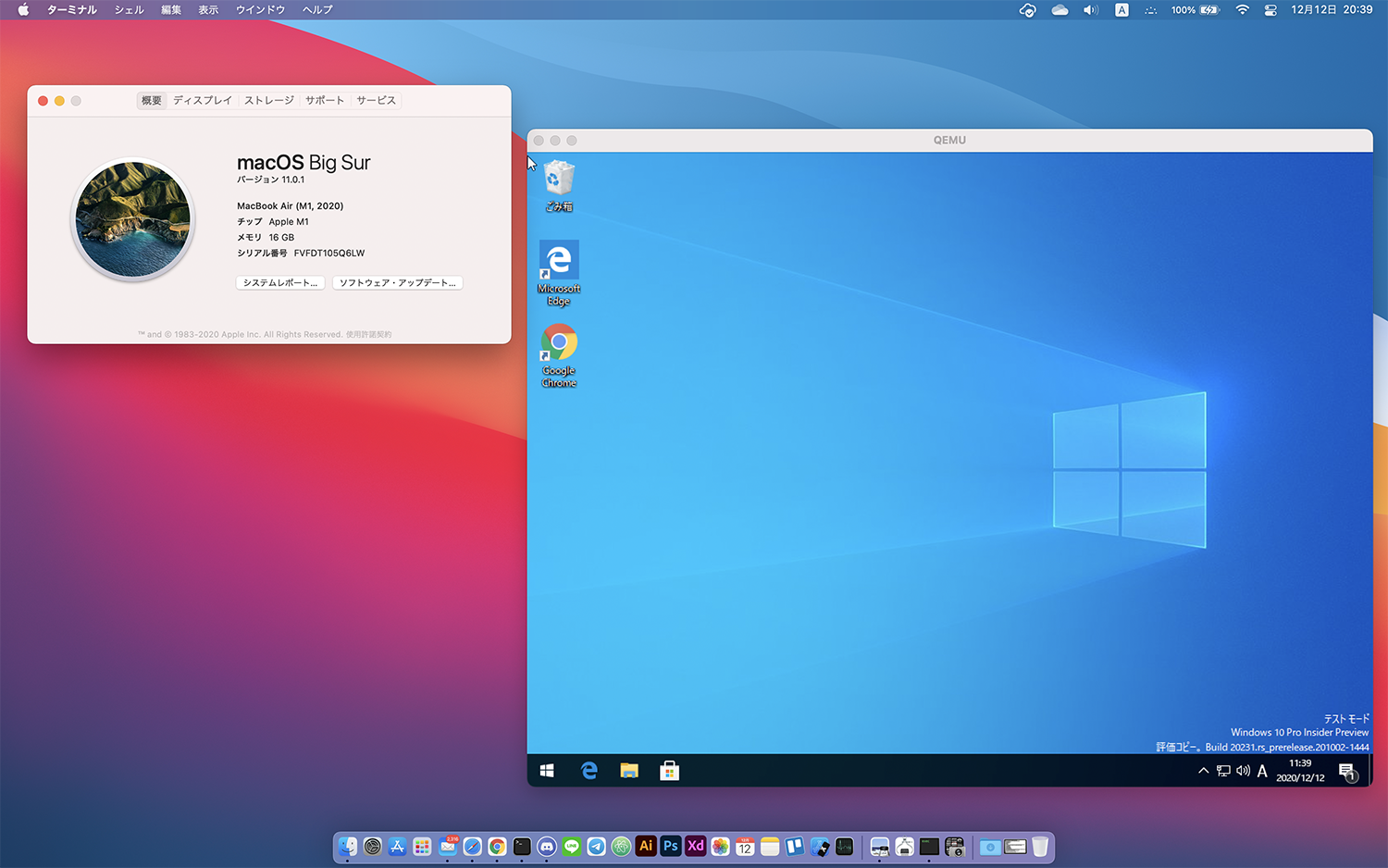
This is what came up after following the steps above. Despite being a virtual environment, it ran fairly smoothly. It feels like it could just barely hold up for some light development work. It was also possible to install the x86 version of Google Chrome.
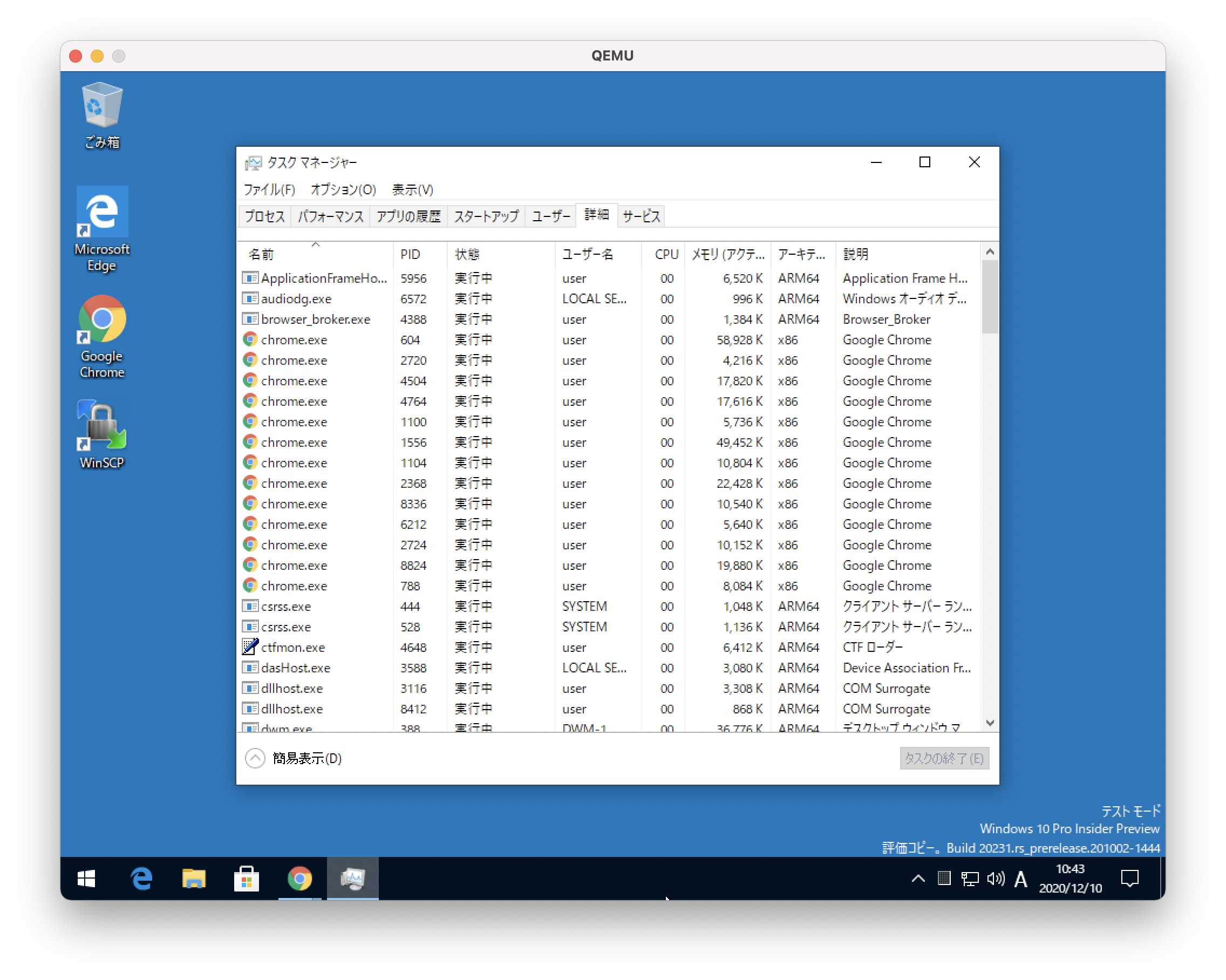
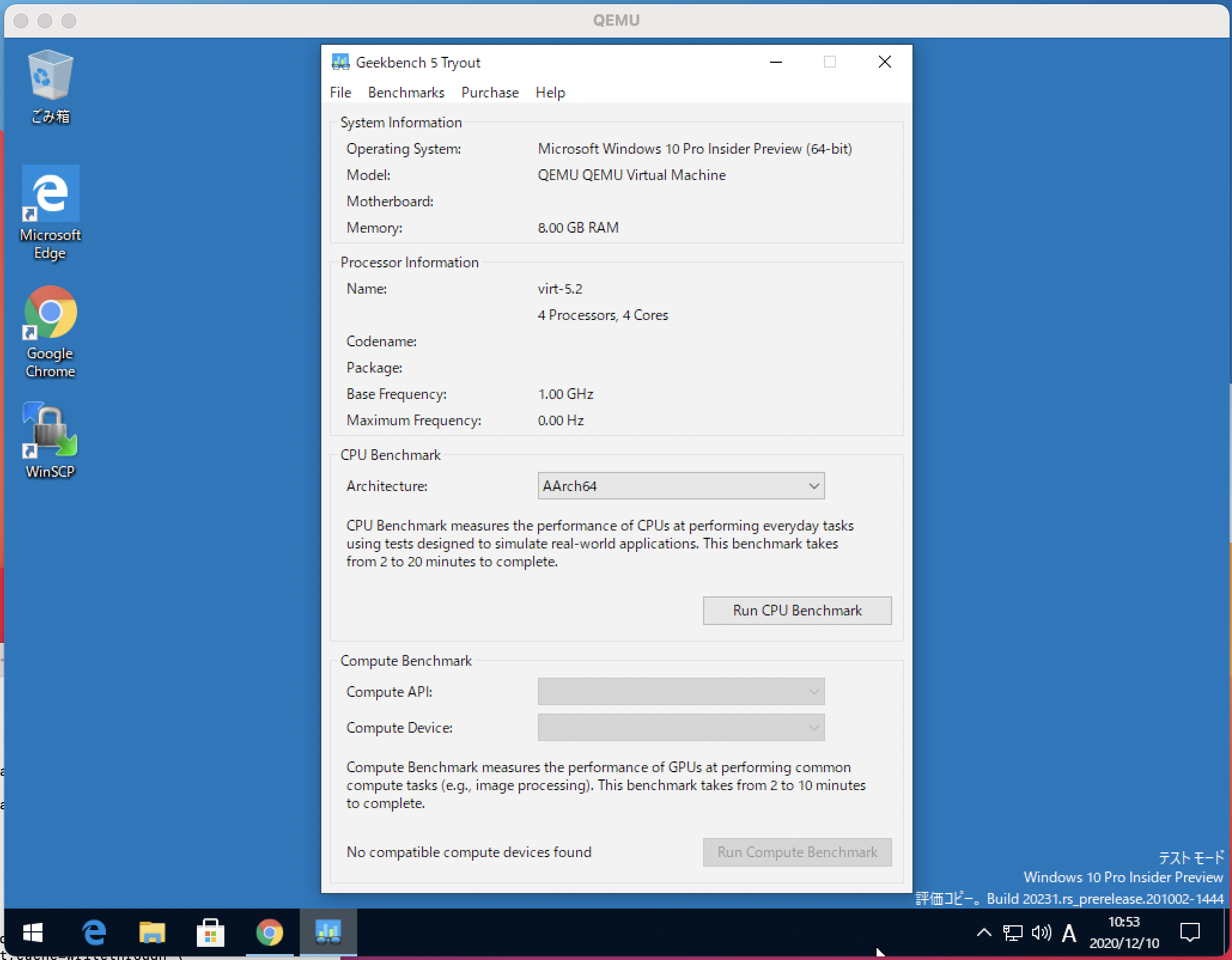
x86 apps are running on top of an M1 Mac. Opening Task Manager, the CPU is recognized as the 4 cores I specified. For memory, I stretched a little and set it to 8GB.
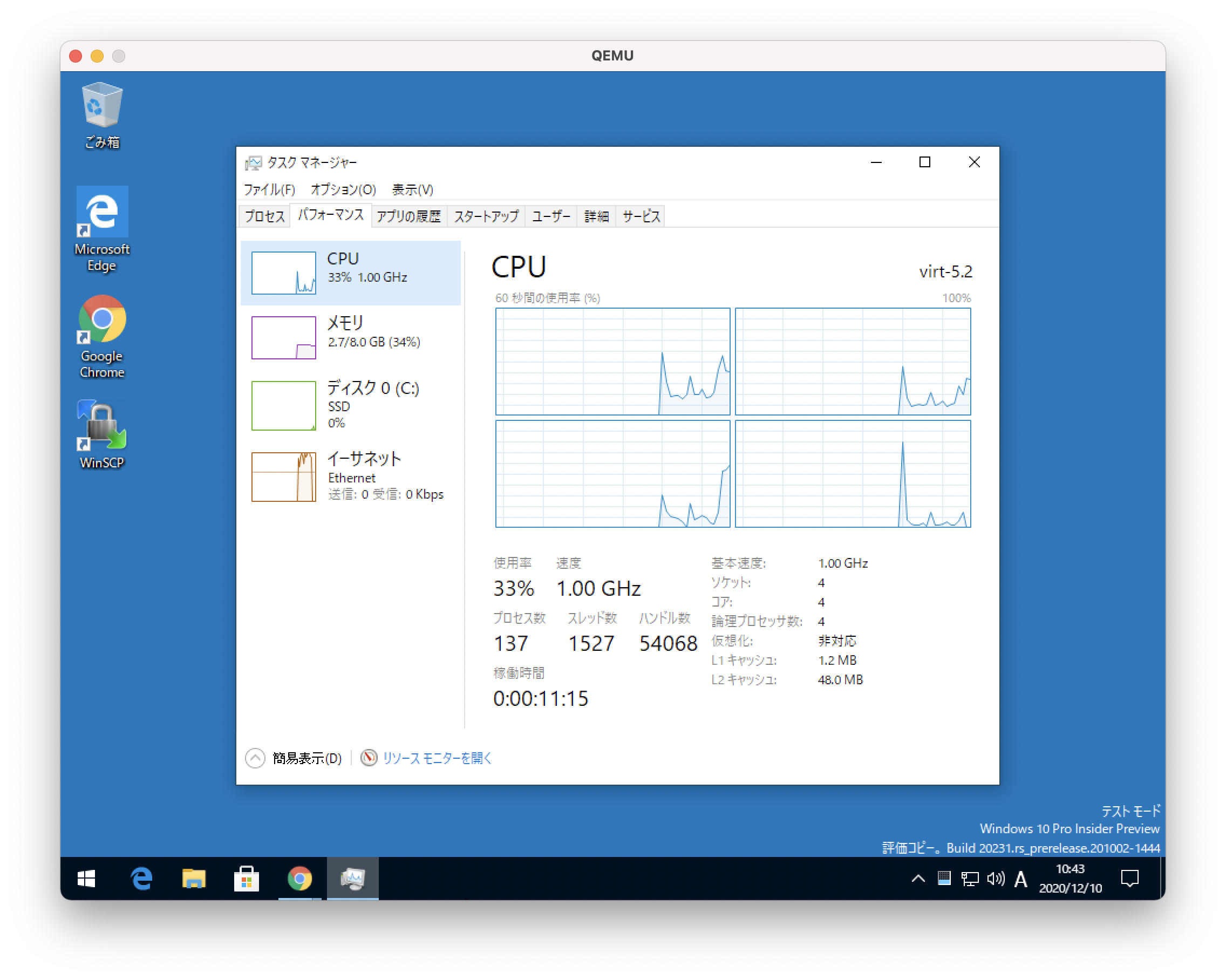
For reference, by setting the -smp option to 8, you can also get it to be recognized as 8 cores.
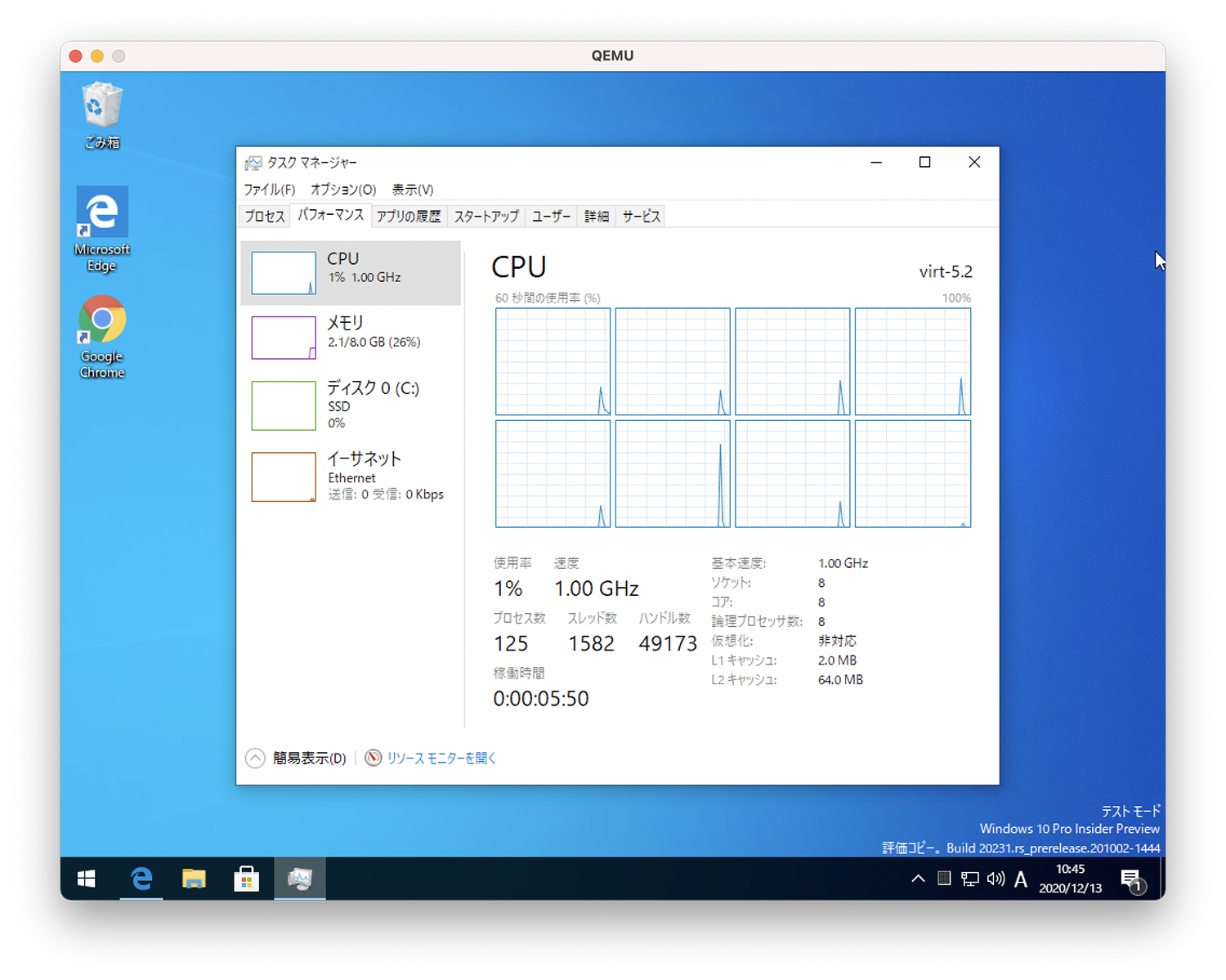
The M1 does have 8 cores, but it's made up of 4 high-performance cores and 4 high-efficiency cores, so this kind of configuration probably isn't ideal. A side-by-side benchmark by core count is included further down.
Japanese localization and app installation also work
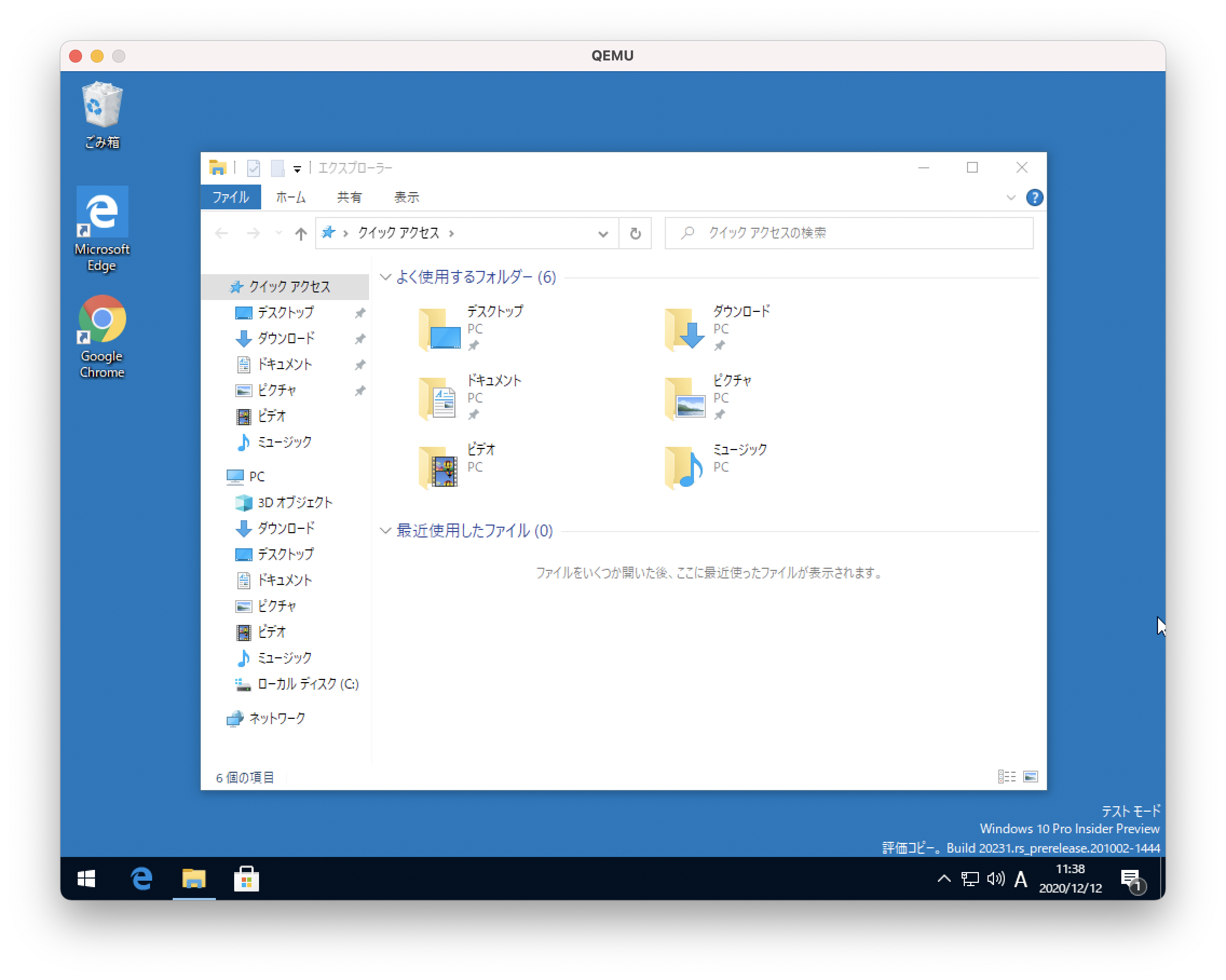
From the Windows 10 settings screen, I was able to install a language pack and switch the display language to Japanese without any issues. (A network connection is required for installation.)
What about Geekbench 5 results?
Scores on virtual machines have been floating around in various places, but for the record, I ran a measurement of my own.
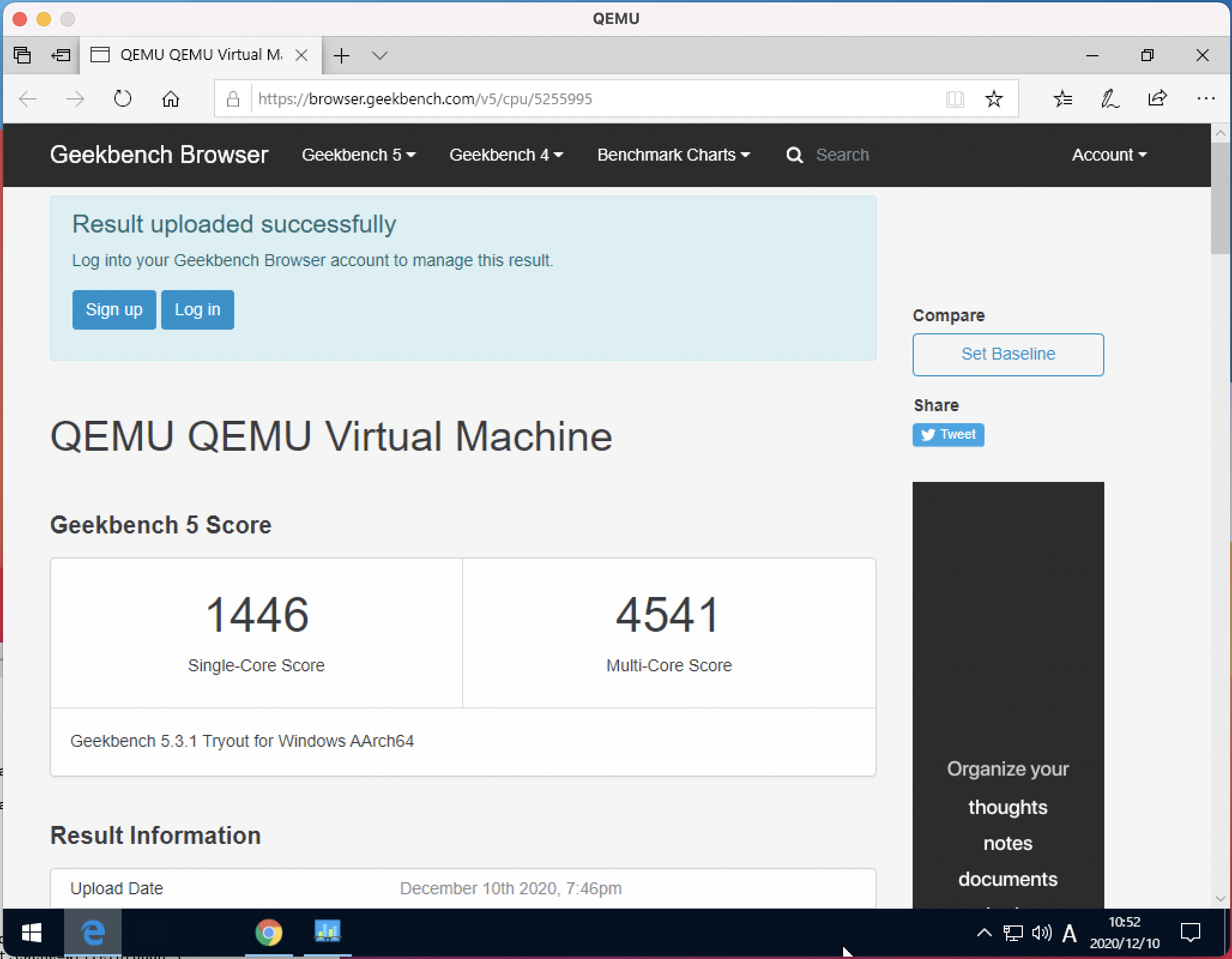
The above is the score in the 4-core configuration. The multi-core score is roughly on par with the Intel Core i7-1065G7 (4 cores, 8 threads). For single-core, it actually pulls ahead. Considering this is a forced-to-run virtual environment, that's a pretty fast number.

When I bumped the virtual machine to 8 cores, the multi-core score went up. With this setting, it lands at roughly the same score as the 11th-gen Intel Core i7-1185G7 (4 cores, 8 threads). (This is a result inside a virtual machine, so it isn't M1's true performance.) That said, when actually using it, the experience felt very slightly clunkier with 8 cores, so 4 cores seems like the better choice. Note that Compute scores can't be measured at this point.
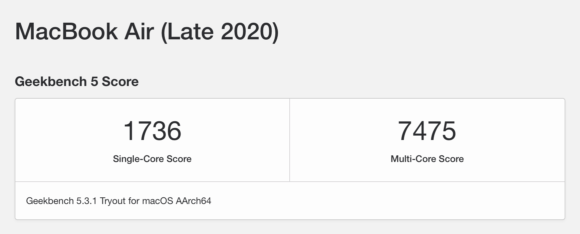
For reference, below is the M1 benchmark score taken on macOS itself. Yeah… still fast.
The nightmare returns! IE11 runs!
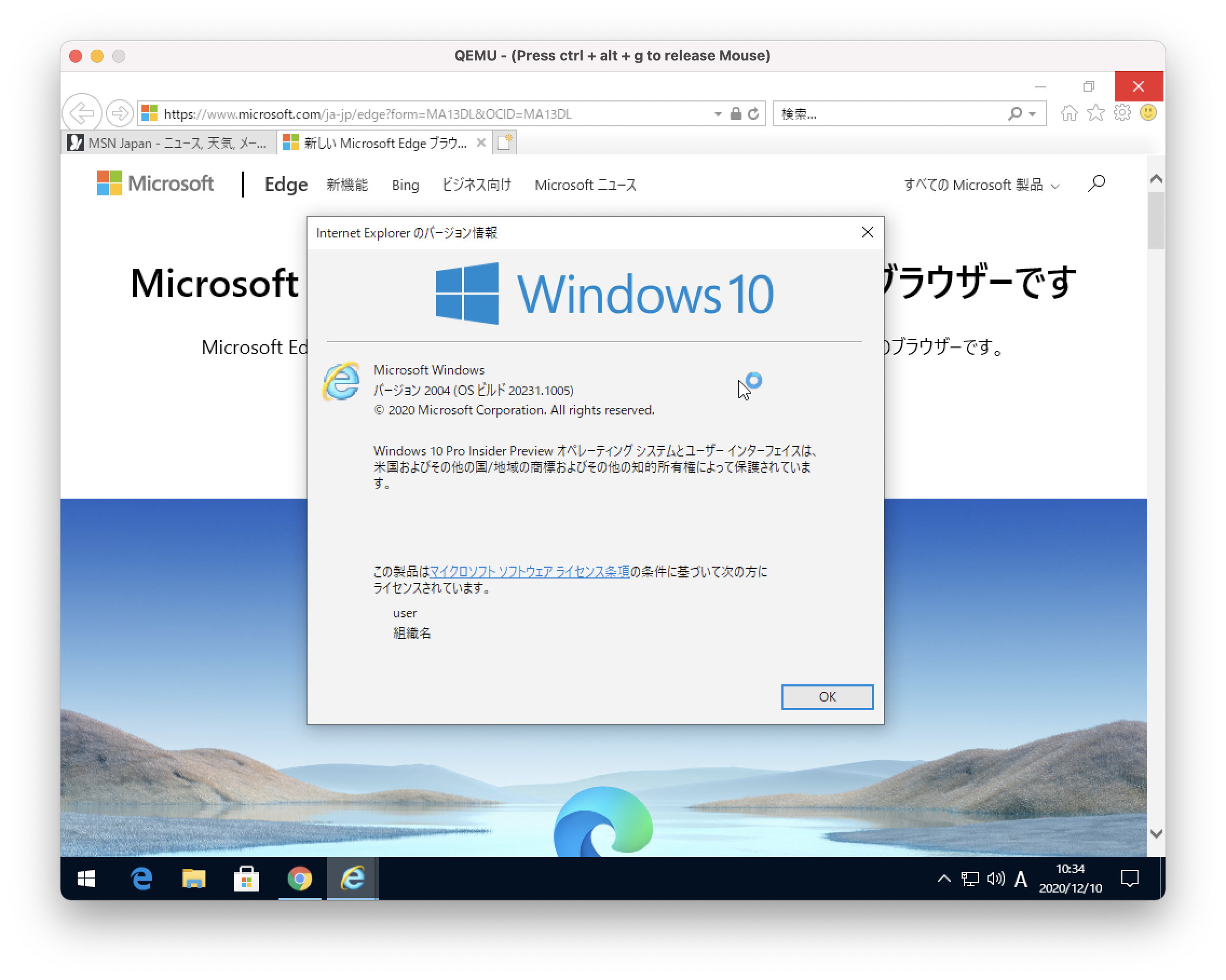
The negative legacy itself, IE, also runs. I obviously don't plan to do any development in this environment, but if you wanted to, even basic display testing of websites would be quite doable. (The screen is small, though…)
Practical use? Maybe not — but it runs better than expected
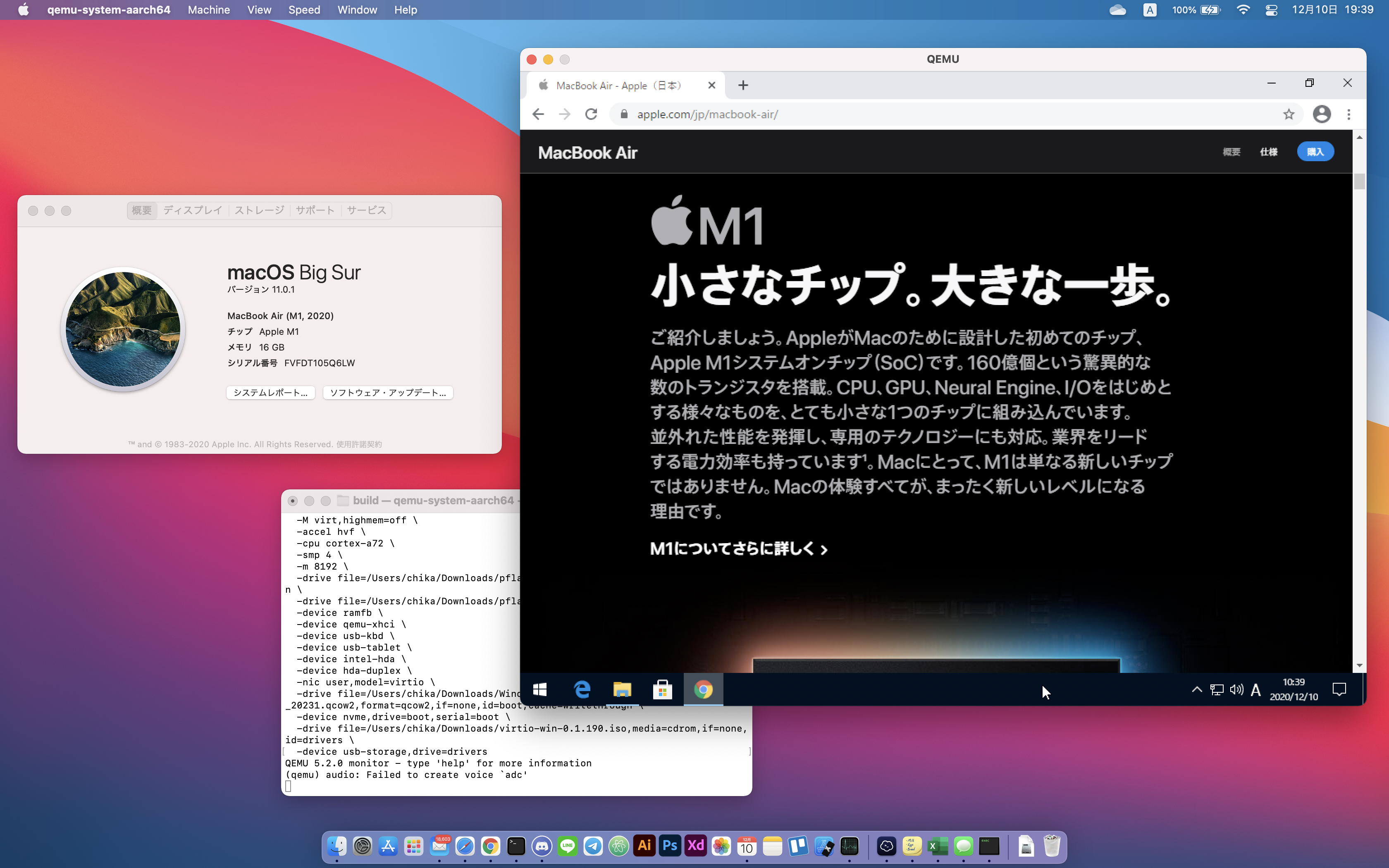
The bar to actually getting set up is a little high, but anyone willing to follow the steps can get it booted, so if you're curious, give it a try.