A Low-Price Wireless Mouse: Qtuo
The wireless mouse I'd used for two years suddenly broke. Even after putting in fresh batteries, the cursor would freeze every five minutes or so, so I urgently needed a new one. The old one was wireless, so I went looking on Amazon for another low-price wireless mouse and found a product called the "Qtuo 2.4G Wireless Mouse."

The price is what it is, so I can't really expect great reliability — but it's cheap enough that I won't feel too bad if it turns out to be a dud.
Photo Review of the Mouse
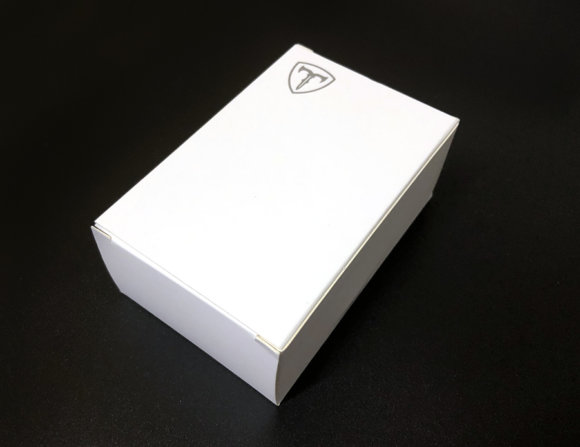
Here's what arrived from Amazon. The box is plain, but I get the feeling that's part of why the price is so low.
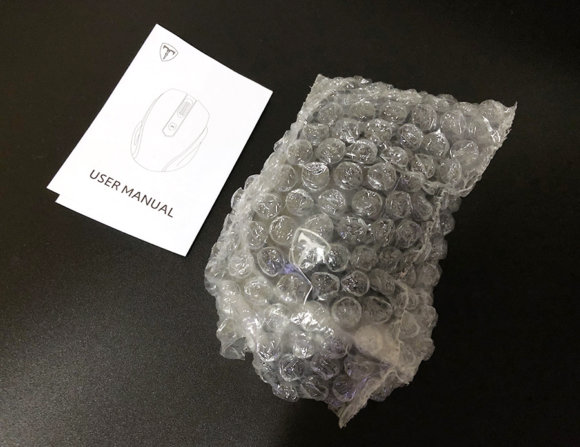
Here it is unboxed. Inside you get the mouse itself plus an instruction manual. Note that batteries are not included.
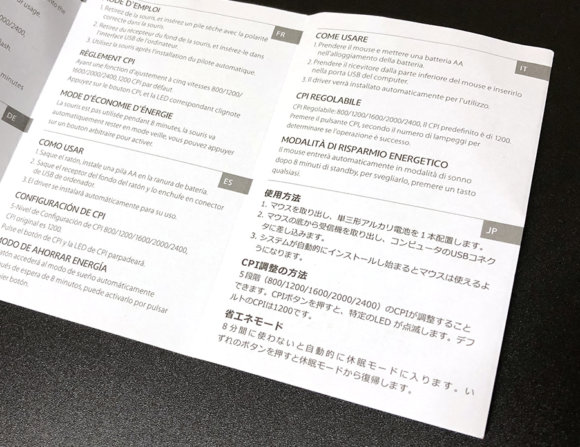
The manual was available in Japanese too. The mouse's dpi (cpi) can be adjusted in 5 steps, with a maximum setting of 2400 dpi.
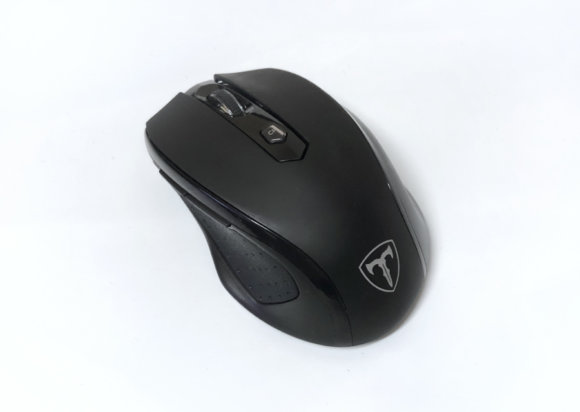
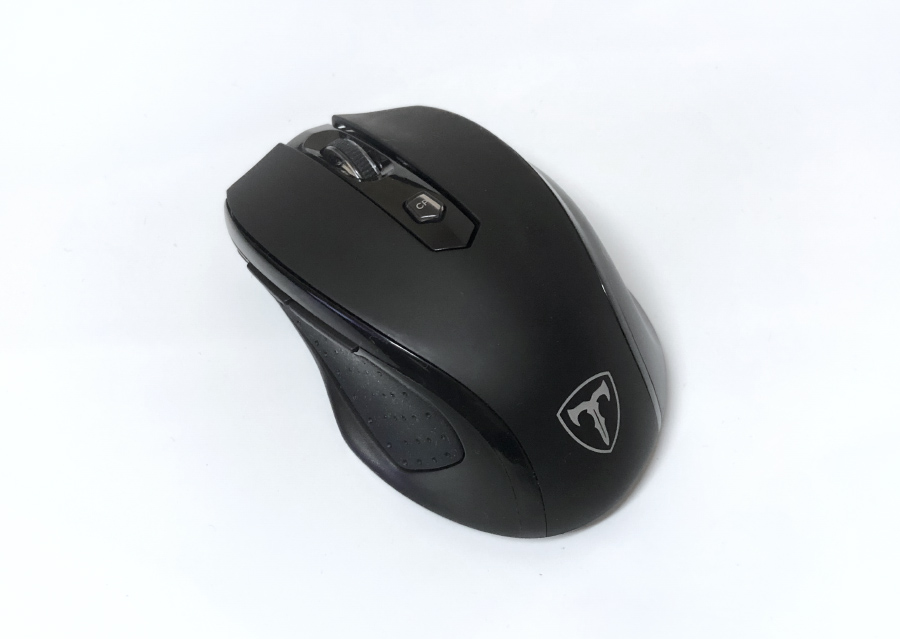
And here's the mouse body itself. The build quality doesn't feel especially cheap. The button in the middle is the dpi-switching button. There are two side buttons, assigned to "Back" and "Forward." The click sound is on the louder side. There's no power-off button on the body — if you don't operate it for a while, it automatically goes into sleep mode.
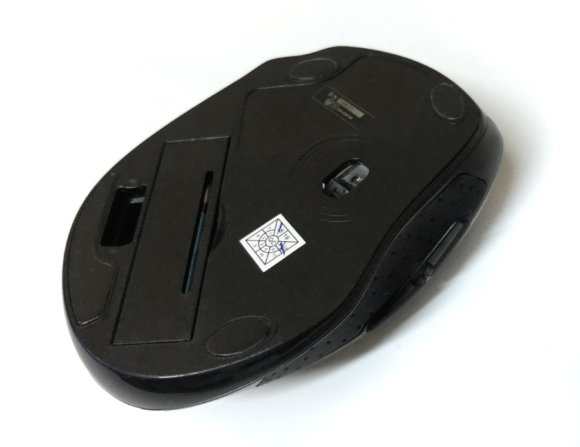
The underside looks like this. The tracking method is laser, so it should give you a smooth experience. It runs on a single AA battery, and you can stash the USB receiver inside the bottom of the mouse, which makes it look great for taking on the go. That said, since there's no power-off switch, you may worry a bit about battery drain or accidental clicks while it's in your bag. The build quality isn't all that cheap-feeling, and since it goes up to 2400 dpi, you could even press it into service as a casual gaming mouse. The price is low, too, so it's a recommendation for anyone hunting for a low-price wireless mouse.
Impressions After Several Months of Use
Some time has passed since I bought it, so let me cover the points that stood out.
There's a Slight Lag, Though Not Noticeable in Normal Use
Maybe it's the curse of wireless mice — for everyday use (writing documents, browsing the web), there's a degree of lag that you really don't notice. For tighter-input situations like FPS games, you'll be better off just buying a name-brand gaming mouse and playing comfortably.
[amazon_link asins='B07W4N7Q76' template='Default' store='pianix3870-22' marketplace='JP' link_id='0dca8f7f-a439-11e8-a72d-0f8a934ebdcf']
Battery Life Is Solid
I started using it on May 29, and on October 20 the battery-replacement indicator started blinking, so I swapped batteries. That's a little under five months of use without a battery change. I'm also happy that when it's time to swap, you only need a single AA battery. (My previous unit took two AAA batteries, so battery drain was rough.) For mice and keyboards that run on batteries, I also recommend rechargeable cells like eneloop. The upfront cost is higher, but it saves you the hassle of throwing away dead batteries — a nice middle ground.

Amazon.co.jp でチェック
パナソニック エネループ 充電器セット 単3形充電池 4本付き スタンダードモデル K-KJ53MCC40<br />
Buying the four-pack means you'll have charged spares ready to go when you need them — handy.
Recommended for Everyday Use
It's iffy for serious gaming, but for everyday use like browsing or working in Excel its performance is more than enough. Recommended for anyone looking for an affordable wireless mouse!