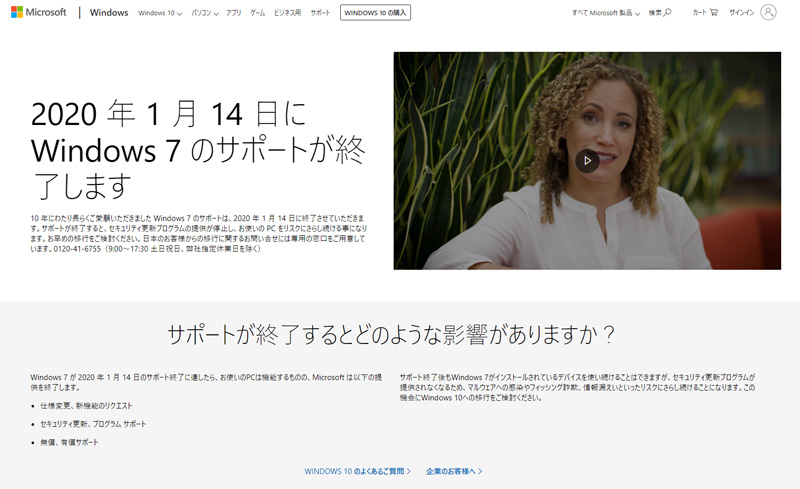
Windows 7, which had been in use for about 10 years since 2009, reached the end of its support on January 14, 2020.
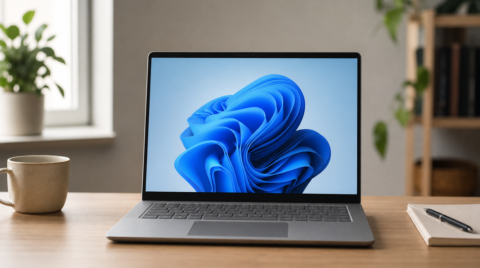
Even after support ends, your PC will not stop working immediately. However, the risk of being infected by viruses, spyware, and other threats will increase, so we recommend upgrading to the latest Windows 11 as soon as possible.
What happens if I do not upgrade? → Read the explainer
Check Whether Your PC Is Running Windows 7
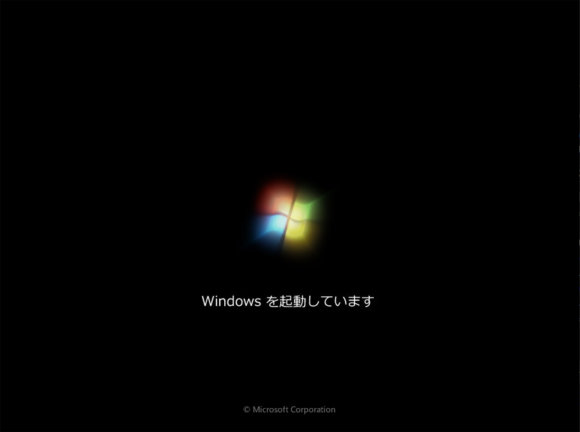
You can find out whether your PC is running Windows 7 in the last section of this article. If even one of the criteria applies, then it is Windows 7 and an upgrade is required.
How to Upgrade Your Current PC
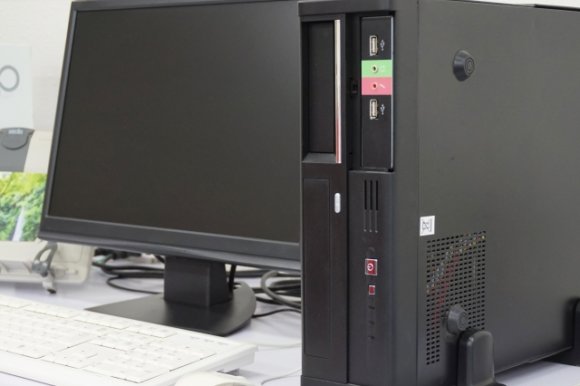
To upgrade your current PC directly to Windows 11, you can purchase a license at an electronics retailer or online store and install it. The pros and cons of this approach are as follows.
- No data migration is required
- Your apps and games keep working as-is (if they support Windows 11)
- Cheaper than buying a new PC
- Older PCs may not support the upgrade
- The upgrade itself can introduce problems
- You have to perform the upgrade work yourself
The upgrade may render some drivers and apps unusable, but the benefits are that it keeps costs down and removes the need to migrate your data.
Just to be safe, always back up your data before upgrading.
How to Get Windows 11
You can buy boxed or download editions of Windows 11 from Amazon, the Microsoft official site, and other channels.
Before purchasing, be sure to check whether your current PC can be upgraded.
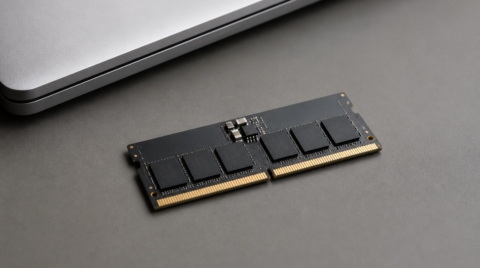
To summarize Microsoft's official Windows 11 system requirements: you need 64GB of storage, 4GB or more of memory, a 1GHz or faster CPU, and support for UEFI and Secure Boot.
If your PC does not meet these requirements, the upgrade is not possible, and you will need to buy a new PC instead.
You should be especially cautious with low-priced laptops and tablet devices.
Upgrading with a Tool
There is a tool from Microsoft called Media Creation Tool (Microsoft official) that can both check whether your current PC meets the requirements and perform the upgrade at the same time.
(You will need to obtain a license separately.)
Using this tool, just like during the previous Windows 10 free upgrade window, it appears that PCs running Windows 7 / 8.1 can still be upgraded for free. ([link removed: original URL was https://answers.microsoft.com/.../how-you-can-still-get-windows-10-for-free/...])
However, this method is not officially announced by Microsoft, so even if license activation succeeds, the activation could be revoked at some point. Please be aware of this.
参照:2020年1月14日、Windows 7延長サポート終了。Windows 10への無償アップグレードが実質的にまだ可能。 - Cloud-Work
How to Buy a New PC
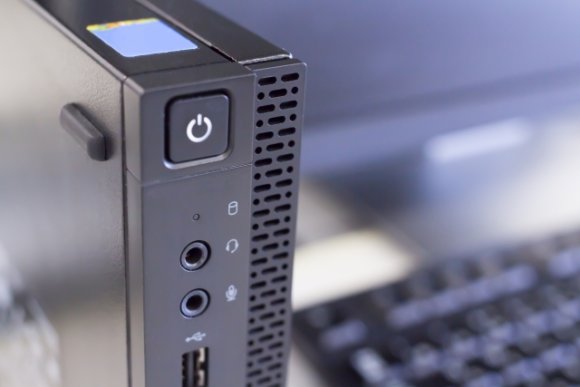
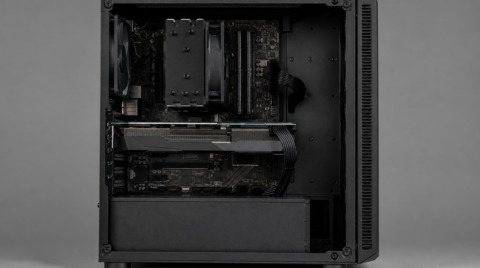
Buying a new PC is the recommended option if you have an old PC.
If your current PC does not meet the Windows 11 system requirements, this is the route you will need to take.
The pros and cons are as follows.
- You get to use the latest hardware
- Designed for Windows 11, so you can use it with peace of mind
- No upgrade work required, beginner-friendly
- Migrating data from the old PC takes effort
- You will need to reinstall your apps
- It is a bigger expense
The biggest benefit is that you do not have to do any upgrade work, and the machine is built for Windows 11 from the start, so you can use it without worry.
Upgrade Sooner Rather Than Later
Continuing to use an OS whose support has ended is dangerous, so we recommend upgrading as early as possible.