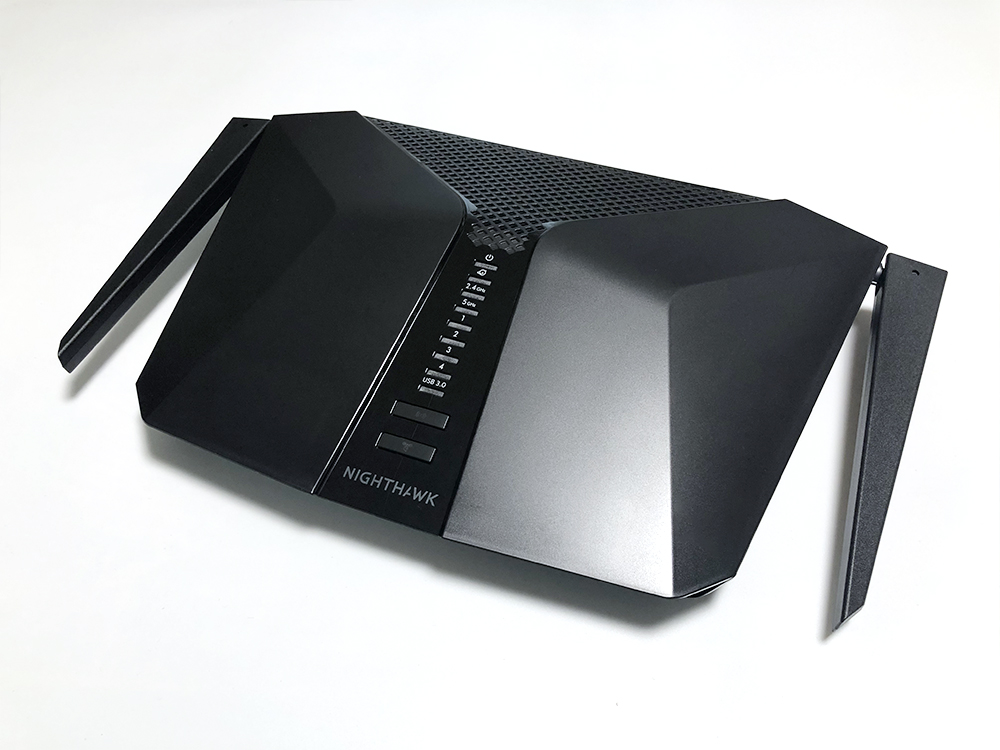
After more than five years of use, my Wi-Fi router finally gave out, so it was time to pick up a new one.
How much Wi-Fi changes in just a few years
Five years ago, our home barely had any game consoles or smartphones, and we only had three PCs. But over the past five years, we added a Chromecast hooked up to the TV, a PS4, and as many as seven smartphones all communicating constantly — and the old router simply couldn't keep up. With that in mind, here are a few quick things to look out for when buying a new Wi-Fi router. ↓
Points for picking a Wi-Fi router that fits your home
There are roughly three things that matter when judging a Wi-Fi router's performance.
Supported standards
Wi-Fi standards are written on the box as something like "802.11ac" or "802.11ax." (Lately you also see "Wi-Fi 6" or "Wi-Fi 5" labels more often.) If your devices support a newer standard, get a router that supports the same standard.
Coverage range
Just as some Wi-Fi routers are made for a single apartment room and others are made for a three-story house, coverage range varies from product to product. Picking a router that matches the size of your home is important.
Number of simultaneous connections
For example, in a family of five where multiple smartphones are talking to the router at the same time, having too few streams (antennas) on the router can cause the connection to slow down. Even when there aren't many people, bundling multiple antennas together for faster communication is a real benefit, so this matters too.
Our home went with NETGEAR's entry model
After all that, we ended up buying NETGEAR's entry-level model, the RAX40. It comfortably handles up to 48 connected devices, packs a high-performance CPU, and the 2-antenna, 4-stream setup pushes the signal out strongly. For an "entry-level" model, the specs are actually quite generous.

Amazon.co.jp でチェック
NETGEAR Wi-Fi6(11ax) W-iFiルーター 無線LANルーター 【iPhone 11/11 Pro Max対応】エントリーモデル 速度AX3000 接続台数48台 2,400Mbps+800Mbps RAX40-100JPS
If we were millionaires we could have grabbed the high-spec model below, but it would clearly be overkill, so we passed on it this time.

Amazon.co.jp でチェック
NETGEAR Wi-Fi6(11ax) W-iFiルーター 無線LANルーター 【iPhone 11/11 Pro Max対応】ミドルエンドモデル 速度AX6000 接続台数72台 4,800Mbps+1,200Mbps RAX80-100JPS
This one supports up to 72 connected devices and steps up to an even higher-spec quad-core CPU, with 4x4 MU-MIMO and an 8-stream antenna setup. It might be a great pick for hardcore gamers. It also costs roughly twice as much as the RAX40, so it was too pricey for CLAYPIER to actually buy.
RAX40 unboxing ceremony
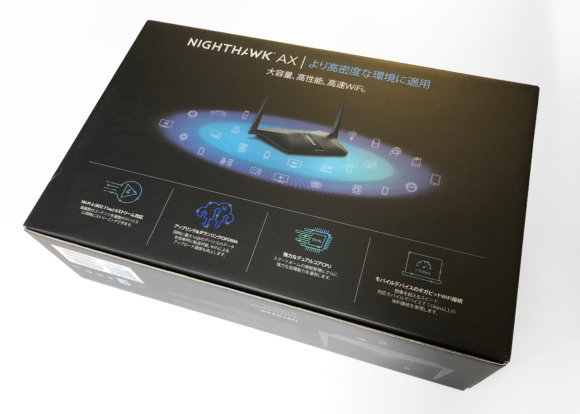
The box is on the larger side.
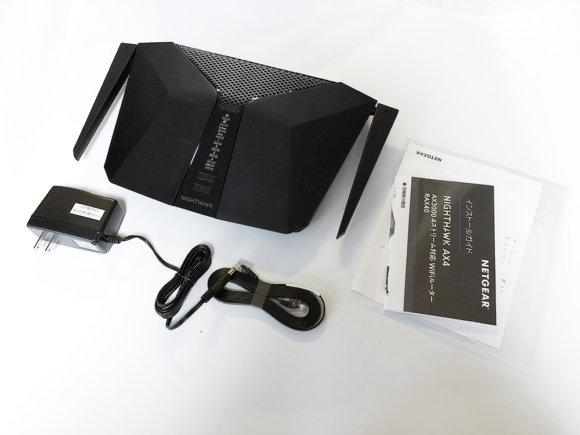
This is the body and accessories taken out of the box. A LAN cable comes bundled as a bonus.
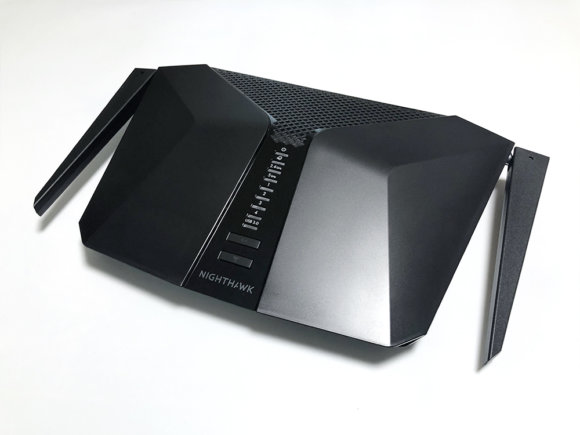
The RAX40 itself. The width feels noticeably wide.
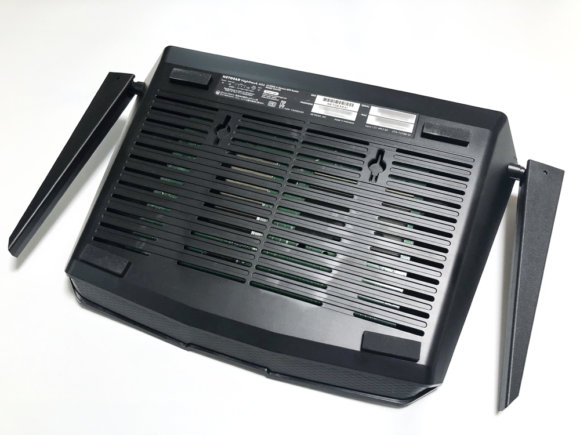
The back of the unit has holes for wall-mounting. The whole back face is lined with heat-vent slits, so the design helps keep heat from building up.
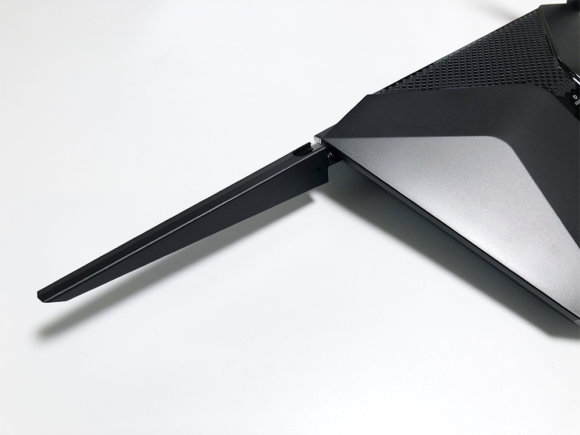
The side antennas swing almost a full 360 degrees, so you can freely point them in any direction.
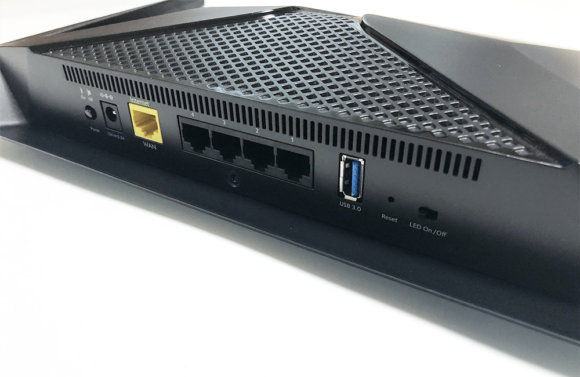
On the back of the unit there are four gigabit LAN ports plus one WAN port. There's also a switch to toggle the LEDs on and off, and a USB 3.0 port for Ready SHARE.
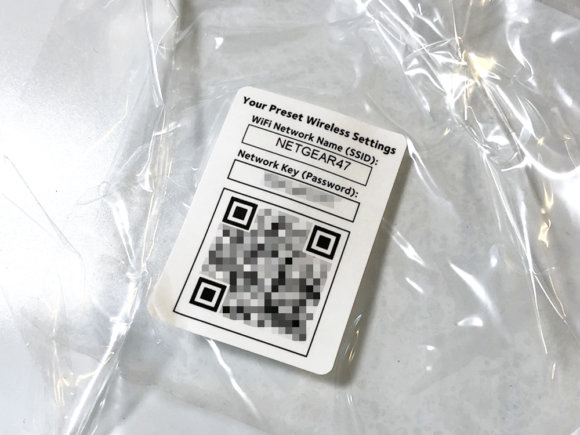
The bundled QR code is handy — scan it and you can skip the fiddly Wi-Fi setup and get connected right away.
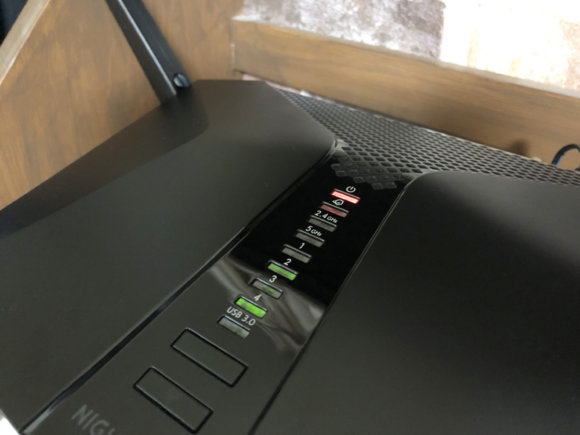
I plugged the power cable in. The LEDs aren't too bright — they sit at just the right level.
I tried out a speed test
fast.com
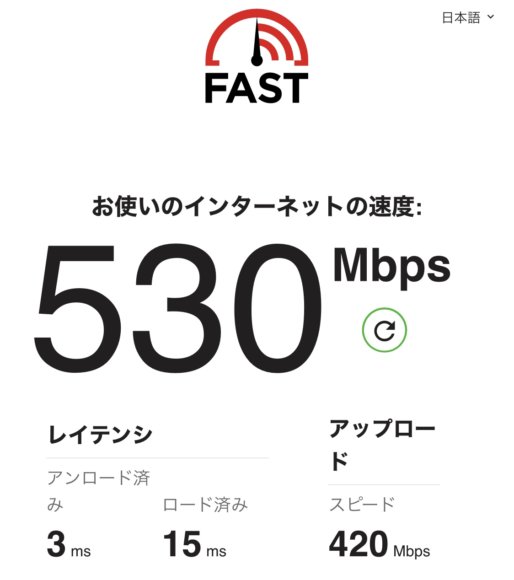
Measuring a few times in different spots, I got around 500 to 530 Mbps. The wired connection used for testing was an EO Hikari Home Type 1 Gbps plan. (Measured on iPhone X / iOS 13.1 — Safari.) At these speeds you can enjoy YouTube and NETFLIX to your heart's content.
The router's true power shows with ax-compatible devices
The RAX40 supports 802.11ax (Wi-Fi 6), but as of September 2019, smartphones that support Wi-Fi 6 are few — pretty much only the "iPhone 11" and the "Samsung Galaxy S10" qualify.
Going forward, as Wi-Fi 6 catches on, more compatible smartphones should appear.
I can't wait for Wi-Fi 6-ready phones and other devices to become more widely available.