I wanted to do some quick photo editing while out and about, but I figured smartphones could only handle brightness and saturation tweaks. Turns out there's an app called "Photoshop Express" that lets you do a decent amount of editing right on your phone. Photoshop is a familiar name on PC, and since this seems to do something similar, I gave it a try.
Where to Download Adobe Photoshop Express
You can download the iOS / Android app from the links below.
iOS (App Store) Android (Google Play)
For Anyone Who Finds Run-of-the-Mill Photo Apps Lacking
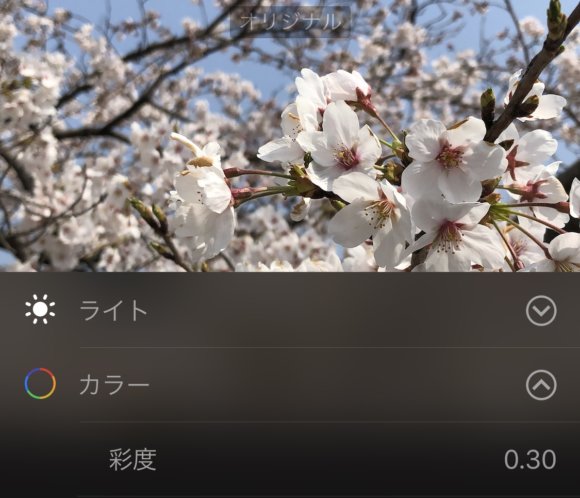
The iPhone has built-in features for adjusting Light (brightness), Color, Contrast, and so on. Honestly, just those alone can give you a pretty polished photo. Lately, camera apps like Snow and SODA also offer tons of filters, but they don't have advanced effects like "I want to reduce the noise in this photo," "I want to remove a specific color," or "I want to erase this part of the photo." Photoshop Express, on top of those three, lets you fine-tune things like various filters and per-color saturation, so I'd recommend it when you want editing that's a notch above the rest.
Apply a Variety of Filters to Beautifully Edit Your Photos
The standard editing tools let you adjust brightness and saturation, but Photoshop Express lets you edit far more parameters. The PC version of Photoshop has "tone curves" for adjusting brightness, and while the smartphone version of Photoshop Express doesn't have tone curves, it does have a wide range of filter effects.
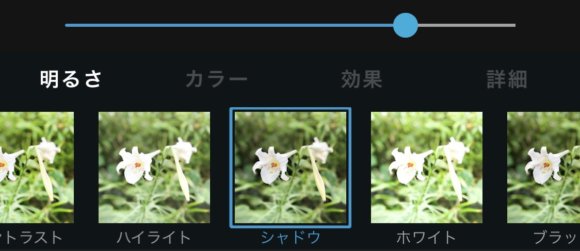
As a test, I'm going to edit a photo of a flower I took.
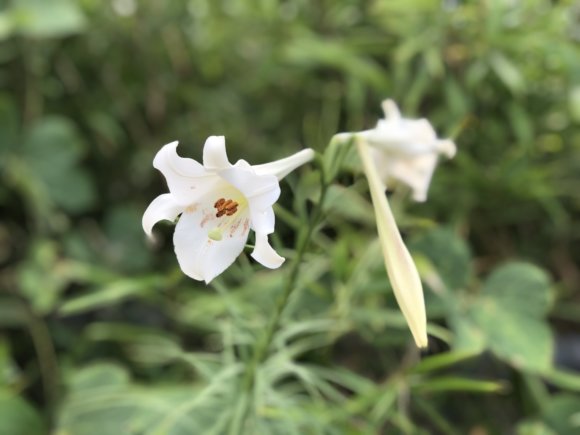
Since it was shot straight from the iPhone X's camera, it looks a bit plain. Here's the same photo after adjusting the highlights, shadows, saturation, and so on.
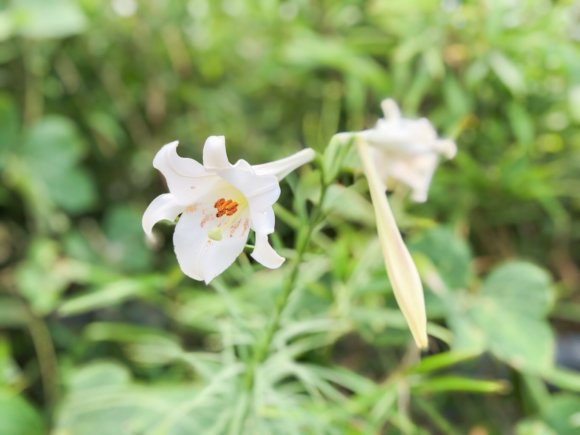
The whole impression is much brighter now. There's a lot you can fine-tune, so it's easy to get lost in the adjustments, but in exchange you can edit all sorts of photos exactly the way you like. There are also a ton of other filters.
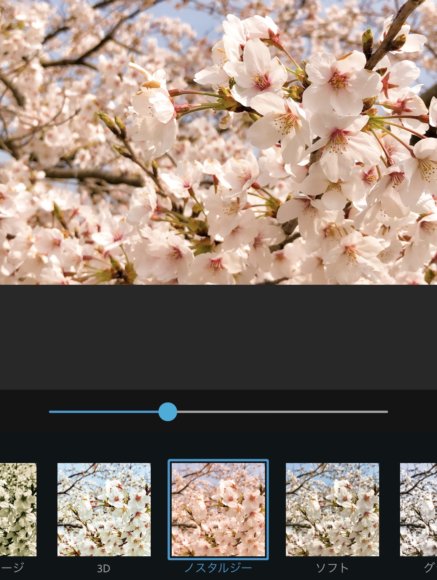
There are way too many filter effects to introduce them all, so go ahead and find your favorites.
Reducing Noise in Photos
Using the "Luminance Noise" effect, you can reduce noise in your photos. As a test, I applied the filter to a "nighttime photo," which tends to be noise-prone. First, the original image:
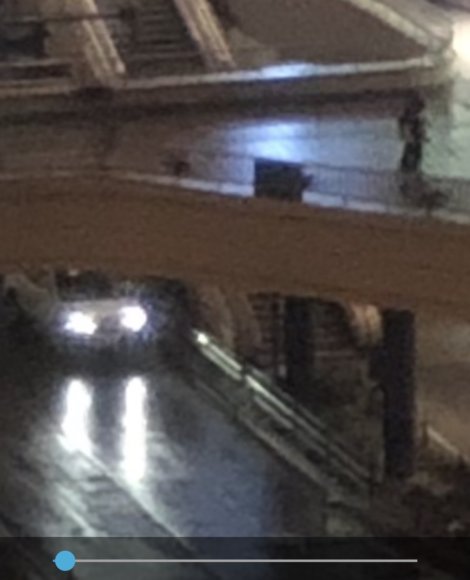
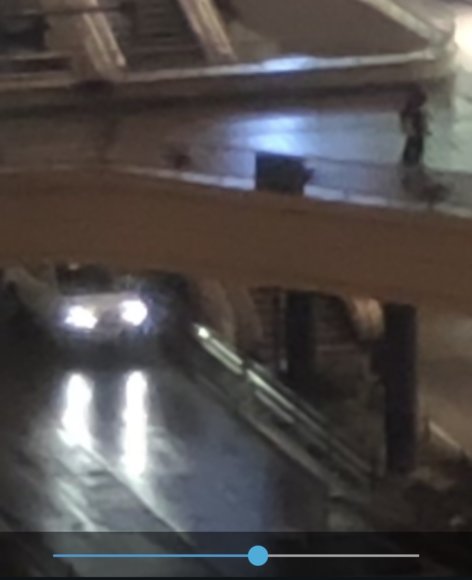
You can see the noise has been substantially reduced. At this level it's probably within the practical range. By the way, here's what it looks like at 100%:
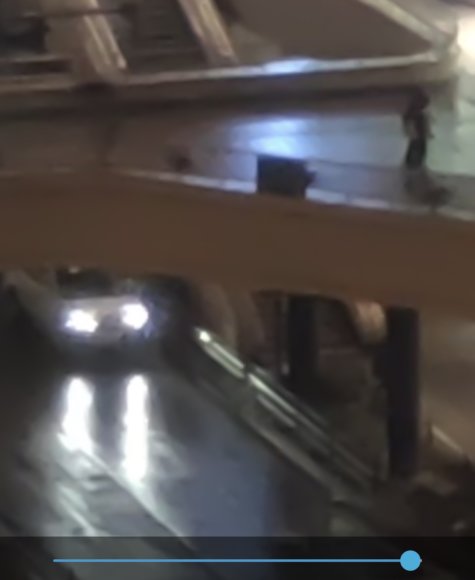
Almost all the noise is gone, but the whole image goes a bit "smushy" and starts to look like a watercolor painting, so somewhere around 40–70% is the sweet spot.
Erasing a Specific Color
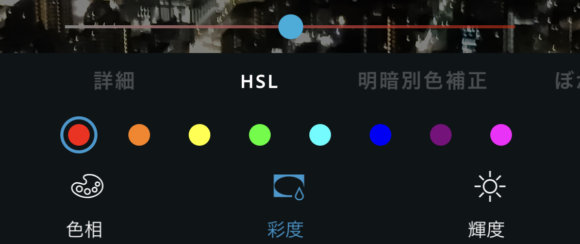
Photoshop Express lets you set hue, saturation, and luminance for each individual color. Using this feature, I'll try to erase the red from this image.
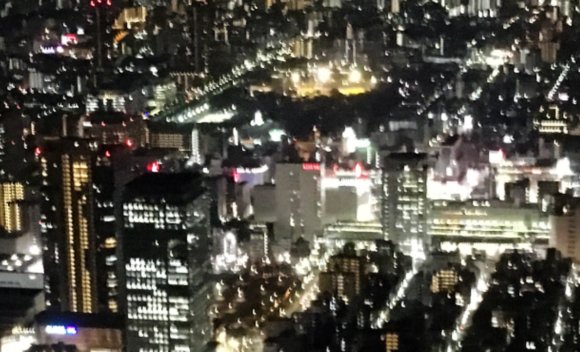
Here's the result after selecting "red" in the saturation panel and adjusting the slider.
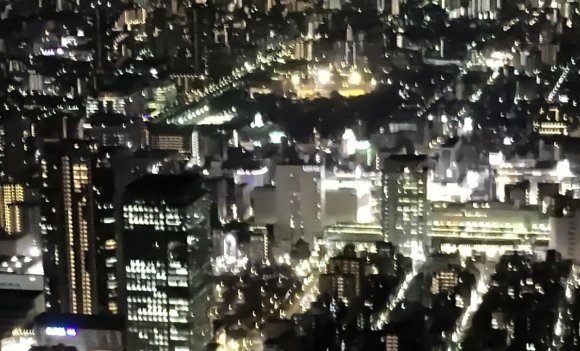
The red is just gone. Conversely, you can also crank it up to make it more vivid.
Erasing Unwanted Things from Your Photos
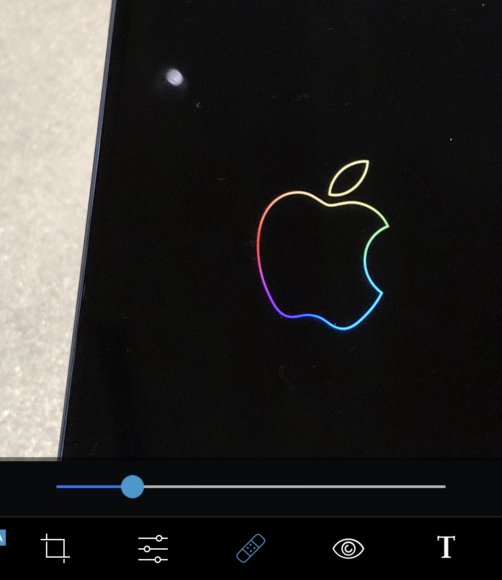
I'm going to try out the classic Photoshop feature for erasing unwanted things from a photo, which turns out to be quietly useful. For example, the image above. There's a stray light source caught in the frame, so I'll try to erase it.
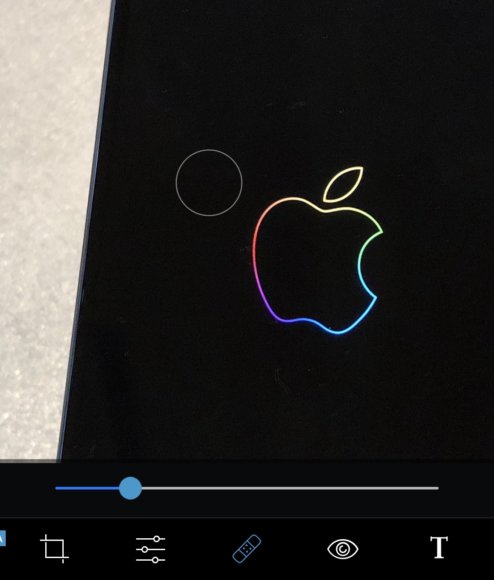
It's been cleanly removed. Next, I tried it on a person. You took a great photo and want to post it to Instagram… but there's a pimple in it. Even photos like that can be cleaned up.
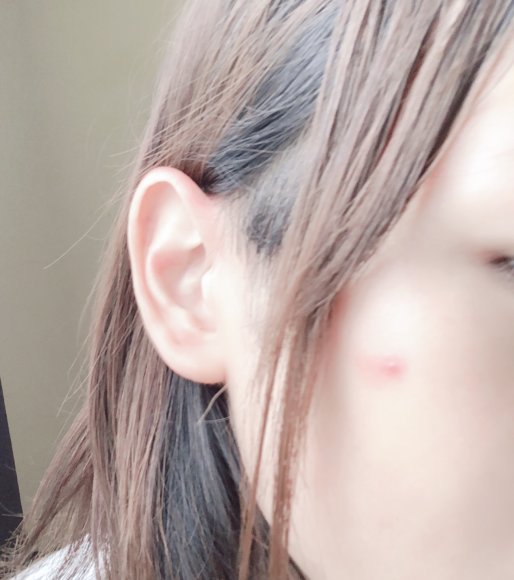
I'll erase it with the tool.
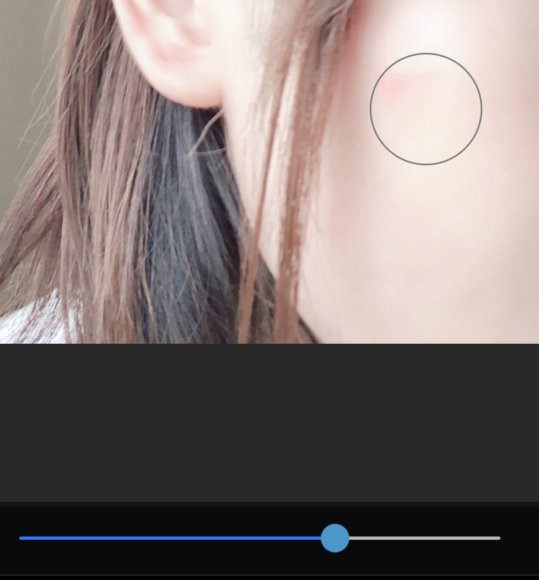
Set your brush size to roughly the size of what you want to erase, and tap. Try it a few times and it'll gradually disappear. If the retouch turns out weird, hit the undo button, redo it, and adjust where you're tapping or the brush size. Once you're done erasing, here's the result.
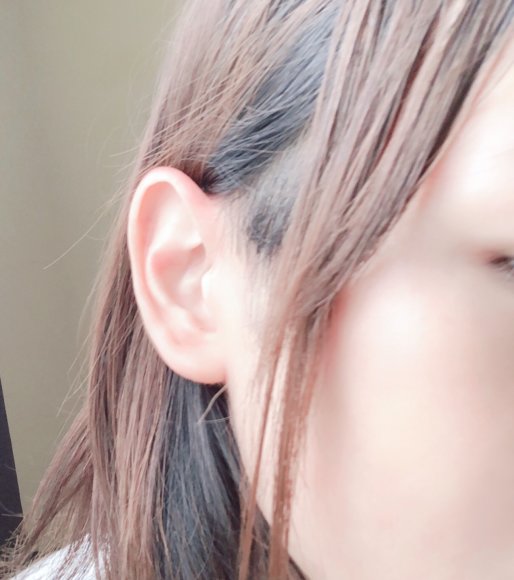
Squeaky clean! The pimple has been edited out of existence. Now you're covered for those just-in-case moments.
More "Take Your Time and Get Detailed" Than "Quick and Easy"
Rather than slapping on a filter quickly like other apps do, this one feels more aimed at people who want to sit down and really work on a photo. Personally, I sometimes upload photos I took outside to my blog on the train ride home, so it's a real lifesaver to not have to wait until I get back to my PC to edit.