As had been announced previously at Apple events and elsewhere, the iPad version of Adobe Photoshop was released the other day. Expectations had been running high for the prospect of using PC-style Photoshop on the iPad, but as soon as it went public, the App Store ratings turned into something incredible.
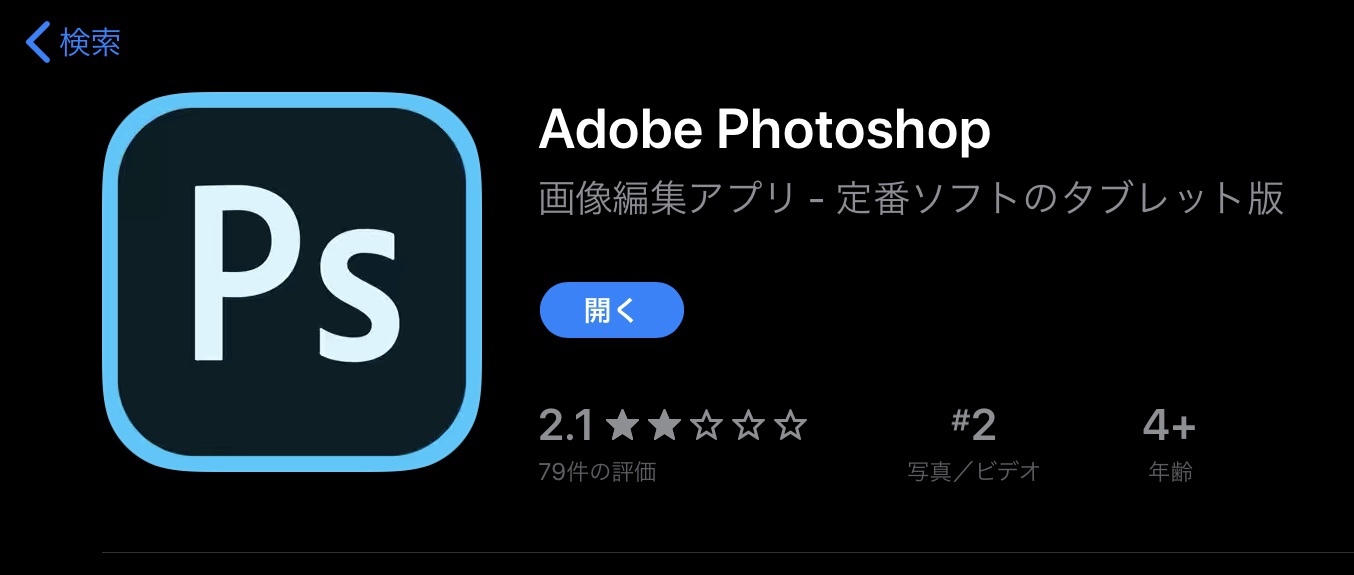
At the time of writing, the rating was 2.1, and looking at the review content, the app was being trashed with comments like "paid tester," "not worth 1,080 yen (about 7 USD)," "currently unusable," and "Awful." The separate Photoshop Express app — which works on iPhone too — has a rating of 4.6, so coming in at less than half of that is pretty unfortunate.
I Actually Installed It
App Store reviews tend to skew low... or so I thought, so I figured I'd just try it out for myself anyway. This time I'm installing it on a 3rd generation iPad Pro 12.9-inch.
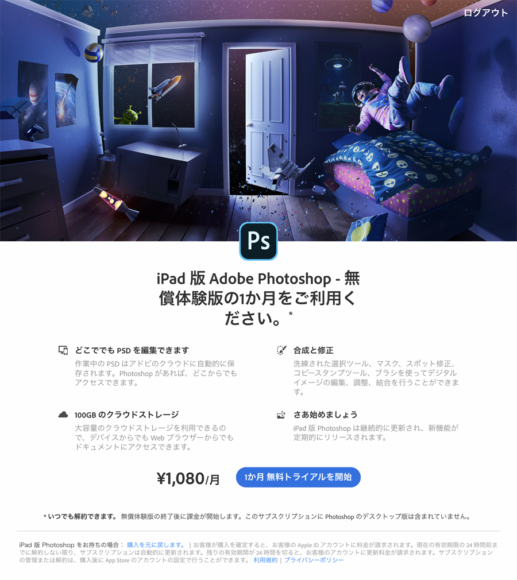
When you install the app and log in, a screen appears saying "Start your 1-month free trial." Like Adobe CC, the Photoshop app uses a monthly subscription model, so once the free trial ends it costs 1,080 yen (about 7 USD) per month. Be aware that the PC and iPad versions must be purchased separately — in other words, paying for the iPad version does not also get you the PC version. If you only want to try it out, start the trial and then immediately go to Apple ID → Subscriptions and tap "Cancel free trial" to unsubscribe. Even after canceling, you can still use it for the full month.
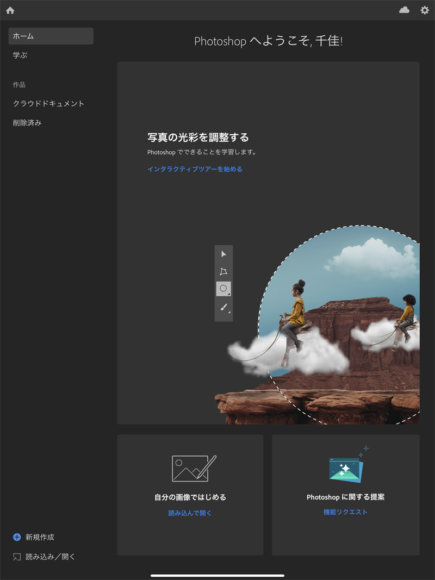
This is the Photoshop home screen. It feels almost identical to the PC version.
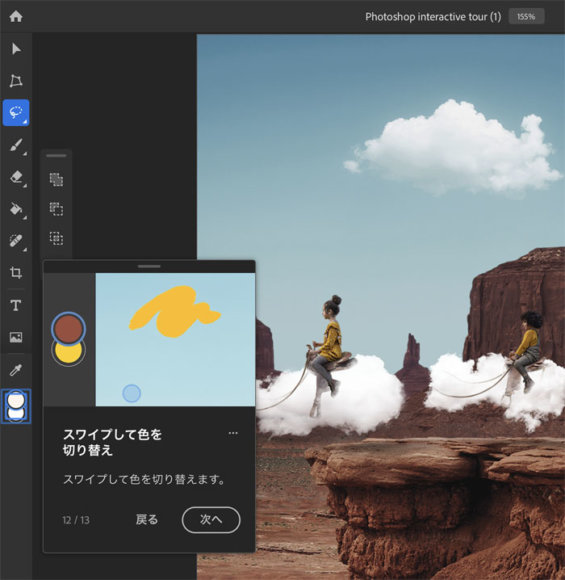
There's also a tutorial, so you can quickly check what's changed compared to the PC version. The UI has been adjusted to be tablet-friendly — for example, you can swipe to switch colors.
Here's What the Actual Editing Screen Looks Like
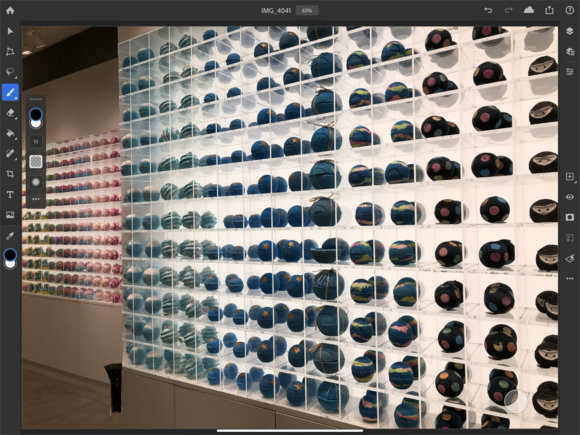
This is what the actual editing screen looks like. The tool layout is mostly the same as the PC version, so anyone used to it shouldn't have much trouble.
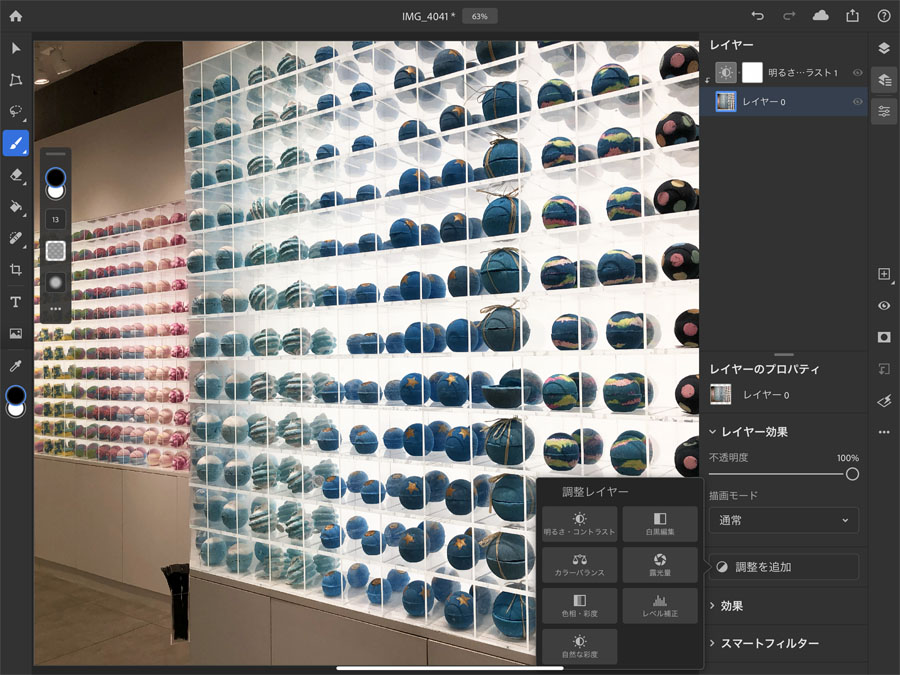
In the layers screen, you can change the order of layers and apply effects. You can apparently add up to 7 "adjustment layers." That feels a bit limited, but the bare essentials like "Levels," "Brightness," and "Saturation" are all there. That said, it's a level you could honestly cover with free apps or the standard iOS editing tools.
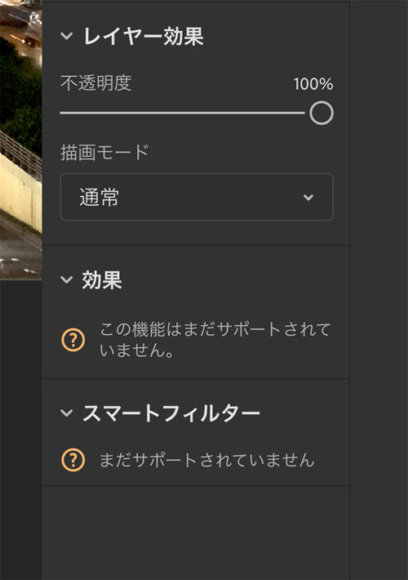
The "Effects" and "Smart Filters" menus seem to still be under development, and they couldn't be used at the time of writing.
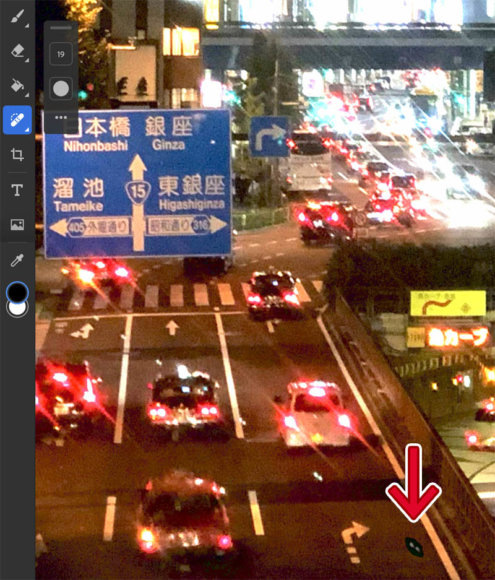
The object removal feature (the equivalent of the PC version's "Content-Aware") is also there, and it pairs well with the Apple Pencil — you can erase things with smooth strokes. The accuracy is about the same as the PC version, I'd say.
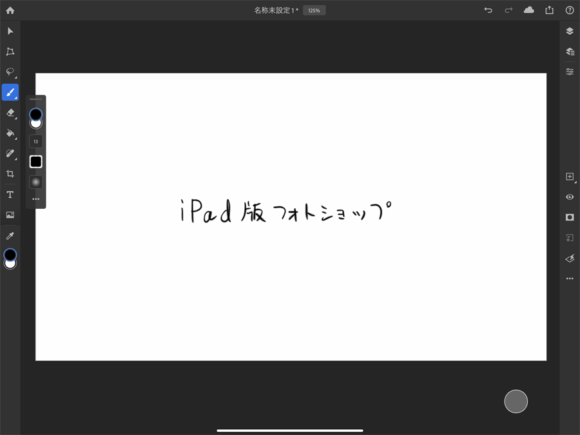
I tried writing some text with the Apple Pencil. As expected from an iPad made by Apple themselves, the response was excellent and it felt really nice to write on.
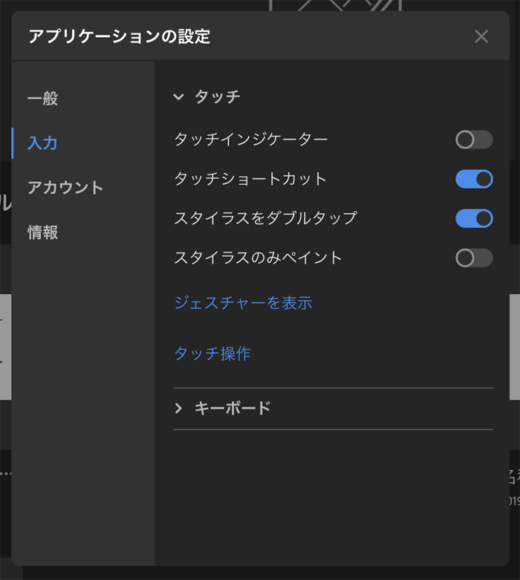
If you open the app's settings, you can also configure it so that only the Apple Pencil is used for painting.
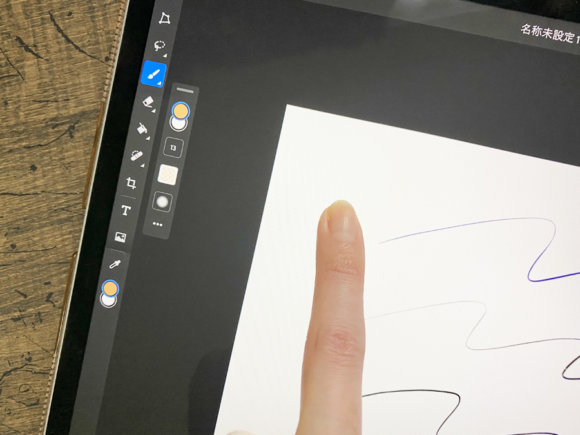
By doing this, you can no longer paint with your finger, which prevents accidental touches.
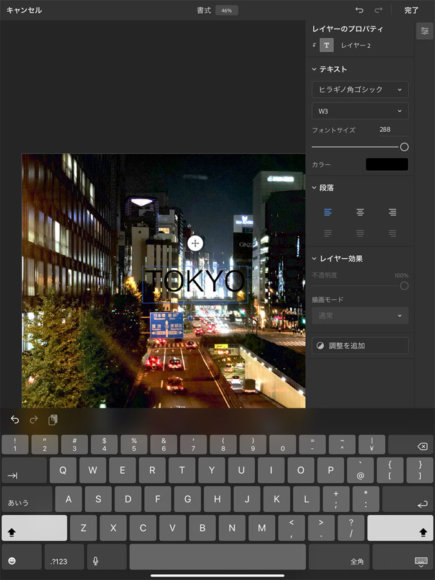
You can also enter text. Familiar fonts like "Hiragino Kaku Gothic" and "Kozuka Gothic" were available by default.
The App Suddenly Crashed!
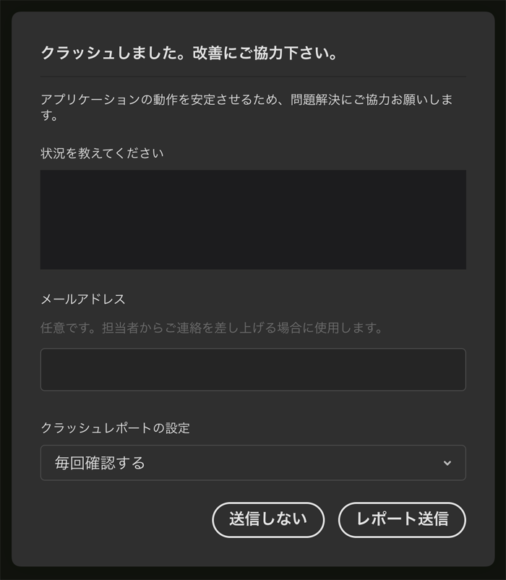
While I was working with text, the app crashed on me. It just got released, so I guess it can't be helped, but considering this is a 1,080 yen (about 7 USD) per month app, I can't help feeling they could have delayed the release a bit longer...
There's Hope for the Future
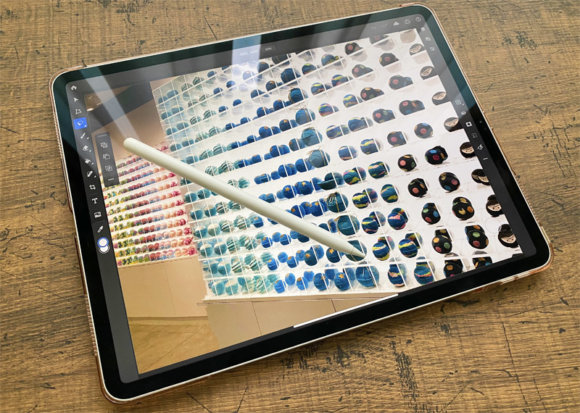
At this point, with some features still unusable and the app crashing on me, it feels a bit too rough to use for actual work. That said, the Apple Pencil response is great and very pleasant to use, files are automatically saved to the cloud, completed files can be sent right away via AirDrop or LINE, and above all, being able to use Photoshop on an iPad anywhere — almost like a pen display — is hugely appealing. You can also send feedback about iPad Photoshop, and lots of opinions are being actively exchanged on the official site.
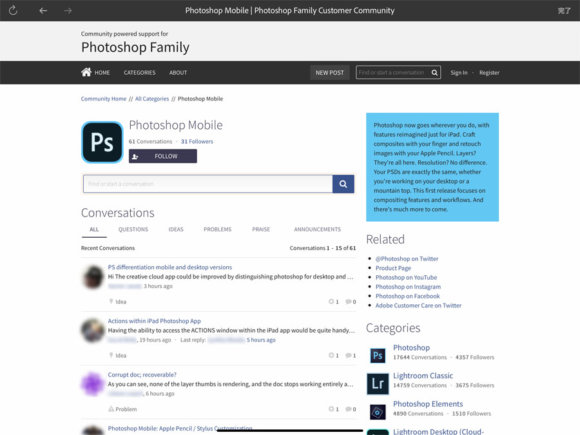
These pieces of feedback will likely guide future improvements, so given some time, I'm sure it will turn into a great app.Personally, I'd be happy if it came included for free when you buy the PC version of Photoshop...(When using both iPad and PC, the total comes to 25,896 yen per year (about 170 USD) — based on the Photo Plan 20GB annual lump-sum payment.)
Currently, it appears to be bundled with the PC version of Photoshop's plan.