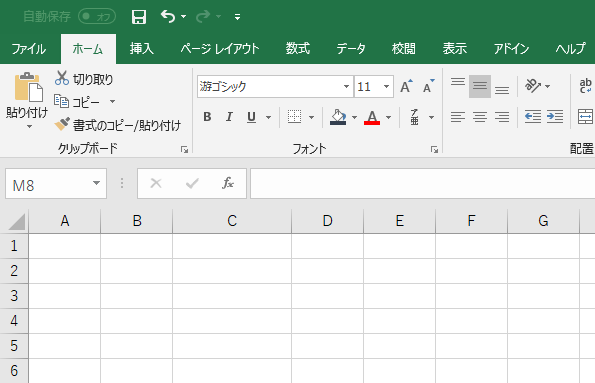
This article walks you through how to copy an existing worksheet in Excel in its entirety. Since cell sizes, design, and formulas all carry over as-is, it's a really handy trick.
Right-click on the name of the sheet you want to copy, and a menu will appear. Click on "Move or Copy (M)".
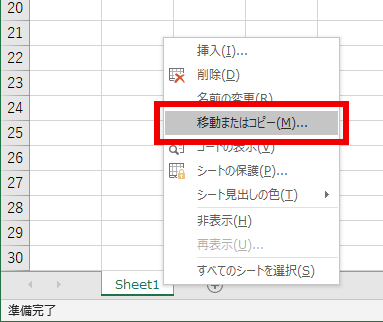
Next, a window like the one below will open:
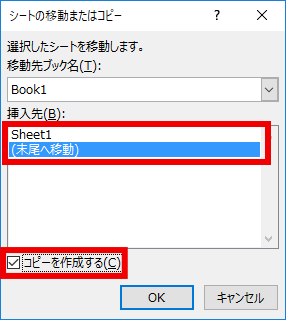
- Click "(move to end)".
- Check the box for "Create a copy (C)".
Then finally, click the "OK" button.
You'll see that the sheet has been copied successfully.