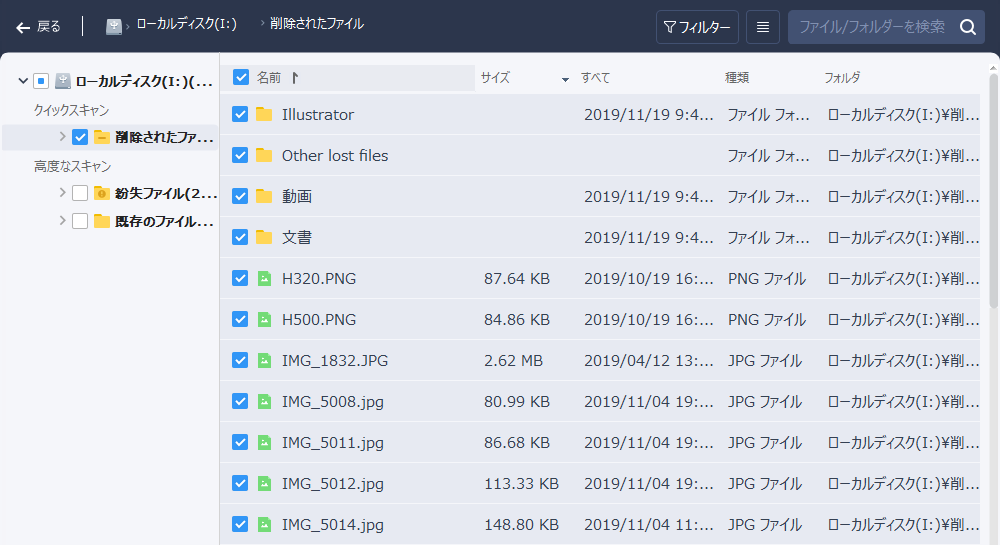
It's pretty stressful when you accidentally delete a file on your PC, isn't it? You wipe out a Word file you needed for work, or the PowerPoint data for a presentation… If it's just sitting in the Recycle Bin, you can put it back with a single restore. But once you've completely deleted something from the PC, normally there's no way to bring that data back. However, by using dedicated recovery software, even data that's been completely deleted can sometimes be recovered. In this article, I'll introduce how to recover deleted data using "EaseUS Data Recovery Wizard."
How Deleted Files Can Be Recovered

When you delete a file on a PC, internally the actual written data isn't erased — only the information about "what data is stored where" is removed. To use a book as an analogy, only the "table of contents" gets deleted, while the "main text" is left as-is. The deleted data only gets overwritten when a new file is written into that spot, so as long as nothing has been written over it yet, the data of the deleted file is still sitting there. File recovery software works by analyzing that leftover data to bring the file back. Because of this, the more you write new files afterward, the more the data information is lost, and recovery becomes increasingly difficult. So if you've deleted something, it's important to act as quickly as possible.
Downloading the Data Recovery Software "EaseUS Data Recovery Wizard"
Official site: EaseUS® Best Data Recovery Software — EaseUS Data Recovery Wizard Professional
Direct download links:
Windows: http://down.easeus.com/product/drw_trial_setup
Mac: http://down.easeus.com/product/mac_drw_trial_setup
If you're trying to recover a file right now, please make sure to download and install the software to a drive other than the one you deleted the file from. (Installing onto the same drive can make recovery harder.)
Recovering Files with EaseUS Data Recovery Wizard
This time, I'll show you how to do it using "EaseUS Data Recovery Wizard" from EaseUS. Since the publisher is a major software developer, the software itself is solidly built. It also supports Japanese. Even the free version lets you use the same recovery features as the paid version for files up to 2 GB, so it works perfectly well as freeware too.
| Free | Pro | Tech | |
|---|---|---|---|
| Price | Free | from 8,900 yen (about 80 USD) | from 35,580 yen (about 320 USD) |
| Recoverable data size | up to 2 GB | unlimited | unlimited |
| License activation | — | up to 1 device | multiple devices |
It also supports removable media like SD cards and USB sticks, and it can even recover files from partitions that have been lost.
How to Recover Deleted Files
When you launch the software, all of the drives and partitions on your PC are displayed.
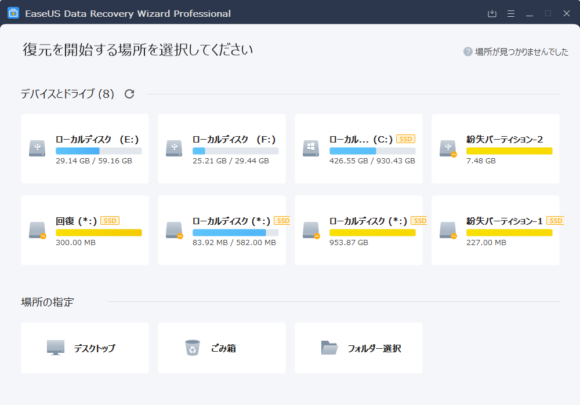
Select the drive that contained the file you want to recover.
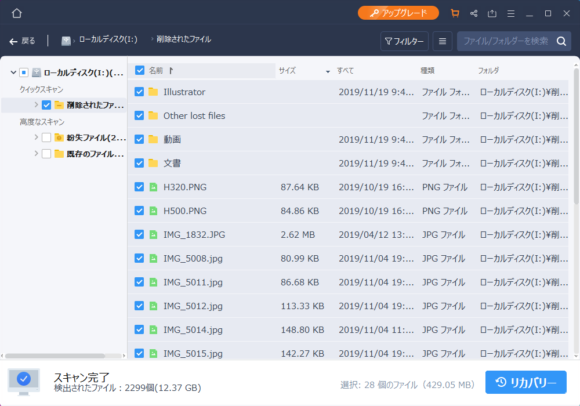
When you click on a drive, the scan starts automatically. First, a Quick Scan begins, and deleted files are detected one after another. After the Quick Scan finishes, a Deep Scan starts, searching the drive in more detail for recoverable data. The bigger the drive, the longer the scan will take, so just be patient.
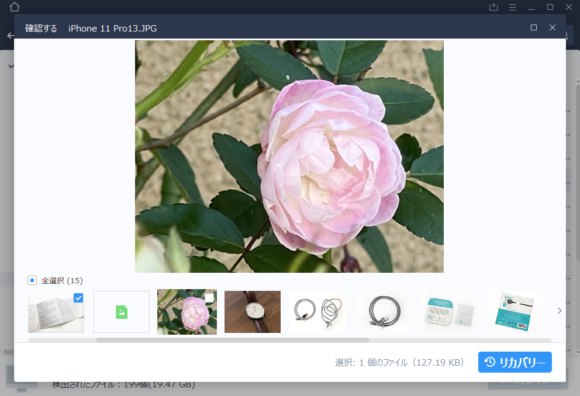
Once you find the file you want to recover, select it and press "Recover" to bring it back. For files like images, you can preview them before recovering, so you can pick out only the ones you actually need.
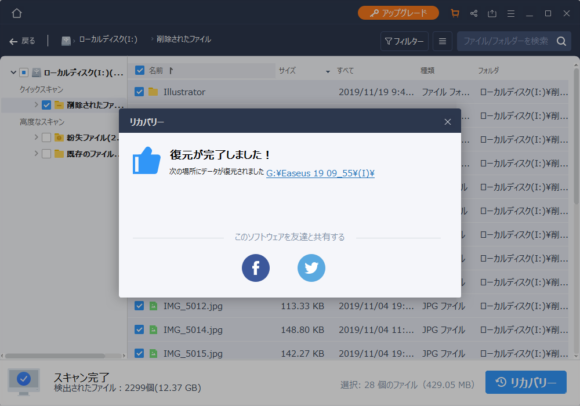
When you do recover, please specify a drive that's different from the source drive. (USB sticks and similar storage are also fine.)
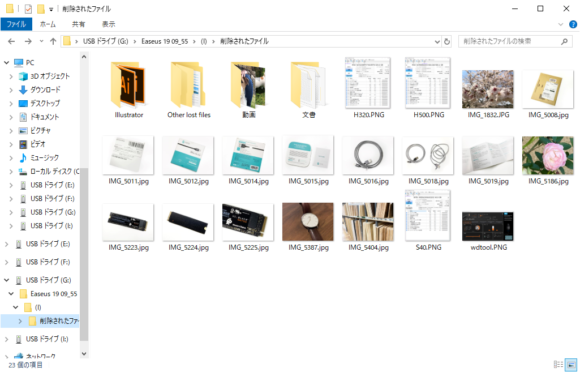
I actually tried recovering deleted images, videos, and documents, and in my test environment everything came back in perfect condition.
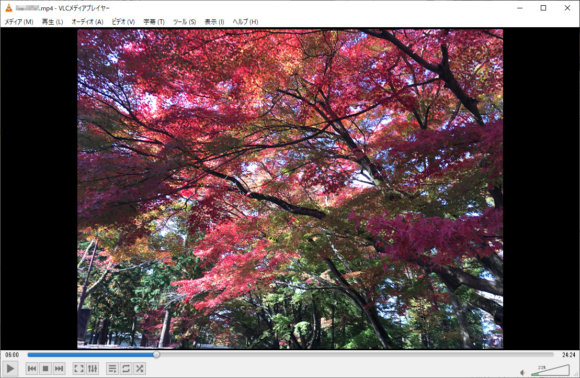
With the Pro version, you can recover files larger than 2 GB as well, so it's a great choice for YouTubers and others who handle a lot of large video files. Even if you've deleted footage you shot, you might still be able to recover it.
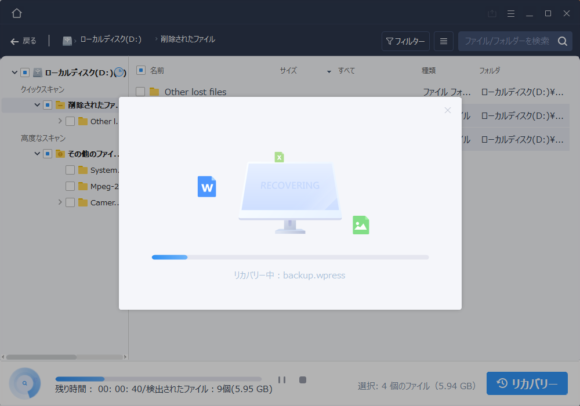
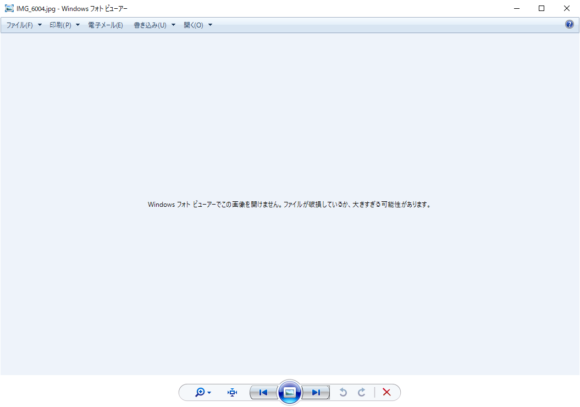
That said, if a lot of time has passed since you deleted the file, or if data has been written to the same drive in the meantime, the file may be recovered in an incomplete state, so always check the recovered files carefully.
Even Lost Partitions Can Be Recovered
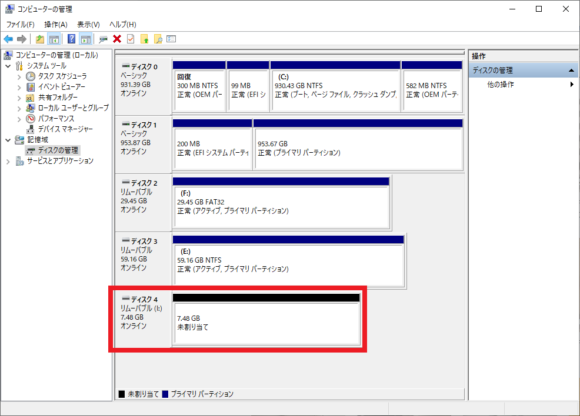
Even if a partition has been lost for some reason, or you've performed a quick format, recovery is still possible.
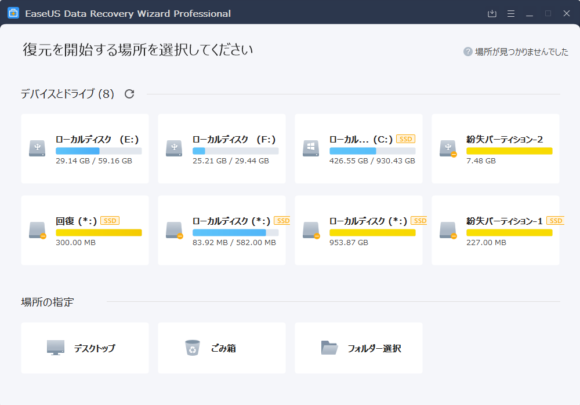
Even when a partition shows up as "RAW (unallocated)," it's displayed under the name "Lost Partition," so it can be recovered just like any other drive.
Having It Installed Gives You Peace of Mind When You Need It
If you only install the software after you've already deleted something, the very act of installing it — plus things like browser cache being written to the drive — can already make recovery harder. To be ready when something happens, having it pre-installed can raise your chances of getting files back, so I really recommend keeping it on your machine just in case.
Official site: EaseUS® Best Data Recovery Software — EaseUS Data Recovery Wizard Professional