I tried out the M1-Mac–compatible version of "Parallels Desktop," a long-famous Mac app. It came out a while back, but a recent update reportedly bumped up the performance, so I had high hopes.

Test machine specs: Macbook Air M1 2020 — 8 cores (GPU 7 cores), 16GB RAM.
Supports virtualization of Windows and Linux
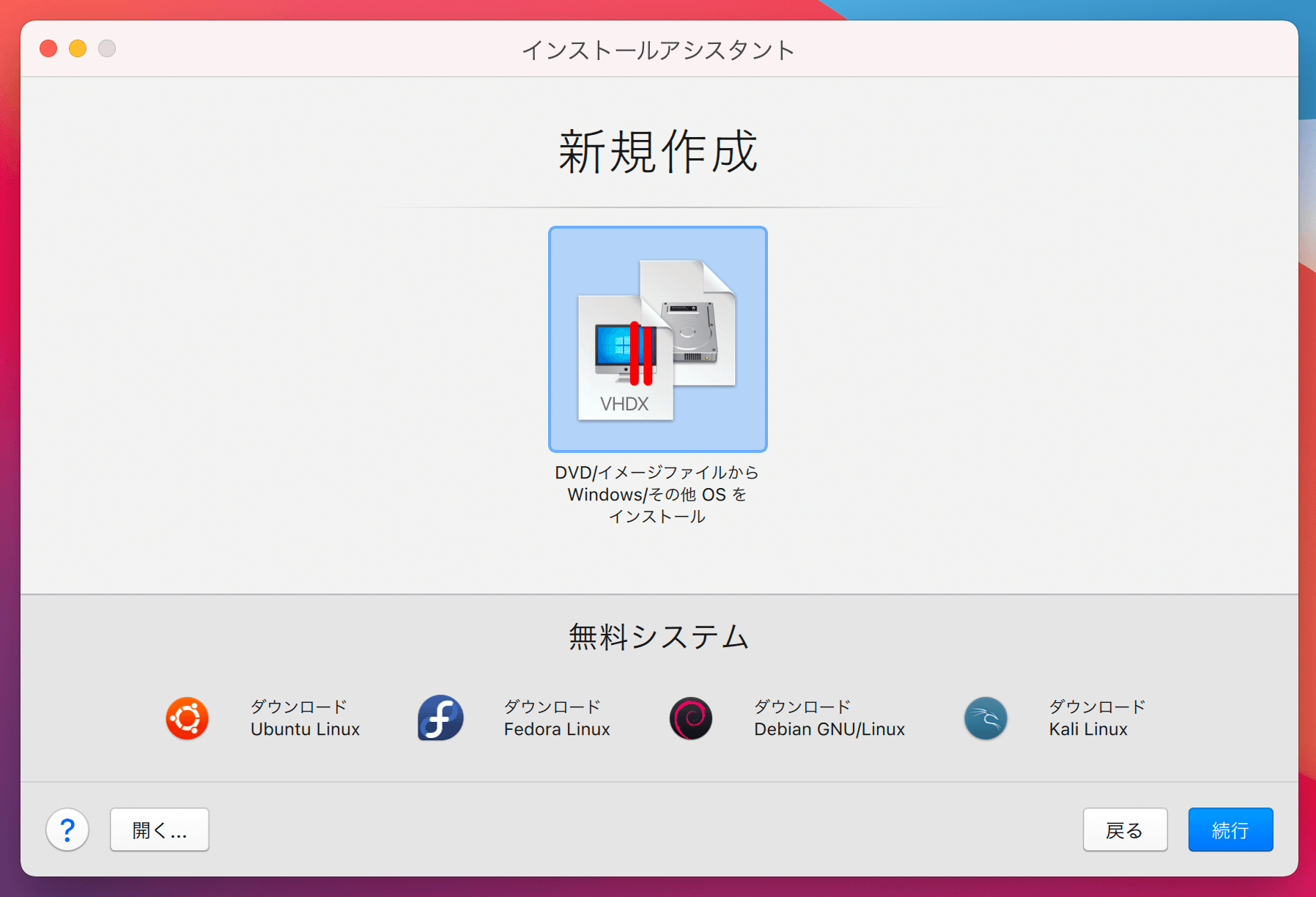
You can create virtual machines like Windows or Ubuntu, and for Linux you can install one with a single click. For Windows, you download the VHDX image of the ARM-version Windows 10 Insider Preview from the official site and install it. The download is free.

One thing to watch out for: M1 Macs use the ARM architecture, so you can't use machines you previously created on Intel Macs. You also can't use x86-based OSes. Only ARM-version OSes are supported.
For example: x86_64 versions of Windows 10, 8.1, 7, or Linux can't be used. If you really want to use x86_64, try the UTM-based approach instead.
Let's run Windows on an M1 Mac
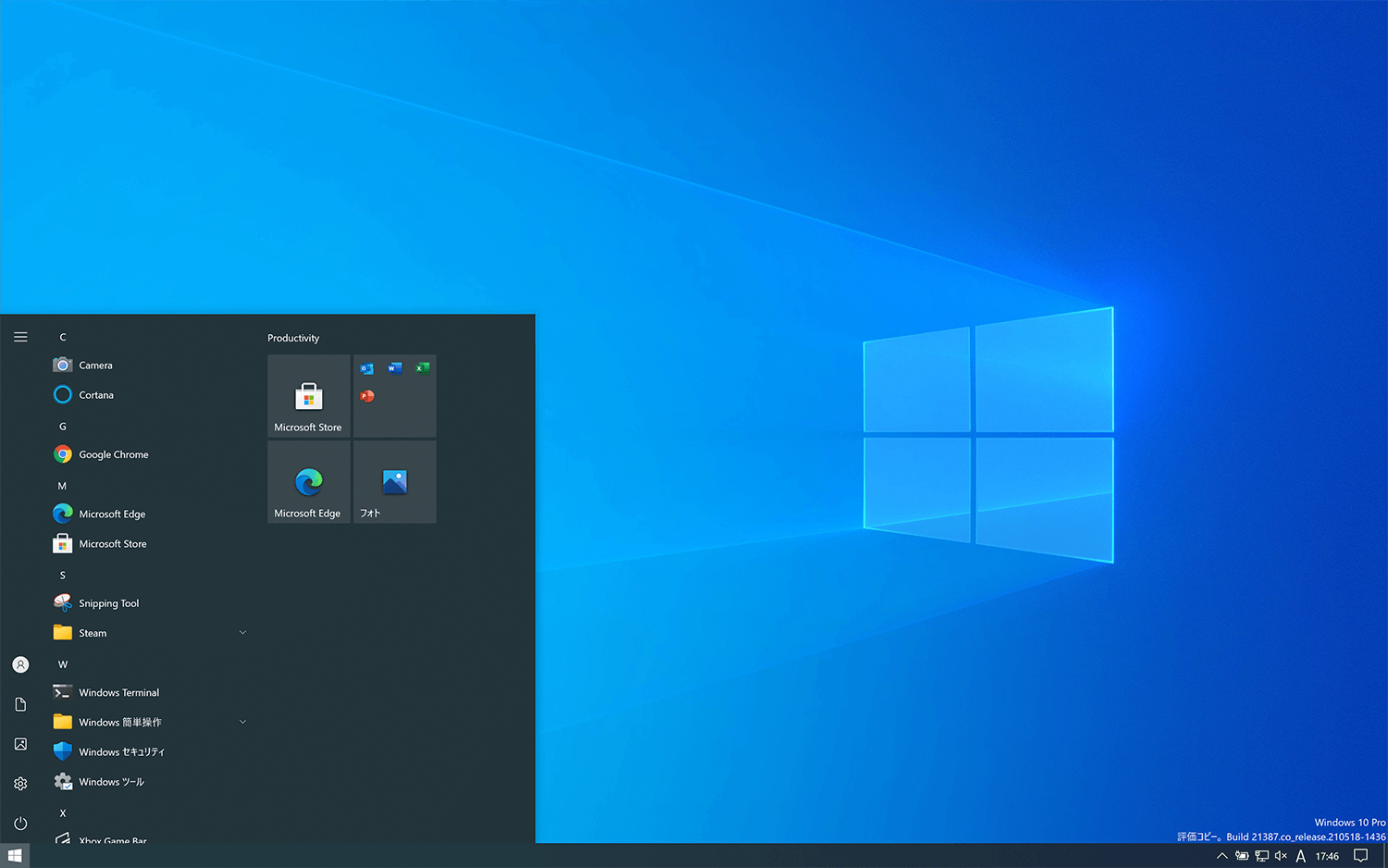
Once installed, it works astonishingly normally. Compared to a qemu-based approach, this one feels considerably more optimized. By default, the Mac and Windows directories are merged so file sharing with the Mac is easy, but I keep them separated.
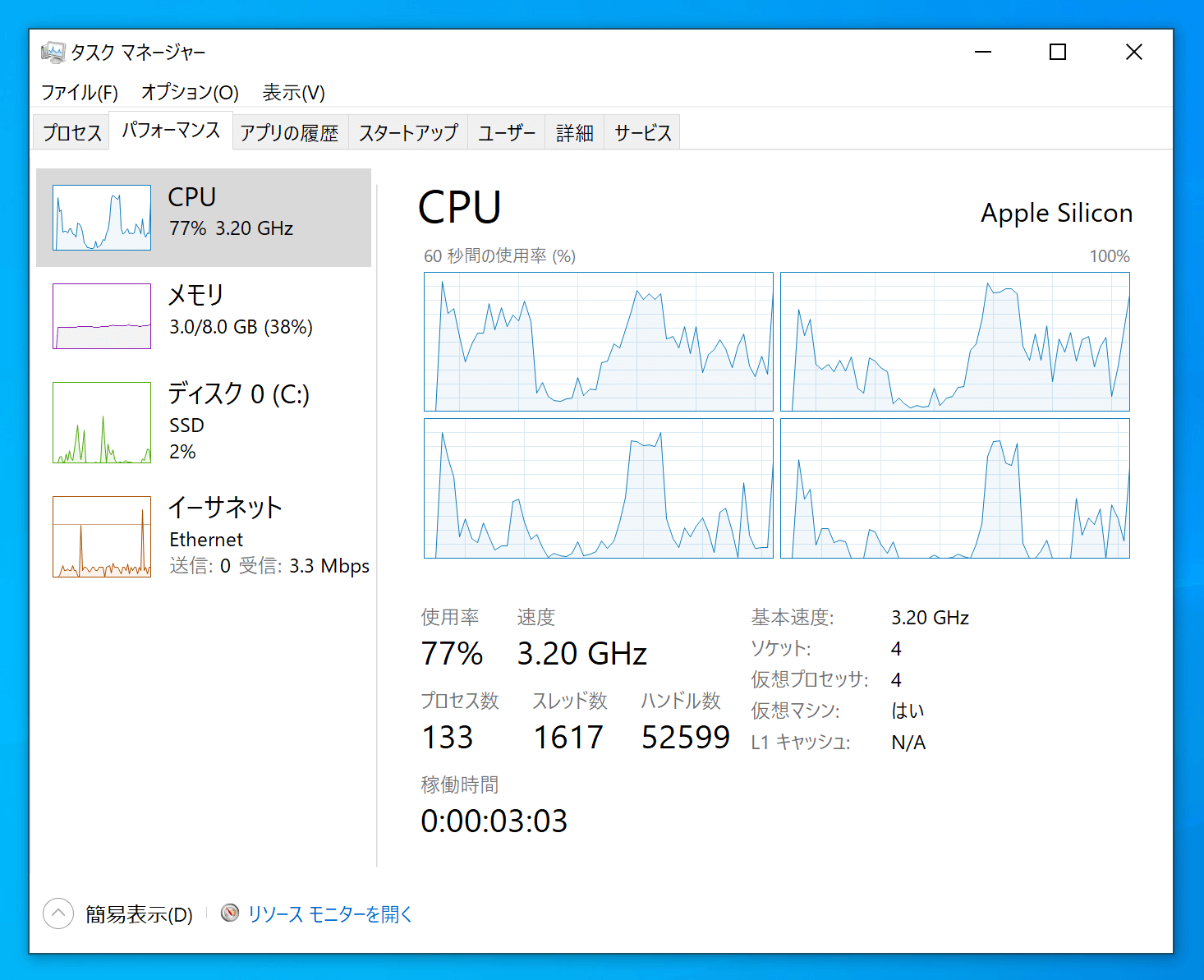
When I opened Task Manager, the CPU was recognized as Apple Silicon / 3.2GHz / 4 cores.
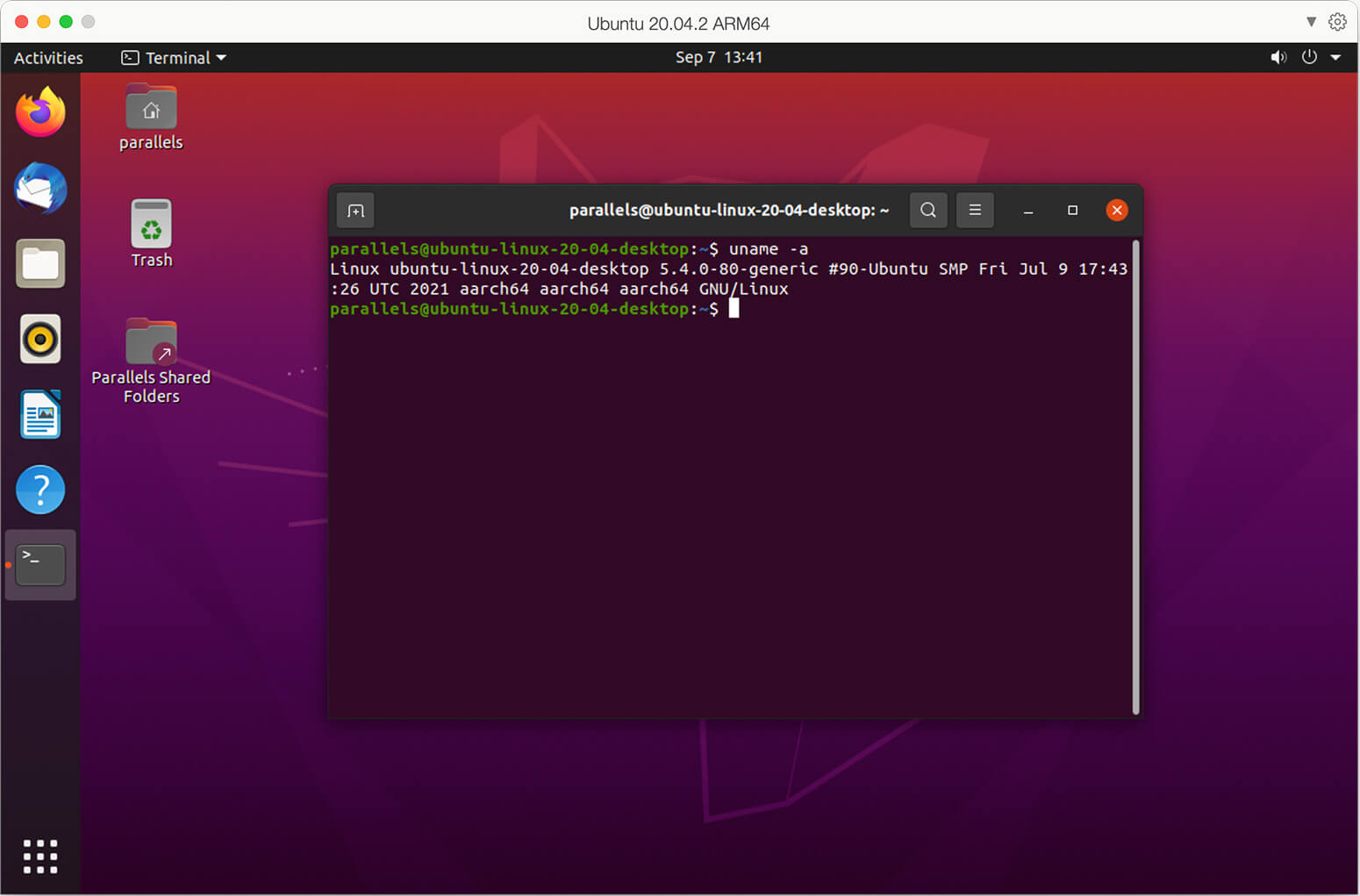
While I was at it, I also tried installing Ubuntu. The ARM version of Ubuntu installs right away, and just like with Windows, the essential tools for the virtual machine are also installed automatically.
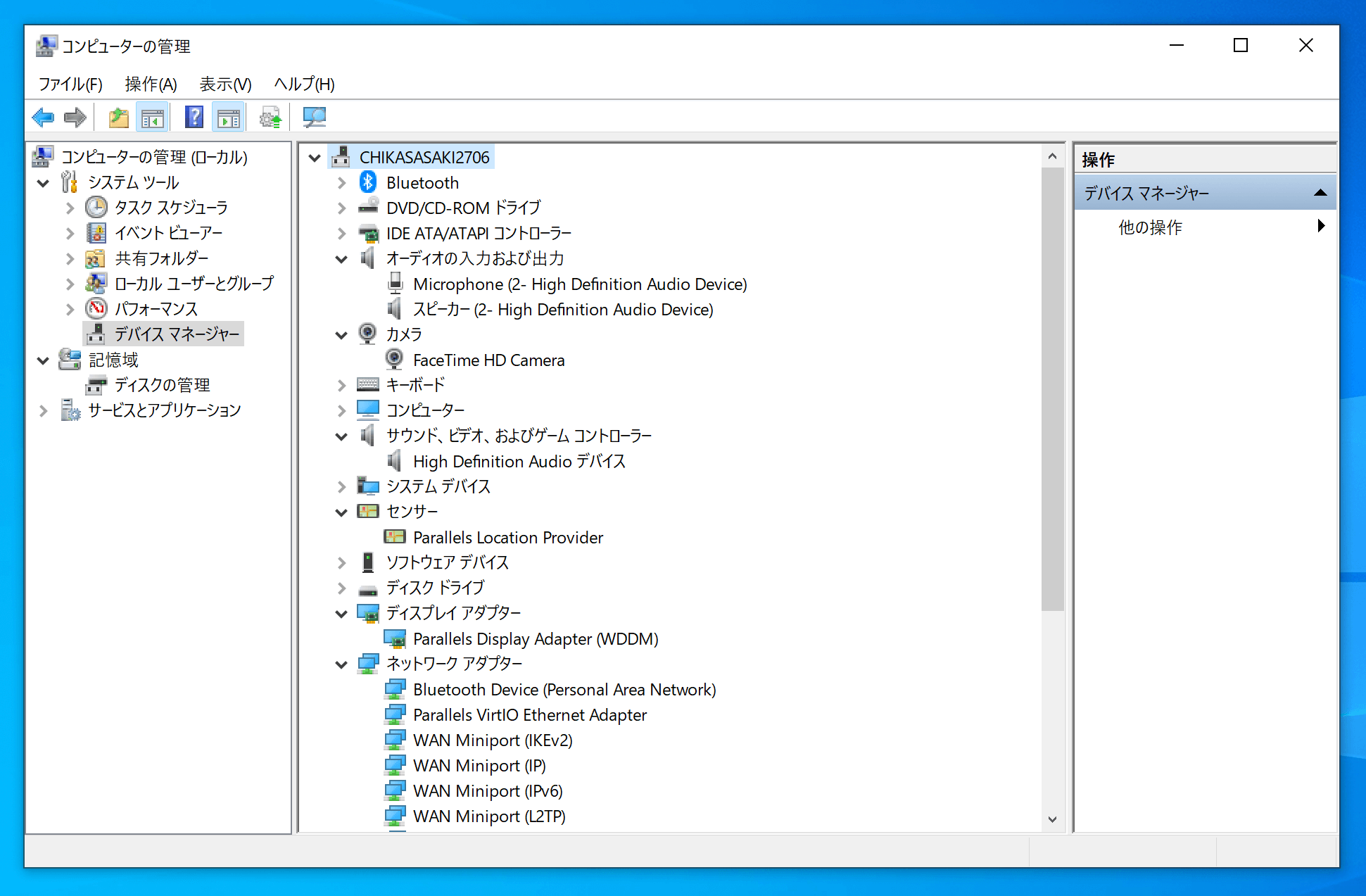
The camera and microphone get connected to the guest machine, so you can, for example, use the Mac's FaceTime HD camera from Windows. Various other devices, including printers, can also be connected.

Performance settings
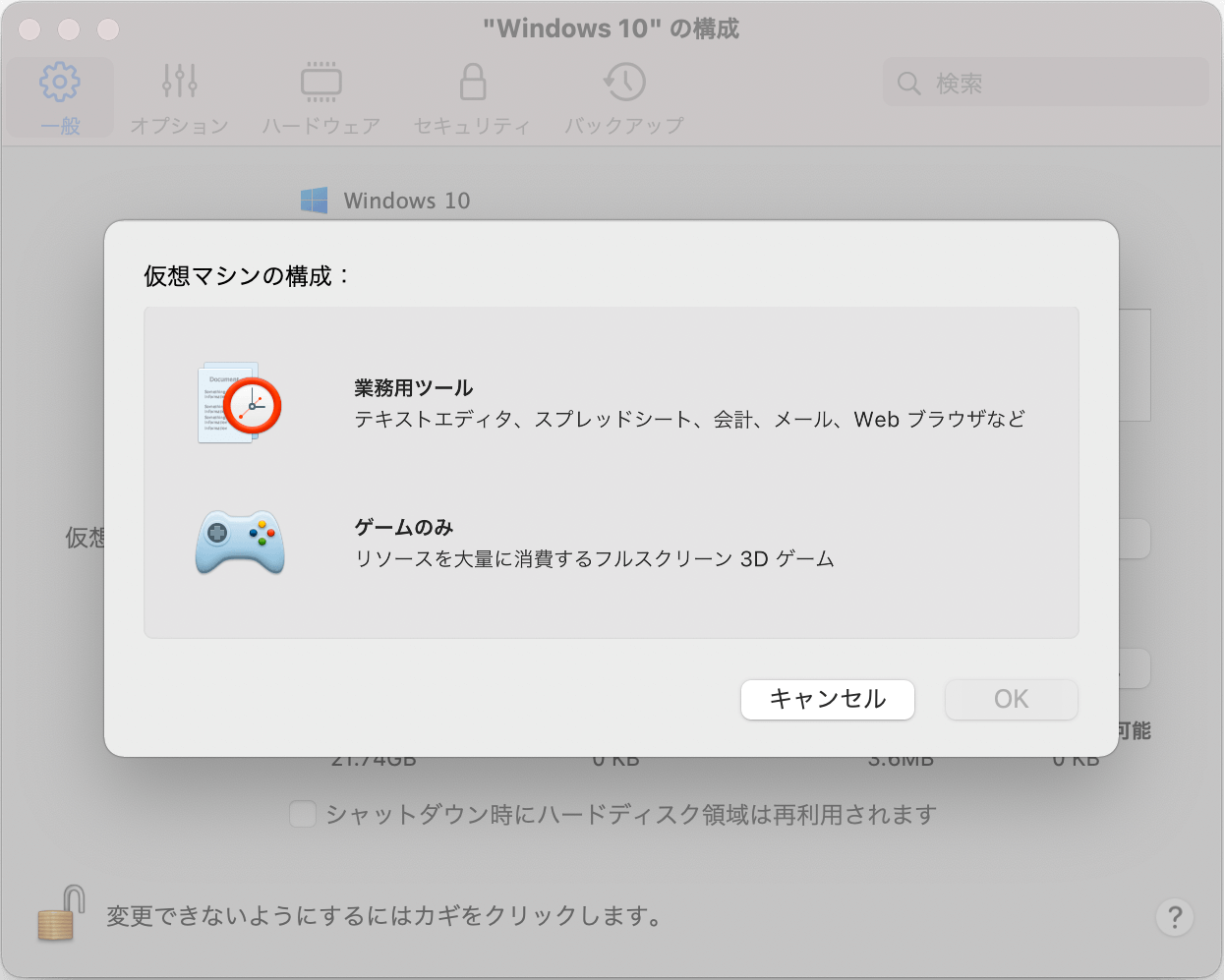
Realistically, gaming hard on Parallels is tough, but there is a dedicated game setting that boosts the graphics memory allocation for games. (On my test machine, the business-tools setting allocated 3GB, and switching to gaming-only bumped it up to 4GB.)
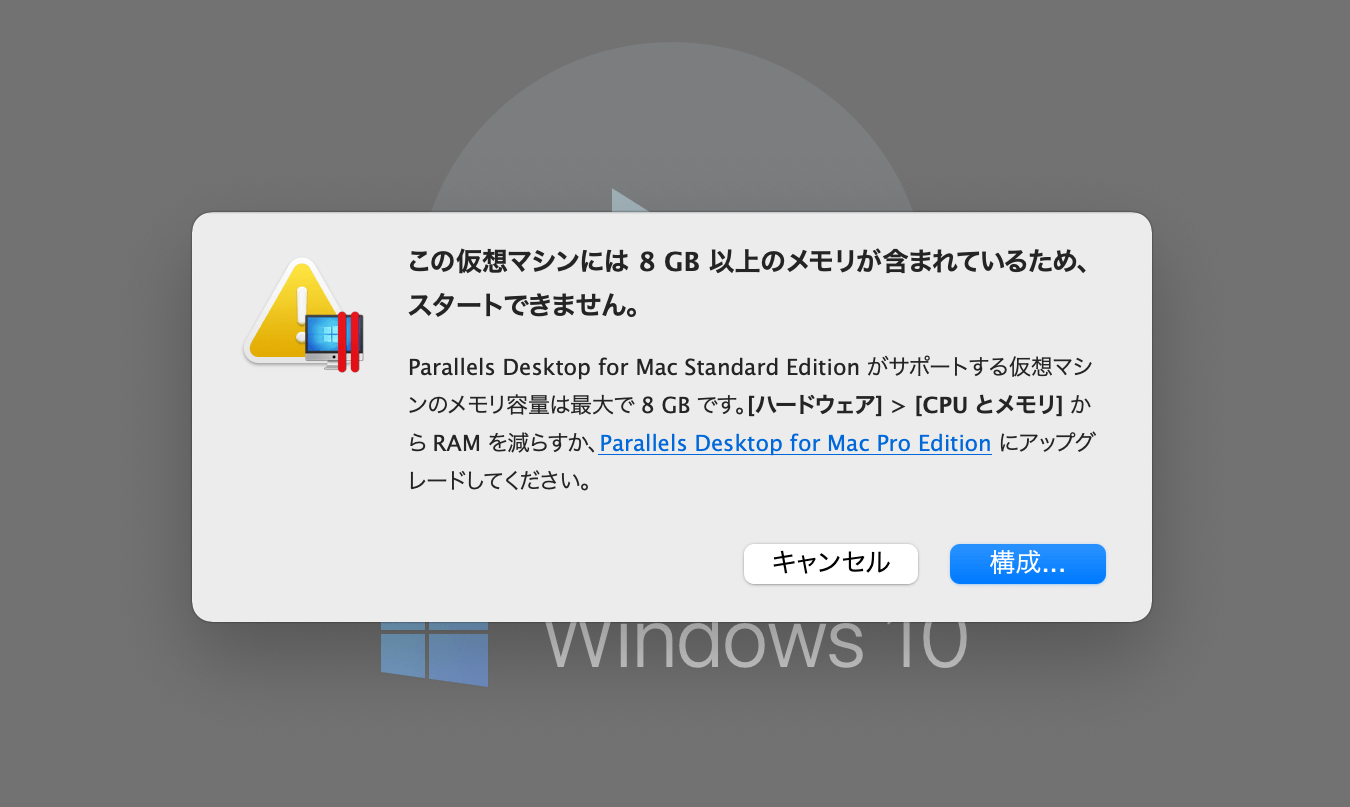
You can also customize the CPU and memory. One thing to note, though: allocating more than 10GB of memory requires an upper-tier license.
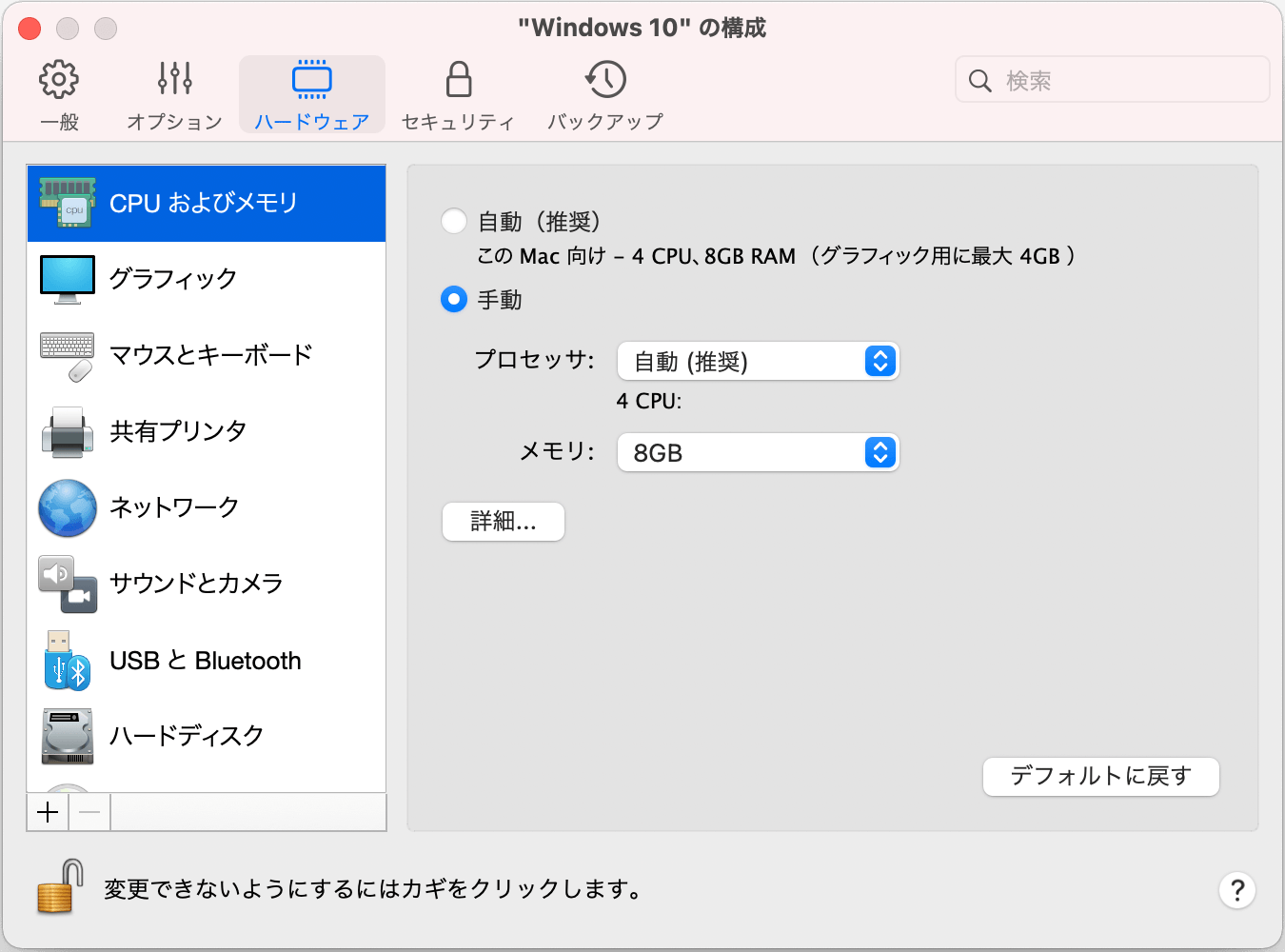
I think there are only limited cases where you'd actually need to allocate more than 10GB anyway, but just in case…
Can it be used for work?

For example, if you're a web designer who wants to do a quick check of how things look on Windows, it's perfectly usable.
Until recently you could even launch IE11, but the latest version of Windows 10 forcibly launches Edge instead, so you can't check absolutely everything anymore.
Gaming works, but it's borderline
There's an upside that on Steam and similar platforms, things you normally can't play on Mac might just launch on a Windows VM. Some sources even say the M1's graphics performance unexpectedly tops the nVidia GeForce GTX 1050 Ti, so as long as it's not a hardcore 3D game, it should at least start up.
By the way, the benchmark software "3D Mark" itself installs, but it shows up as "unsupported" and I couldn't get a benchmark score.
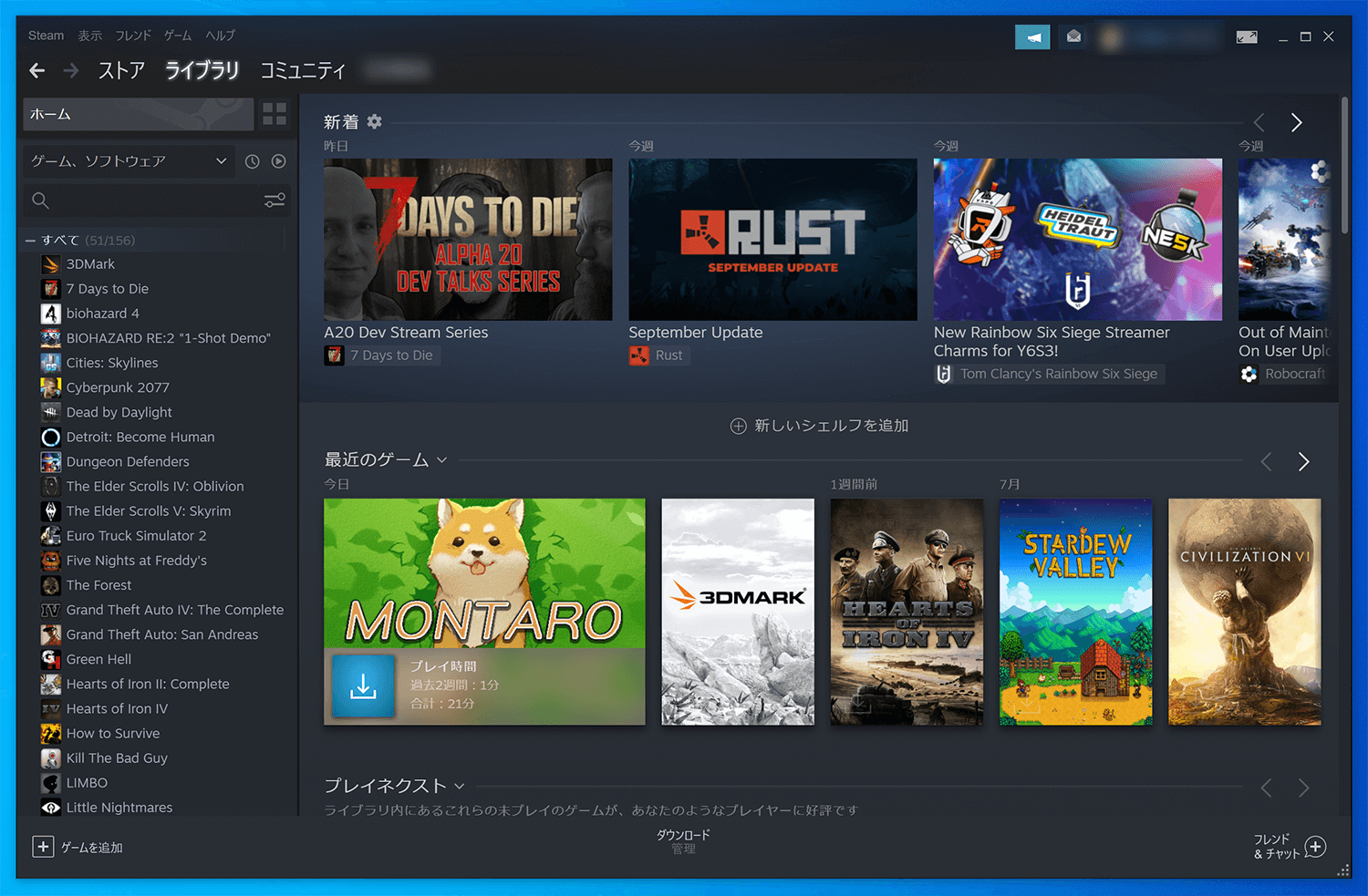
Steam installs fine too. I tried launching some lighter games and they played without issues.
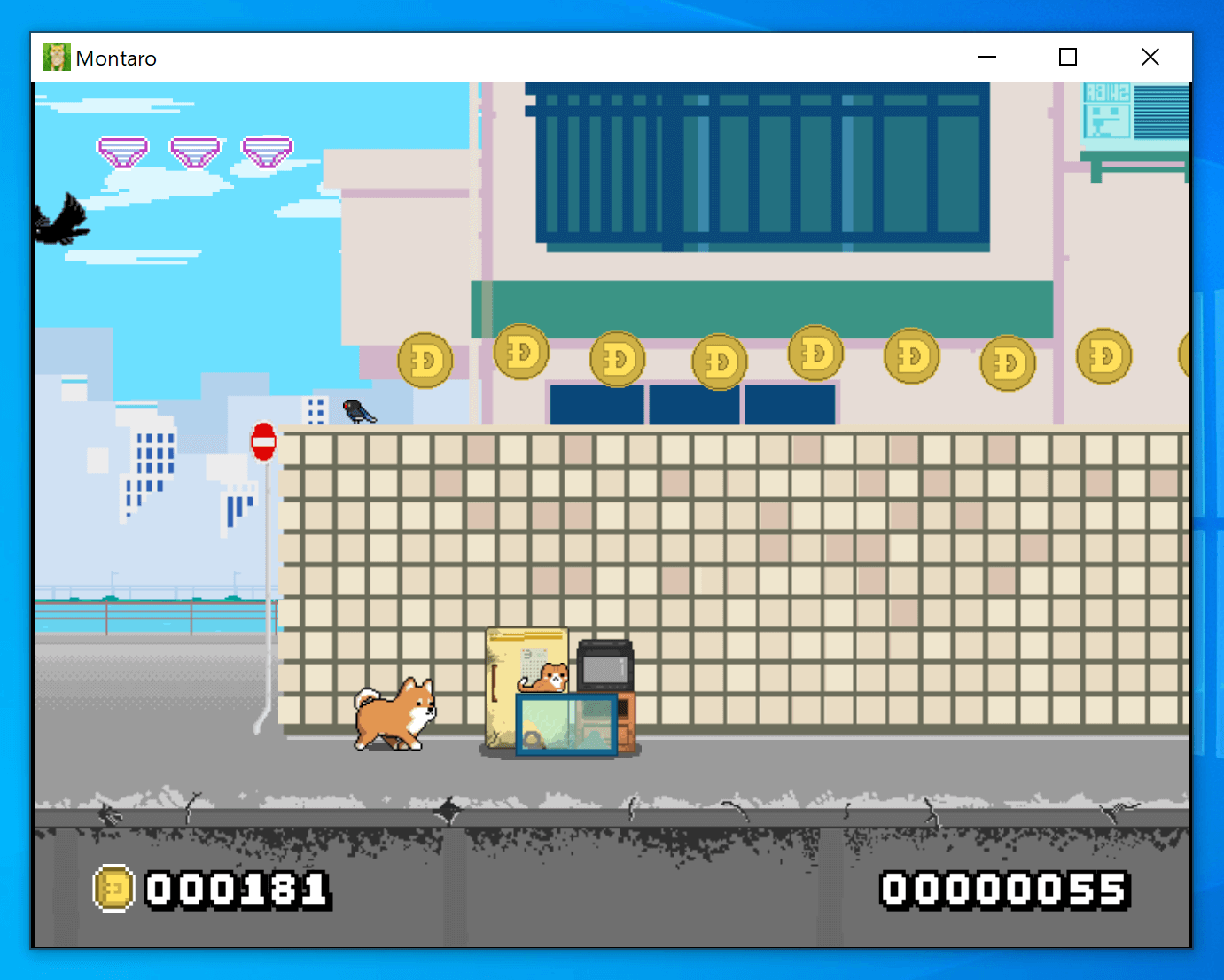
Next up, "PC Building Simulator." This is a relatively light 3D game, but it was too heavy on the default settings; dropping the quality to "lowest" and the resolution to around 1440x900 made it perfectly playable.

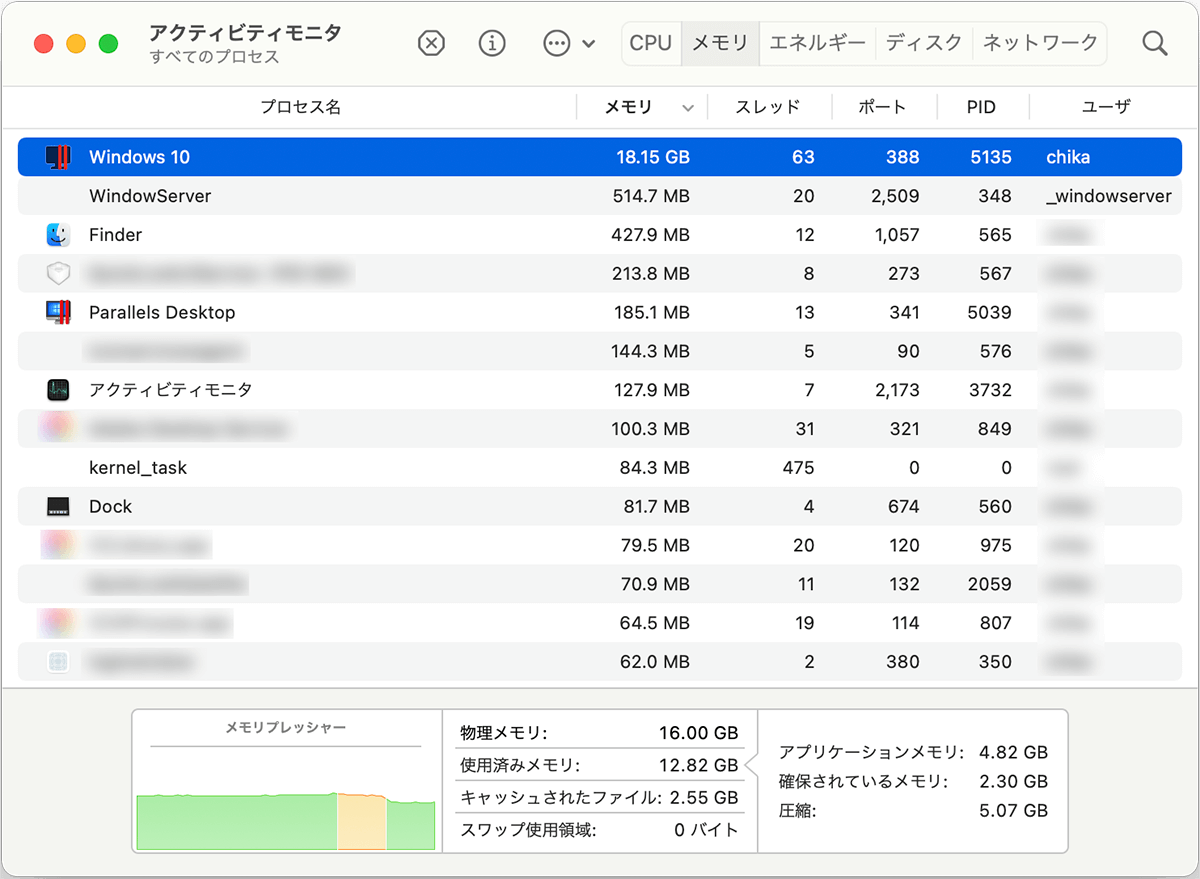
It feels like the fps is hitting around 60. Probably because the host machine is a fanless Macbook Air, the body got really hot during gameplay, so long sessions might be rough. Mac's Activity Monitor showed memory usage at 18.15GB — even on a 16GB Mac, it might be cutting it close.
Summary
It's recommended for people who want to keep Windows around just in case. Side note: Windows-side apps get auto-registered as Mac default apps, so situations like "I just wanted to check a video and the VM launched" can happen, which is a bit of a hassle.
Pros
- Runs relatively light, with good performance
- Drivers are installed automatically
Cons
- Hardware included, the ecosystem is still very much a work in progress
- Requires at least about 30GB of disk space (the 256GB model will be tight)