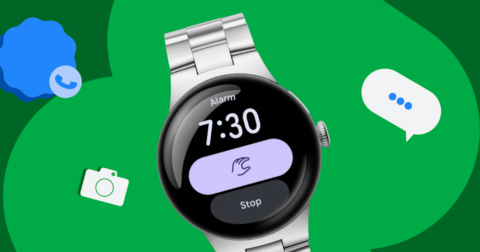
Google has released the September Android Drop. It brings 5 features, rolling out in stages: a way to have Gemini remember where you put your passport or spare keys, Motion Assist to ease queasiness while you are on the move, and Guided vision in Gemini Live that describes what your camera sees. Rather than headline features, this batch fills in small everyday gaps one at a time.
Handing your misplaced items over to Gemini
The Find Hub expansion is the most interesting part. Until now, Find Hub tracked phones and belongings you had attached a tracker tag to. This update targets the things you would never tag.
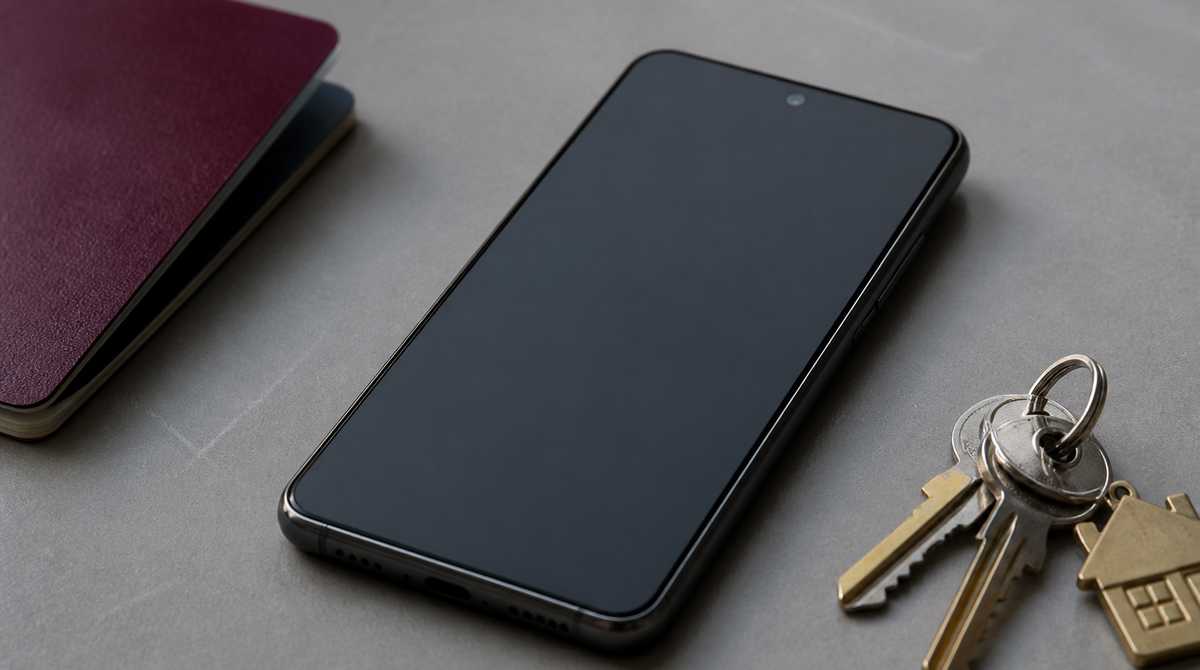
You just talk to it. Say something like "Hey Google, remember in Find Hub that I put my passport in my bedroom drawer," and the location is saved. You can attach a photo as well, and later either ask Gemini where the item is or open the remembered items tab in Find Hub.
It works on Android 16 and later devices, in countries where both Gemini and Find Hub are supported. Documents you touch a few times a year, or small items you tucked away somewhere, tend to be half-forgotten by the time you start looking. Turning that into something searchable is a straightforward idea.
Fighting motion sickness from the screen side
Motion Assist goes after the queasy feeling you get from looking at your phone in a passenger seat or on public transport. It places a subtle bubble overlay on the screen and moves it in sync with the vehicle.
Motion sickness comes from a mismatch between what your eyes register and what your body feels. Staring at a screen, your field of view is still while your body keeps swaying. Motion Assist tries to close that gap by putting a moving cue inside the screen itself.
You can set it to turn on automatically, and there is a Quick Settings tile for it. The bubble's shape, color, and opacity are adjustable, so you can find a setting that stays out of the way whether you are watching video or reading text. It requires Android 17.
Gemini Live standing in for your eyes
Guided vision lets you share your camera in Gemini Live and hear a spoken description of what is in front of you. Google says it was designed for and with the blind and low-vision communities.
The scenarios it targets include reading fine print on a food label, ordering from a menu in a dimly lit restaurant, and locating objects around the house. If the camera is not lined up, voice feedback guides you to reframe the shot, pan across the space, or center an object, so you can keep going without looking at the screen.
You can add it to your Accessibility shortcuts, or enable it from the TalkBack menu or Gemini app settings. It is coming soon to phones running Android 9 and later, in countries where Gemini is available. It was built as an accessibility feature, but reading small print in a dark room is a situation that reaches well beyond that audience.
The remaining 2 features land in Google Messages. The first is Google Keep integration, which lets you create and share notes and lists without leaving a chat. Grocery lists or vacation notes open right there, and everyone in the thread can view, edit, and add to them. Not having to switch apps is the point, and you reach it from the plus icon in Google Messages. Rollout has started.
The second is Chat theme. You can give each conversation its own background and color scheme by picking a wallpaper or supplying your own photo, and the text bubbles adjust to match automatically. Colors can also be changed by hand. It is available in Google Messages now.
Summary
The September Android Drop consists of 5 items: remembered item locations in Find Hub, Motion Assist, Guided vision in Gemini Live, Google Keep integration in Google Messages, and Chat theme. Gemini sits out front, but the features themselves are aimed at everyday friction such as lost items, motion sickness, and low vision. Motion Assist needs Android 17 while Find Hub's memory needs Android 16 or later, so whether each one reaches your device has to be checked individually.