By using "Adblock Plus," a web ad blocker, you can remove video ads on YouTube and most banner ads across the web. It's no exaggeration to call it an essential extension nowadays. Here's how to install it.
How to Download
You can download it from the links below. Click your browser name to jump to the download link for that browser.
Internet Explorer [link removed: the original page (https://adblock-plus-for-internet-explorer.jp.uptodown.com/windows) returns 404, and Internet Explorer itself has been retired by Microsoft]
How to Install and Use
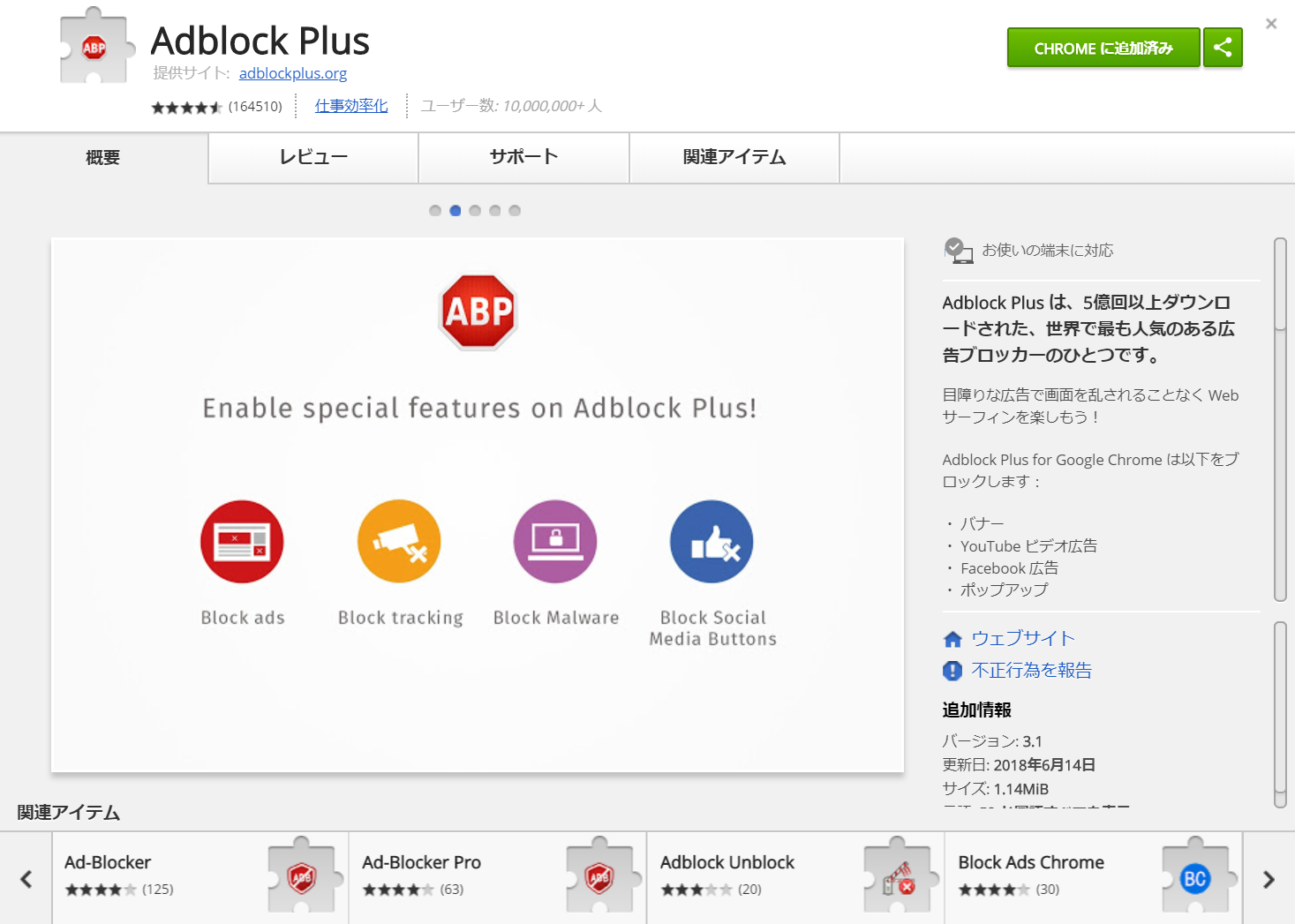
Here, I'll walk you through it using Google Chrome as an example. Open the URL above and the download page will appear. Click the "ADD TO CHROME" button.

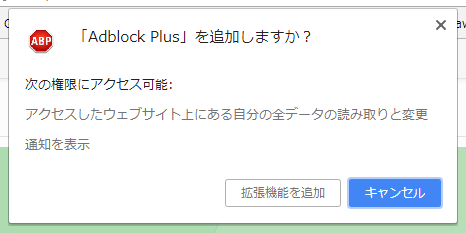
When you press the button, you'll be asked whether you want to add it. Click the "Add extension" button.
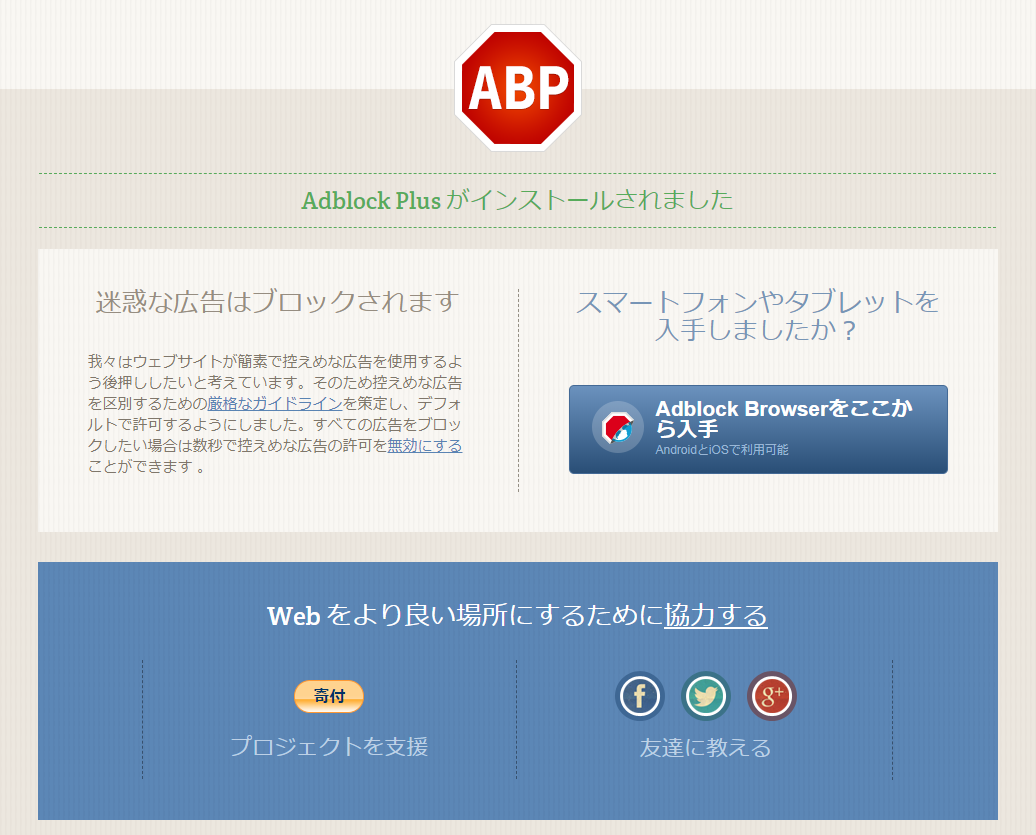
When the page below opens, the installation is complete.
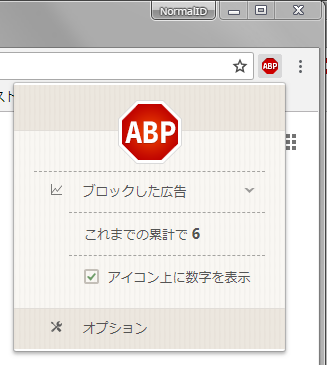
This alone blocks the majority of ads, but by default "Acceptable Ads" are still allowed to show, so we'll disable those too. Click the Adblock Plus icon and then click "Options."
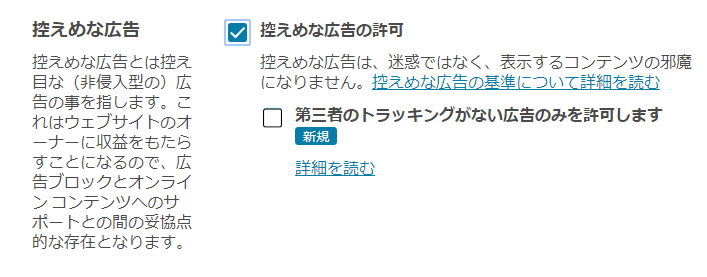
The "General" tab of the options screen will appear. Uncheck the "Allow Acceptable Ads" option.
That's it for the setup. If you visit sites like YouTube, you should see that video ads and the like no longer appear.