When it comes to video conversion tools, there are a huge number of them out there, but a lot of them are hard to use, and some don't even convert files properly.
Honestly, the author has memories of struggling ages ago with codecs and all sorts of other headaches.
In the middle of all that, "HD Video Converter Factory Pro" is a tool that lets even beginners convert and download videos easily.
Official site
https://www.videoconverterfactory.com/
Software download (direct link)
A One-Stop Shop for Video Tasks
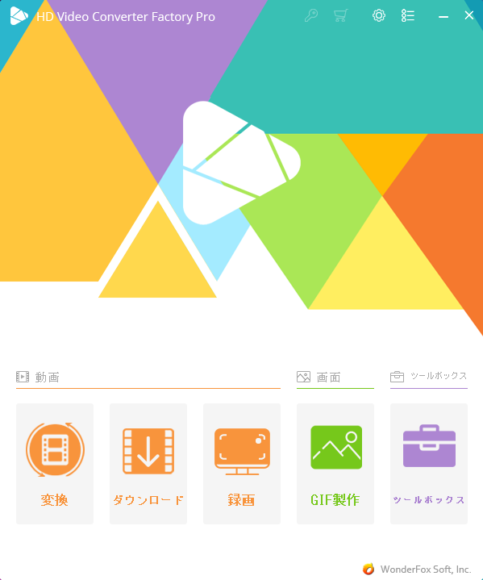
This is the main screen. From here you can jump to each feature.
It's a video conversion tool, but it also has features like downloading, screen capture, and ringtone creation, so really it feels more like an "all-around video management app."
Buttons for things like conversion and recording are easy to spot at a glance, so beginners shouldn't get lost.
Converting Videos
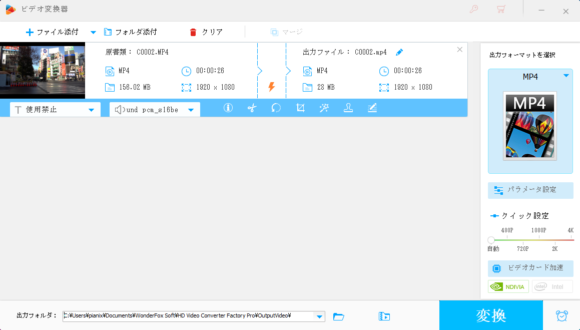
You can use the video conversion feature to change a video's format.
For example, you can turn an AVI file into MP4, or convert it to formats like WEBM.
Presets for things like 4K video and YouTube are already set up, so you can convert videos easily without fiddling with detailed settings.
Supported extensions include MP4, WMV, AVI, M4V, M2TS, MOV, 3GP, and more.
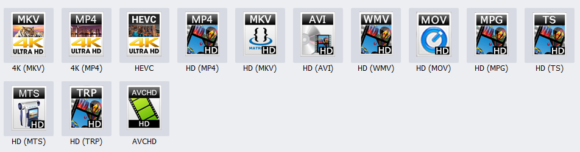
You can also convert for smartphones, including making videos that play on the Google Pixel, SONY Xperia, and similar devices.
It comes in handy when you need to drop a video into something for work or school.
With the effects feature, you can also apply simple effects to your video.
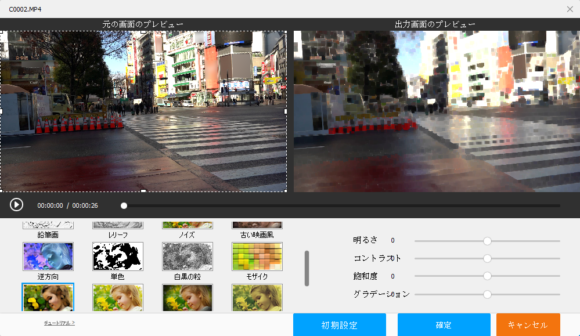
You can pick filters like mosaic and monochrome.
They might come in handy when editing YouTube videos and the like.
Converting Videos to GIF
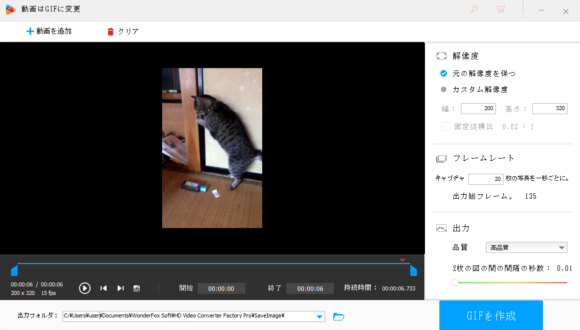
When it comes to GIFs, there are tons of fun ones used in places like Twitter replies, but actually making one is a bit of a pain.
With this tool, you can easily create a GIF from a video.
Just pick the image or video file you want to turn into a GIF, hit the Create GIF button, and you're done.
Here's a GIF I made as a test.

It loops, so it ended up looking like one of those funny GIFs.
Changing the frame rate changes the speed, so it's worth experimenting with different settings.
Plenty of Other Features Built In
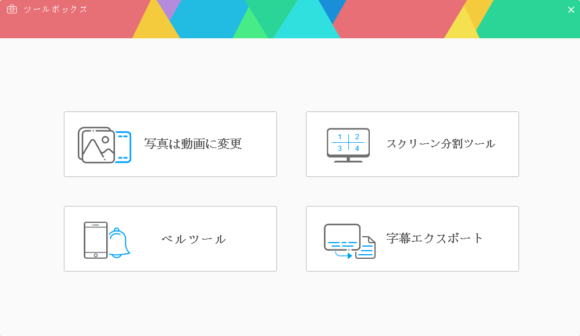
On top of all that, the tool can do things like video downloads, turning photos into videos, combining multiple videos into a split-screen view, creating ringtones, and exporting subtitles.
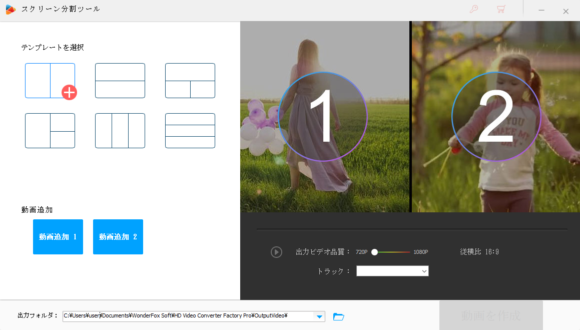
The screen-split tool is recommended for anyone who wants to easily make split-screen videos.
The photo-to-video feature also looks useful for things like making stop-motion videos.
Official Site
The official site is in English, and the software itself supports both English and Japanese.
You can download it from the link below.