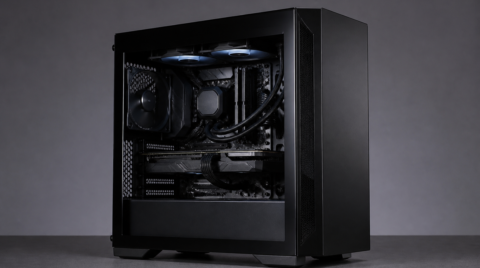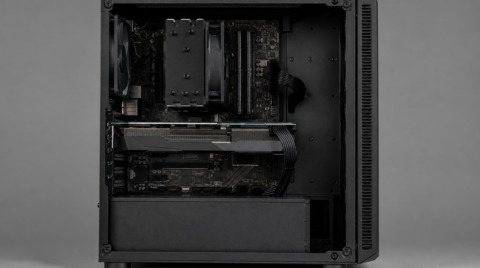
The other day, I wanted to give my PC a spec bump, so I swapped out the CPU from an Intel Core i7-6700 to an AMD Ryzen 5 5600X. The frame rates in the games I usually play, "Apex Legends" and "Escape from Tarkov," shot up substantially (roughly a 20–30 fps boost), and on the spec side I was very happy with the result. But after the CPU swap, Windows started booting more slowly and the taskbar stopped showing up.
When I checked the Event Viewer, I found an error along the lines of: "Program explorer.exe version **** has stopped interacting with Windows and was closed. To check whether more detailed information about the problem is available, refer to the problem history in the Security and Maintenance control panel." After a lot of trial and error, I was able to clear up these symptoms, so I want to share what worked.
Causes - Using an AMD CPU. - Using a Razer Huntsman Mini.
Fix - Update the firmware on the Razer Huntsman Mini.
- Download the latest firmware from Razer's site: Razer Huntsman Mini Firmware Updater | RZ03-03390.
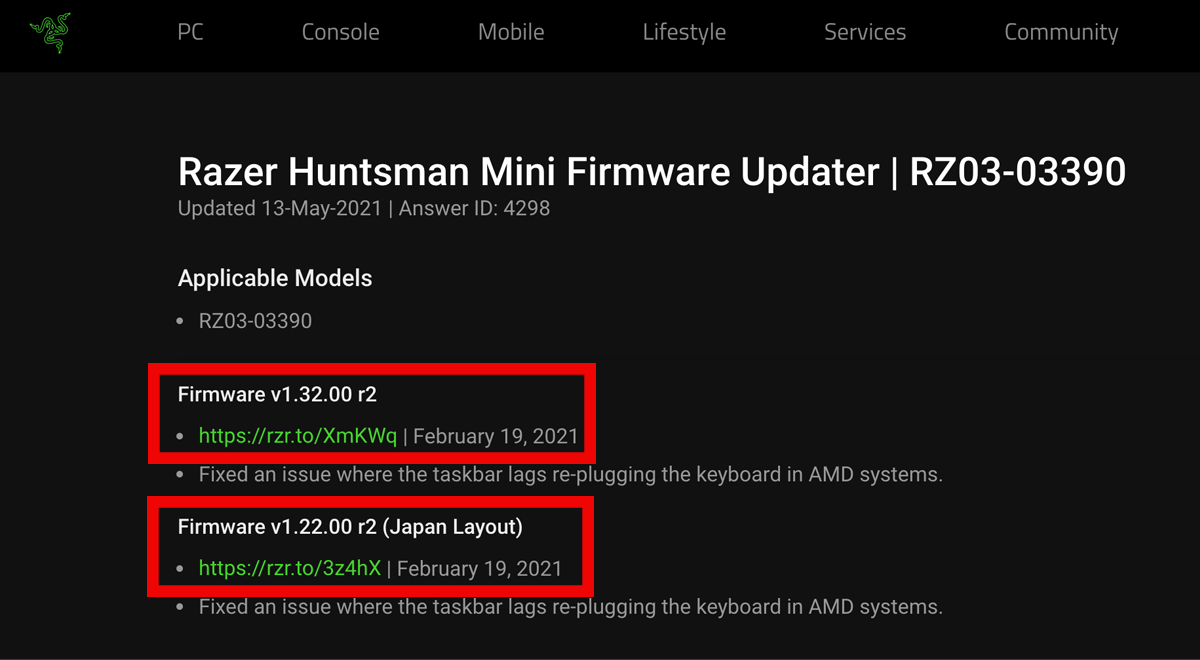
The top one is the firmware for the English layout, and the bottom one is for the Japanese layout.
-
The installation steps are written on the site, so follow them in order.
-
That's it — Windows should start working normally again. Reboot and check whether the taskbar shows up.
Even after doing a clean install of Windows the taskbar still wouldn't appear, so I had given up and figured it was just a Windows 10 bug — but who would have guessed the keyboard was the culprit!