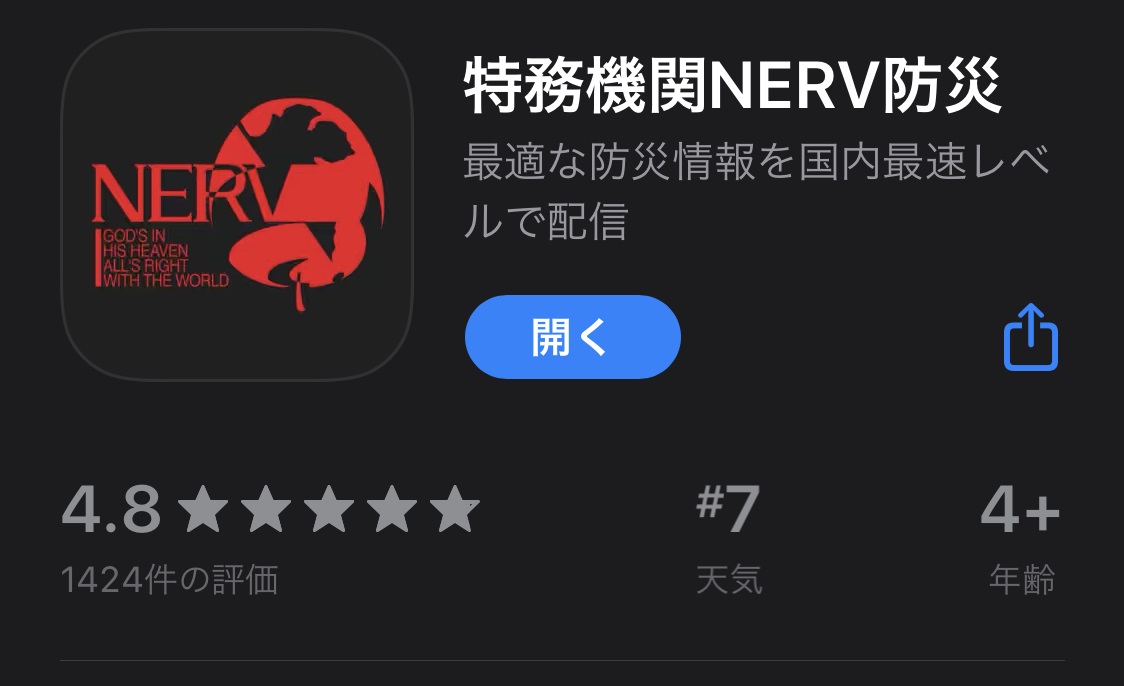
Gehirn Inc., the company that runs Tokumu Kikan NERV (@UN_NERV) — known for putting out disaster information at some of the fastest speeds you'll find on Twitter — has released a disaster prevention app for iPhone.
Downloading the App
The official site for the "Tokumu Kikan NERV Bosai" app is here:
https://nerv.app/
The iOS version is available from the App Store. The Android version will be released at a later date (as of this writing).
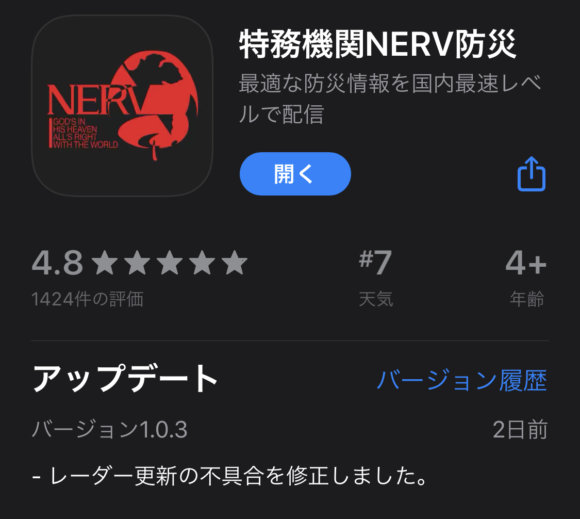
Since this is the app version of Tokumu Kikan NERV — which puts out information at some of the fastest speeds in the country — it looks to be more usable and even more feature-packed.
App Features
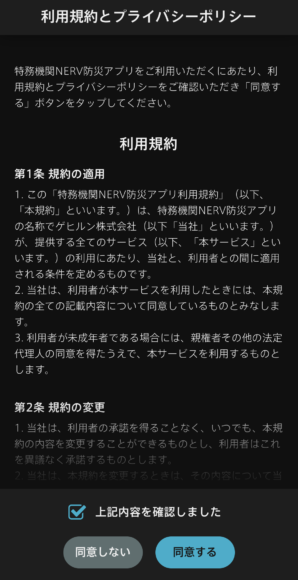
Once you install and open the app, the initial setup begins. To use the app, you read the terms of service and agree to them.
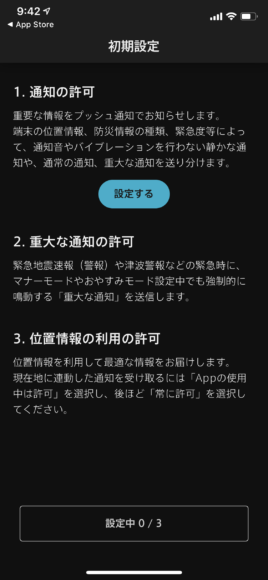
Next, you set whether to receive notifications from the app when a disaster occurs. Tap "Configure" under notification permissions, then tap "Allow Notifications."
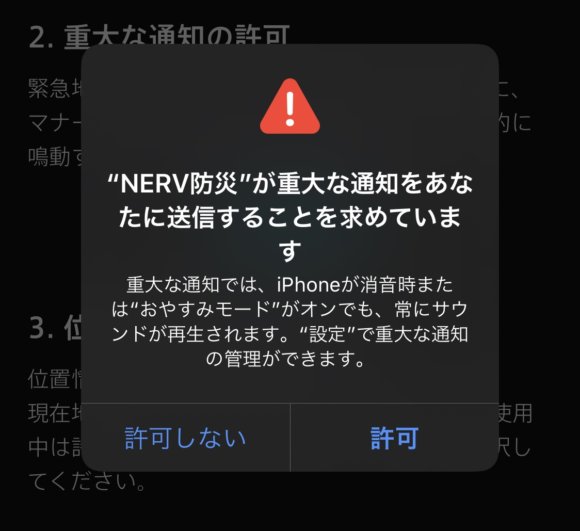
For critical alerts, you set whether to receive notifications even when the device is in silent or manner mode. Critical alerts always notify with sound, so allow them according to your environment.
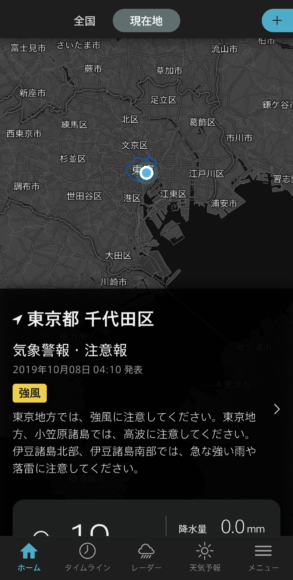
The main screen of the app shows information for your "current location" like this. You can also freely add regions to be displayed, so you can quickly check information for areas where distant family or friends live.
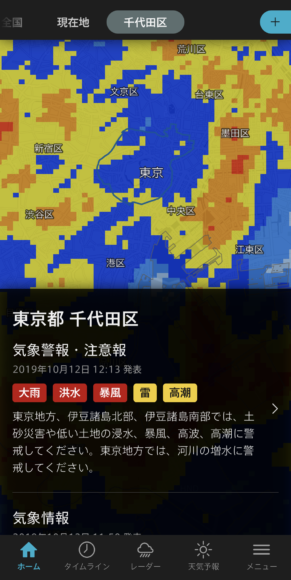
When a typhoon is approaching, warnings and advisories appear on screen like this. A rain cloud radar is overlaid on the map, giving you a rough idea of rainfall amounts.
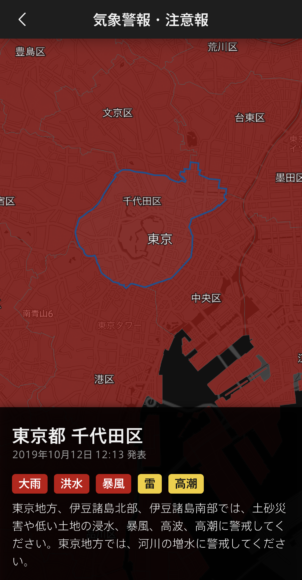
When Typhoon No. 19 hit, the screen looked bright red like this. The danger from the disaster is obvious at a glance.
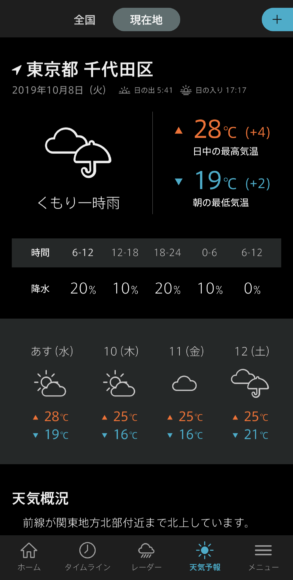
The app also lets you check the weather forecast. You can see eight days of highs, lows, and weather conditions in one go.
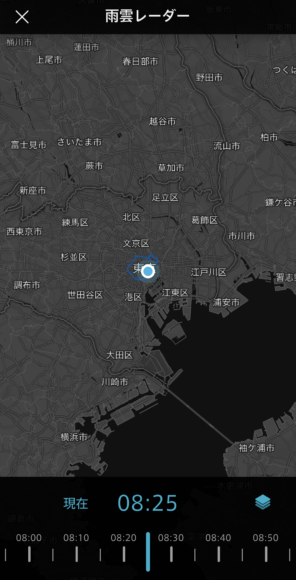
With the rain cloud radar, you can see rain clouds for several hours before and after the current time. You can even use it to decide whether to bring in the laundry, so it's handy in everyday situations too.
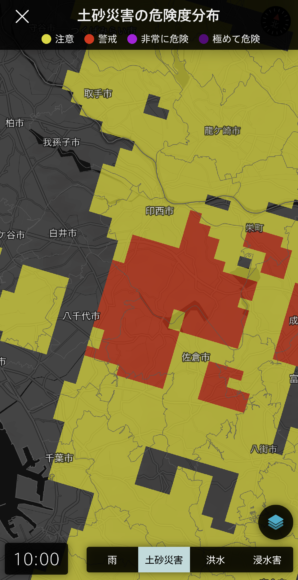
If you switch menus, you can check landslide and flood risk distribution maps in addition to rain clouds. Landslide risk goes up after a typhoon, so I recommend checking it.
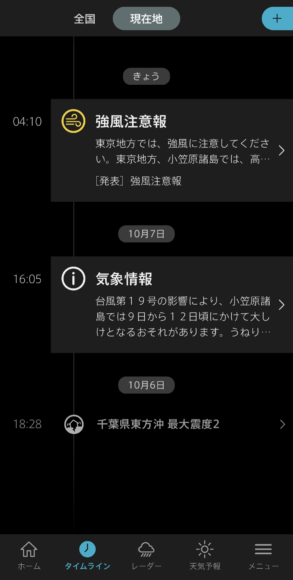
The timeline view shows past warnings and advisories that have been issued, arranged in chronological order.
A Companion for When It Counts
When a disaster hits and you want to check information right away, this app lets you grab what you need on the spot. The rain cloud radar is useful even in normal times, so it's reassuring to have it installed.