
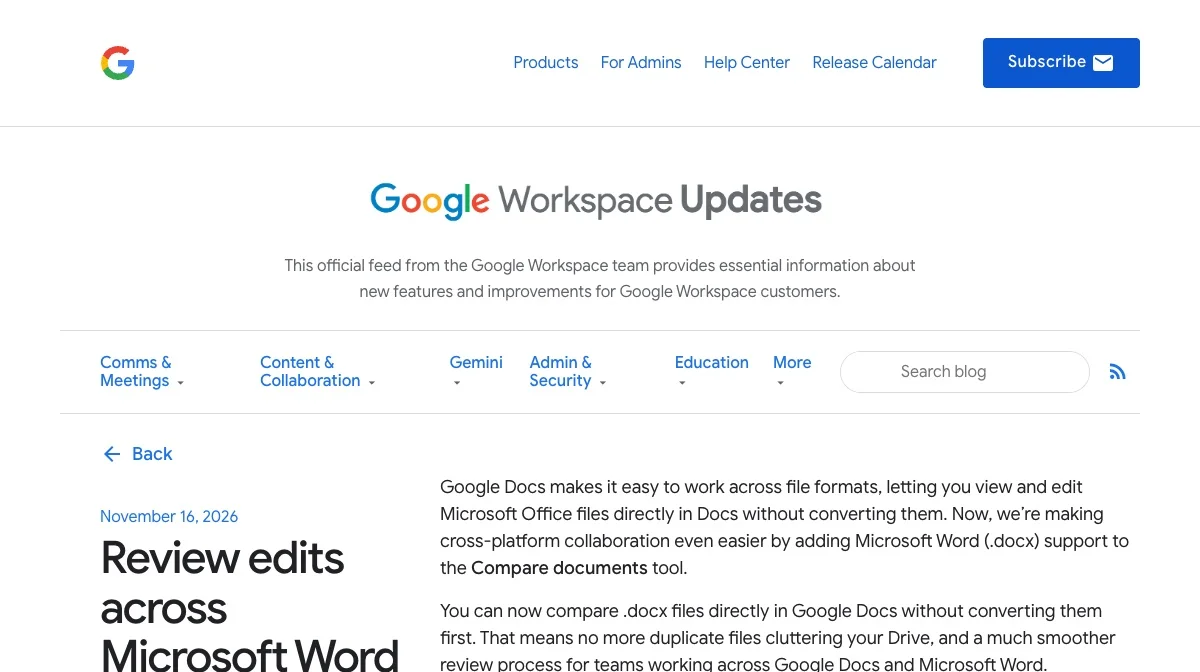
Google announced on its official Google Workspace Updates blog on November 16, 2026 (U.S. time) that the Compare documents tool in Google Docs now supports Microsoft Word (.docx) files. The conversion to Google Docs format that was previously needed before comparing is no longer required. The feature is available not only to Google Workspace customers but also to people with personal Google accounts.
Word Files Can Be Picked as the Comparison Target Without Conversion
Compare documents in Google Docs identifies the differences between two documents. The result is created as a third Google Doc, with the differences shown as suggested edits. That lets users check, change by change, which parts were rewritten, much like a revision history.
With this update, a .docx file can be selected directly as the document to compare against. According to Google's Help Center, users first open the base document and choose "Compare documents" from the "Tools" menu. They then click "From Drive" and select a .docx file stored in Google Drive. Google says the Word file does not need to be converted beforehand.
When comparing, users can use "Attribute differences to" to set whose name the differences are attributed to. By default, it is the name of the person running the comparison. Users can also choose whether to include comments from the original documents.
No More Duplicate Files Created by Conversion
Google Docs has long been able to open and edit Microsoft Office files without converting them. According to the Help Center, edits made this way are auto-saved to the file in its original Office format. Until now, however, using the comparison tool required converting the Word file to Google Docs format first.
Converting an Office file creates a copy of it, so each comparison left another file with the same content in Drive. In its announcement, Google said the change means no more duplicate files cluttering Drive and a smoother review process for teams working across Google Docs and Microsoft Word.
Available to All Users With No Admin Setup Needed
The feature is available to all Google Workspace customers, Workspace Individual subscribers, and users with personal Google accounts. There is no admin control for it, and it is available by default when opening .docx files in Google Docs. Rollout status for both Rapid Release and Scheduled Release domains is listed as "Available now."
The Help Center does note some limitations. Changes to the document column layout and table column widths are not compared. The .docx file used for comparison must also be stored in Google Drive, so a file on a local computer has to be uploaded to Drive first. Google also notes that in environments with the legacy Chrome extension "Office Editing for Docs, Sheets & Slides" installed, Word files may open in a viewer with limited features.
Our Take
Many workplaces exchange contracts and specifications with partners as Word files while using Google Docs internally. Being able to check the differences between versions without a conversion step should reduce confusion over which file is the latest.
On the other hand, column layouts and table column widths are excluded from the comparison, so visual differences may be missed in documents with heavy layout adjustments. Still, for checking text revisions, this is a genuinely practical update.
Summary
The Compare documents tool in Google Docs now supports .docx files, letting users check differences without converting Word files. As of this writing, it is available to Google Workspace users and to personal Google account users alike. Workplaces that use both Word and Google Docs should spend less effort on reviews.
Sources: Google Workspace Updates (official blog) / Compare documents in Google Docs (Google Docs Editors Help) / Work with Microsoft Office files (Google Docs Editors Help)