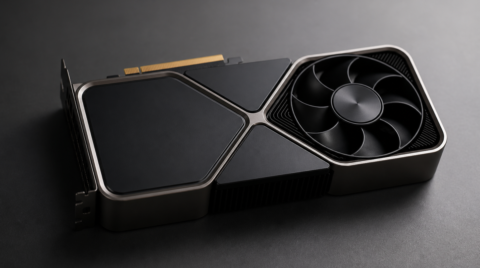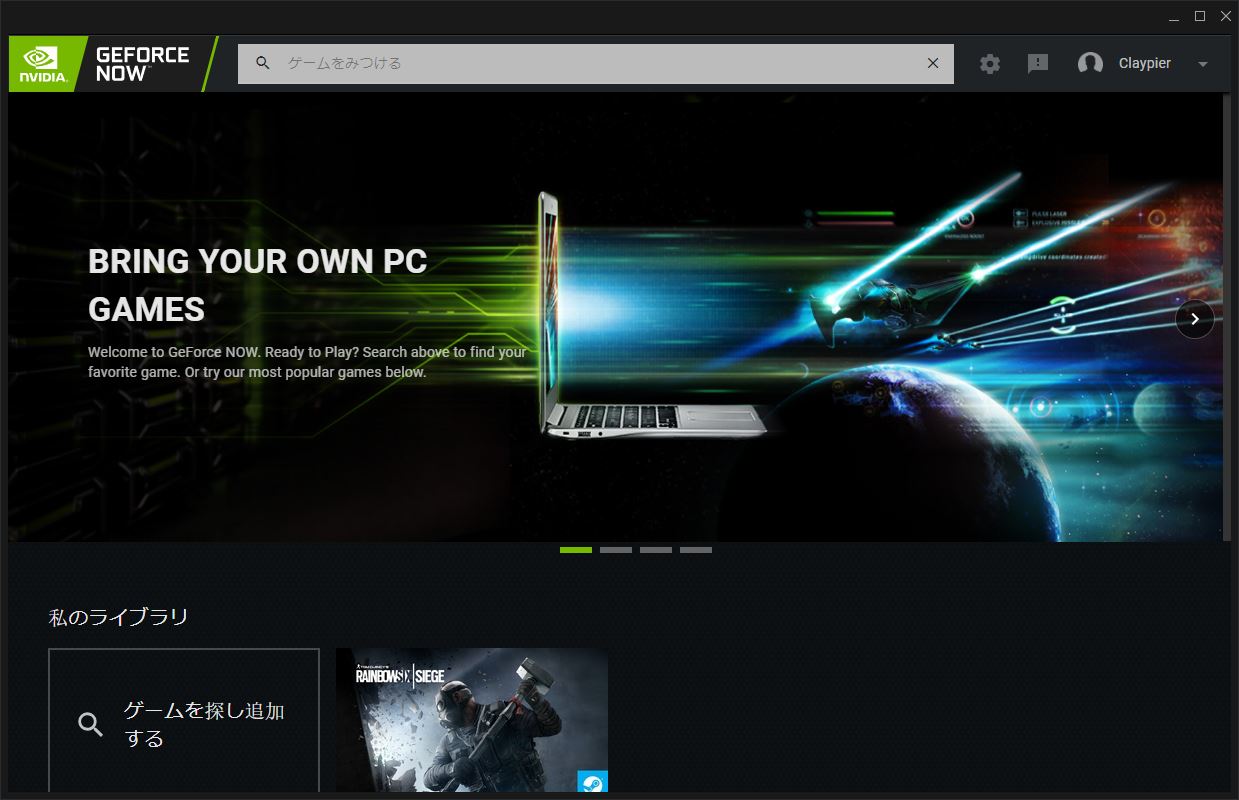
The era when even low-spec PCs can run super-demanding 3D games has arrived. Geforce NOW is a service where high-performance game servers in the cloud handle all the processing and stream the result to your local device. Since the actual game processing is done entirely by the game server, you can play Windows games on devices like Android phones and MacBooks. The service is currently in closed beta, and they're recruiting testers by lottery.
Signing up for Geforce NOW
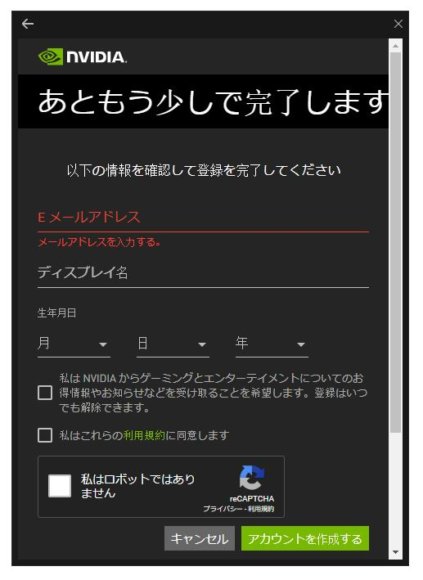
If you're selected as a tester, a registration email will be sent to you, and you can register from there. Be sure to use the email address that won the lottery for the registration process.
Playing Games on Geforce NOW
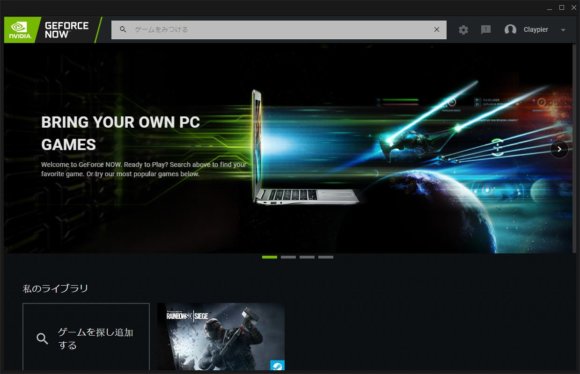
When you log in with your registered account and launch the app, the home screen opens. From here you can register games and play them. With Geforce NOW, you can only play games you already own by registering them, so keep in mind you can't play games you don't have.
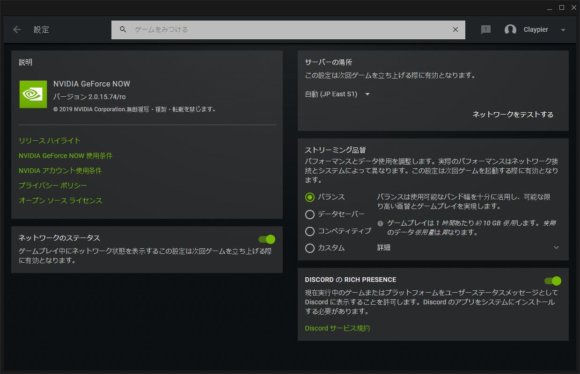
In the settings, you can change things like streaming quality. This time I selected "Balanced."
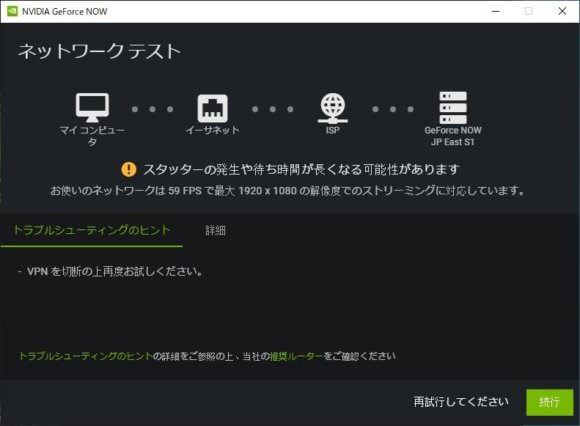
Before launching a game, your connection appears to be tested. I'm not using a VPN, but a warning still popped up. Even in this state, it can apparently stream Full HD at 59 FPS, so there's no problem.
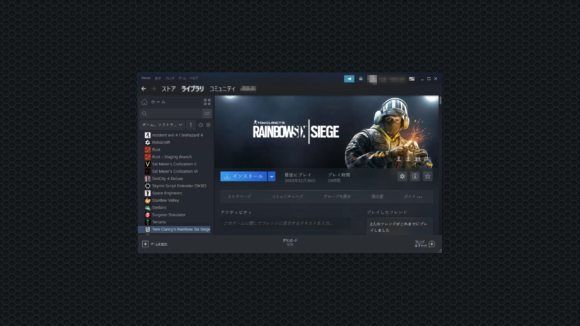
When I tried launching Rainbow Six Siege as a test, Steam launched as-is. Since the game is essentially running on a different PC, you have to install the game first.
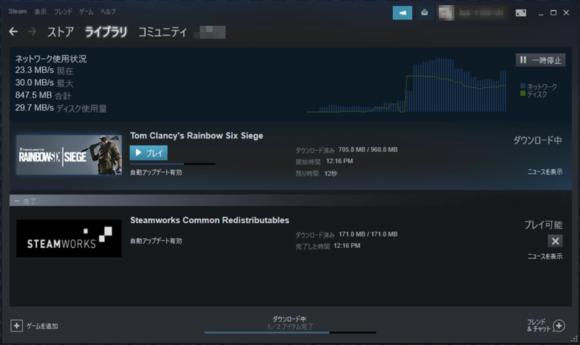
The download speed is normal — pretty much the same as a typical residential fiber connection.
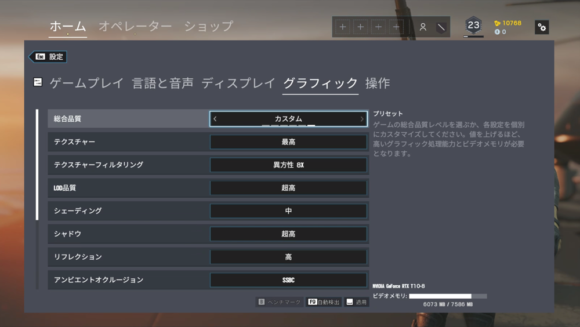
This is the settings screen after launching Rainbow Six Siege. Checking the GPU, it was recognized as "nVidia Geforce RTX T10-8" with 8 GB of memory. It looks like an RTX-series card, but not a consumer model — likely a server-oriented GPU.
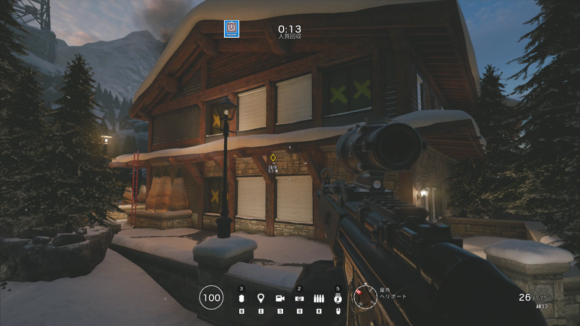
The graphics ran smoothly even when maxed out. The rest comes down to your connection, but in my test environment, as long as I played over a wired connection, it was virtually indistinguishable from a real machine.
Unsupported Games Can't Be Launched
Since Steam works as-is, I figured maybe I could play other games too, so I tried launching a different one — and got blocked outright.
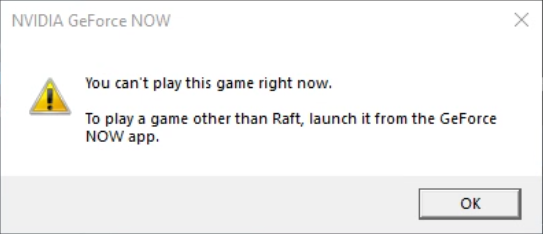
Apparently you can only play games selected from the home screen.
Are We Heading Into an Era Where You Don't Need a GPU?
In this test play, I didn't really feel any latency, and the image quality was indistinguishable from a real machine. Even underpowered PCs like MacBooks can enjoy high-quality 3D gaming, so I'm looking forward to the public release!