What kind of keyboard do you usually use? If you play a lot of FPS games, a gaming keyboard is essential for a comfortable play experience.
I had been using the "Razer Blackwidow Green Switch" for gaming for about four years, but I finally wanted to upgrade to something new. I was looking for a tenkeyless keyboard that was quiet and capable of high-speed input. After doing some research, I found that the "Razer Huntsman Tournament Edition Linear Optical Switch" — also from Razer — was the closest match for what I wanted, so I bought one about two weeks ago.
Now that I have a feel for it, I'd like to write up a review.
Spec Details
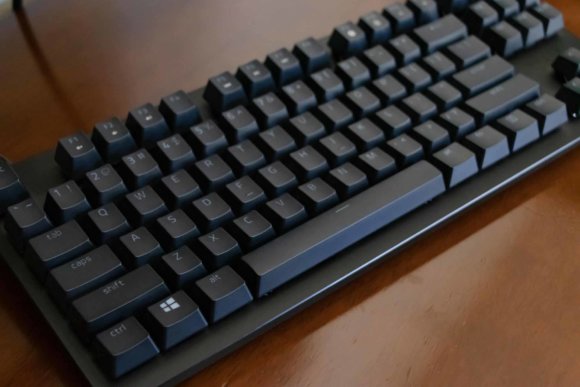
First, let me go over the specs of the "switch" used in this keyboard, the Linear Optical Switch. Roughly speaking, the feel of a keyboard comes down to the following three items.
- Actuation point: the depth at which the key is registered as pressed
- Key stroke: the maximum depth when the key is fully pressed
- Operating force: the amount of force required to press the key
Here is a comparison table with other switches.
| Actuation point | Key stroke | Operating force | |
|---|---|---|---|
| Linear Optical Switch | 1mm | 3.5mm | 40g |
| Clicky Optical Switch | 1.5mm | 3.5mm | 45g |
| Green Switch | 1.9 mm | 4.0mm | 50g |
| Orange Switch | 1.9 mm | 4.0mm | 45g |
You can see that the Linear Optical Switch is by far the fastest key. When I compared the specs of these switches, I felt there was simply no other choice. However, as I kept using it, I also discovered the reality that "high-speed input does NOT necessarily equal the best feel."
Next, I'll go through the good points and bad points of the Razer Huntsman Tournament Edition Linear Optical Switch in order.
Simple, Cool Design
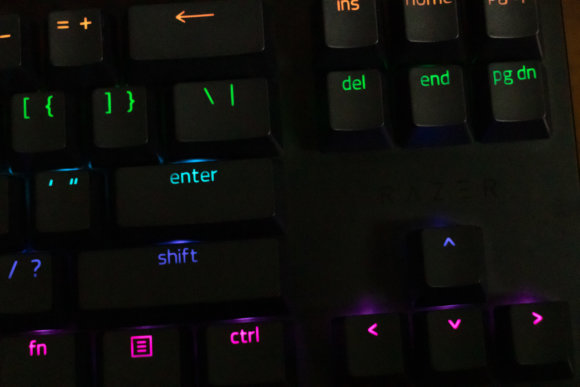
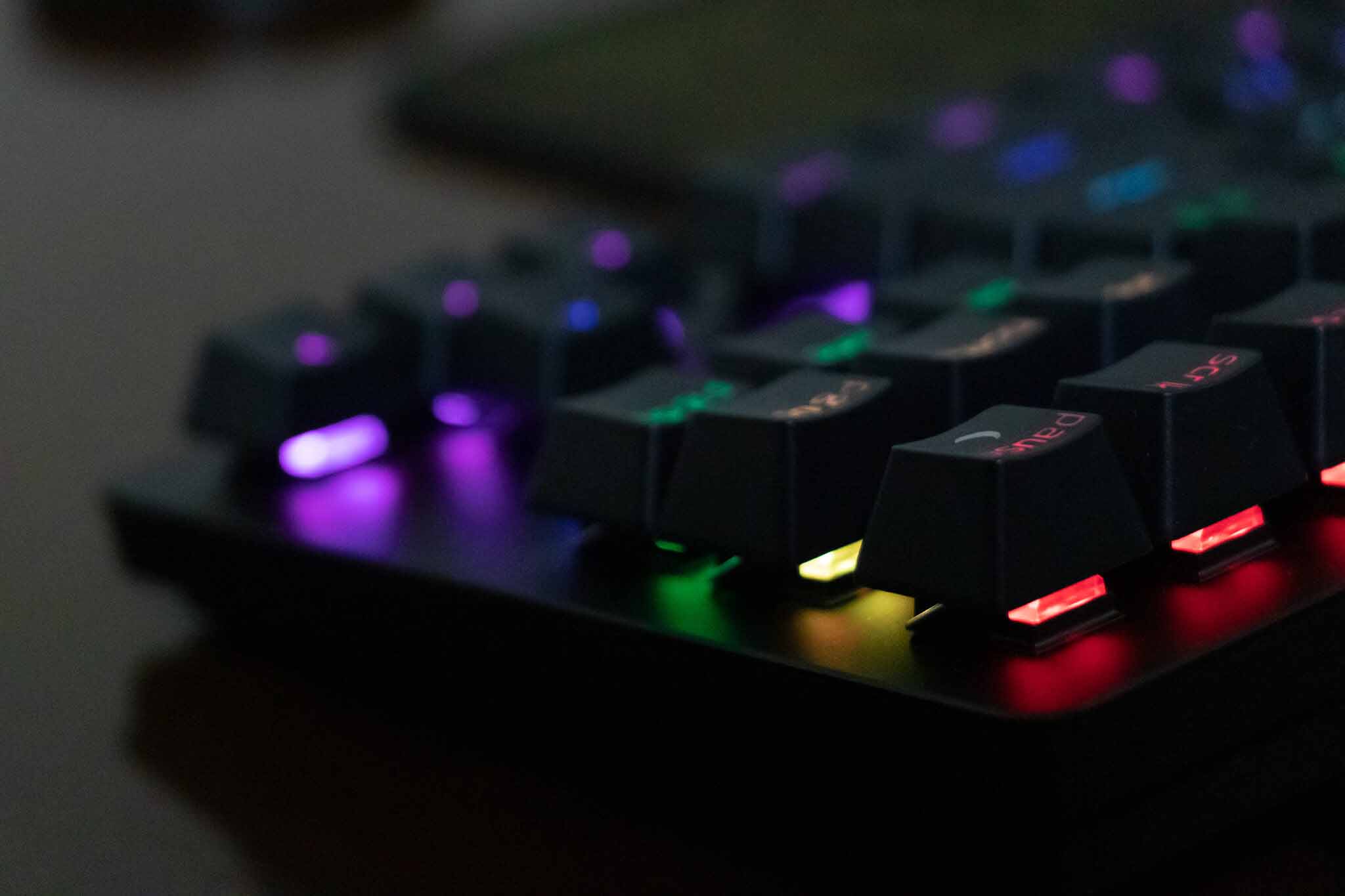
The body is made of aluminum, giving it a cool, hefty, premium feel. There are no unnecessary adjustment bars or protrusions, and the logo is placed in an unobtrusive spot, making for a clean, simple look. The font used is also a nice, simple typeface — it has a high-end feel that really satisfies your sense of ownership.
Smooth Key Surface
The surface of the keys is smooth, making it easy to feel where your fingers are on the keys, and fingerprints don't stick easily. The texture is just so good that you can't help but want to keep touching it.
Just-Right Key Spacing
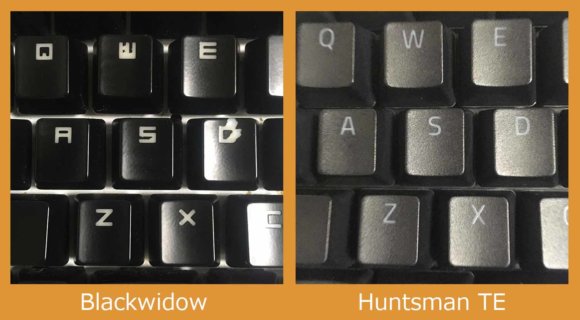
The keys are not too close, not too wide, just the right spacing for easy typing. With the Razer Blackwidow, I found the key spacing slightly too wide, which started to wear my fingers out as I used it.
I Feel Like I Could Type for Hours Without Getting Tired
Because the keys register with just a light touch, you barely need to put any force into your fingers. I sit at a keyboard for around 8 hours a day, and I feel like my fingers don't get tired anymore. The fact that the key spacing I just talked about is so well sized probably plays a part in this too.
Quiet Keystroke Sound
Compared to blue switches or Razer's green switches, it's overwhelmingly quiet. It's not silent, mind you — it's noisier than red switches — but the keystroke sound bleeding into things like voice calls has been reduced, which is great.
A 1mm Actuation Point and High-Speed Input Are Divisive
Because the operating force is only 40g, just resting your finger on the spacebar is enough to register an input. I've been using it for about two weeks now, and while my mistyping has gone down compared to the start, I still get the occasional accidental press of keys like the spacebar.
In gaming, while WASD movement has become more comfortable, I feel like I'm now misclicking adjacent keys like Q, E, and F more often. For example, in titles like Apex Legends, I sometimes accidentally press Q (ability) right in front of an enemy, end up unable to ready my gun, and get taken down while defenseless. The same thing happens with accidental spacebar presses — I jump at moments when I shouldn't, my aim shakes, and so on, frequently.
That said, after a longer period of use, I think you can master it once you adjust your keyboard position. When that day comes, it might just turn into the ultimate gaming keyboard (?)
Actually, the Razer Huntsman TE's Linear Optical Switch Is a Generation Behind
In July 2020, the Razer Huntsman Mini Linear Optical Switch was announced. At that time, the specs of the Linear Optical Switch were changed.
| Actuation point | Key stroke | Operating force | |
|---|---|---|---|
| Linear Optical Switch 1st Gen | 1mm | 3.5mm | 40g |
| Linear Optical Switch 2nd Gen | 1.2mm | 3.5mm | 48g |
Get this — the actuation point got 0.2mm deeper, and the operating force jumped by 8g. It's such a bold change that it feels less like a refinement and more like an entirely different switch. Maybe the 1st Gen really did register inputs too lightly...
Unfortunately, as of November 11, 2020, the 2nd Gen Linear Optical Switch is only available in the Razer Huntsman Mini. The release of a 2nd Gen Razer Huntsman Tournament Edition is something I'm waiting for.
Wrap-up
I felt the Razer Huntsman Tournament Edition is unquestionably a high-quality gaming keyboard. However, in chasing speed too hard, I ended up typing cautiously out of fear of mistypes — basically holding the exact opposite mindset of "speed" while pressing keys. It's still only been two weeks, so I'd like to keep using it and continue investigating.
If you're someone who rarely makes typos, or who keeps your fingers off the spacebar by default, or who is chasing the absolute peak of speed, why not give it a try?