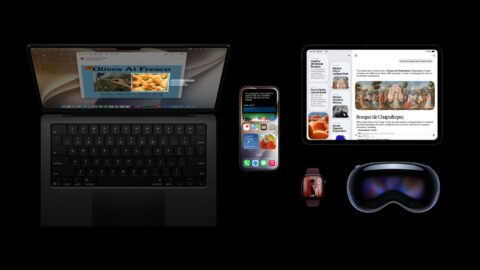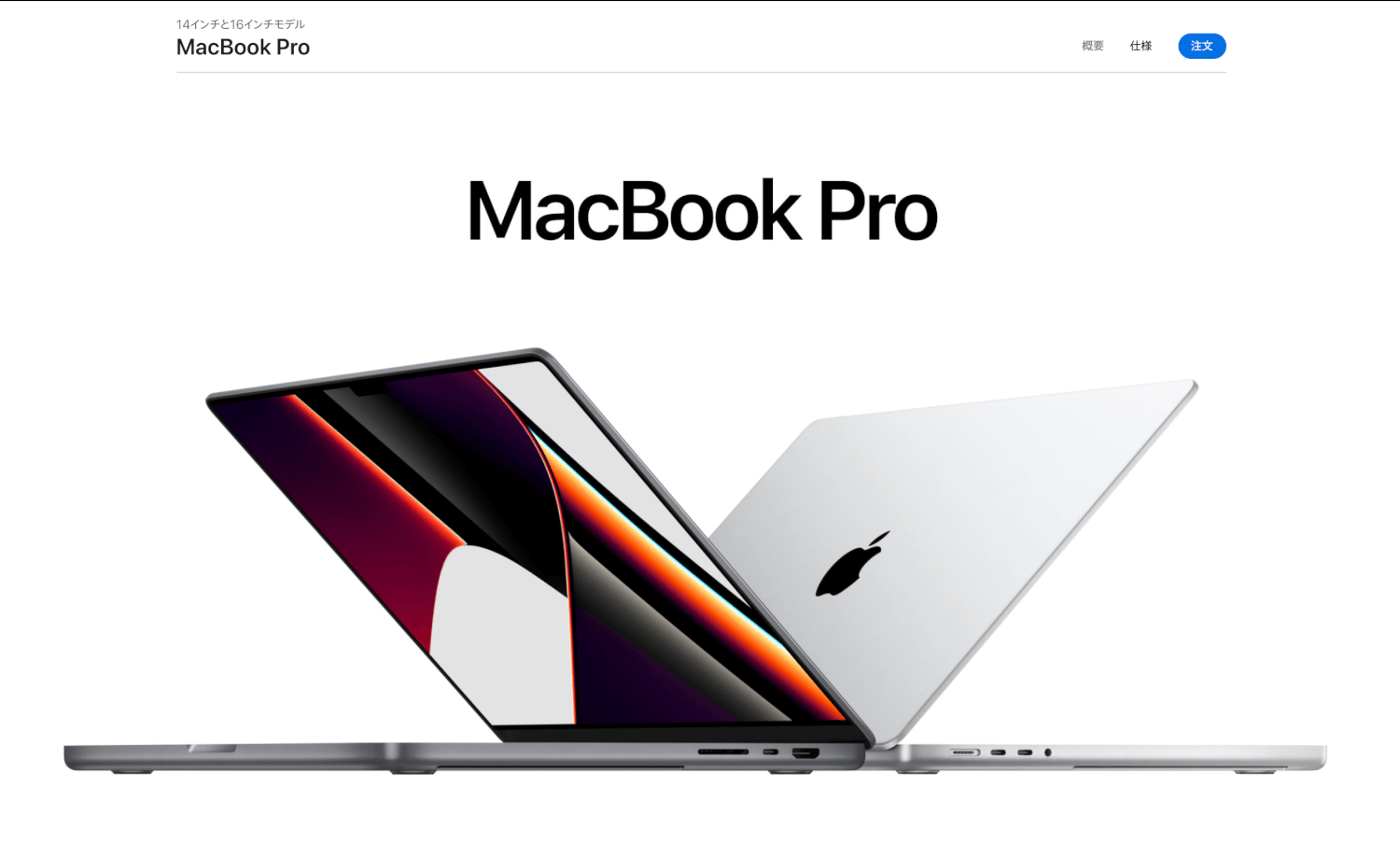
At today's Apple product launch event, the new MacBook Pro 14-inch and 16-inch were announced, equipped with the new M1 Pro and M1 Max chips. People had been saying "the next one will be M1X," but here we are with a brand-new naming scheme. Going forward, they may end up being abbreviated as M1P and M1M.
Lots of standout points! Shaping up to be a really compelling machine.
MagSafe
First off, "MagSafe" — which many had been hoping would make a comeback — has been brought back.
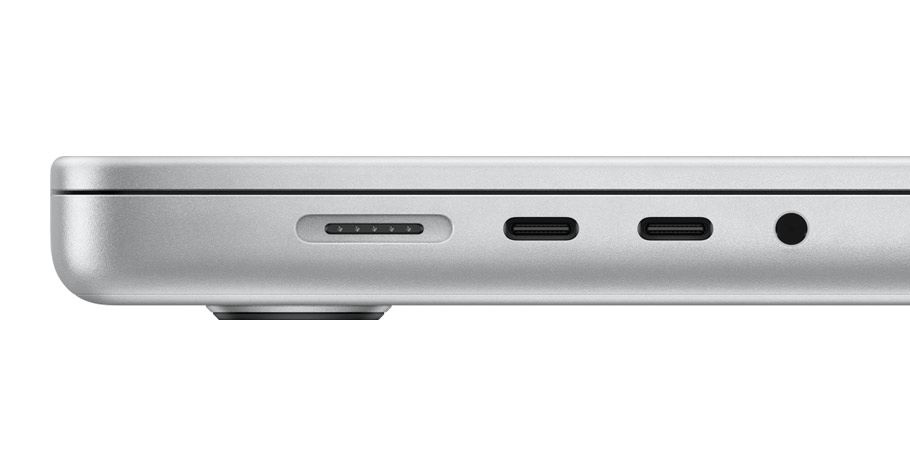
MagSafe disappeared a few years ago when the model switched over to USB-C charging, but now it's back, a little slimmer than before! That should put an end to those nervous moments while charging. Personally, when I leave my laptop charging on the bedside table, I sometimes find it on the floor the next morning and have to pray as I check the screen — so this is a real lifesaver. (Why it falls is still a complete mystery.)
HDMI and SDXC slot
There was a time when even I thought "fewer ports is beautiful." As if to push back against that, Apple has gone and put HDMI and an SDXC port back on the device.
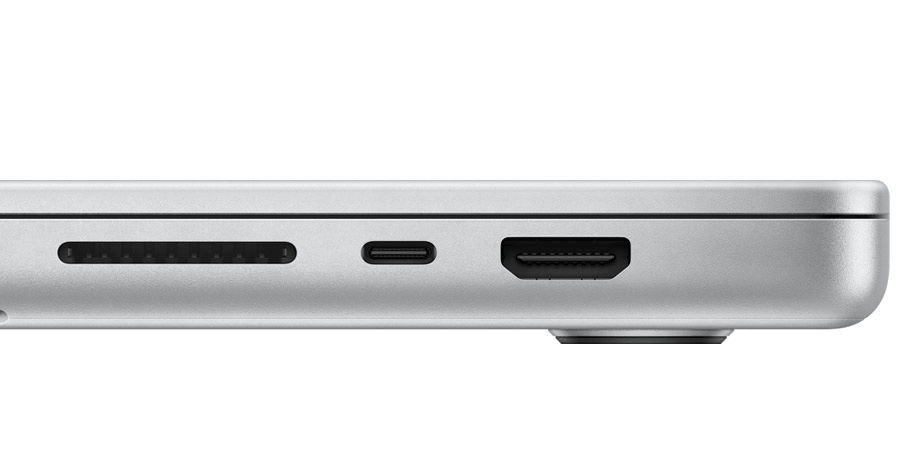
The HDMI port is full-size, so no adapter cable is needed. By the way, it supports USB-C 4 / Thunderbolt 4, both running at 40 Gb/s.
XDR, ProMotion, and Mini-LED Display
Tech that had been featured on the iPhone 13 and the third-generation iPad Pro has finally come to the MacBook. Like a gaming display, it runs at 120 Hz, and when it isn't needed it automatically lowers the refresh rate to save power, which is convenient. With Mini-LED on board too, blacks should look even cleaner, giving you a beautifully high-contrast screen.
M1 Pro and M1 Max chips
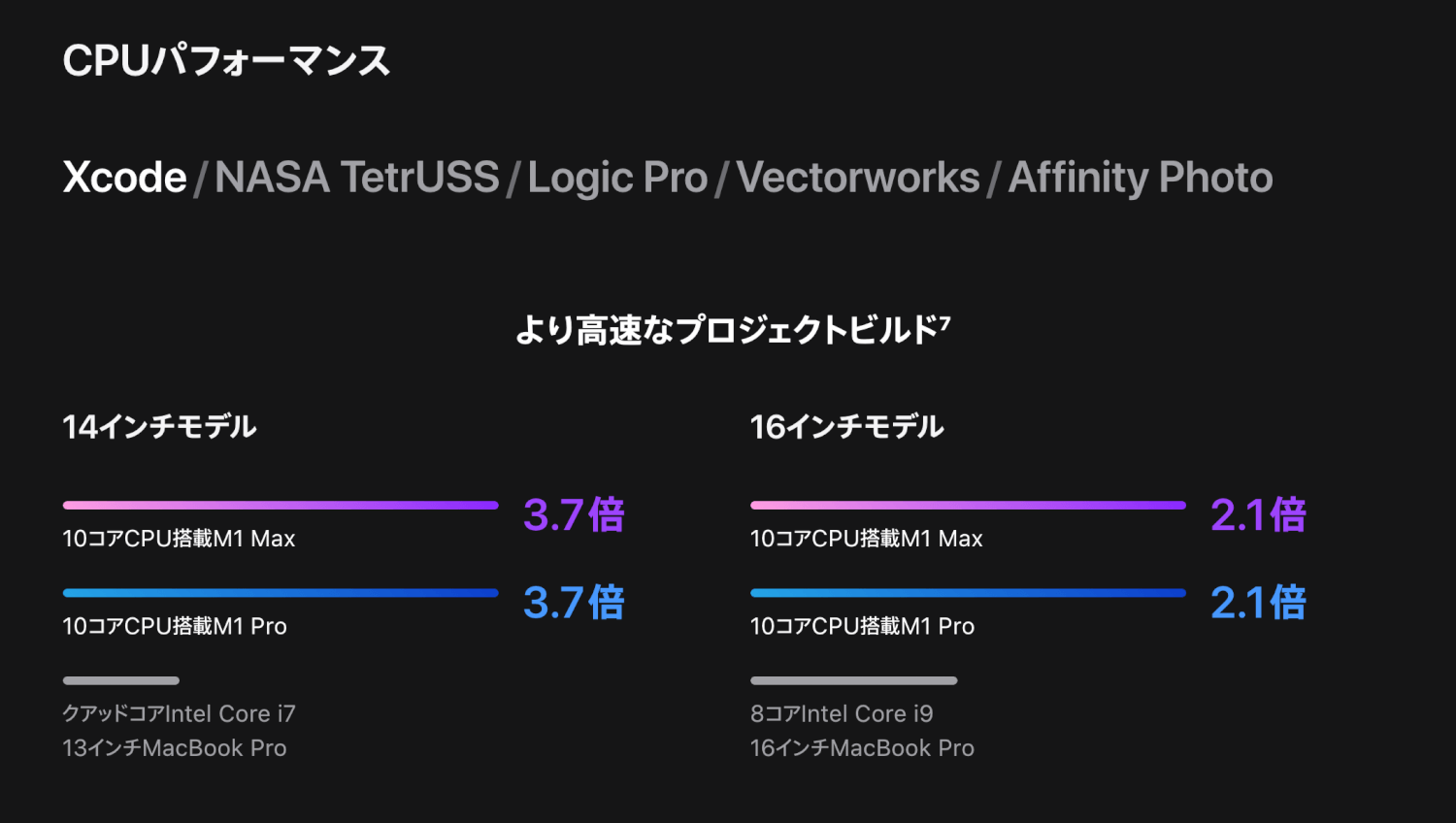
CPU core count is up to 10, and maximum supported memory now goes up to 64 GB. Needless to say, performance is improved over the previous model. Roughly speaking, Max is more powerful than Pro, but looking at the comparison charts, CPU performance doesn't seem all that different. The GPU, on the other hand, is clearly faster on Max thanks to its higher core count, as you'd expect. One thing to be a little careful about is that the official site doesn't compare it against the original M1 — it's compared against a somewhat older Intel processor. How it stacks up against the original M1 or 11th-gen Intel CPUs is something to keep an eye on going forward.
Where it falls a little short — points to watch out for
Battery life dropped
Compared to the MacBook Pro 13 with M1, the new 14 has battery life that's about 3 hours shorter, at 17 hours. (The 13-inch is 20 hours.) A bit of a shame. That said, with 17 hours you'll almost never run into trouble.
Slightly larger and heavier
Going up to 14 inches has made it a touch larger, perhaps as a result, and the weight is up by about 200 g as well. If pure lightness is what you're after, you should still go with the Air.
It has a notch
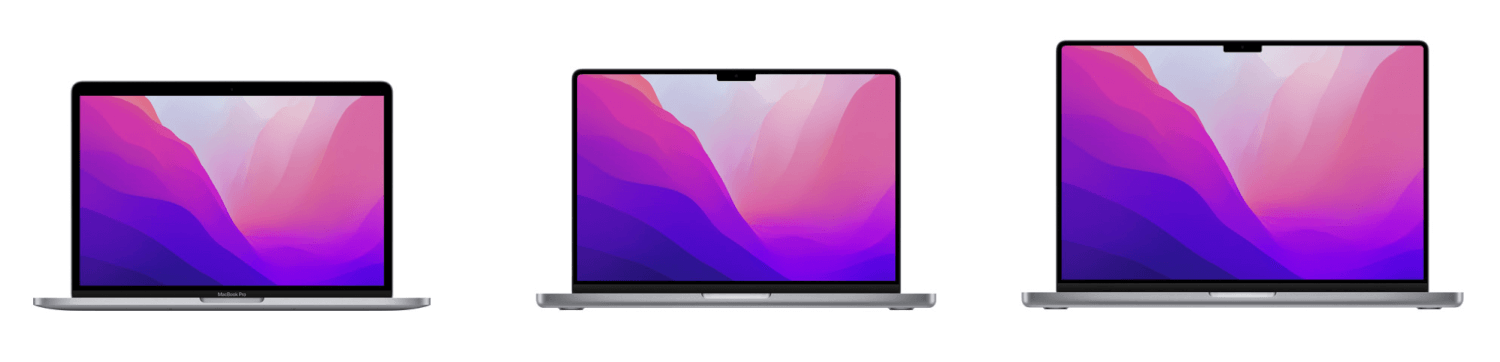
Strangely enough, the notch has come to the MacBook too. Unlike Windows, macOS has its menu bar at the top of the screen, so the thinking is probably that the notch sits in an area that's already mostly out of the way. But what happens if you have a lot of items in the menu bar...?

Wrap-up
It's a bit on the pricey side, but I think it's shaping up to be a great machine, especially for creators. As I always say — Mini-LED beats OLED.