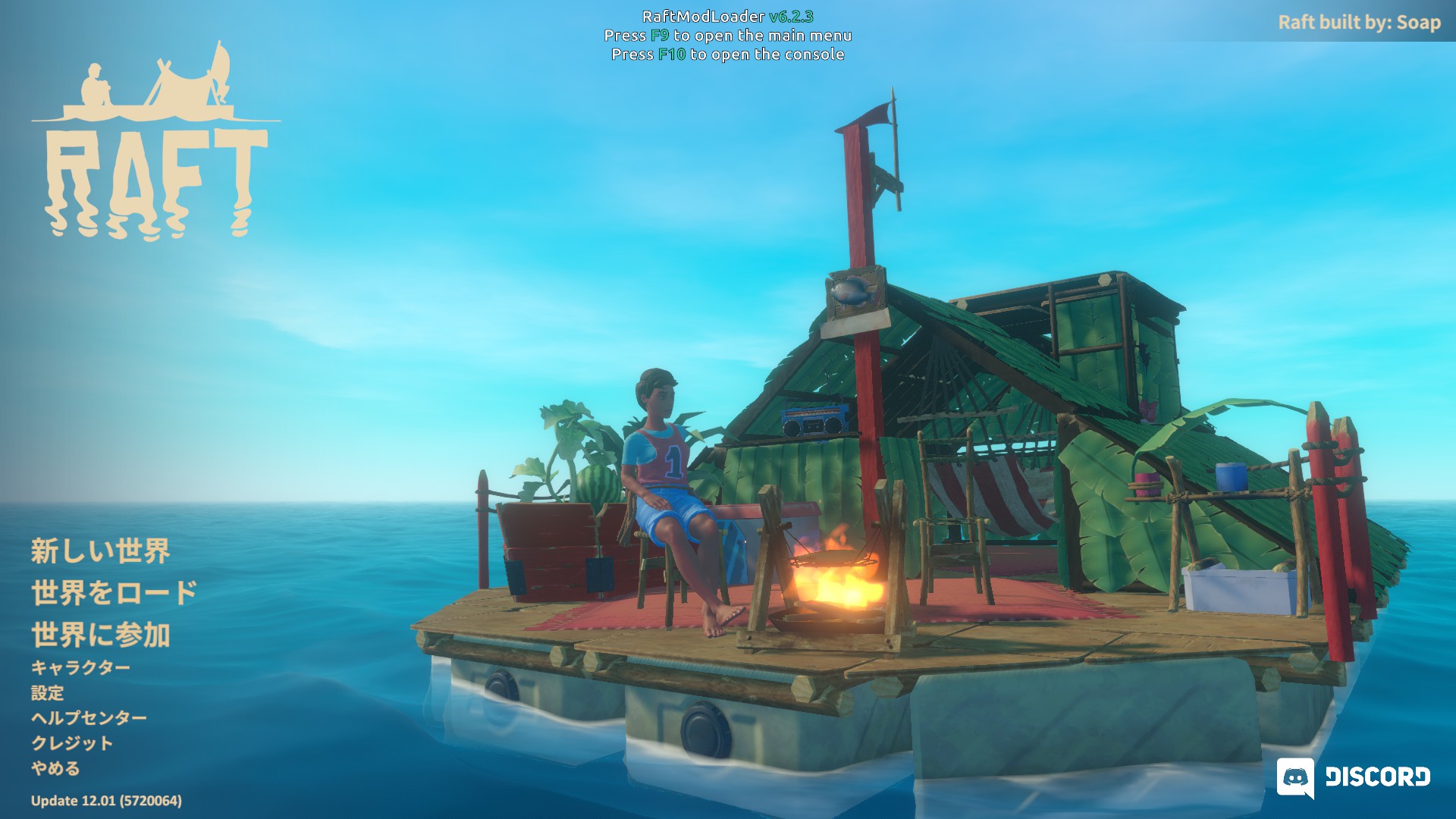
Raft is a survival game where you drift on a raft, gathering food and water, landing on islands and exploring unknown areas to stay alive. This time we will introduce how to install Mods in Raft along with our recommended Mods.
Please use Mods entirely at your own risk.
How to Install
Downloading the Launcher
First, download the launcher needed to run Mods from RaftModding.
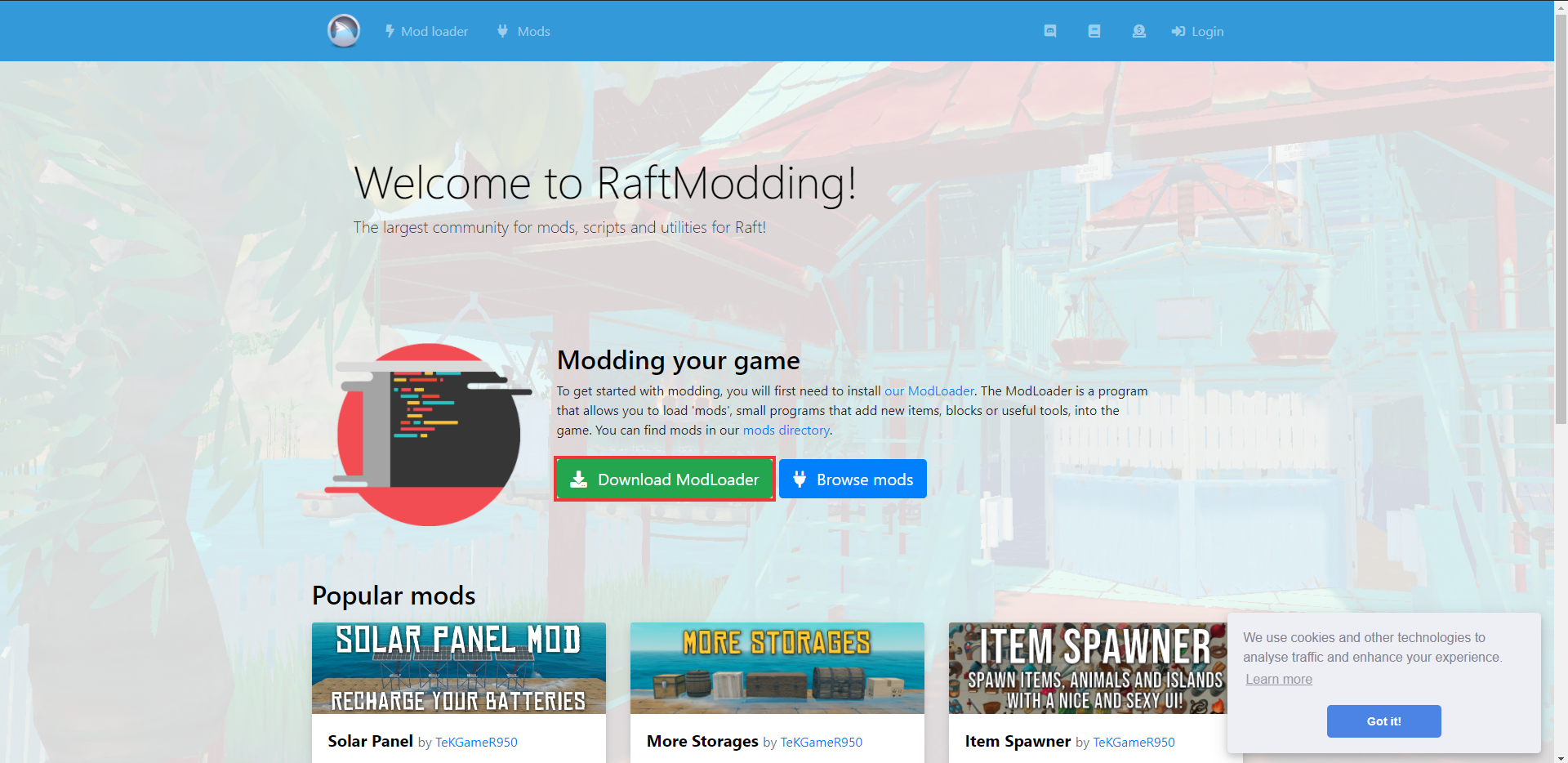
(1) On the site, click "Download ModLoader."
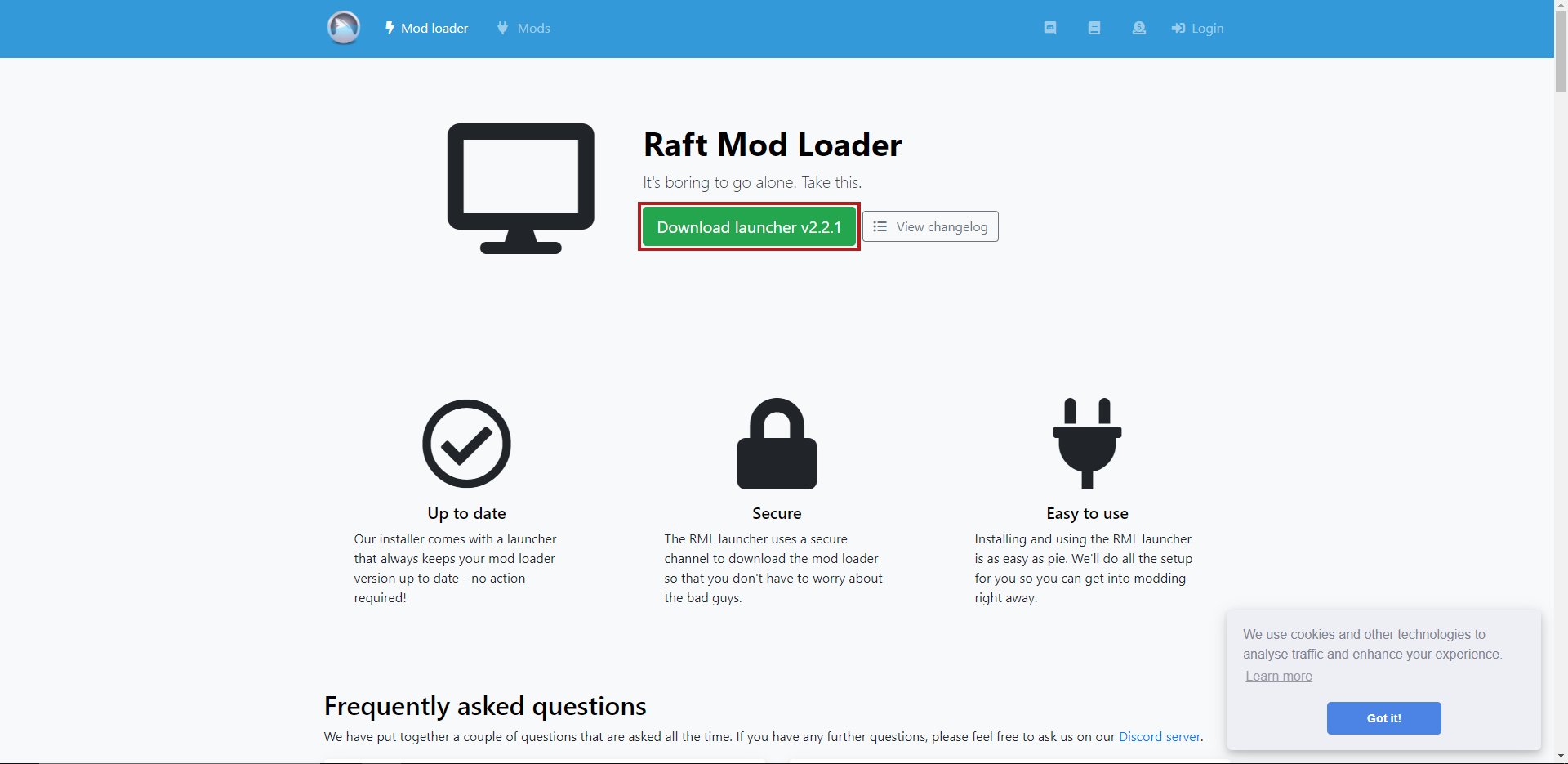
(2) Click "Download launcher v2.2.1" (the latest version as of February 27, 2021) to download.
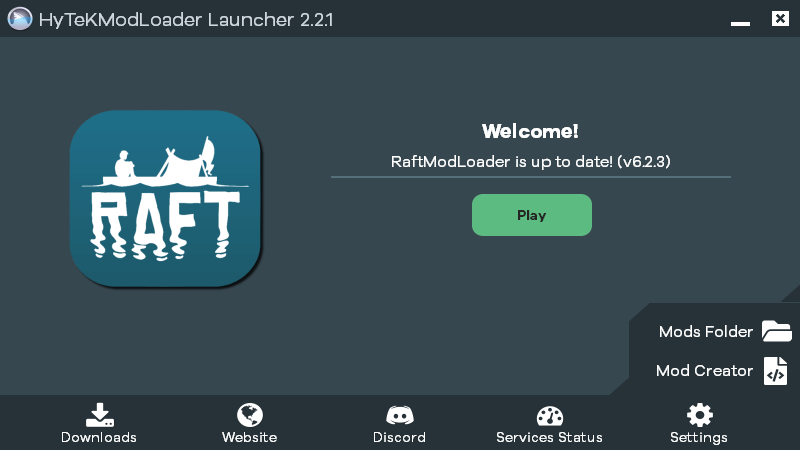
(3) Open the downloaded "RMLLauncher.exe."
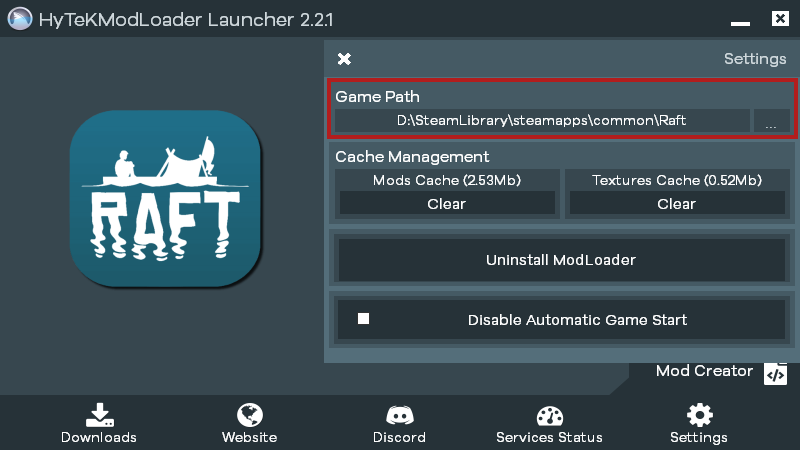
(4) Select "Setting" in the lower right, check the Game Path, and select the folder where Raft.exe is installed.
This completes the linking between Raft and RaftModding.
Installing a Mod
Next is how to install a Mod. From the Mods page on the RaftModding site, choose the Mod you want to install.
This time we will install "Item Spawner," which lets you freely respawn items.
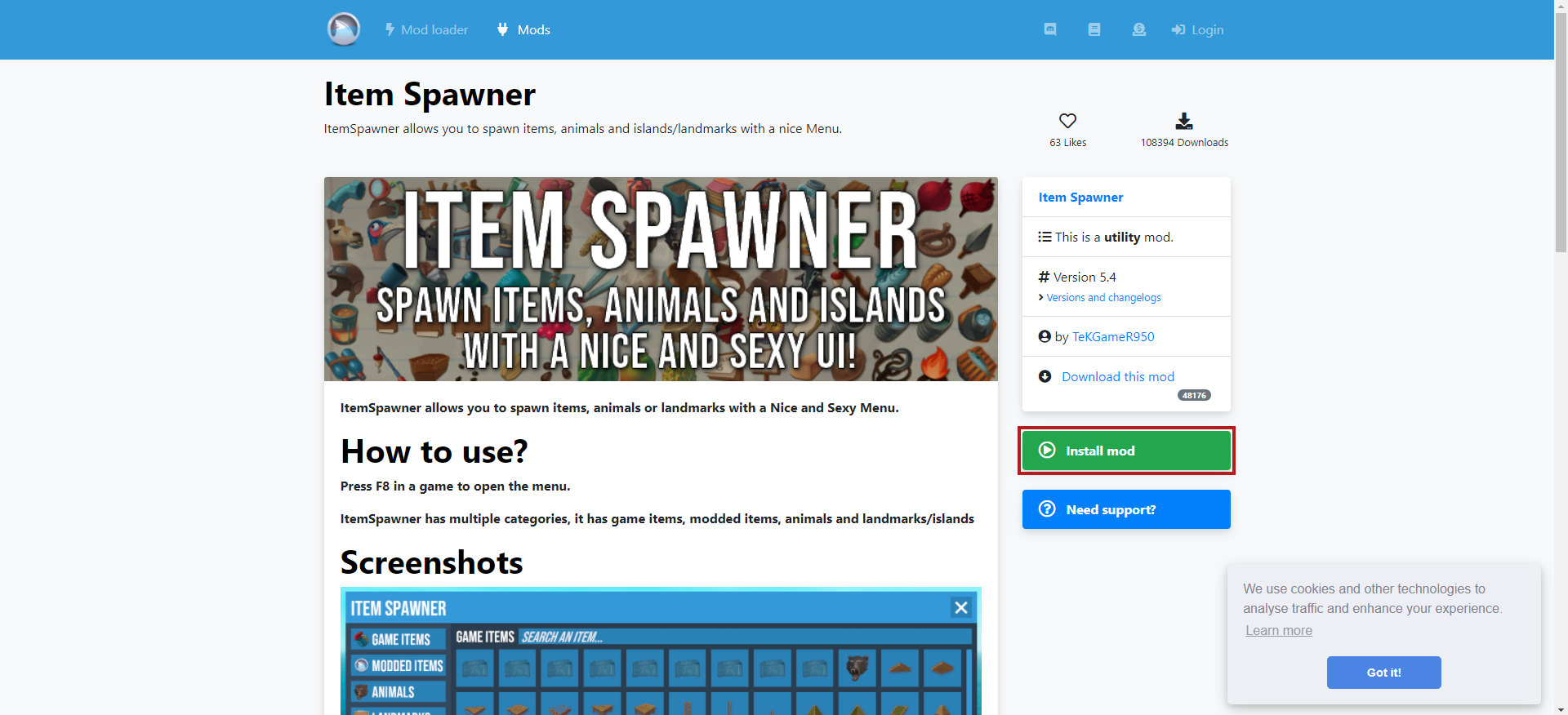
(1) Click "Install Mod" on the right side of Item Spawner.
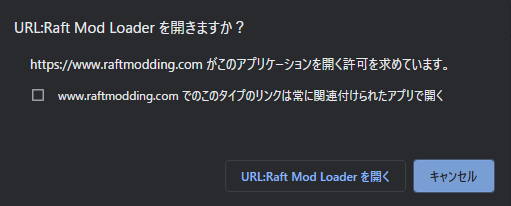
(2) A pop-up will appear asking "URL: Open Raft Mod Loader?" — choose "Open URL: Raft Mod Loader."
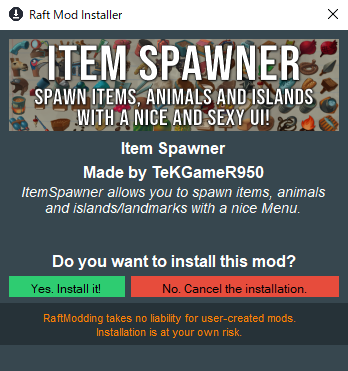
(3) A download confirmation for the Mod will appear, so choose "Yes. install it!"
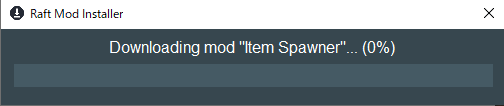
(4) The download will start, and after a short while the Mod will be installed.
Reflecting It in the Game
Finally, we will actually apply the Mod inside the game.
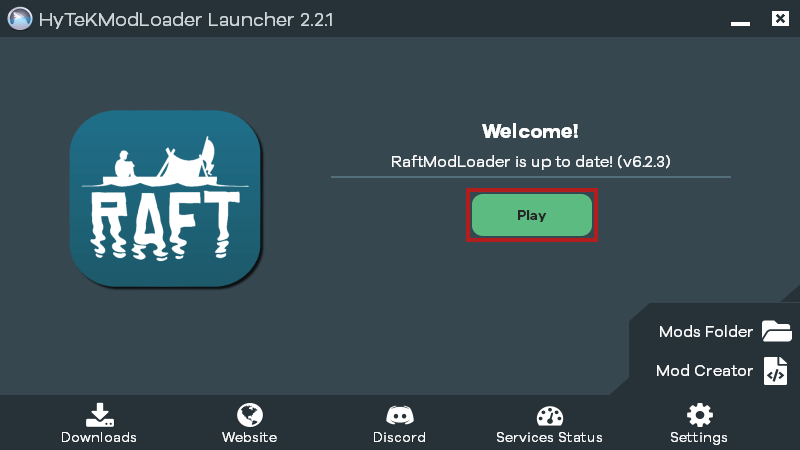
(1) Open RMLLauncher.exe to launch the launcher, and select "Play" on the screen that appears.
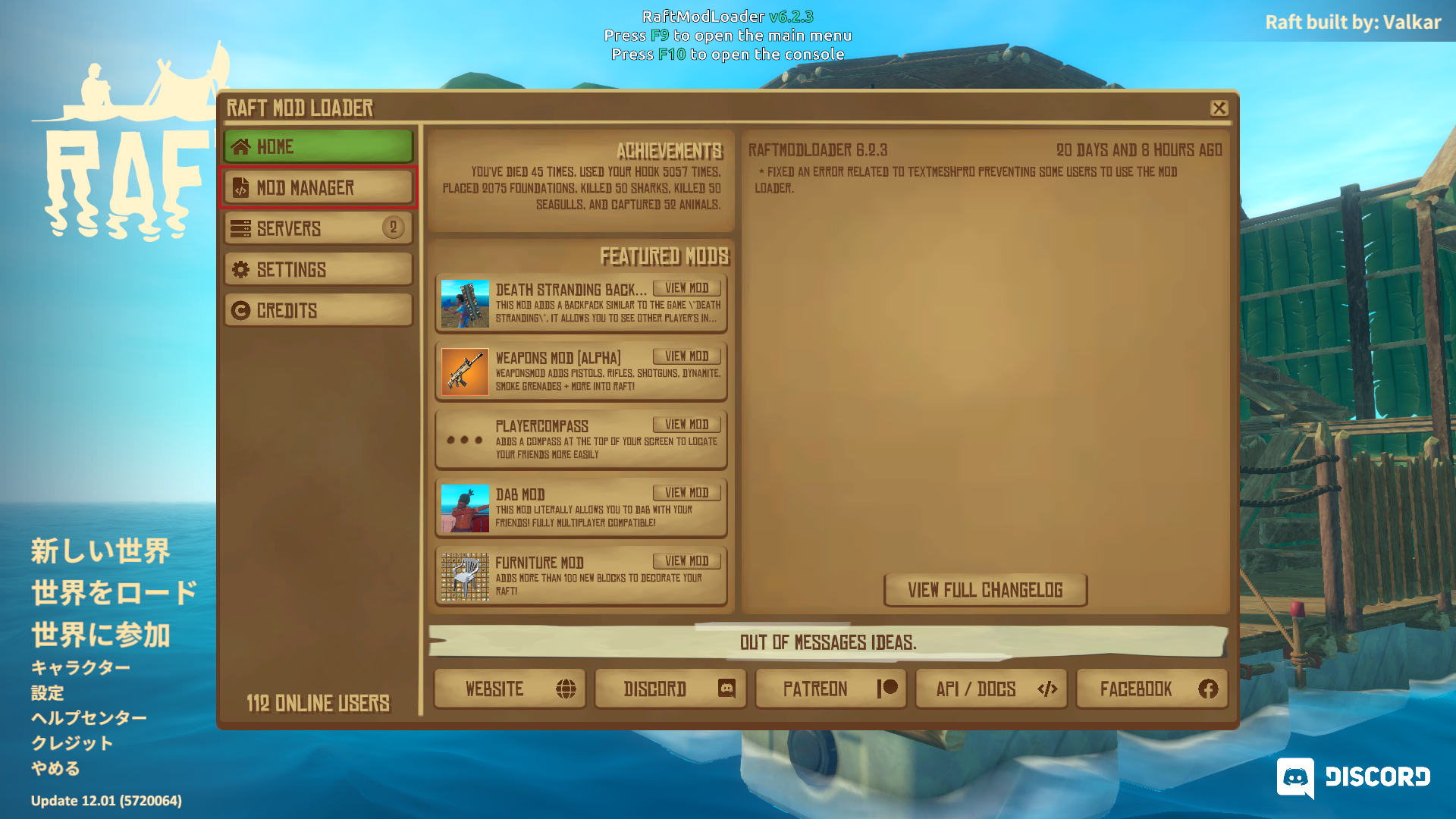
(2) The game screen will start up and RAFT MOD LOADER will be displayed, so select "MOD MANAGER" from the menu on the left.
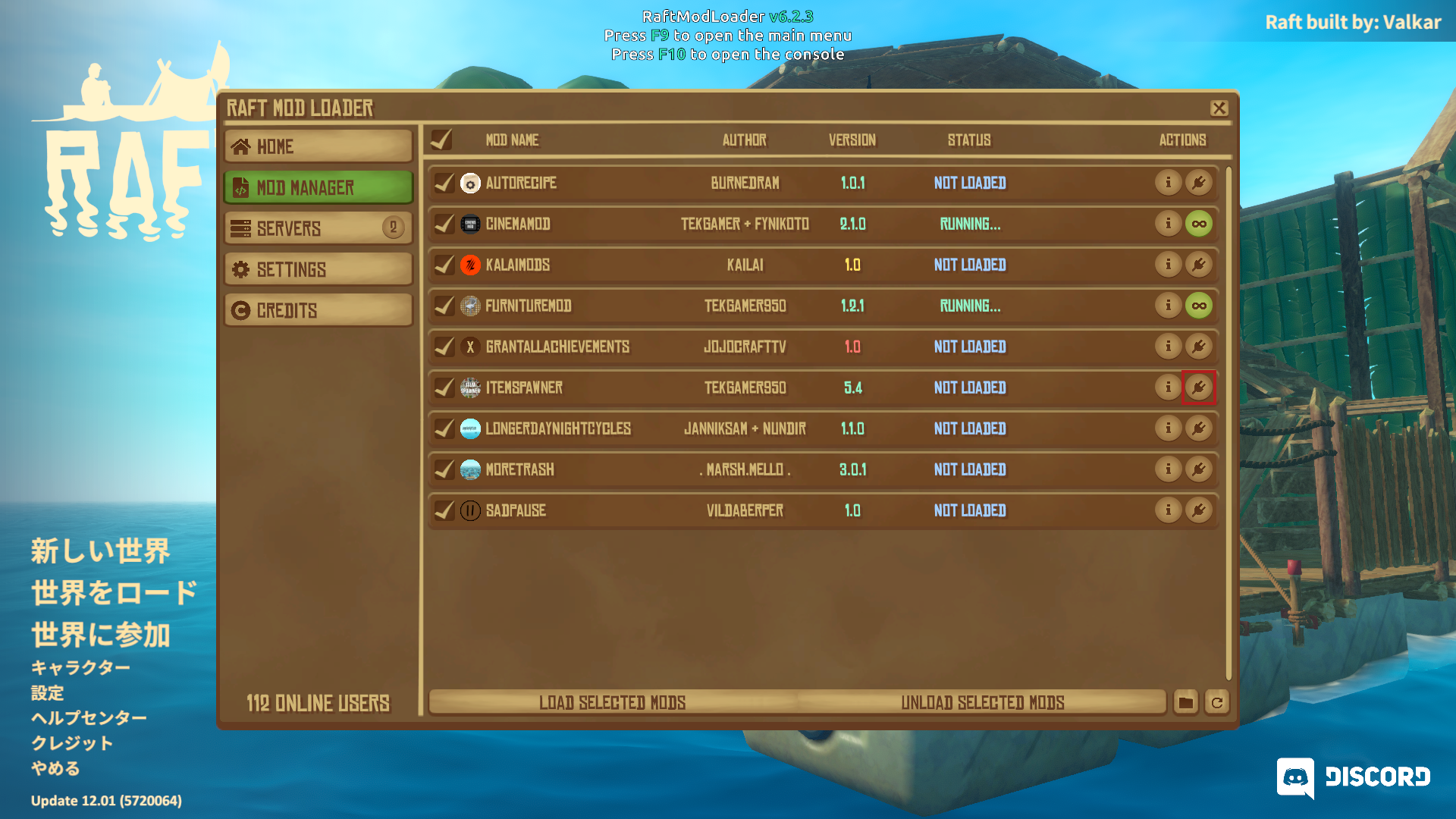
(3) A list of installed Mods will be displayed. Press the power-plug button under "ACTIONS" — when STATUS becomes RUNNING, the Mod is applied.
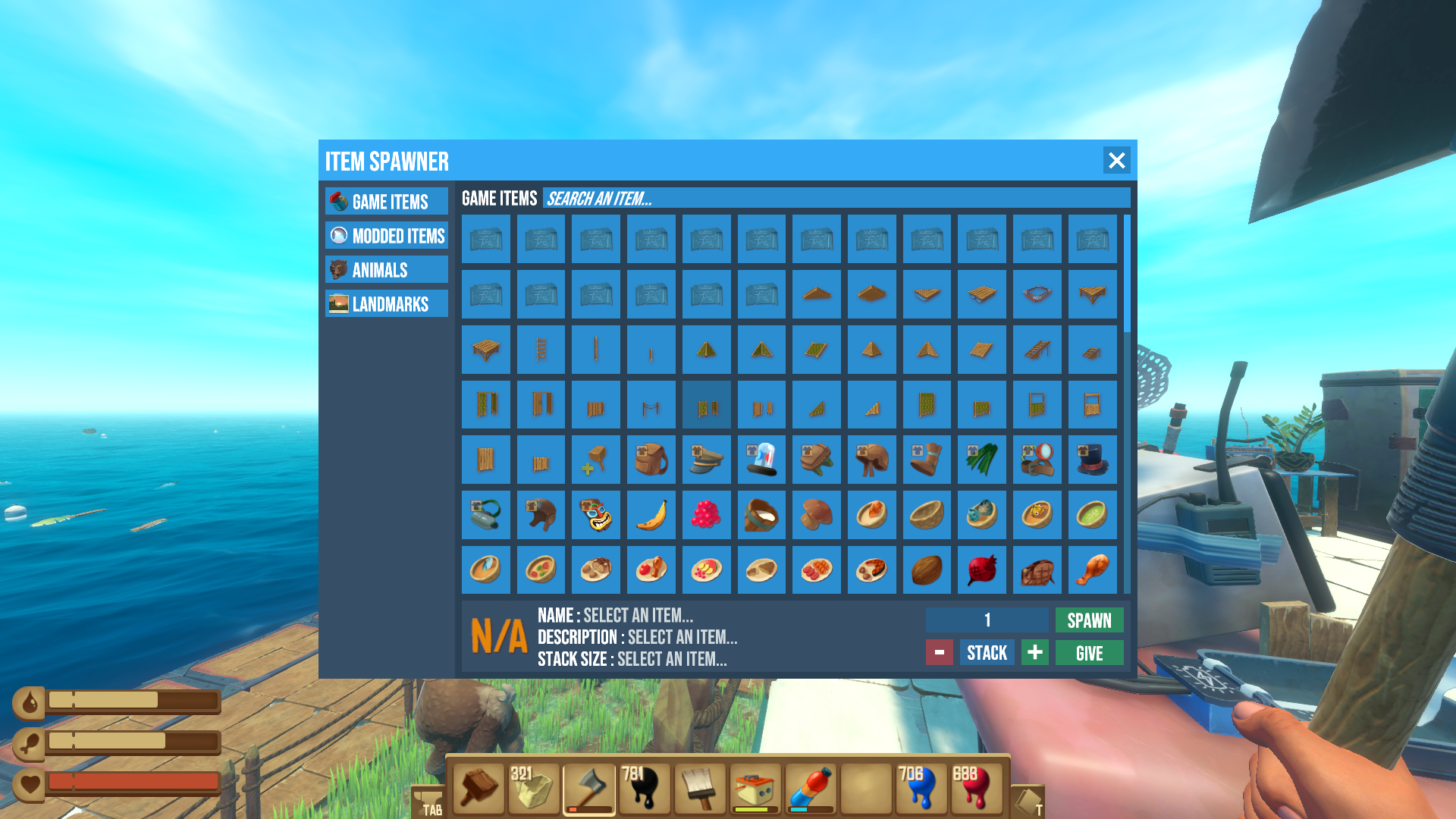
(4) Load the game and press F8 — if a screen like this appears, the Mod has been successfully applied!
That covers Mod installation for Raft. If you want to play with Mods enabled, launch via "RMLLauncher.exe"; conversely, if you want to play in a vanilla state with no Mods, start the game from Steam — that way there is no problem.
Recommended Mods
Item Spawner
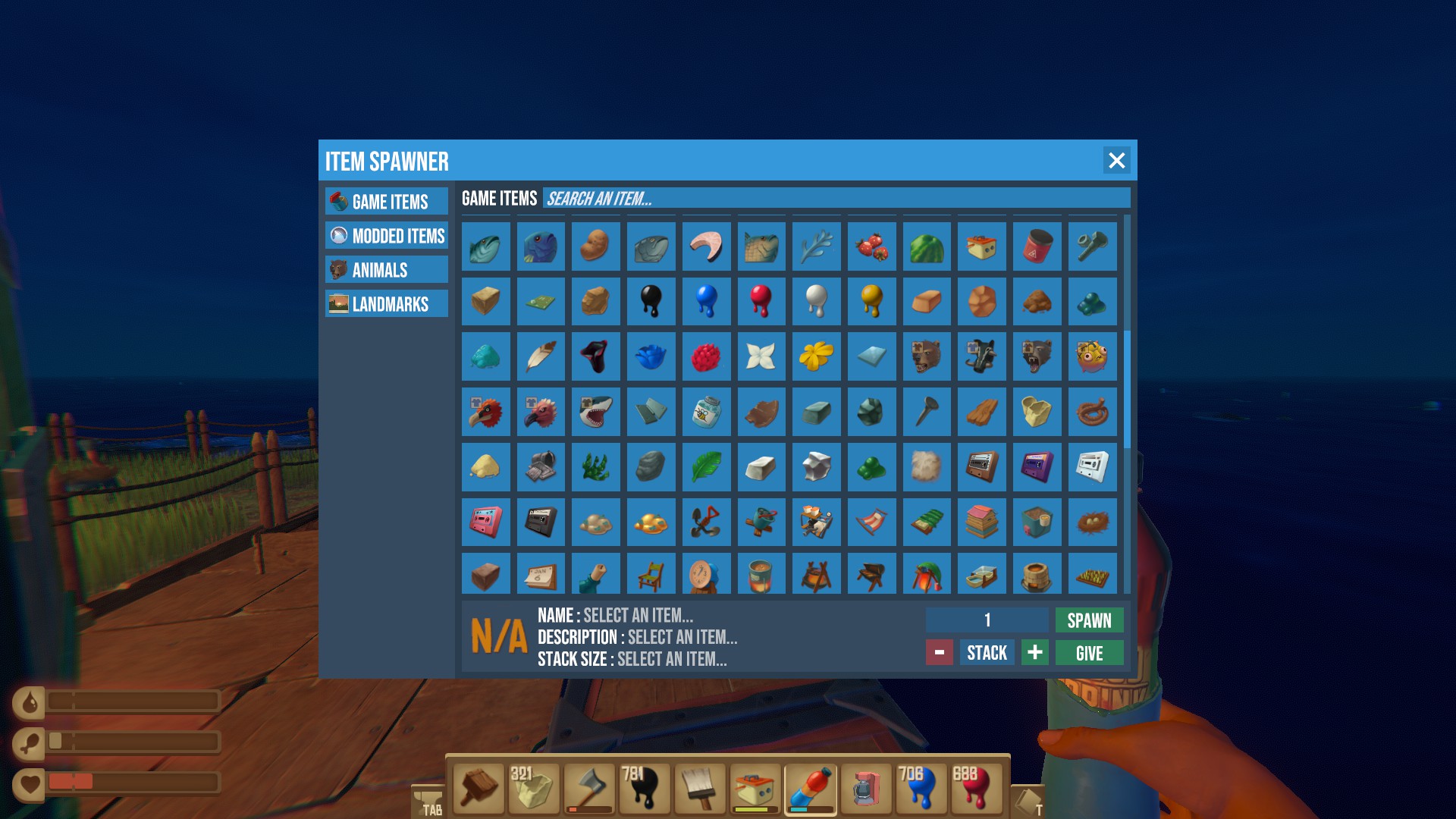
This is the item-summoning Mod we just introduced. Pressing the F8 key lets you freely call up items. You can also summon hostile animal characters or teleport to specific locations. It is also useful for unlocking achievements that depend heavily on luck and can be hard for some people to complete, like "Not A Great Landing!" or "O Captain! My Captain!?" Because it breaks the game balance and contains heavy spoiler elements, we recommend adding it after you have progressed through the game and run out of things to do.
Furniture Mod
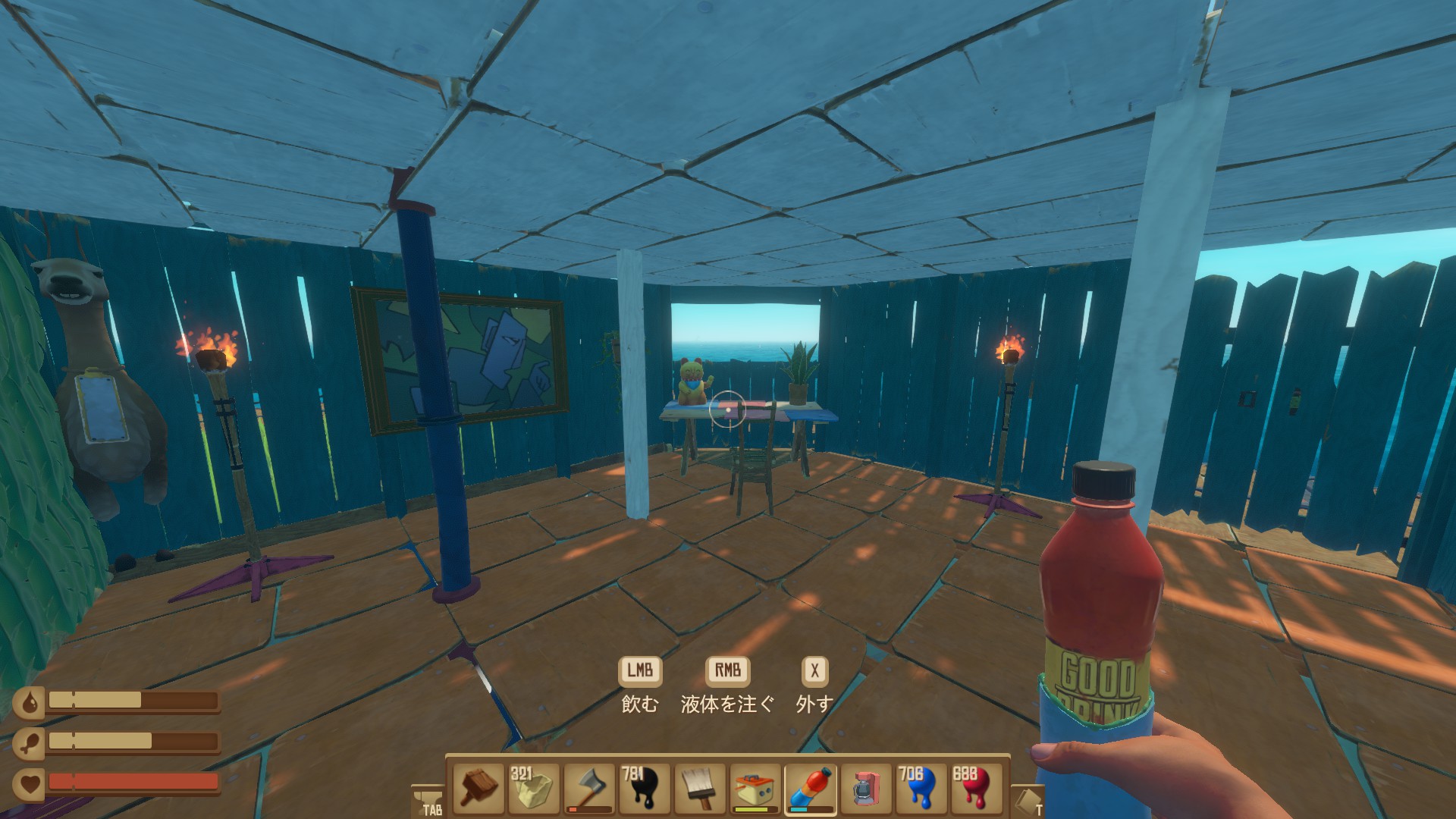
A furniture Mod. It adds over 100 new pieces of furniture, which we recommend for those who want to make their interiors stylish.
Fly
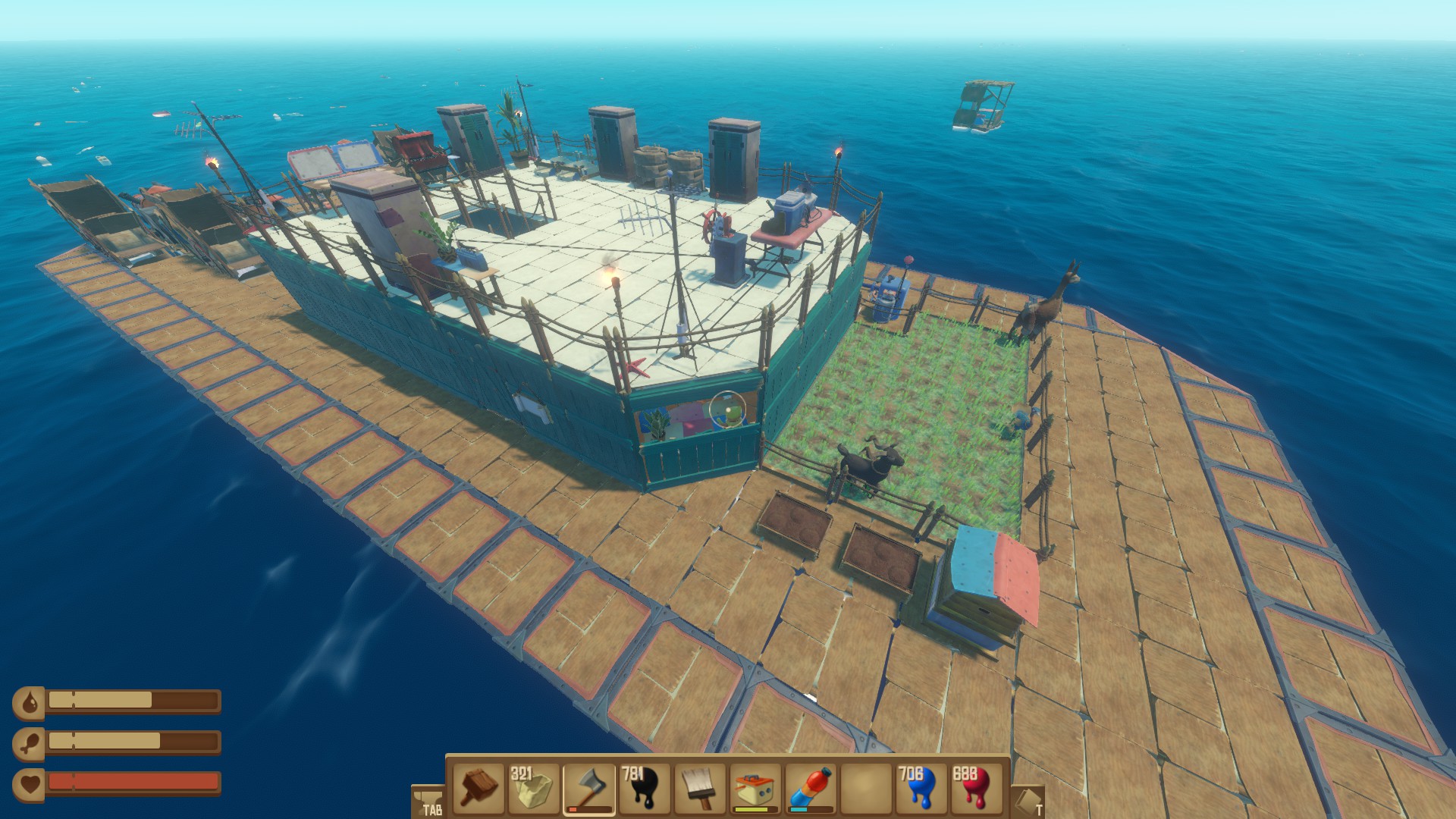
By pressing the F10 key to bring up the command console and entering "Fly," you become able to fly freely. Entering "Fly" once more brings you back down to the ground.
Absolute Gyro
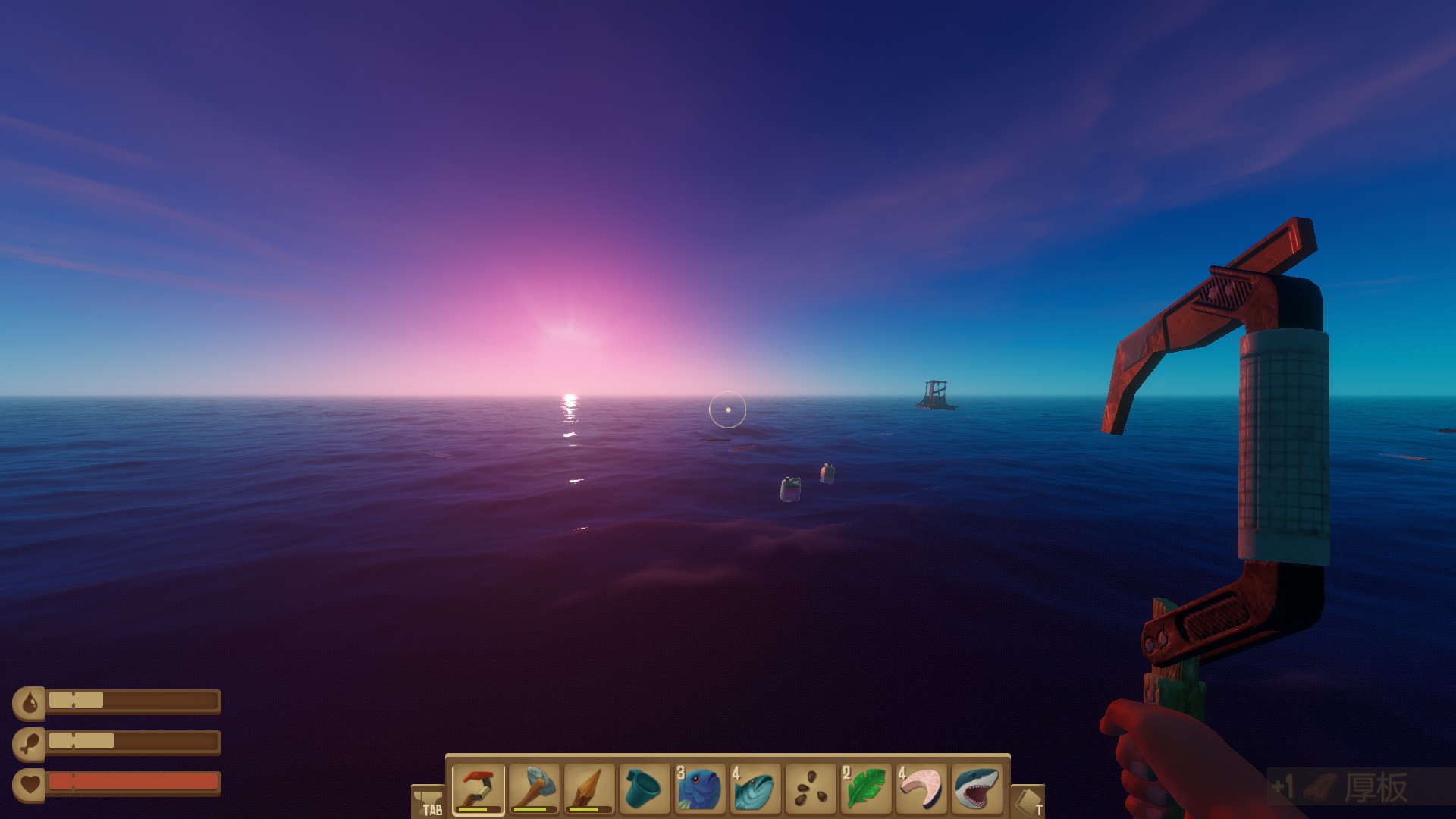
By default the game has a "motion-sickness mode" that reduces the swaying of the waves, but installing this Mod can completely eliminate the wave swaying.
SadPause
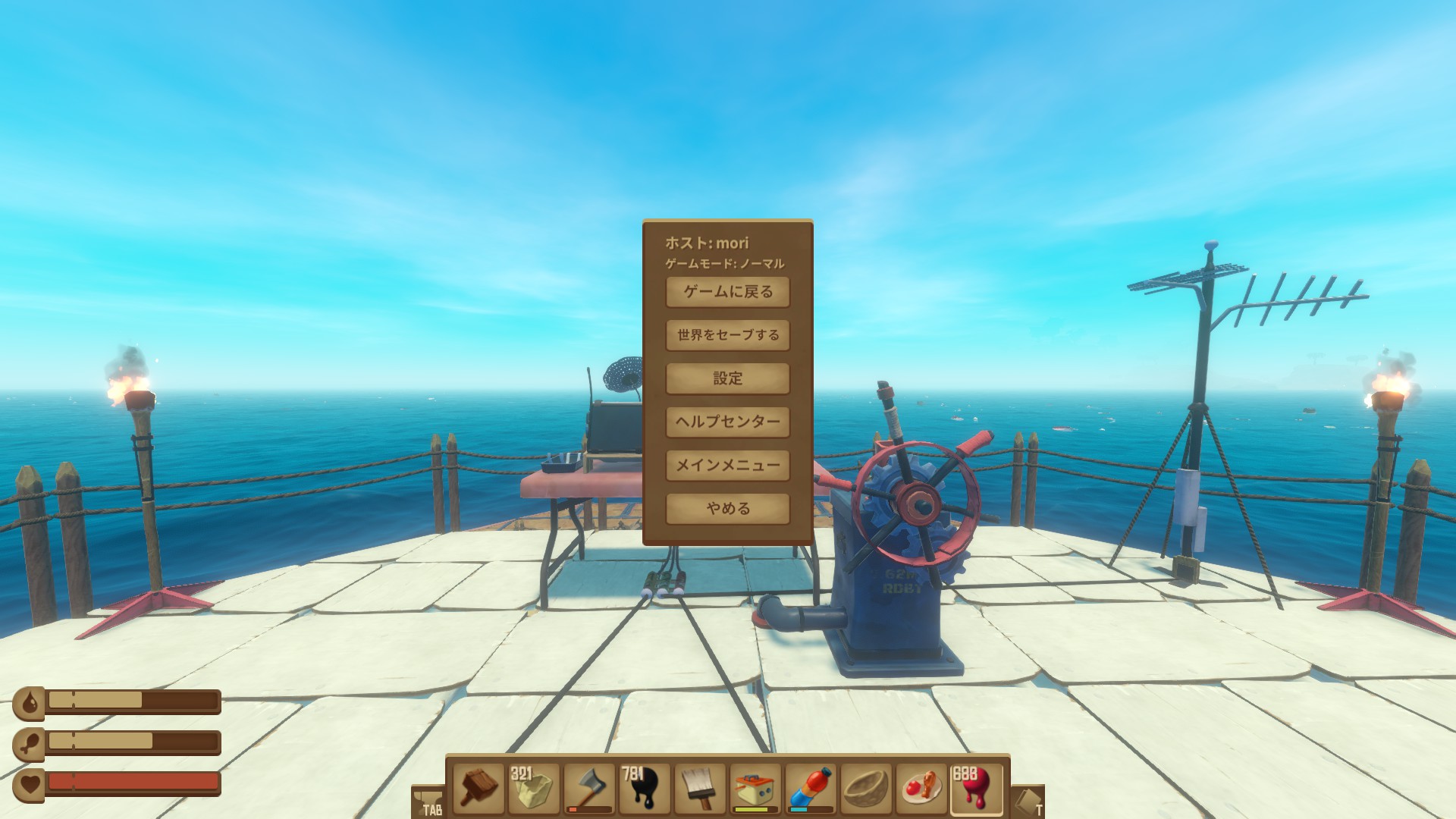
While you hold the ESC key, your thirst and hunger gauges will not decrease. Since the game has no built-in pause feature, this is a useful Mod for when you want to take a quick break.
BetterBowl
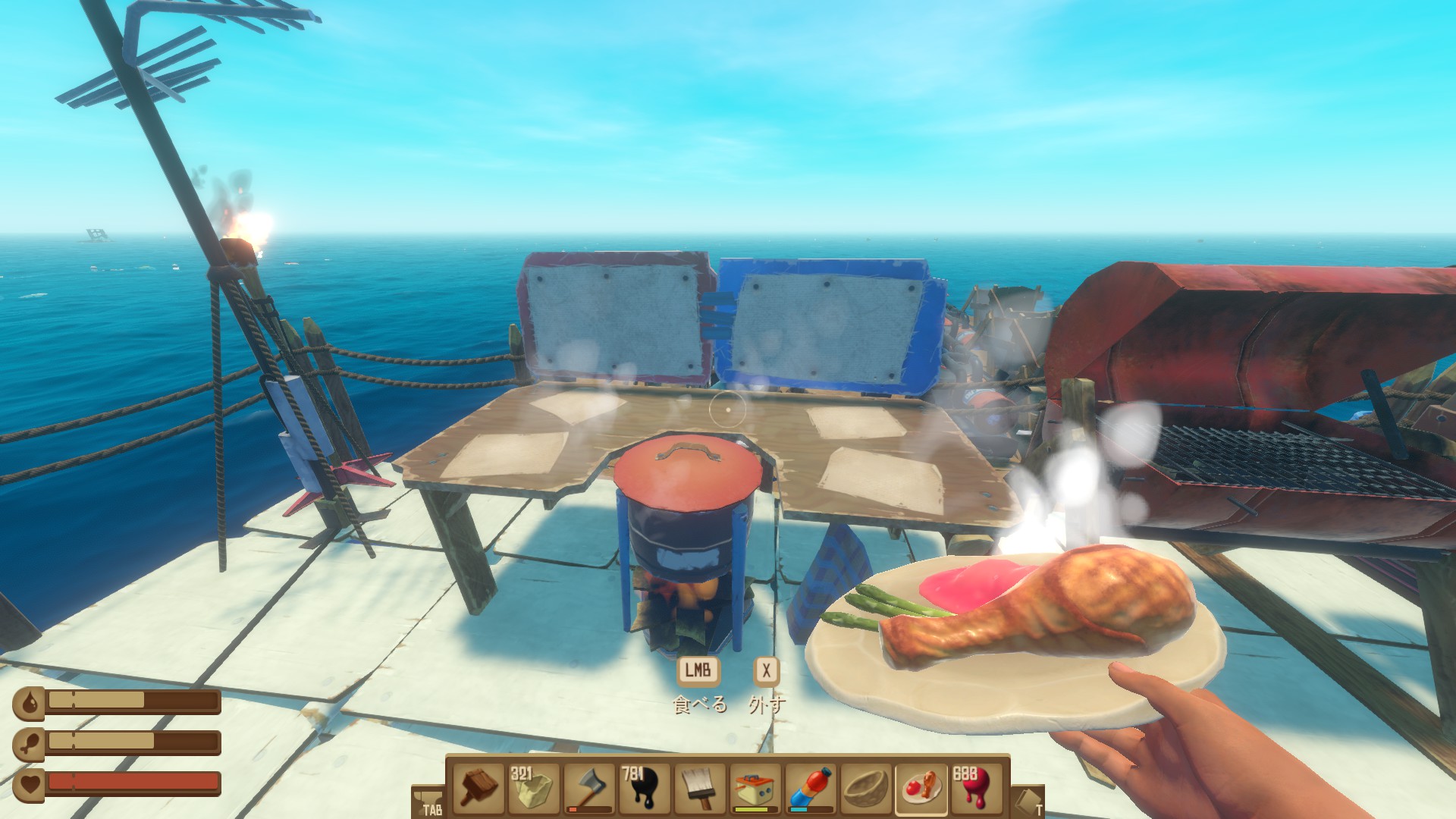
In vanilla, when you cook using a pot, the bowl gets consumed; with this Mod, the bowl is no longer consumed until you have used it about 3 to 5 times. The setting is that the bowl breaks because you used it many times, which in a sense actually feels more realistic.
More Trash
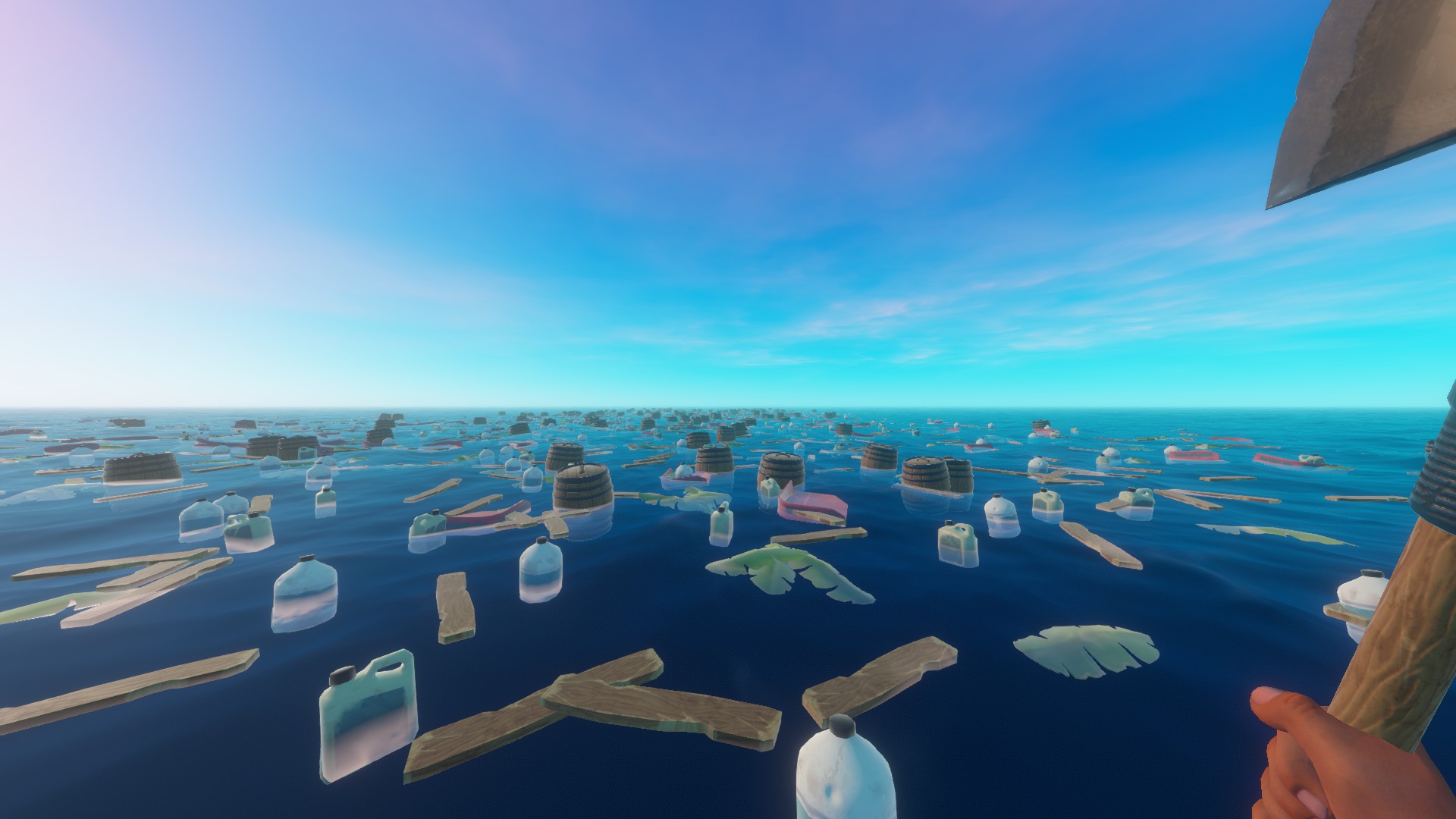
This changes the spawn rate of the trash that floats by. Bring up the command console with the F10 key and enter "iteminterval <trash spawn rate>" to change it. The default is iteminterval 25; for example, entering "iteminterval 0.1" will cause a huge amount of trash to come flowing in. However, raising the value too much will increase CPU usage and cause slowdown, possibly forcing the game to close, so adjust it while keeping your machine specs in mind. It is also helpful for unlocking the "Expert Gatherer!" achievement (hooking 5,000 items with the hook).
Crouch Toggle

In vanilla, you crouch only while holding the crouch button, but with Crouch Toggle installed, pressing the crouch button once is enough to keep crouching. It is a small thing, but if it bothers you, give it a try.
LongerDayNightCycles
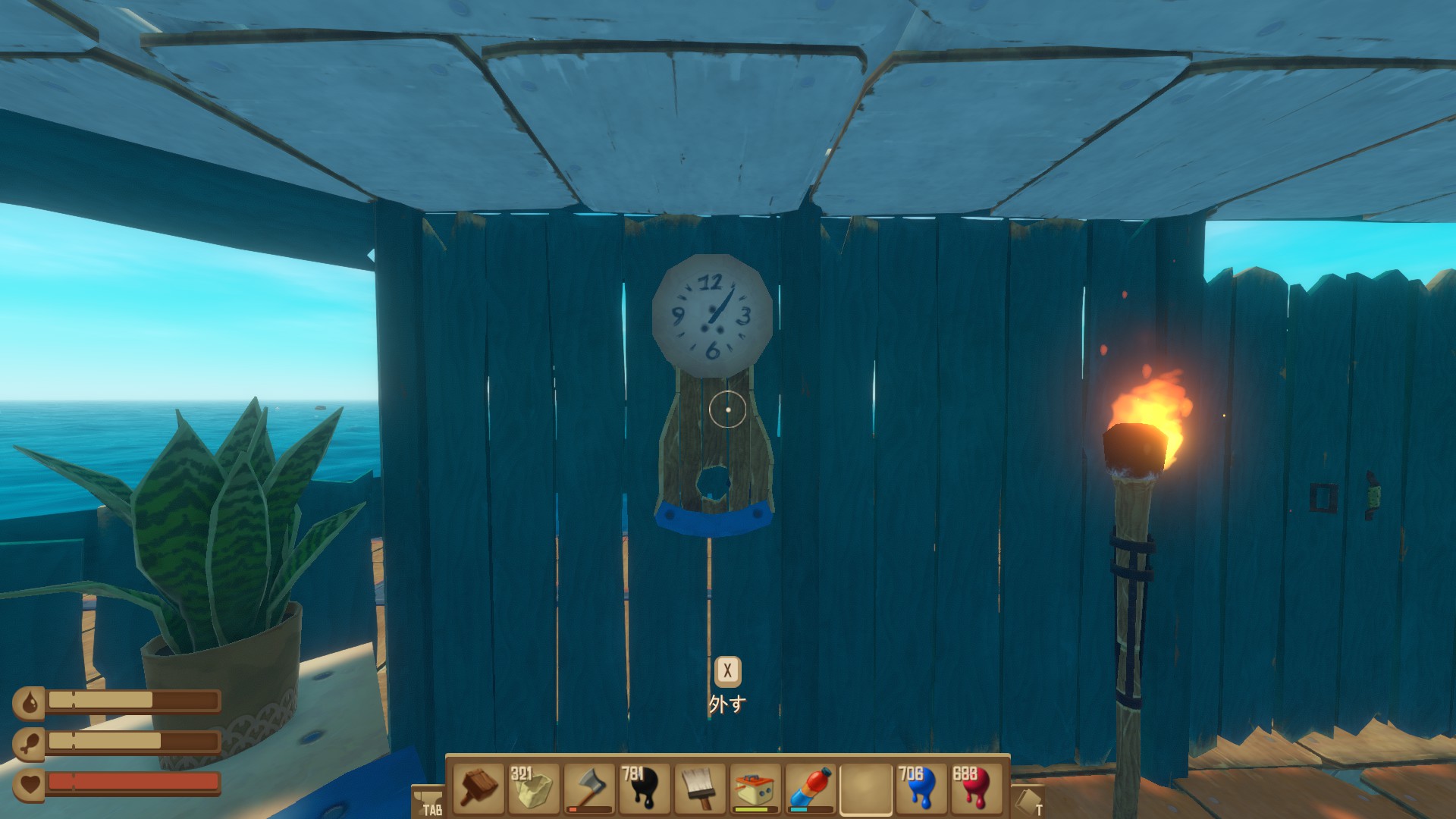
This changes the length of a day. Press F10 to bring up the command console and use "daylength <length of a day>" to set the time. For example, with "daylength 1," the day-night cycle changes at high speed in 1 minute. Achieving the "Master Survivor!" achievement (surviving for 365 days) in vanilla requires an enormous amount of real time, but installing LongerDayNightCycles makes it relatively easy to unlock.
Cinema Mod
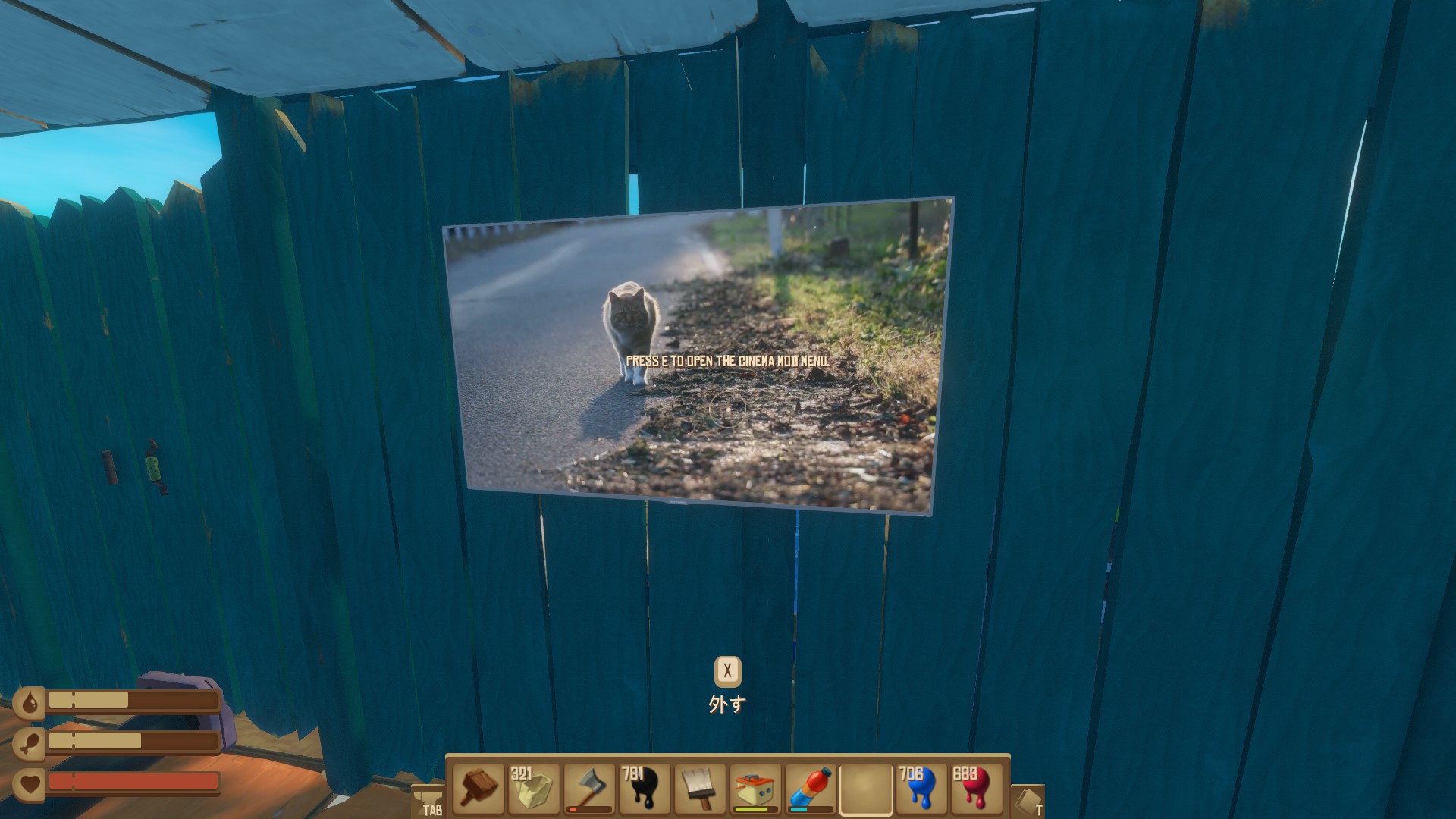
This adds a monitor that lets you play YouTube or video files inside the game. It can be wall-mounted, and depending on how you use it, it might even look like a painting.