

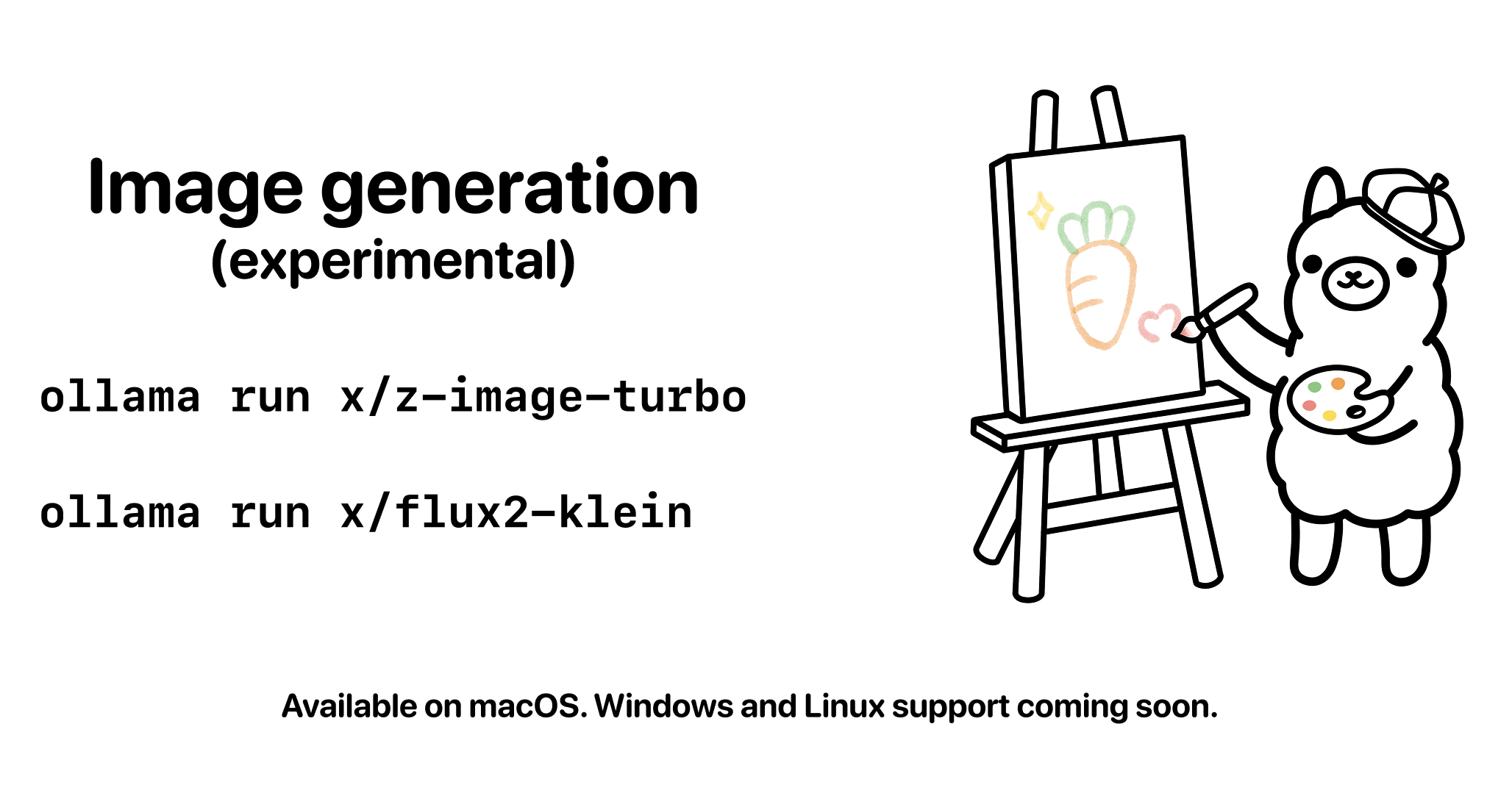
Ollama, the tool for running large language models (LLMs) locally, has added experimental support for generating images from text[1]. It is available first on macOS, with Windows and Linux support to follow soon[1]. The release bundles two models that run entirely on your own machine: Z-Image Turbo, developed by Alibaba's Tongyi Lab, and FLUX.2 Klein from Black Forest Labs[1]. For anyone who would rather not rely on a cloud service, this widens the options for keeping image generation fully local.
Terminal-Native Image Generation, First on Mac
Ollama's image generation is invoked from the terminal with a single command, just like its chat models[1]. You simply pass a prompt (an instruction) along with the model name[1].
ollama run x/z-image-turbo "your prompt"
Generated images are saved to your current working directory[1]. In addition, terminals that support inline image rendering can preview the saved image directly in place. Ghostty and iTerm2 are named as examples of such terminals[1]. Because everything from generation to viewing happens in one window, there is no need to open a separate image viewer.
For now, macOS is the only supported platform, with Windows and Linux described as coming soon[1]. Since the work is completed on your own Mac, prompts and generated images need not be sent to an external server, which is an advantage when privacy or network conditions are a concern.
The Bundled Models: Z-Image Turbo and FLUX.2 Klein
This experimental release ships with two image-generation models[1].
The first is Z-Image Turbo. Built by Alibaba's Tongyi Lab, this 6 billion parameter (a figure indicating model size) text-to-image model excels at producing photorealistic images[1]. It can also accurately render text within images in both English and Chinese[1]. It is released under the Apache 2.0 license, with open weights (the trained data) available and commercial use permitted[1]. The command to run it is as follows[1].
ollama run x/z-image-turbo
The second is FLUX.2 Klein. Positioned as Black Forest Labs' fastest image-generation model to date, it comes in two parameter sizes: 4 billion (4B) and 9 billion (9B)[1]. It is strong at rendering readable text inside images, making it well suited to UI mockups (draft screen designs) and typography-based designs[1]. Licensing differs by size: the 4B model uses the commercially usable Apache 2.0 license, while the 9B model is covered by the FLUX Non-Commercial License v2.1[1]. The command to run it is as follows[1].
ollama run x/flux2-klein
Both models can be used according to your needs. Z-Image Turbo suits photorealistic output, while FLUX.2 Klein suits designs that include text.
Fine-Tuning Generation with Configuration Options
Ollama's image generation lets you adjust results by specifying several parameters[1].
Images are saved to the current directory by default, but you can change the destination by switching directories in your terminal[1]. Image size is set with the "/set width" and "/set height" commands; smaller images generate faster and use less memory[1].
The number of steps influences both quality and speed[1]. This value is the number of iterations the model runs internally: fewer steps are faster but coarser in detail, while too many can introduce unwanted artifacts[1]. Ollama applies the recommended default for each model in advance[1].
You can also set a random seed, used when you want to reproduce the same result, and a negative prompt that tells the model what to leave out of the image[1]. Fixing the seed lets you obtain the same image from the same prompt again, which helps when refining a composition step by step or sharing exact outputs[1].
What's Next
For the future, Ollama lists Windows and Linux support, additional image-generation models, and support for image editing[1]. The feature remains experimental for now, but with image generation added to an Ollama that already handles everything from chat to code generation locally, the range of AI tasks you can run on a single machine looks set to grow further.
Summary
Ollama has added experimental support for generating images from text, available first on macOS. It bundles two models: Z-Image Turbo from Alibaba's Tongyi Lab, which is strong at photorealistic output, and FLUX.2 Klein from Black Forest Labs, which is strong at rendering text, both runnable from a single terminal command. Configuration options for save location, size, step count, seed, and negative prompts are all in place, providing an environment to try image generation entirely locally without sending anything to the cloud. With Windows and Linux support and image editing also announced, further expansion is worth watching.



























