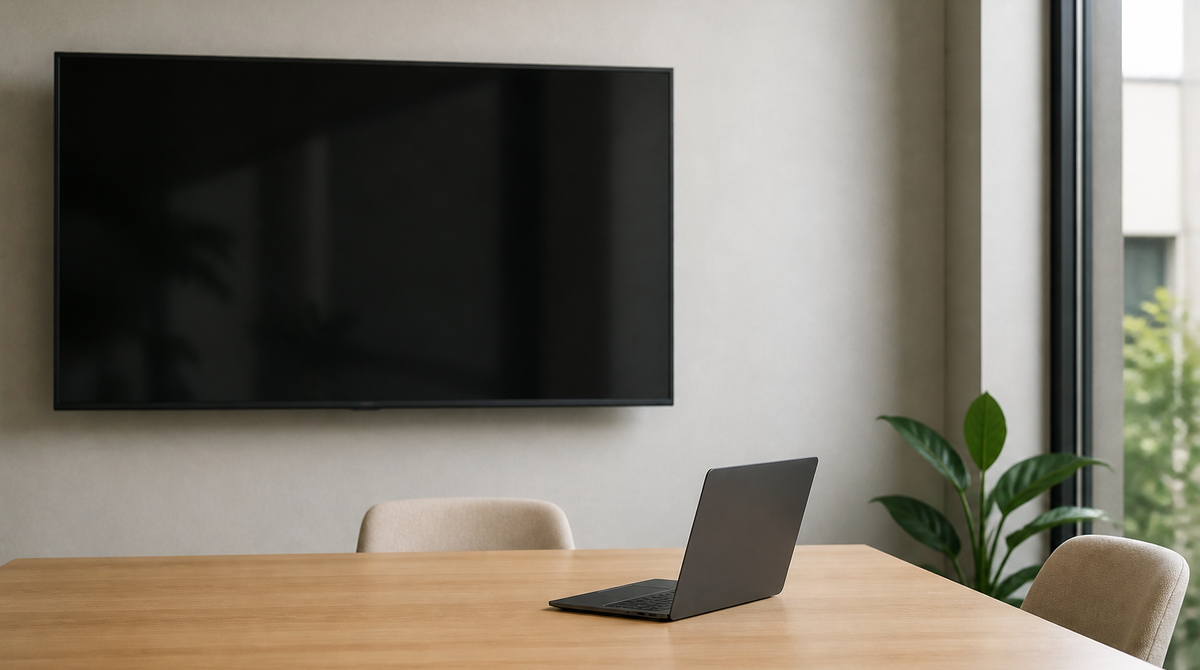
Google has added a new way to join meetings in Google Meet on the web, called Room Display mode, now available in beta. It targets BYOD meeting spaces, where someone connects a personal laptop to a room television or projector. The moment the device is connected and the call begins, the Meet interface splits automatically into one view for the external display and another for the laptop. Rollout began on August 19.
No more dragging windows around the meeting room
Sharing a screen in a room without dedicated conferencing hardware has always involved a small ritual: drag the browser window onto the external display, fix the layout, and hope no stray tab or notification shows up in front of everyone. Plenty of meetings have started late because of it.
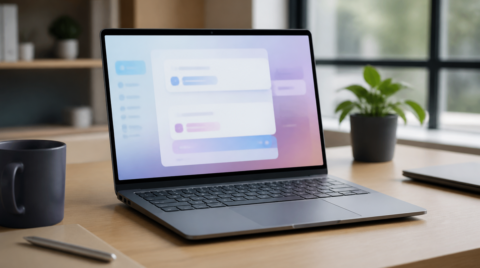
Room Display mode hands that setup work to the software. When the laptop detects a connected external display, Room Display mode is surfaced as the main option for joining the call, and choosing it splits the interface into two.
The TV shows the meeting, the laptop becomes the control desk
One half is the Shared View on the external display. It shows remote participant video tiles and any shared presentation edge to edge, with a button to go full screen. What the room sees is the meeting content and nothing else.
The other half is the Personal View, which stays on the laptop and effectively becomes a control desk. It holds the meeting controls, peripheral selection for cameras and microphones, presentation controls, the participant roster, chat panels, and the Ask Gemini panel. The active presentation is visible here too, so a presenter can work through speaker notes while the room follows along.
The key point is that the Personal View never reaches the room display. Accidentally sharing a browser window or a personal workspace with everyone in the room becomes structurally much harder.
Requirements: a Chromium browser and extended mode
The feature needs a Chromium-based browser. Google Chrome and Microsoft Edge both qualify, and Window Management permissions must be enabled in the browser.
How the external display is connected matters as well. It has to be set to extended mode rather than mirrored, since mirroring duplicates the same image on both screens and leaves no room for two different views.
There is no admin control for the feature, so it is available by default wherever the conditions are met. Because it is still in beta, feedback can be sent through the thumbs up and down icons and the feedback link in the Personal View interface.
Available across most business plans
The rollout started on August 19, 2026 for both Rapid Release and Scheduled Release domains, and is gradual, taking up to 15 days for the feature to become visible.
Supported editions are Business Starter, Standard, and Plus; Enterprise Starter, Standard, and Plus; Frontline Starter, Standard, and Plus; Essentials Starter, Enterprise Essentials, and Enterprise Essentials Plus; and Nonprofits. That covers most of the paid business lineup.
Summary
Room Display mode is built around an everyday office scene: a laptop plugged into the meeting room TV. By separating the shared view from the personal one automatically, it removes the window shuffling and the risk of showing more than intended. Rooms without dedicated Meet hardware stand to benefit the most. It arrives gradually over roughly 15 days starting August 19.