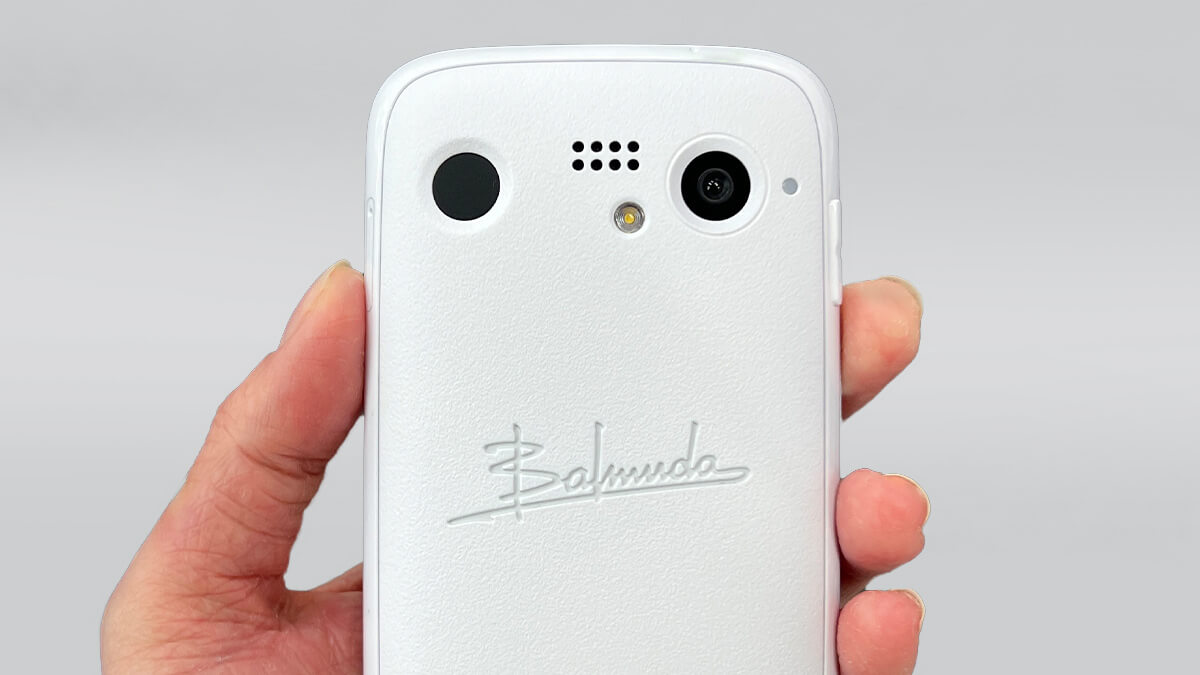
The "Balmuda Phone" became a hot topic for all the wrong reasons immediately after its announcement. Despite carrying a price tag comparable to high-end smartphones, the finished product feels more like a budget device, and it has been widely panned online and elsewhere. But how is it really? Here is a quick hands-on report. As a longtime iPhone 13 Pro Max user, my impression is: "I'm never buying one in my life."
This review is based on a unit provided for testing. I did not purchase it myself.
Did Android's Custom Tweaks Backfire?
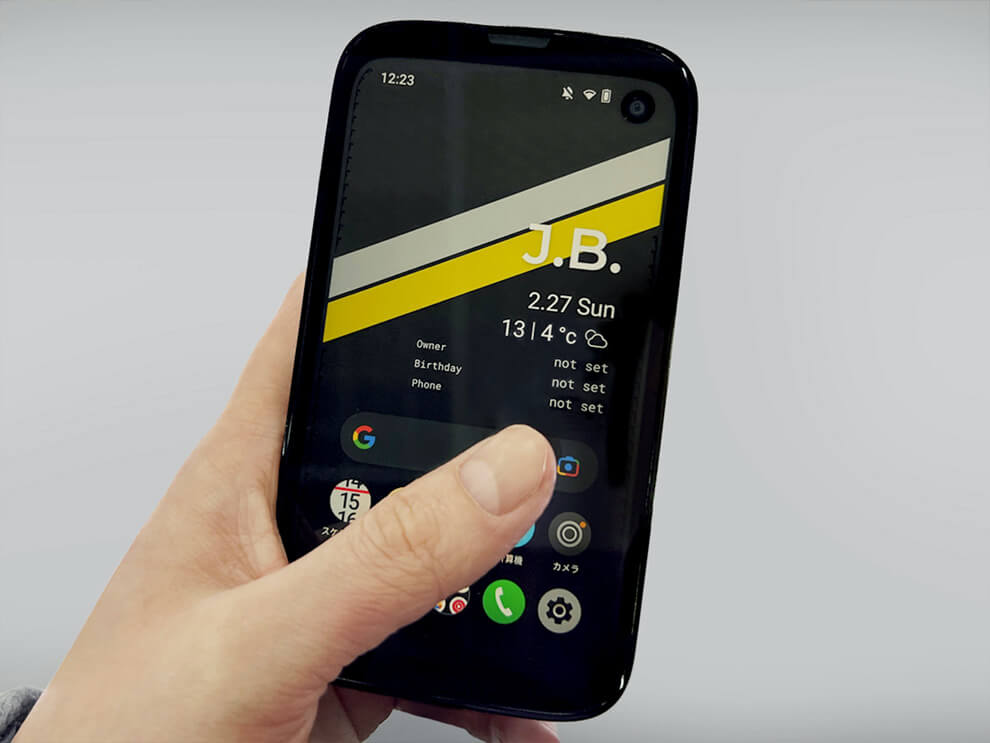
When you look at the home screen, the layout is almost identical to a typical Android smartphone, with the usual apps lined up on the bottom half.
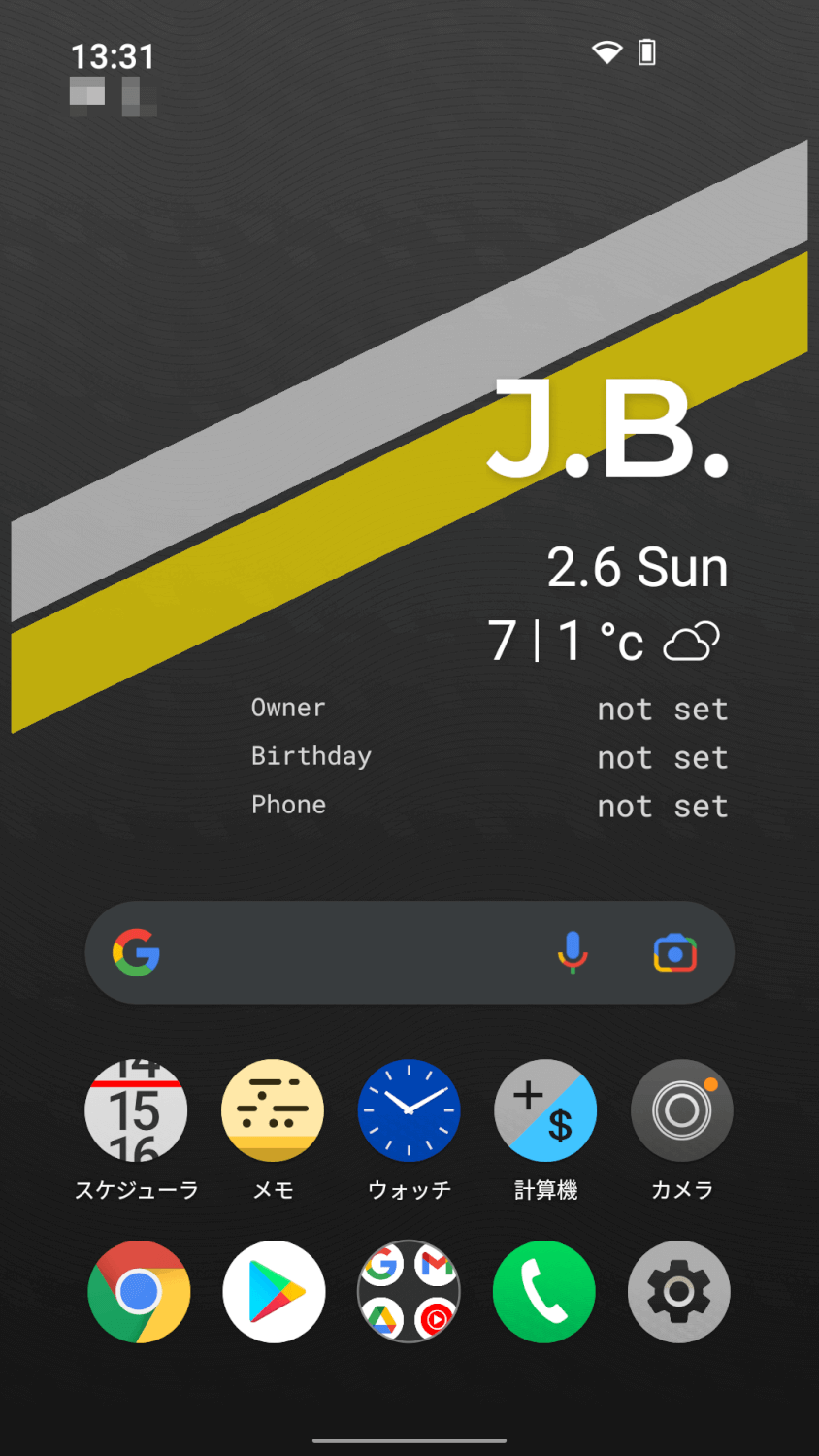
What catches your eye, though, is the space taking up the top half. What on earth is this "J.B."? Does the "Owner" field below it show your own name? Does "Birthday" display someone's birthday...? Tapping on them doesn't really do anything, so it remains a mystery.
Another characteristic of the Balmuda Phone is that overall it isn't intuitive to operate — there are many cases where you have to stop and think before figuring out how to do something. The impression is that the attempt to give the UI a unique personality has ended up making it harder to use. Take, for example, the calculator app, which is said to be developed in-house.
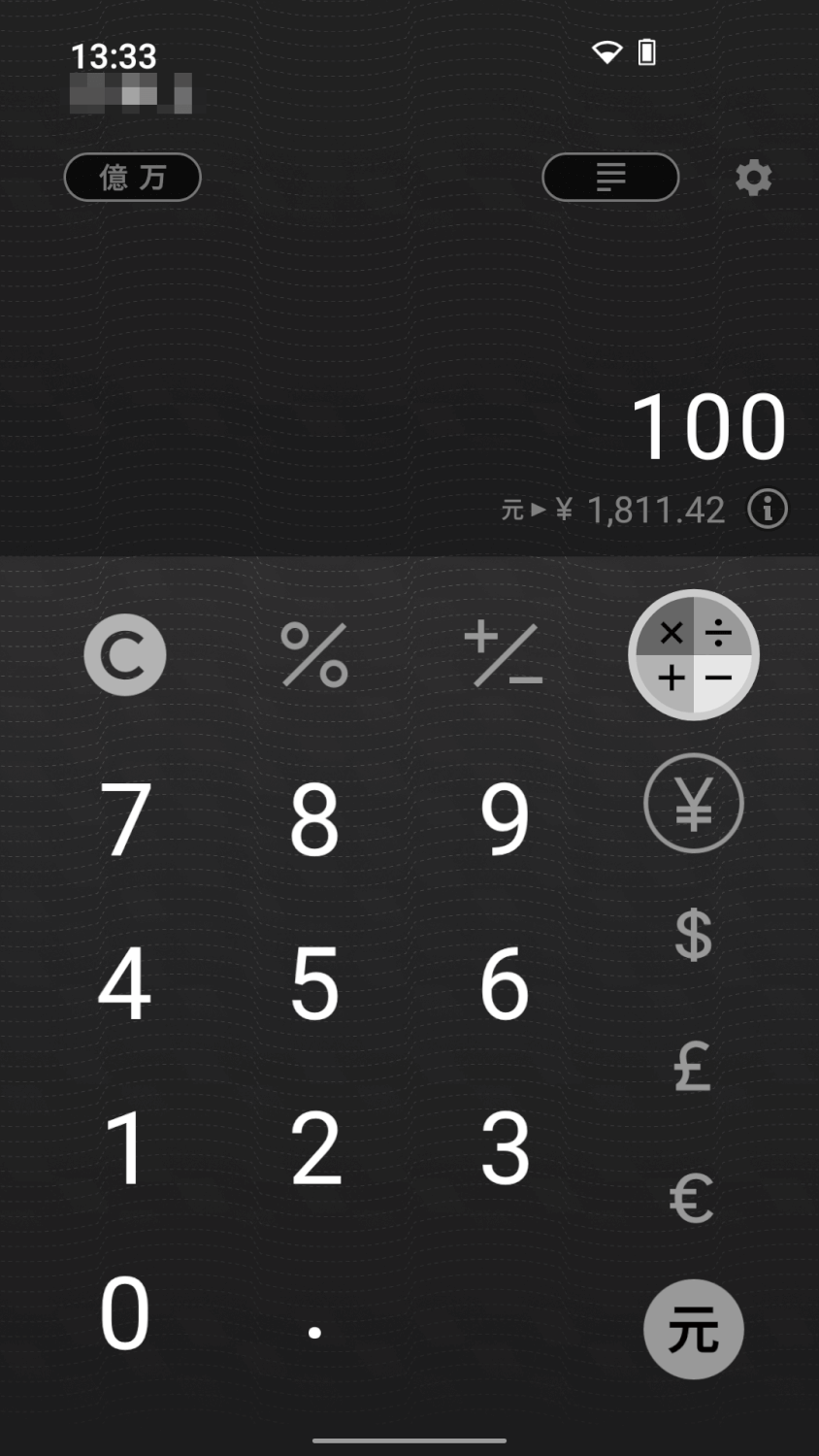
When you actually use it, it's hard to tell intuitively where to tap, which is stressful.
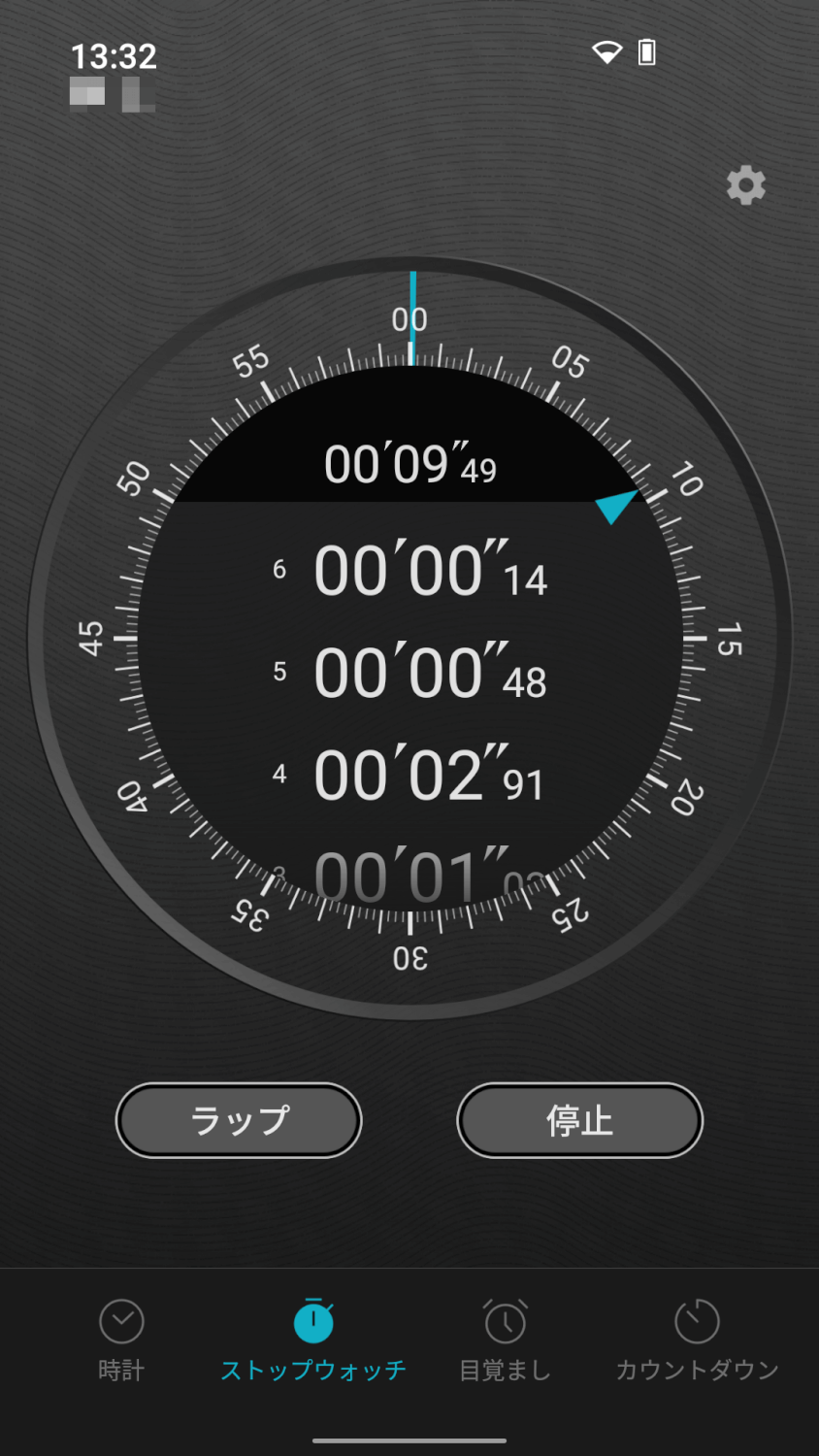
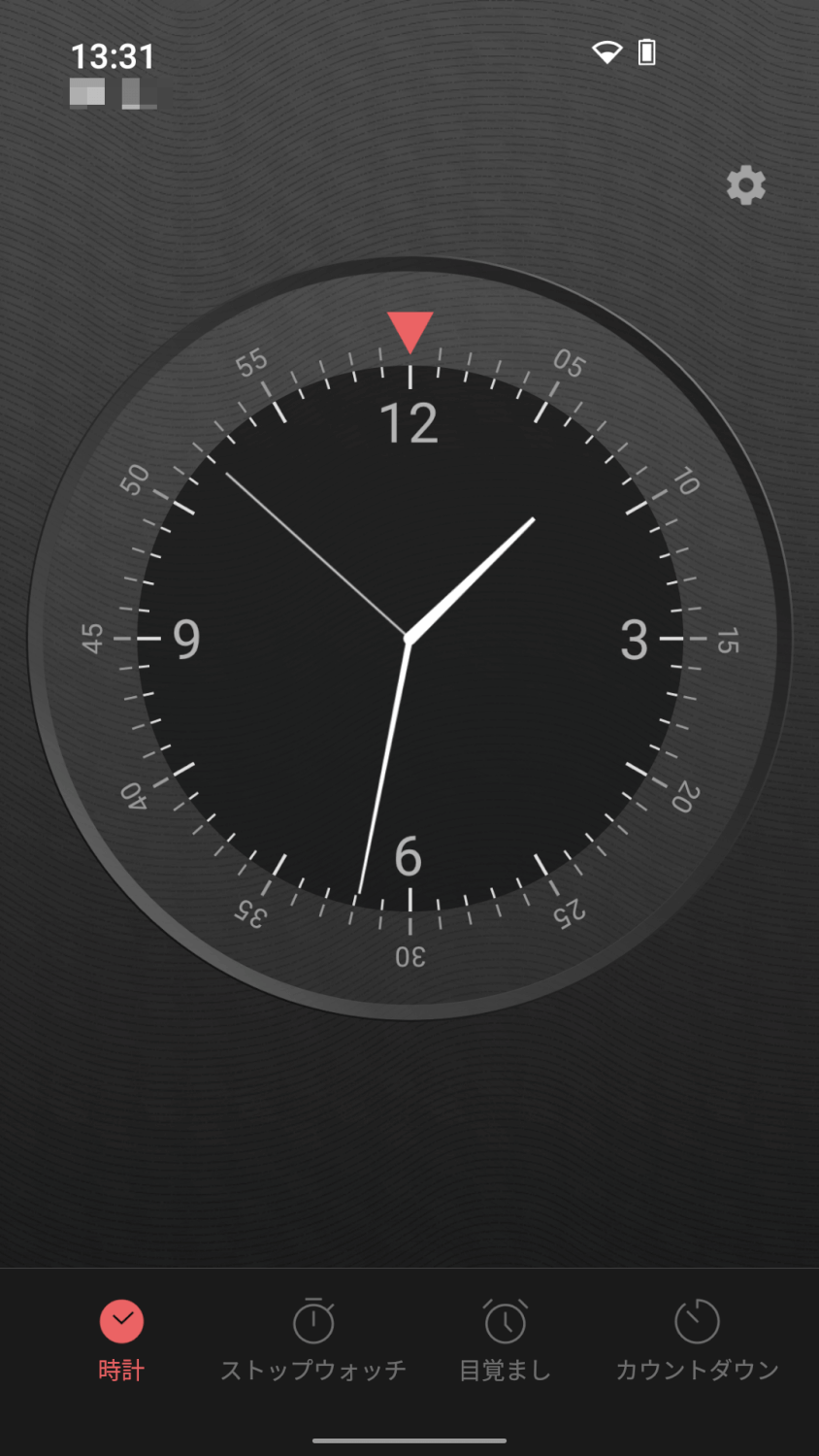
The selling points seem to be that it can do "currency conversion" and "display large numbers in oku/man units (Japanese 10,000s and 100,000,000s)," but currency conversion is something other companies' standard apps, like Xiaomi's calculator, can do just as well. It's handy, but nothing particularly unusual. And if you head to the Google Play Store, there's a mountain of more powerful calculators. This is just my take, but for instance when I tried to look up "1 yen = how many yuan," it didn't work on the first try and I had to fiddle with it a bit before going "oh, that's how it works." It's "usable once you get used to it," but I feel there's a bit of a hurdle in getting there. Beyond that, the stopwatch and clock apps are also Balmuda's own original development. However, that's also said to be a reason the device price went up. Even just making a single app requires going through the steps of design → development → testing → release. Given Balmuda's commitment to design with the "Balmuda Phone," it's hard to imagine they outsourced everything wholesale to a country with low labor costs — you can assume that there were considerable domestic costs in Japan around specs and design.
The Power Button and Camera Layout Is Confusing
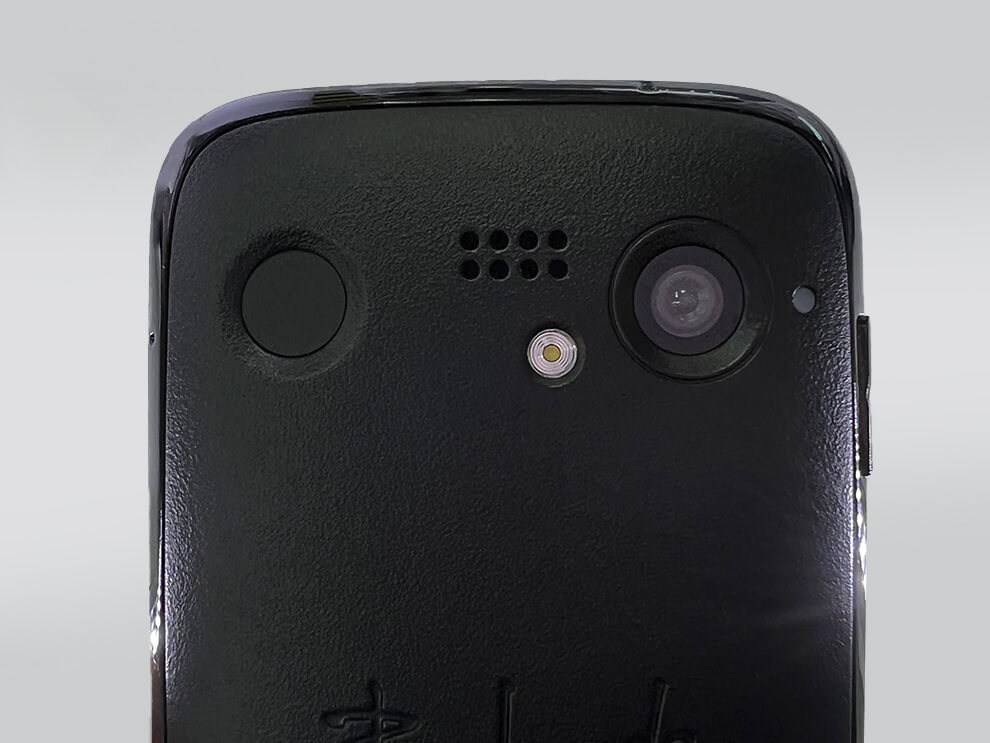
On this device, the power button and the camera hole sit side by side on the back. There were several times when I thought "the power button isn't working for some reason" and realized I'd been pressing the camera instead. Also, because the back of the body is rounded, taking screenshots is quite difficult, so depending on the person, you'll want to watch out. The layout is one you absolutely cannot press with one hand.
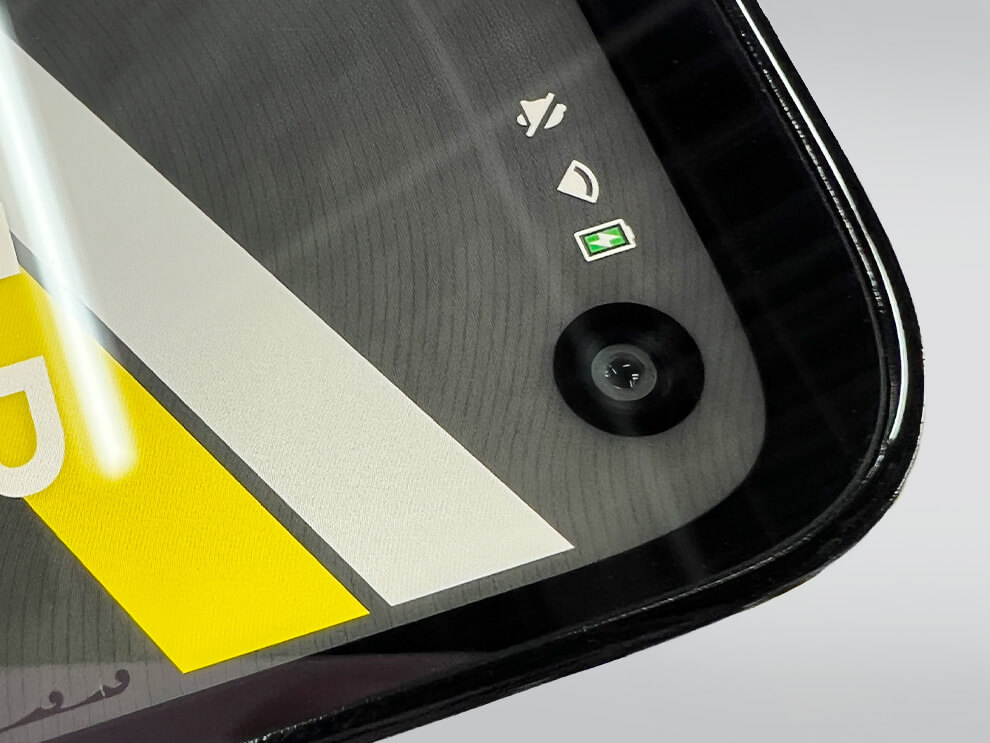
By the way, the front camera is a punch-hole type. Maybe because the screen is small, it feels relatively large.
Equipped With a 4.3-inch Compact Display
Smartphones over 6 inches have practically become the mainstream lately, but this device adopts a 4.3-inch LCD that sits roughly between the iPhone 5 (4 inches) and iPhone 8 (4.7 inches). Screen size is a matter of preference, but for those who liked the smaller screens of old, this might be good news.
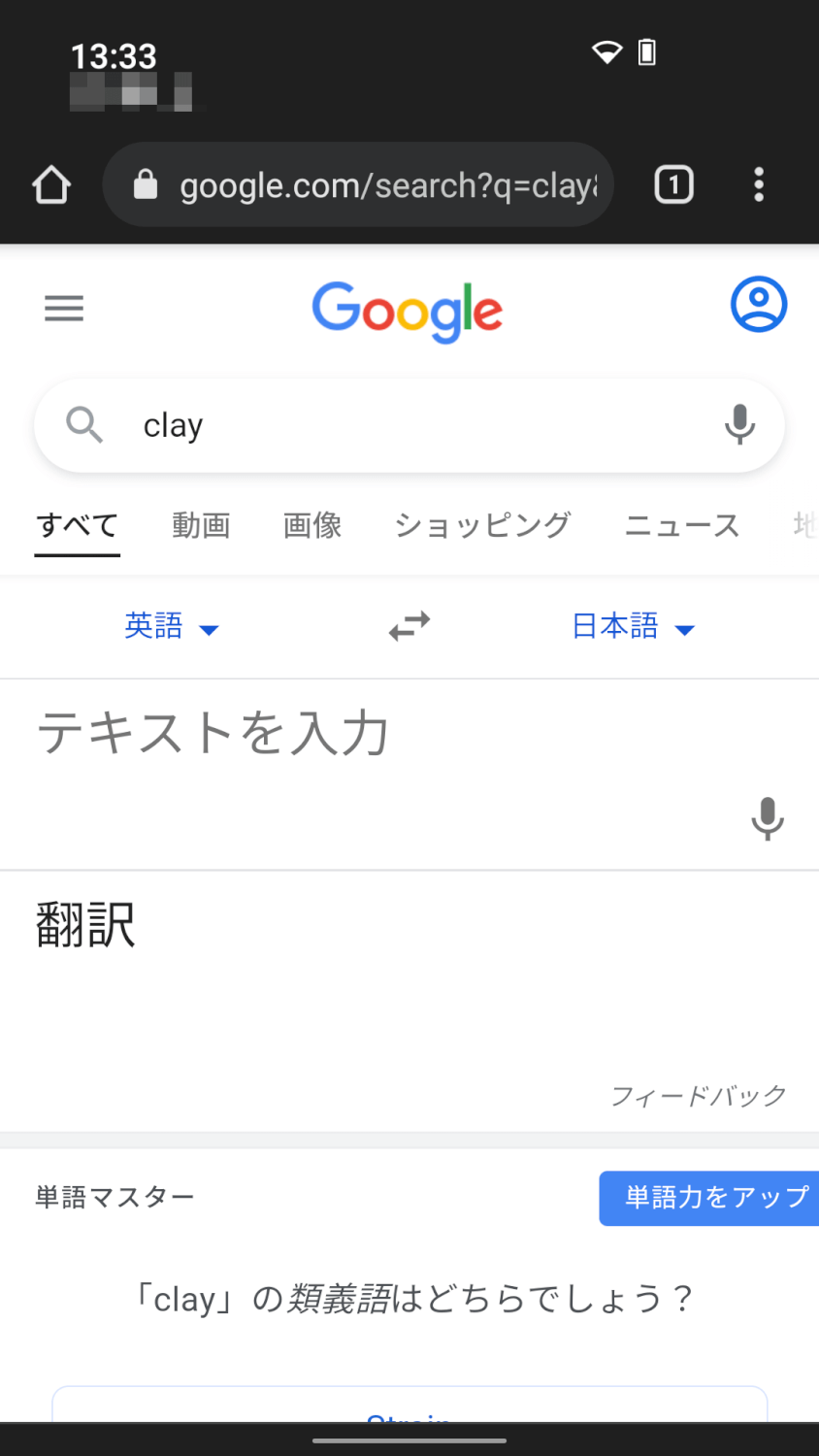
That said, some apps are optimized for the larger screens that are now mainstream, so depending on the app, the layout may be hard to read. People who want to game probably aren't going to buy this device anyway, but it's especially poorly suited for games.
The Reality: Better Options Are Out There
If you're looking for a compact smartphone right now, I'd recommend the iPhone SE, the iPhone 13 mini, or the Rakuten Mini, among other smartphones. What's important when choosing a smartphone, beyond performance, is also support (whether the company handles things properly and whether it's easy to repair), the resale value on the used market, and durability — I think it's good to factor those in to some extent. Balmuda also offers a warranty service similar to AppleCare, so when it comes to repair support, it seems they've got it reasonably covered.

The Balmuda Phone has a 2-year / 24,200 yen warranty service. Meanwhile, AppleCare+ for the iPhone SE is 2 years for 11,800 yen, and for the iPhone 13 mini it's 2 years for 23,400 yen.
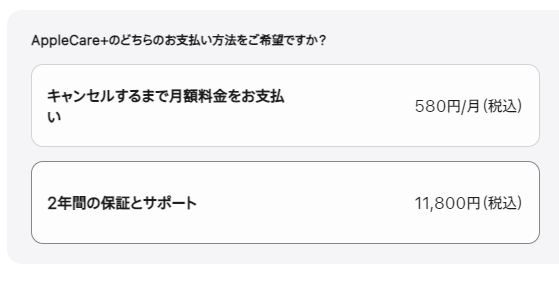
It's a bit hard to say what to make of Balmuda being marginally more expensive, but at least having a first-party warranty is a good thing to have.