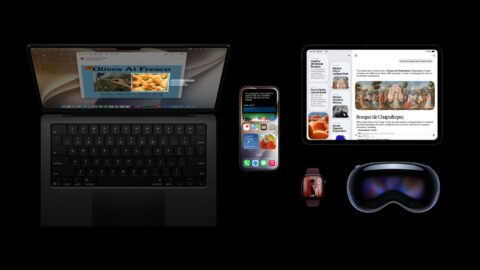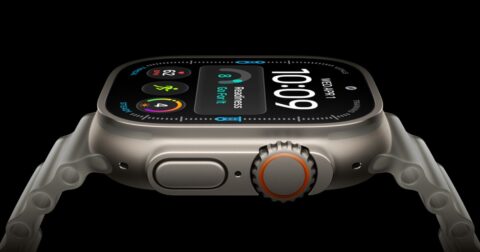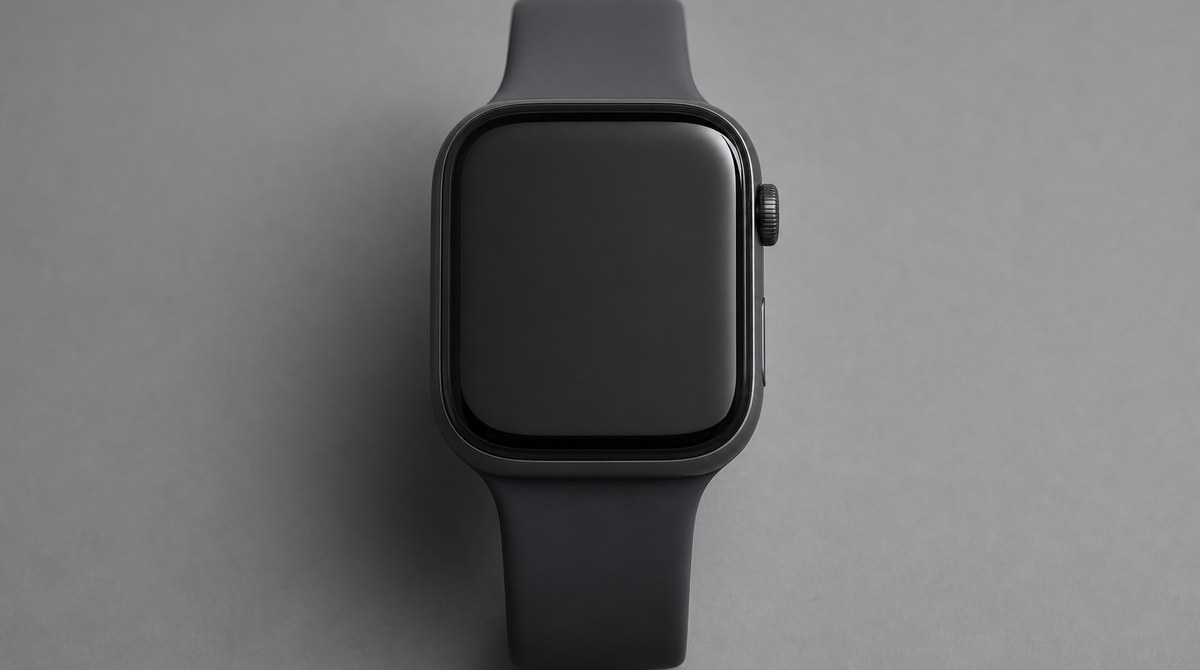
At WWDC 2026, Apple announced watchOS 27, the next major software update for Apple Watch. It centers on a Siri AI that works right on your wrist, a coaching feature that now runs without an iPhone, and new gestures you can use even when one hand is holding a cup of coffee. The developer beta arrived alongside the announcement, and a general release is expected this fall. Here are the changes worth paying attention to.
A new Siri AI that works on your wrist
The centerpiece of watchOS 27 is a new Siri AI built on the next generation of Apple Intelligence. It understands more natural phrasing and can handle complex requests while taking your context into account. On Apple Watch, where your hands are often occupied, the ability to get things done by voice alone is especially valuable, and it plays to the strengths of a device you wear.
A dedicated Siri app also brings all your interactions together in one place. Responses and ongoing requests that were previously scattered are now easier to revisit later. The new Siri AI is expected to roll out gradually as a beta feature later this year, with language support expanding over time.
Workout Buddy runs without an iPhone, plus health features
On the fitness side, Workout Buddy, which offers encouragement and advice during exercise, now runs on Apple Watch on its own. It previously required an iPhone nearby, but in watchOS 27 the Apple Watch handles it entirely. For anyone who wants to head out light for a run or a ride, this is a meaningful step up in everyday usefulness. The feature delivers in-the-moment, data-driven prompts based on your workout history.
Health and activity measurement has been improved as well. Step counting is more accurate, and workout-related precision has been refined. It is a quiet reinforcement of the foundation that supports your daily tracking.
One-handed gestures and a refreshed home screen
watchOS 27 adds a new gesture system that lets you complete actions with a single hand. It is designed for moments when your other hand is full, whether you are carrying a bag or walking your pet. Specifically, a double tap of your index finger and thumb moves between widgets, a single tap opens and selects the widget you want, and a wrist flick dismisses a widget to return quickly to the watch face.
The home screen has also been reworked, with a new dynamic app grid that rearranges your apps depending on the situation. Smart Stack suggestions have become smarter too, surfacing the widget you want at any given moment. These are refinements aimed at helping you reach the function you need faster on a small screen.
Broad improvements to everyday usability
The update is light on flashy headlines but packed with refinements that matter day to day. Battery efficiency has improved to give you more breathing room on runtime, and Wi-Fi connectivity is better. Water detection is more efficient, and app extensions launch and media plays back more responsively. The settings screen has been redesigned in step with the Apple Watch app on iPhone for greater clarity.
Several features have been consolidated as well. GymKit, previously exclusive to Apple Watch, now works on iPhone too, broadening compatibility with gym equipment. The various Find My apps have been brought together into one, so you can get to them without fuss. In Wallet, you can check card balances right on Apple Watch, and transit cards and IDs now appear in the Smart Stack, making them easier to pull up while you are out. A guest key for temporarily sharing access is also supported.
Summary
watchOS 27 builds around a Siri AI that works on your wrist and a Workout Buddy that no longer needs an iPhone, layering in one-handed gestures and a dynamic app grid to improve operability on a small screen. Foundational conveniences such as battery efficiency, Wi-Fi, and feature consolidation have been broadly raised as well. The developer beta is already available, and a general release is expected this fall.