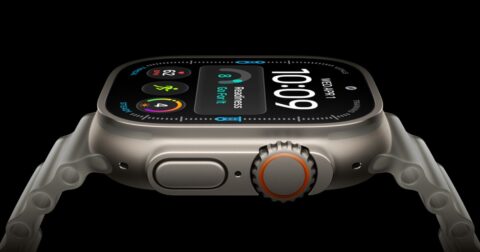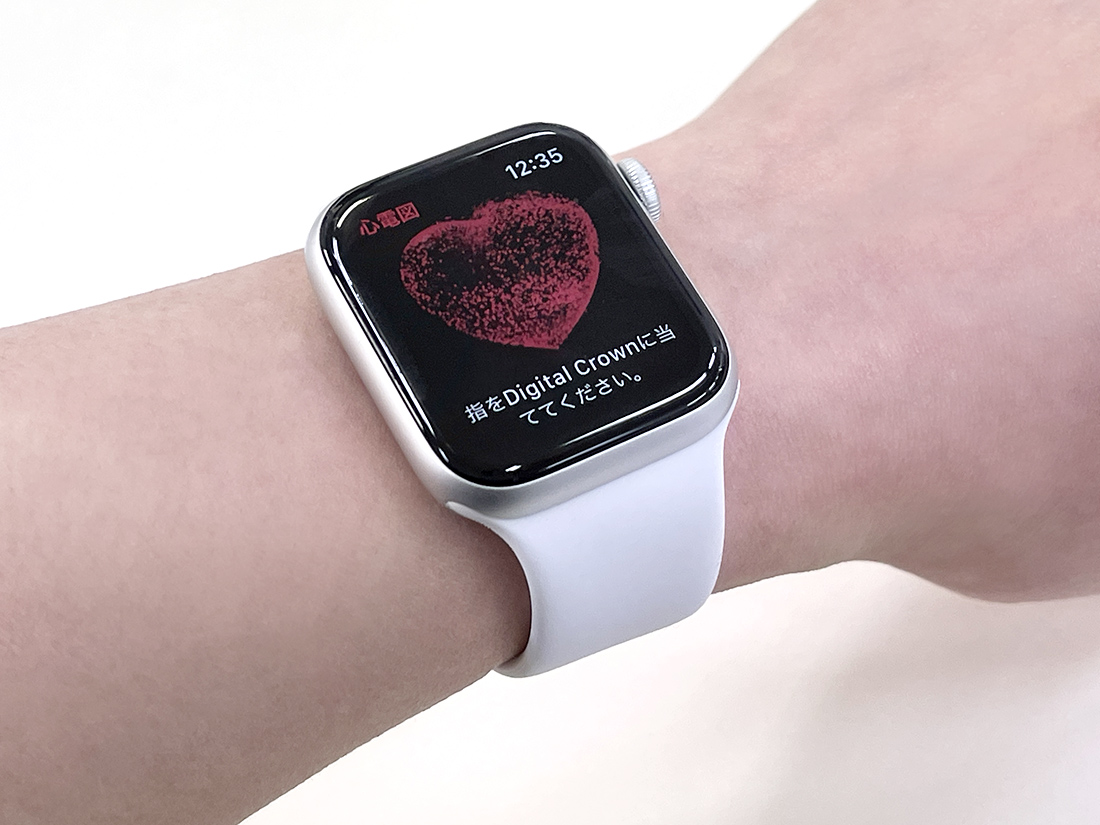
The ECG feature has finally arrived in Japan for Apple Watch Series 4 and later (SE not supported). Using the built-in electrical heart rate sensor, you can check whether atrial fibrillation, a type of arrhythmia, is occurring. Overseas, this feature has been available for quite some time, and there have been news stories about Apple Watch saving people's lives.
To use ECG, update first!

To use the ECG feature, you need an Apple Watch Series 4 or later (SE not supported) and an iPhone (6s or later), and both must be updated to the latest version of Watch OS / iOS.* You can't update if the battery is low, so we recommend charging beforehand. (*At the time of writing, the latest versions are iOS 14.4 and Watch OS 7.3.)
Enabling ECG right away
Set up the ECG app on your iPhone, and the app becomes available.
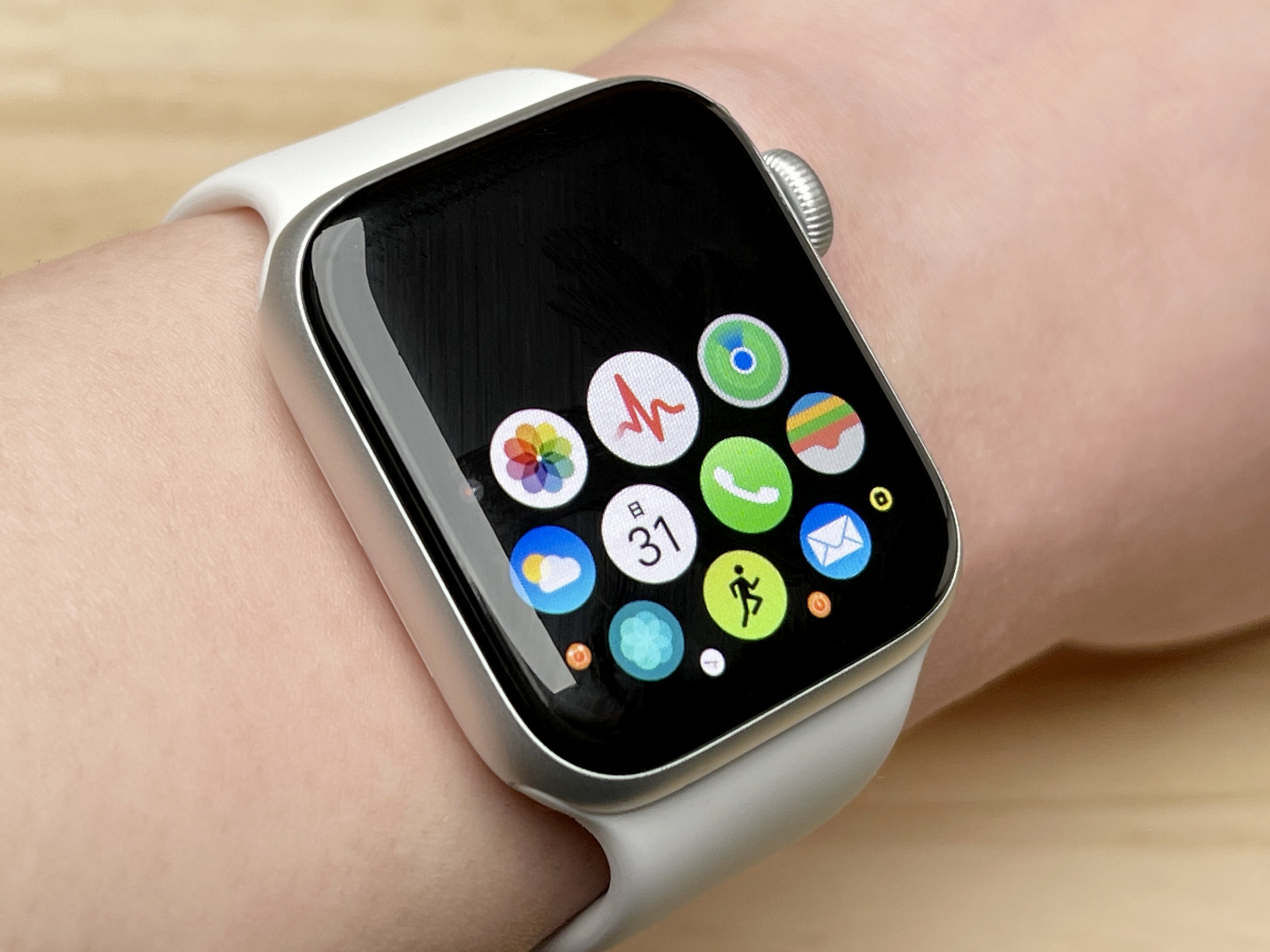
Once the white and red ECG app appears on your Apple Watch, you're all set.
Quiet during measurement! Trying out the ECG
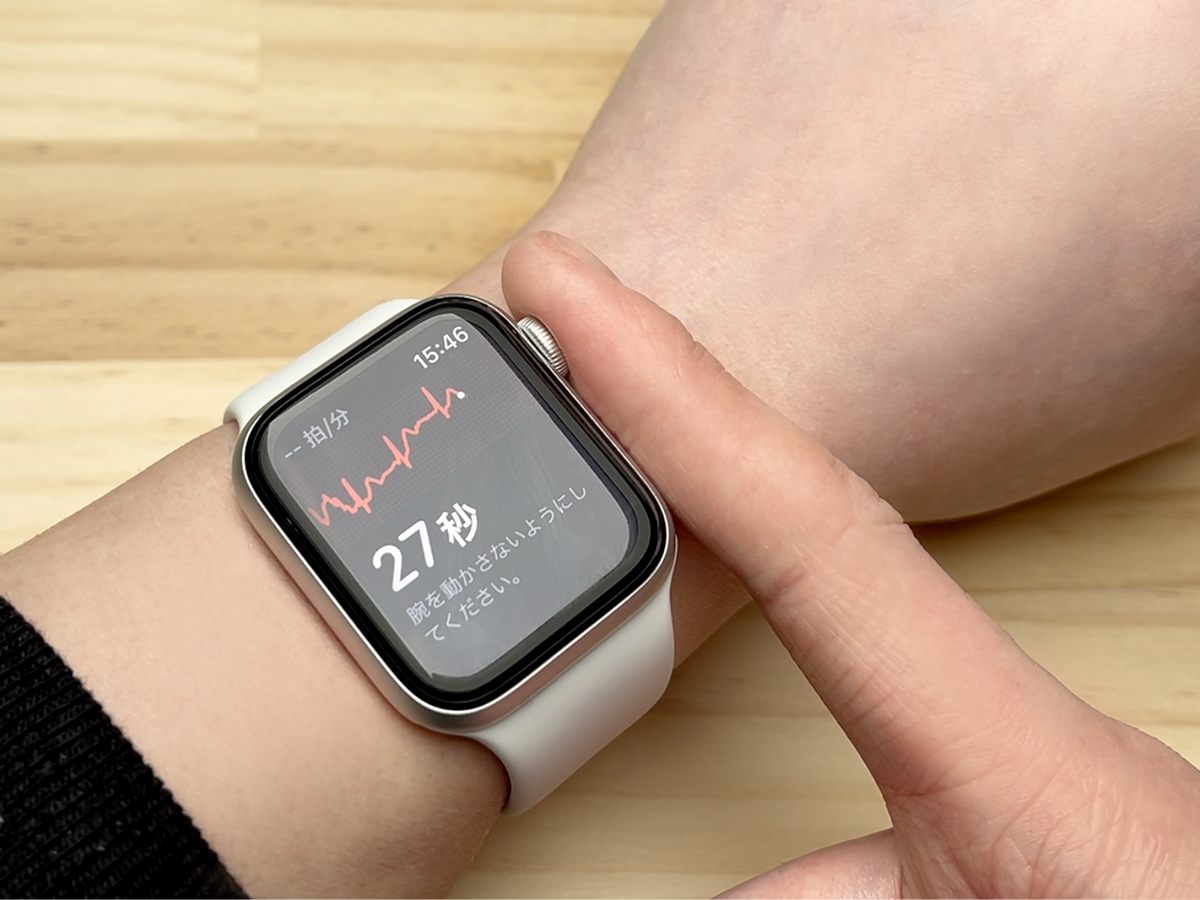
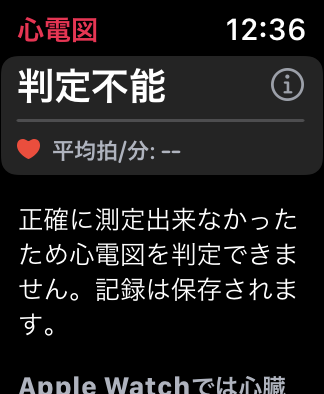
Strap the Apple Watch firmly on your wrist and rest a finger on the Digital Crown to take a measurement. The reading turns out to be surprisingly finicky, though — just when you think it's measuring, you can end up with an "inconclusive" result. The trick is to keep your arm steady and press your finger with just the right amount of pressure. If you get a result like "Sinus Rhythm," the measurement is OK for now.
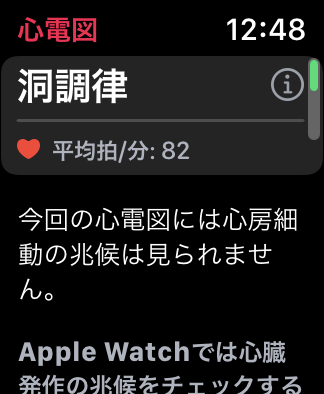
If the result is inconclusive, you'll need to take the measurement again.
Check the records from your iPhone
Once the measurement is done, it's automatically transferred to the iPhone, and you can view the records in the Health app.
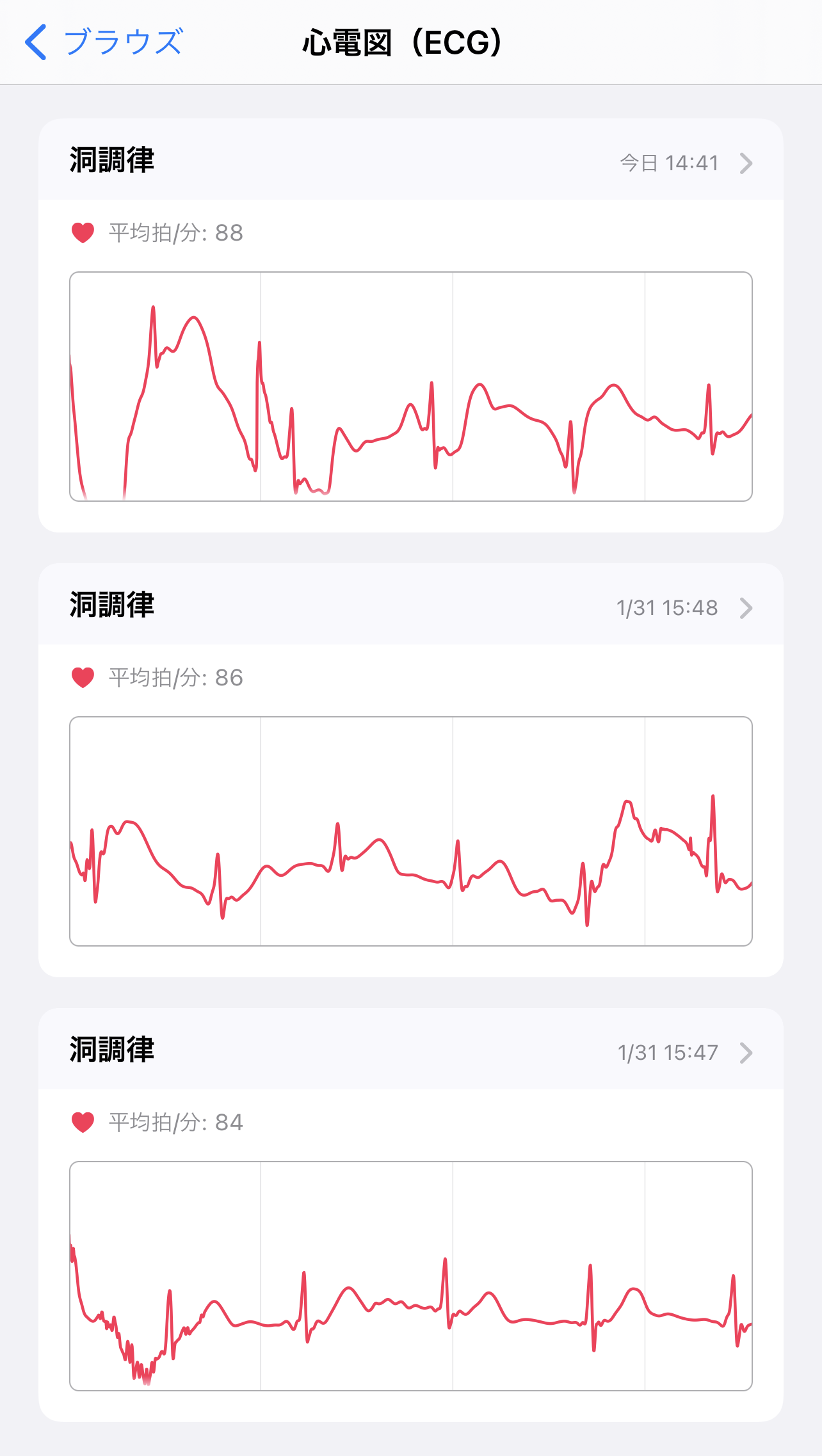
Now that the long-awaited ECG is finally available in Japan, hopefully it will help with the early detection of illness.