Recently, low-cost MVNO carriers like Rakuten Mobile and LINE Mobile
 have become a common sight, haven't they?
There are plans like 1,480 yen/month (about 10 USD) for 2GB with calls included (Rakuten Mobile), and compared to au or docomo it's pretty reasonable — even students can easily own a smartphone these days.
Data-only plans without calls are even cheaper, with options like 480 yen/month (about 3 USD) for 1GB (DMM Mobile ), so if you want to push costs to the absolute minimum, cutting calls is the way to go.
We live in an age where you can make free voice calls with friends through LINE, and honestly, plenty of people barely use their smartphone's actual phone function more than once a month, right?
But without a phone number, things get inconvenient when applying for stuff or filling out paperwork — so for those moments when you think "I don't really use it, but I'd still like to have a phone number just in case," I decided to look into whether there were any calling apps that came with a phone number.
I Found a Calling App with a Phone Number and Zero Monthly Base Fee
Looking around, I found a service called "SMARTalk".
Setup costs and the monthly base fee are both 0 yen, and you get assigned a 050 phone number.
Call rates are a flat 8 yen per 30 seconds (about 5 cents), international calls are possible too, and calls between SMARTalk users or to certain 050 numbers are free.
For people who hate paying a monthly base fee for something they barely use, this pay-only-for-what-you-use service is a perfect fit.
The remaining concerns are call quality and how well the app works, but for now I figured I'd just install it and see.
What's a 050 number? How is it different from 090?
All 050 numbers are what's called IP phone numbers. While 090/080 numbers go through the regular phone network, 050 numbers route calls through the internet.
Because of that, if your internet connection is congested or capped, calls might arrive with a delay or sound choppy.
Also, you can't dial numbers starting with 0120 or emergency numbers like 110/119, so be careful. (You can still receive calls from them.)
Installing the SMARTalk App on iPhone
After registering as a user on the official site, installing the app on your iPhone, and configuring the settings, you'll be ready to receive calls.
You also have to enter the configuration info into the app, which is a bit of a hassle, but hey — it's free, so no complaints.
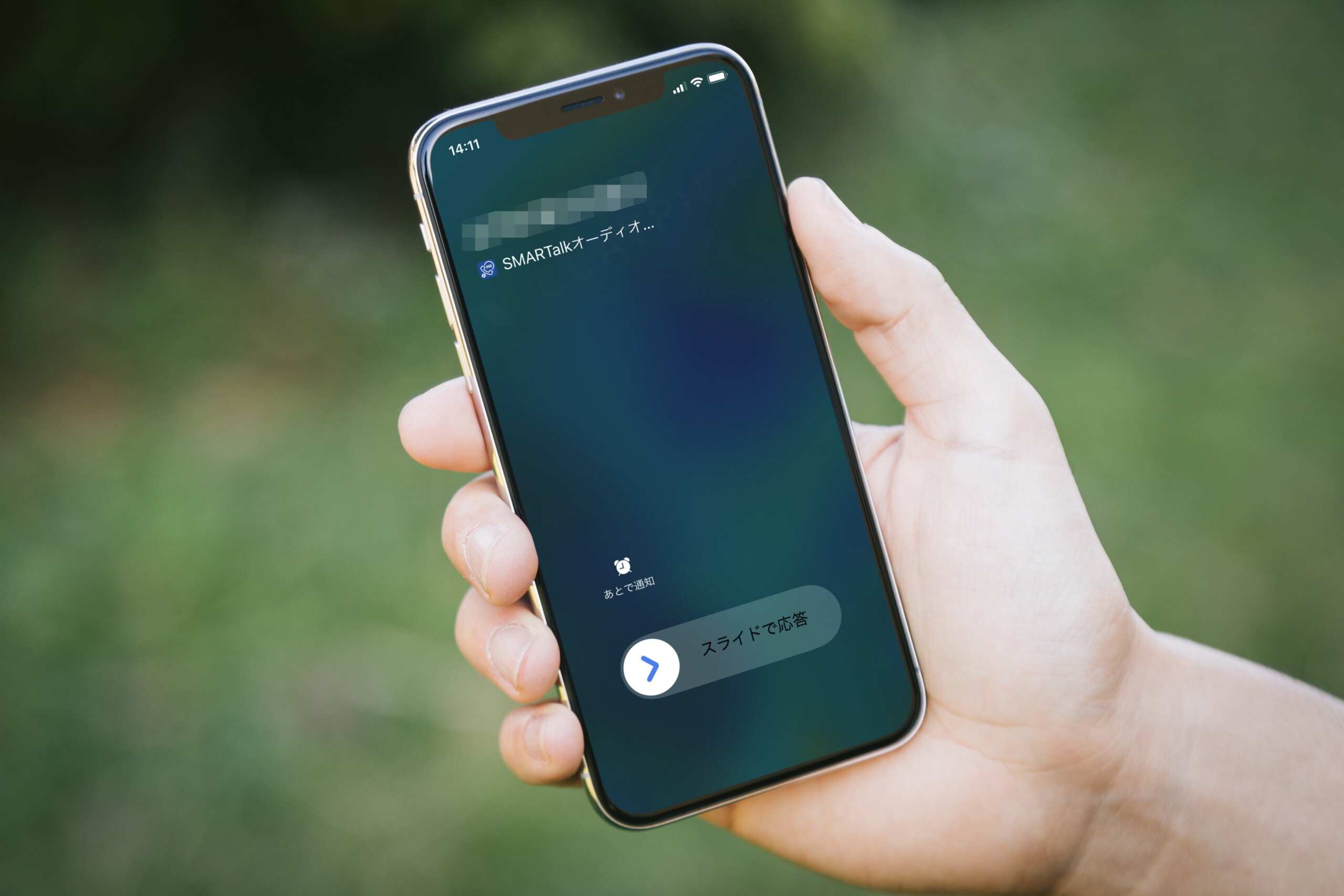
Anyway, now that I'm in a state where I can receive calls, let me try calling the SMARTalk number from another phone.
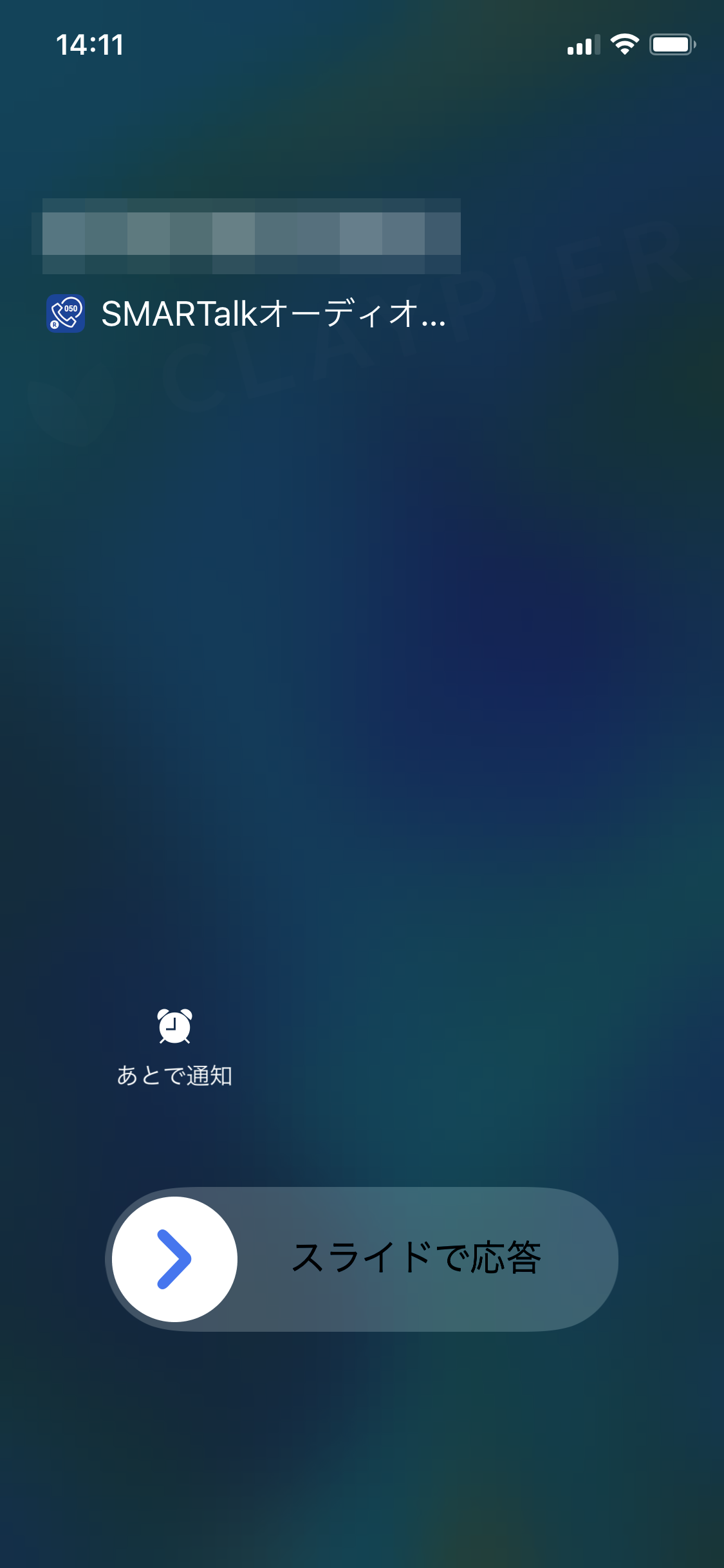
Whoa! It works. The call came through properly (well, obviously).
*Note: On the first call you might get a "Allow access to the microphone?" prompt, so it's a good idea to do a test call beforehand for when you really need it.
Q. How's the voice quality?
Used near my home Wi-Fi, it sounded as clean as a regular phone line.
That said, even on home Wi-Fi, in spots with weak signal the call quality dropped, and depending on the person on the other end I'd sometimes hear "Your voice sounds far away..."
It's pretty heavily affected by your internet connection, so this might be a point to watch out for.
Q. How's the app?
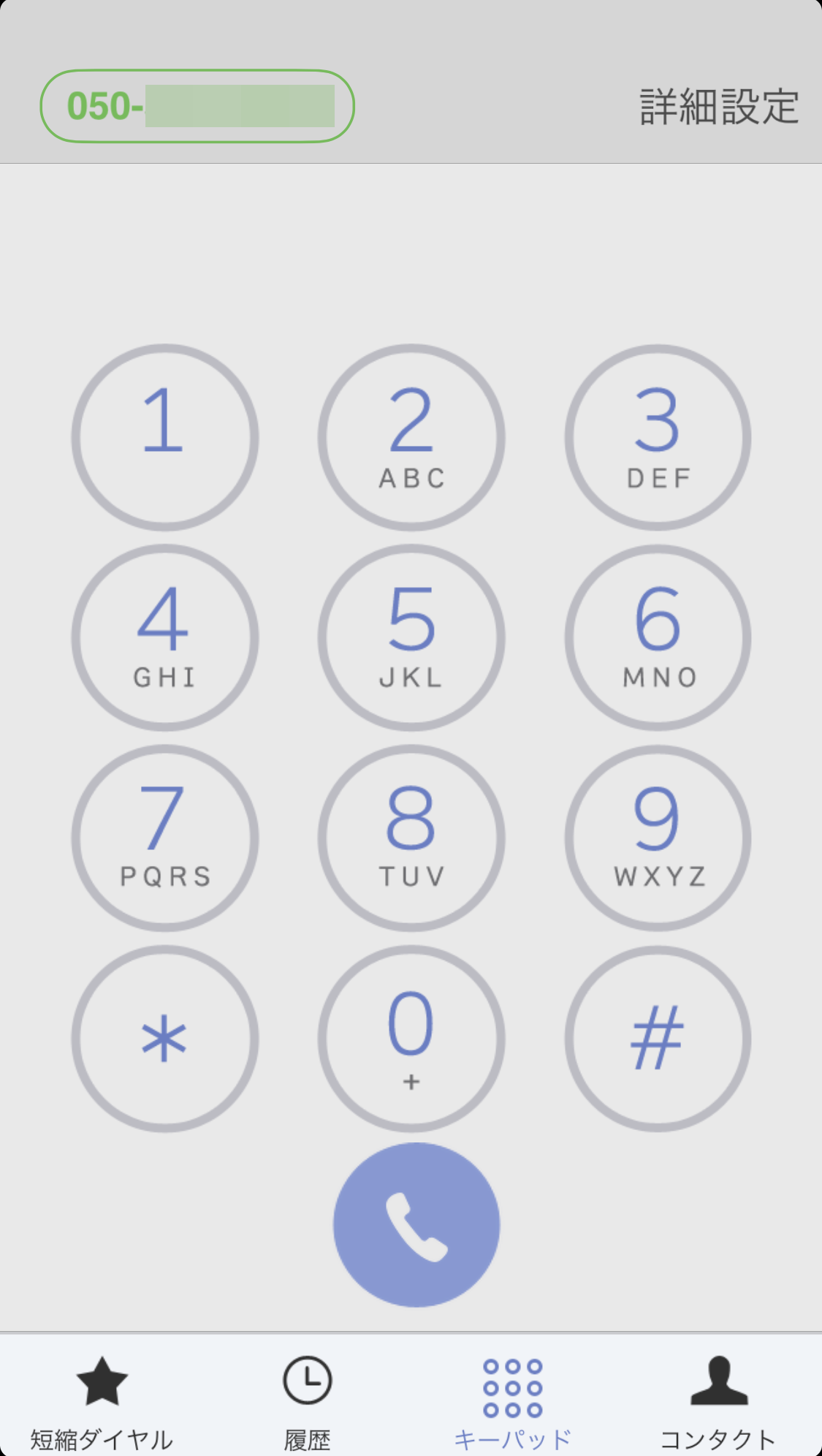
Screen-size-wise it doesn't look like it supports the iPhone X, but otherwise it worked without any issues.
So far nothing's bugged out, so we're good.
It's Gotten Much Better Compared to a Few Years Ago
I was able to use it more normally than I expected. As someone who only had negative memories of 050-style services — bad call quality, annoying app launches — I was honestly surprised.
Looking at reviews online, I'd seen complaints like "push notifications don't come through" and "you can't receive calls unless the app is running." But even after I quit the SMARTalk app, restarted my iPhone, and locked the screen, in my environment push notifications came through with no problems.
I also didn't run into the "the incoming-call vibration only fires once" iPhone quirk (did an update fix it?) — the phone vibrated continuously while ringing, which is reassuring.
*Results may vary by environment, so be sure to test things before relying on this in practice. CLAYPIER assumes no responsibility for any damages that may occur.
Possible Downsides? Things to Watch Out For
- Calls may be difficult on even slightly slow connections.
- You can't dial toll-free numbers like 0120, or emergency numbers like 110/119.
- If you go a long time without using the service (no usage charges for 12 months), your contract may be terminated, so be careful.
- Be sure to test outgoing/incoming calls and voice quality before relying on it in real-world use.