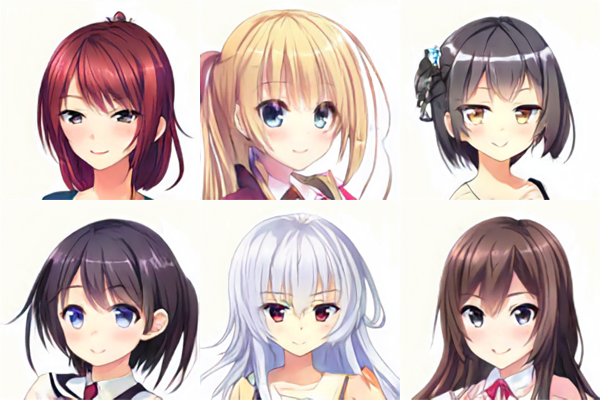
With MakeGirlsMoe, an AI-powered service that whips up anime-style 2D characters for you, you can generate your very own one-of-a-kind character.
How to use it: just hop onto the official site from your PC or smartphone and hit the "Generate" button.
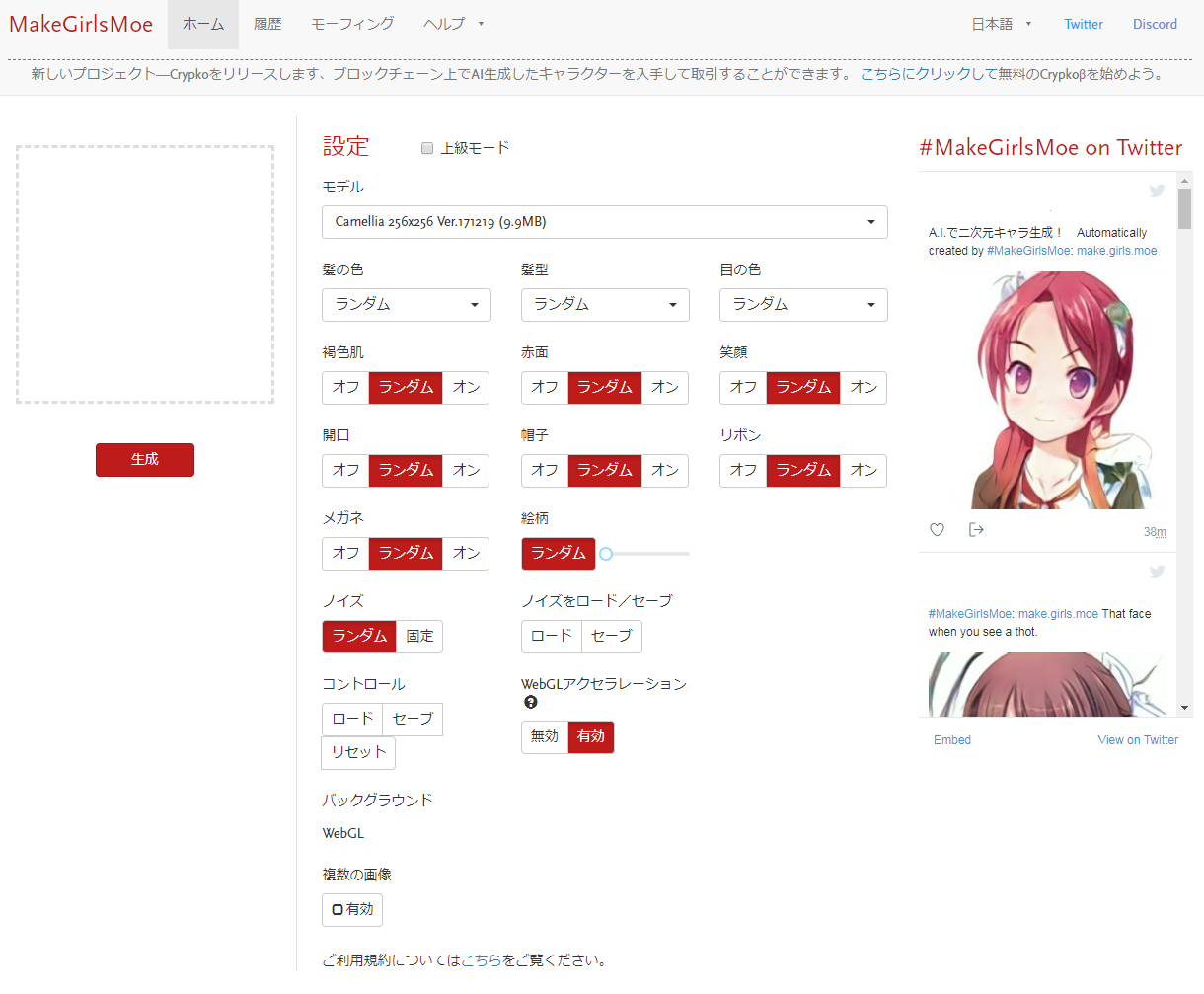
On top of fully random generation, you can also tweak all sorts of parameters — like hair color or whether the character wears glasses.
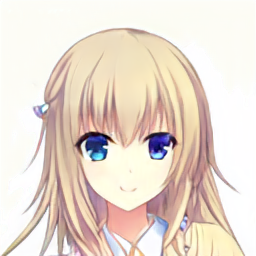
Here's a character I generated with everything set to random as a test.
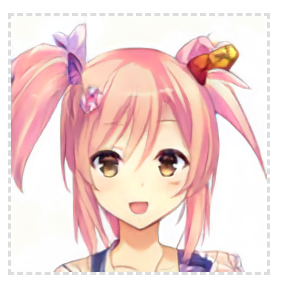
I got a character that looks like she could be on the cover of a light novel.
Try Tweaking the Parameters to Your Liking
In the settings, you can toggle things like "hair color," "ribbon," and "glasses" on or off.
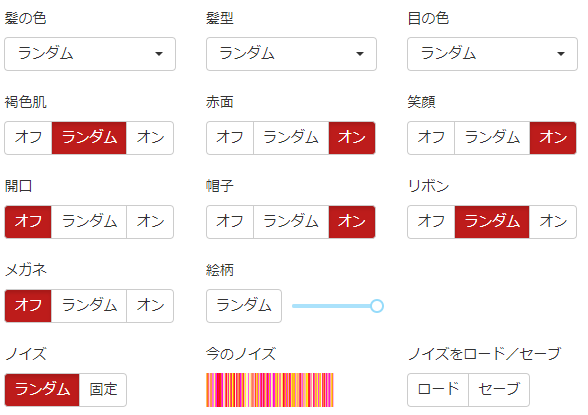
By the way, when I tried it with the settings above, this is the kind of image that came out.
It seems hats can sometimes end up looking ribbon-ish.

The "art style" option in the settings, when I tried it, seems to let you specify the era of the artwork — the further left you slide it, the older the art style gets.
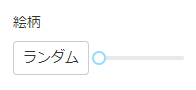
I locked the noise in place and tried generating one with the art style slider all the way to the left (top) and another all the way to the right (bottom), then compared them.
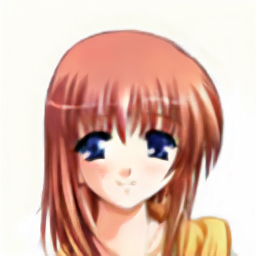
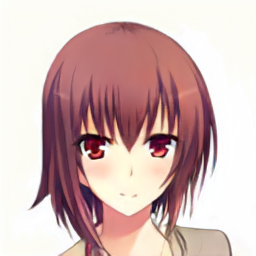
You can see that the one set all the way to the right has a more modern art-style touch.
Once a face you like emerges from the noise, locking it in and then tweaking only the parameters might be a fun way to play around.