It's a real shock when you finally go to use the iPhone you just bought, only to find a defect. In this post I'll share an actual case where I received support from Apple to see whether they would swap it out for a new unit. In the end, my defective iPhone 11 Pro was returned and exchanged at the Apple Store.
My brand-new iPhone had a defect…
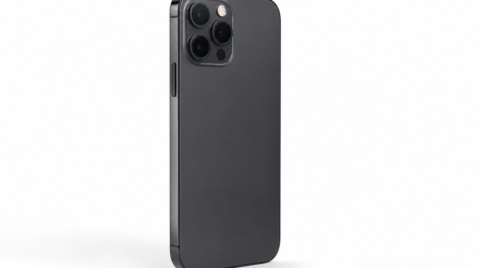
After buying the iPhone 11 Pro, I checked the display and noticed that the left side of the screen had turned reddish.
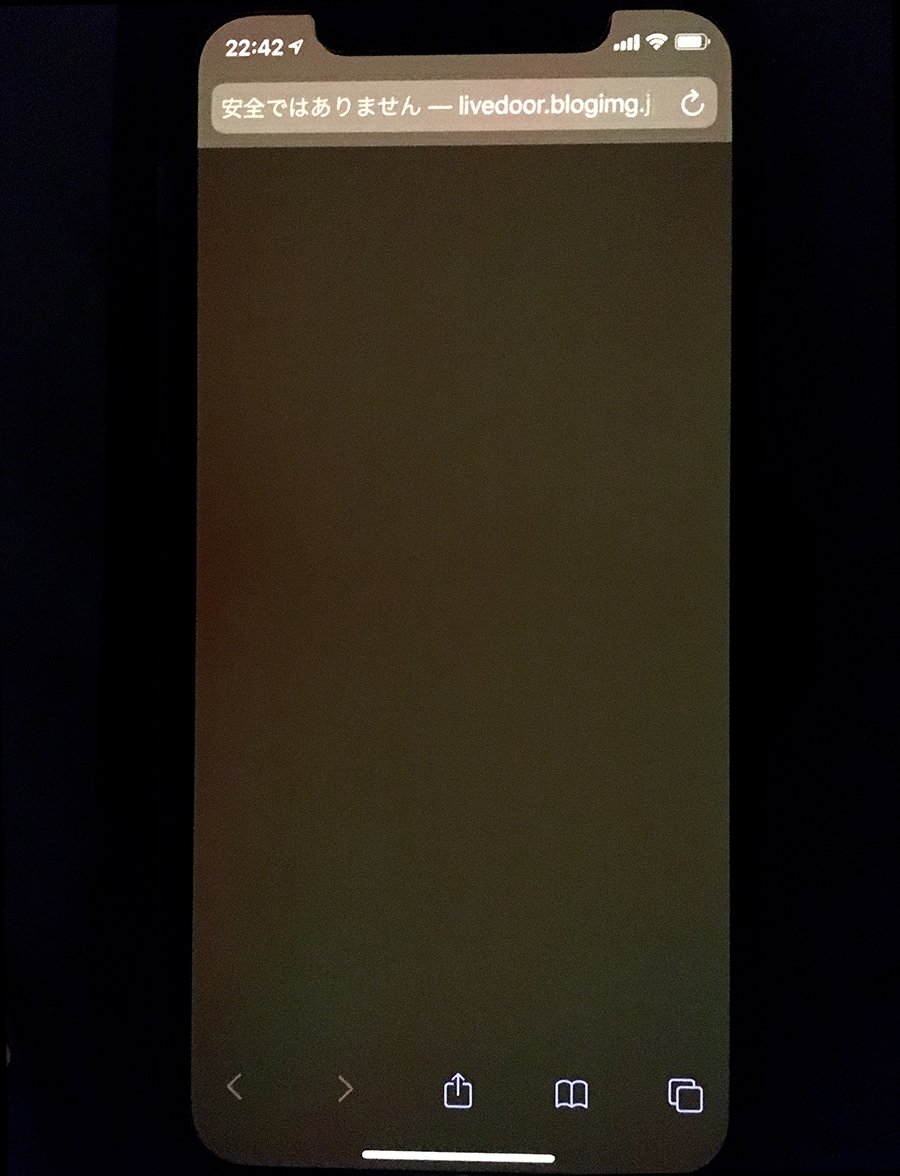
During the day it wasn't all that noticeable, but in dark places it really stood out — clearly a defect. I reached out to Apple Support over chat, and they were extremely helpful.

If you have photos of the symptoms, you can show them to the operator directly, which is convenient. In the end, I was told to bring the iPhone to the Apple Store where I had purchased it.
Taking it to the Apple Store where I bought it
I made a reservation through Apple's support page and brought the iPhone to the Apple Store. After checking in, a staff member quickly began verifying and diagnosing the problem.
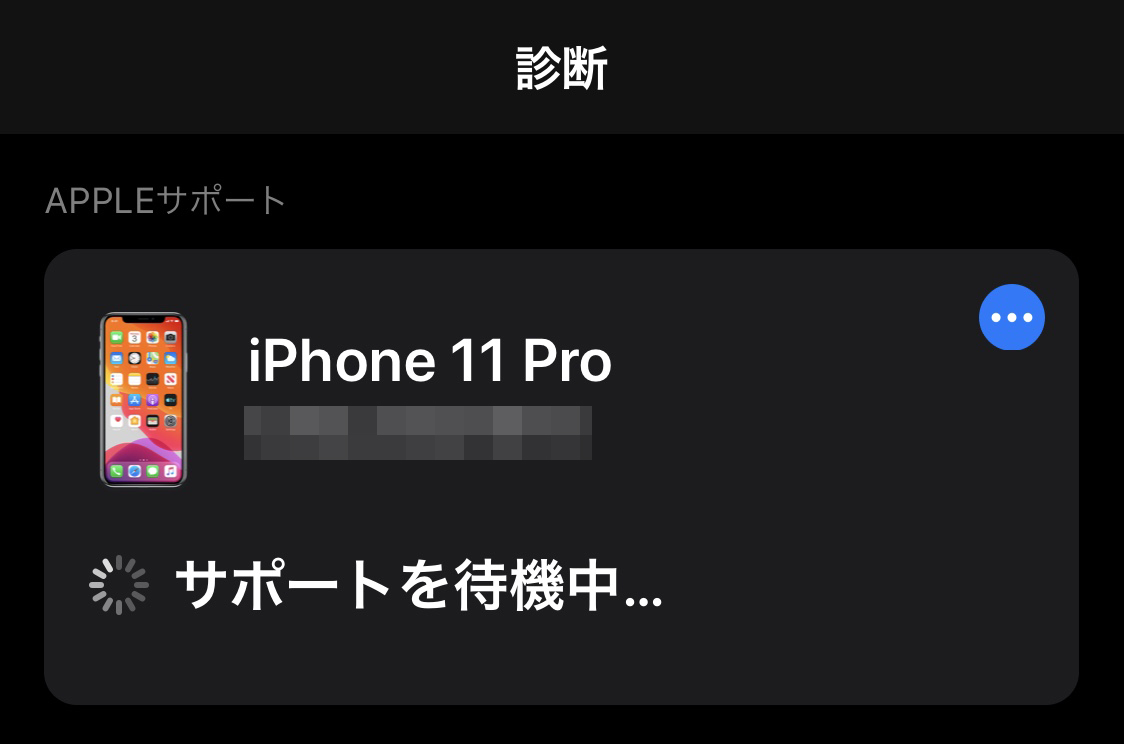
I explained the symptoms, and since it had been less than a week since the purchase, they agreed to swap it out for a brand-new iPhone this time. Apparently, if more time has passed since the purchase, you get a repair rather than a replacement. The staff member said, "It's better to bring it in as soon as possible," so if your Apple product has an out-of-the-box defect, the sooner you take it to the store, the better.
If you find a defect, head to the Apple Store as soon as possible
For a return and exchange, the process goes more smoothly if you bring the box and the full set of accessories (earphones, AC adapter, cable, etc.) along with the device itself. Even if you forget something like the AC adapter, they will still exchange everything except the missing item, so it's not a deal-breaker. In this case I was able to get a brand-new replacement, but if too much time passes, it turns into a repair rather than an exchange — so as soon as you find an initial defect, it's best to take it to the Apple Store.