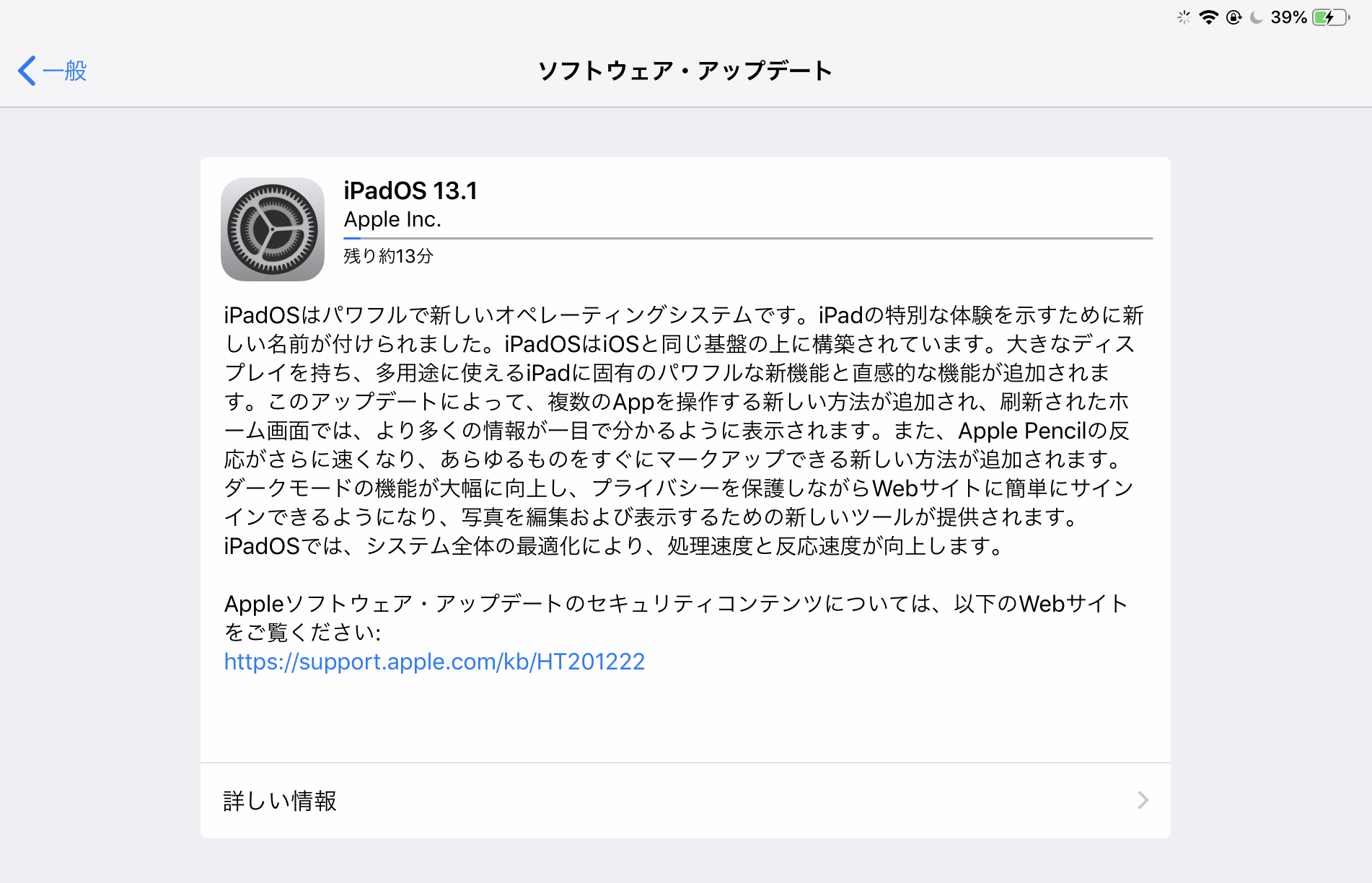
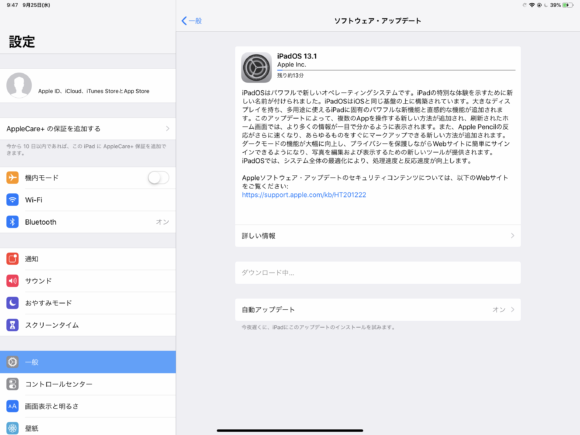
Apple began rolling out "iPadOS 13.1" for the iPad on September 25. Supported iPads can grab it right away as an OTA update. The update weighs in at roughly 2GB, so you'll need that much free space. Downloading and installing while connected to Wi-Fi is recommended.
What's New in iPadOS 13.1
iPadOS, which spun off from iOS, brings a number of refinements tailored to the iPad. Performance is faster than iOS 12 — Face ID unlock, for example, is reported to be about 30% quicker. iPadOS had been announced for a while, and the impression now is that it's been more thoroughly optimized for the iPad's larger screen.
Home Screen
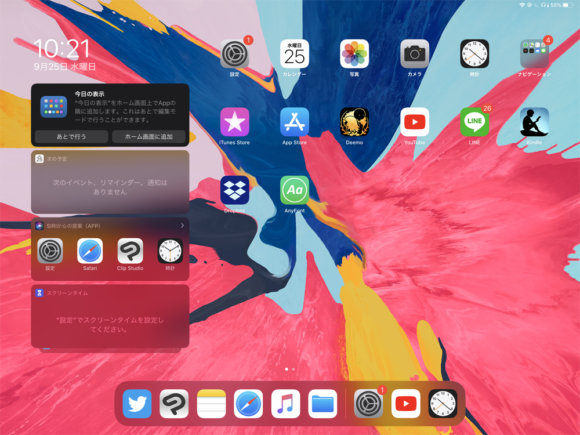
This is the Home Screen after updating to iPadOS 13.1. App icons can be made smaller, and widgets can now be displayed as well.
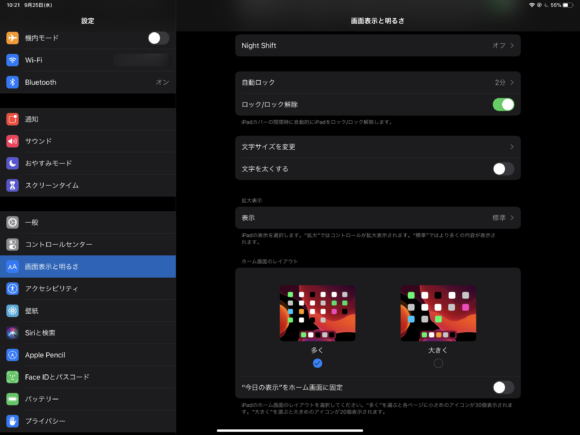
You can also revert the Home Screen to the previous larger icon layout. For widgets, there's an option to either pin them to the Home Screen or swipe to show or hide them.
Keyboard
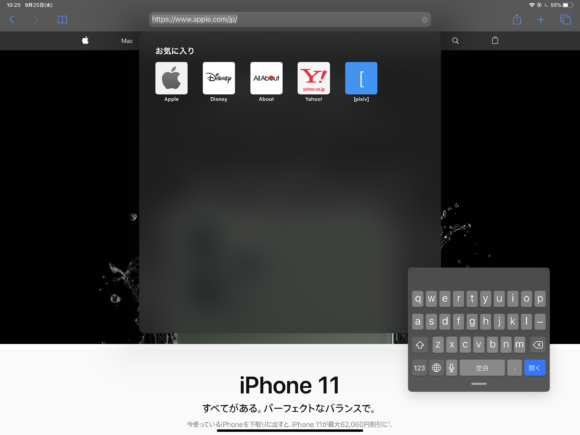
The keyboard can also be shrunk down like this. Pinching in turns it into a mini keyboard, and you can move it around by touching and dragging.
Multitasking

One of the iPad's signature strengths — running multiple apps side by side — is of course still here. There are several other multitasking-related features as well.
Apple Pencil
Latency has been reduced to 9 milliseconds, making writing feel even more natural.
Wrapping Up
This update is available on devices including the iPad Air 2, iPad mini, and iPad Pro. It's a fairly large update, so we recommend running it when you have some time to spare.
iPadOS official site: https://www.apple.com/ipados/