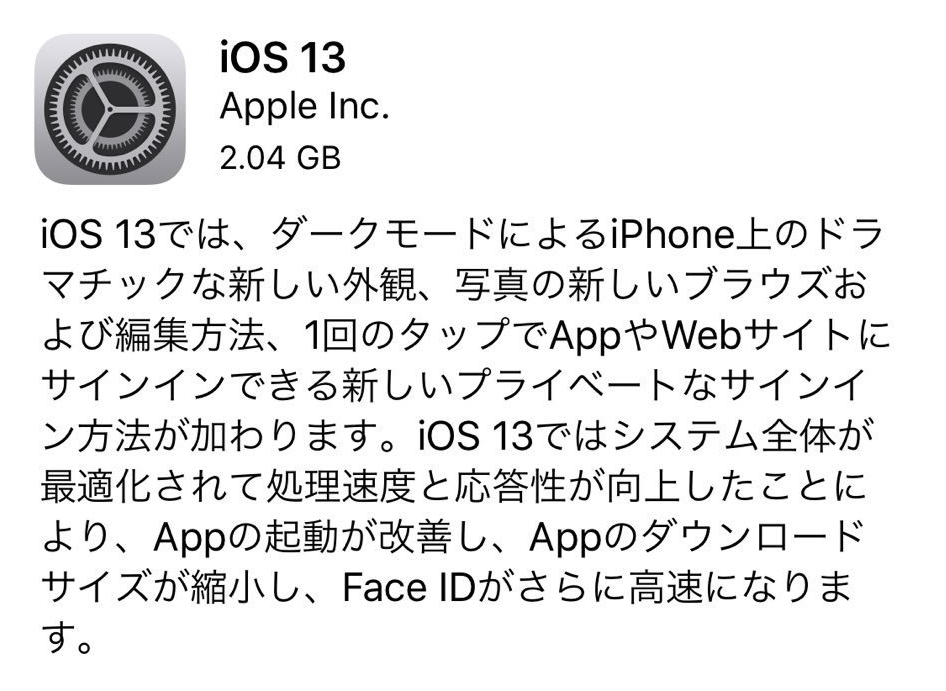
The official version of iOS 13 has been released, and you can install it right now from Software Update.
In addition to its headline feature, "Dark Mode," it also brings faster Face ID and a wide range of optimizations across apps and the system as a whole. If you'd like to get a feel for what iOS 13 is like, take a look at iPhone Gets Dark Mode Too! I Tried the iOS 13 Public Beta. (Note: that article covers the Beta version.)
The download size is around 2.0 GB, which is fairly hefty, so be careful.
Below is a partial excerpt from the update notes.
Dark Mode
- A beautiful new dark color scheme that delivers a great viewing experience, especially in low-light environments
- Can be scheduled to turn on automatically at sunset or at a specific time, or toggled from Control Center
Camera and Photos
- A new "Photos" tab that makes it easy to find, look back at, and share your photos and videos, with a curated library view
- A powerful new photo editing tool that lets you easily edit and adjust photos and see results at a glance
- Video editing features powered by more than 30 new tools, including "Rotate," "Crop," and "Auto-Enhance"
- Adjustable Portrait Lighting intensity on iPhone XR, iPhone XS, and iPhone XS Max
- A new Portrait Lighting effect, "High-Key Mono," that captures monochrome portraits against a white background on iPhone XR, iPhone XS, and iPhone XS Max
App Store and Arcade
- A single subscription lets you play groundbreaking new games as much as you like, with no ads or additional purchases
- Browse the latest games, personalized recommendations, and exclusive editorial content in the new "Arcade" tab in the App Store
Reminders
- An all-new design that lets you create and organize reminders in a more powerful and intelligent way
- A quick toolbar for adding dates, locations, flags, attachments, and more to reminders
- New Smart Lists — "Today," "Scheduled," "Flagged," and "All" — that make it easy to check upcoming reminders
Siri
- Personalized Siri suggestions in Apple Podcasts, Safari, and Maps
- Stream more than 100,000 live radio stations from around the world via Siri
- The Shortcuts app is now built in
Memoji and Messages
- New Memoji customization options including new hairstyles, hats, makeup, and earrings
- Memoji turn into sticker packs that can be used in Messages, Mail, third-party apps, and on every iPhone model
- Optionally share your name, photo, and even your Memoji with friends
- Search in Messages is enhanced with intelligent suggestions and categorized results, making it easier to find conversations
Augmented Reality
- On iPhone XR, iPhone XS, and iPhone XS Max, People Occlusion in apps places virtual objects naturally in front of or behind people
- On iPhone XR, iPhone XS, and iPhone XS Max, Motion Capture in apps tracks body posture and movement, letting you move characters or manipulate virtual objects
- On iPhone XR, iPhone XS, and iPhone XS Max, multiple-face recognition for AR content can recognize up to three faces at once, so you can have fun with friends
- AR Quick Look that displays and lets you interact with multiple AR objects simultaneously
- Block senders, sending all email messages from blocked senders directly to the Trash
- Mute threads to stop notifications from very busy email threads
- A formatting bar with rich text formatting tools and easy access to all kinds of attachments
- Support for all system fonts and new fonts downloaded from the App Store
Safari
- An updated Start Page that shows favorites, frequently visited sites, the websites you visited most recently, and Siri suggestions
- A display option in the smart search field for quick access to text size controls, Reader view, and per-site settings
- Per-site settings that let you choose Reader view, or enable access to content blockers, the camera, microphone, and location, on a per-website basis
- A download manager
QuickPath
- Slide-to-type on the keyboard for easy one-handed input on the go
- Switch between slide and tap input mid-sentence
- A predictive bar that suggests candidate words
Text Editing
- Scrub the scrollbar by dragging it directly to quickly move through long documents, web pages, and emails
- Faster, more accurate cursor movement lets you move easily to the position you want
- Improved text selection — just tap and swipe to select text
Fonts
- Use custom fonts from the App Store in your favorite apps
- Manage fonts in Settings
Files
- External drive support in the Files app, so you can access and manage files on USB drives, SD cards, or hard drives
- Connect to work servers and home PCs with SMB support
- Local storage on the local drive that lets you create folders and add frequently used files
- Zip compression and decompression support, so you can create and expand zip files
Apple Music
- Time-synced lyrics that display lyrics with precise timing for an even more enjoyable music experience
- More than 100,000 live radio stations from around the world
Privacy and Security
- A "Allow Once" option for location sharing, which lets you share your location with an app just one time
- Background tracking notifications that alert you when an app is using your location in the background
- Improvements to Wi-Fi and Bluetooth that prevent apps from accessing your location without your consent
- Location-sharing controls let you easily strip location data when sharing a photo
System-Wide Experience
- Choose Wi-Fi networks and Bluetooth accessories from Control Center
- A redesigned volume control that appears subtly in the upper-left corner
- Capture full-page screenshots of web pages, Mail messages, iWork documents, and Maps
- A redesigned Share Sheet that uses intelligent suggestions to share content in just a few taps
- Dolby Atmos playback that delivers an immersive surround-sound experience when playing Dolby Atmos, Dolby Digital, or Dolby Digital Plus content on iPhone XR, iPhone XS, and iPhone XS Max
Performance
- Apps launch up to 2x faster*
- Face ID unlocks up to 30 percent faster on iPhone X, iPhone XR, iPhone XS, and iPhone XS Max
- App update sizes are 60 percent smaller on average
- App sizes from the App Store are up to 50 percent smaller
* For more details, see the official site at https://support.apple.com/ja-jp/HT201222.
Among all of these, the biggest one is probably Dark Mode. It feels like late-night phone scrolling is going to get even more addictive. On iPhone X and later, it can also help save battery.
With external drive support in the Files app, by using an adapter or similar, you can now operate on files on SD cards or USB drives that the iPhone couldn't natively use before.
The addition of SMB and Zip support also gives the impression that it has become more usable and convenient in business settings as well.
The iOS 13 update takes a while, so be sure to do it somewhere with Wi-Fi — after work or on the way home from school, for example!