The iOS 13.2 update has started rolling out. With this update, the cameras on the iPhone 11 series have been enhanced, and new emoji and bug fixes have been added. The update size was about 580 MB.
Camera
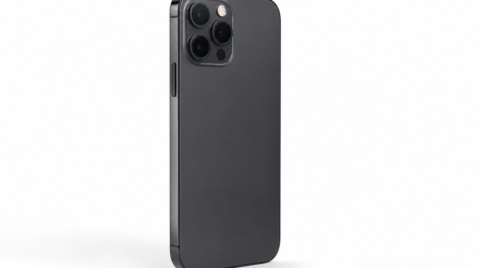
The cameras on the iPhone 11 series have been strengthened, and a Deep Fusion feature has been added. This feature improves image quality in dark scenes.
On iPhone 11, iPhone 11 Pro, and iPhone 11 Pro Max, Deep Fusion uses the Neural Engine of the A13 Bionic to take in multiple images at varying exposures, run pixel-by-pixel analysis, and combine the best parts of each image — producing low-noise photos with significantly improved texture and detail even when shot in medium- to low-light scenes.
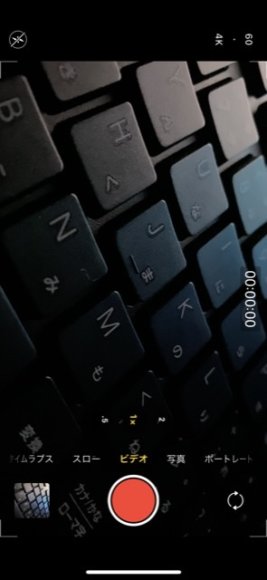
Also, while video resolution used to be changed from the Settings screen, it can now be changed directly from the Camera app.
Emoji
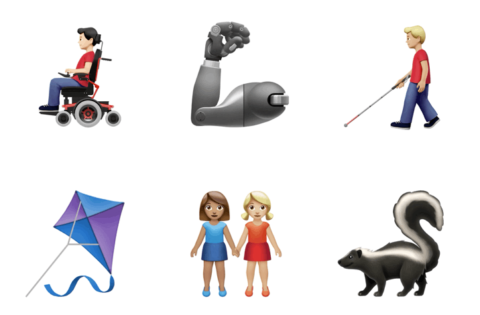
More than 70 emoji have been added or updated, including animals, food, and couples. The image is quoted from Apple's official site.
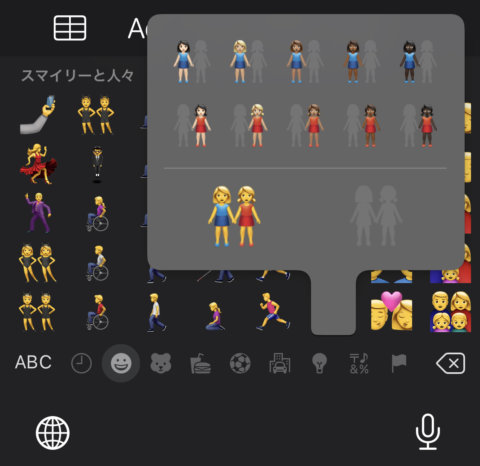
Other emoji such as guide dogs and hearing aids have also been added.
AirPods
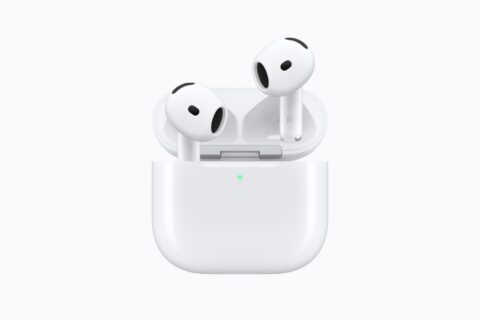
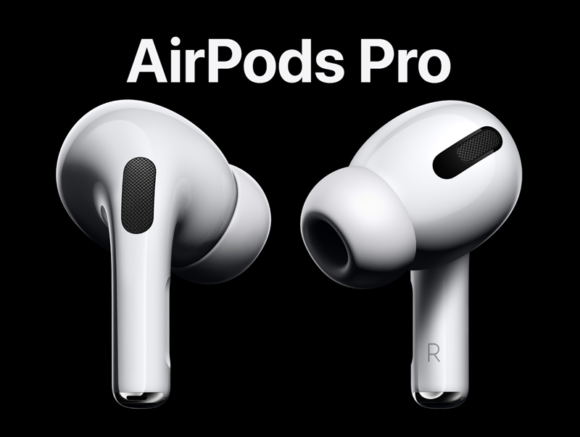
With "Announce Messages with Siri," incoming messages can be read aloud and listened to through AirPods. Updates have also been made to support the newly announced AirPods Pro.
Home App
The Home app is something most people probably don't use, but its security camera features and similar functions have been strengthened.
Using HomeKit Secure Video, video from security cameras can be encrypted and recorded, stored, and viewed privately. It includes the ability to detect people, animals, and vehicles. With HomeKit-enabled routers, users can control which devices on the internet or in the home their HomeKit accessories are allowed to communicate with.
Siri
Privacy-related updates have been made.
In the "Privacy" settings, by allowing Apple to store audio of your interactions with Siri and Dictation, you can choose whether to help improve Siri and Dictation. You can also delete your Siri and Dictation history from the "Siri" settings.
Bug Fixes
Bug fixes have also been made in this update. The fixes are as follows.
- Fixed an issue where passwords might not auto-fill in third-party apps.
- Resolved an issue where the keyboard might not appear when using Search.
- Addressed an issue where the swipe-to-Home gesture might not work on iPhone X and later.
- Fixed an issue in Messages where notifications were sent only once when the Repeat Notifications option was turned on.
- Addressed an issue where Messages might display a phone number instead of the contact's name.
- Resolved an issue where Contacts would show the previously opened contact instead of the contact list.
- Fixed an issue where annotations made with Markup might not be saved.
- Resolved an issue where saved notes might temporarily disappear.
- Fixed an issue where iCloud Backup might not complete properly after tapping "Back Up Now" in Settings.
- Improved performance when using AssistiveTouch to activate the App Switcher.