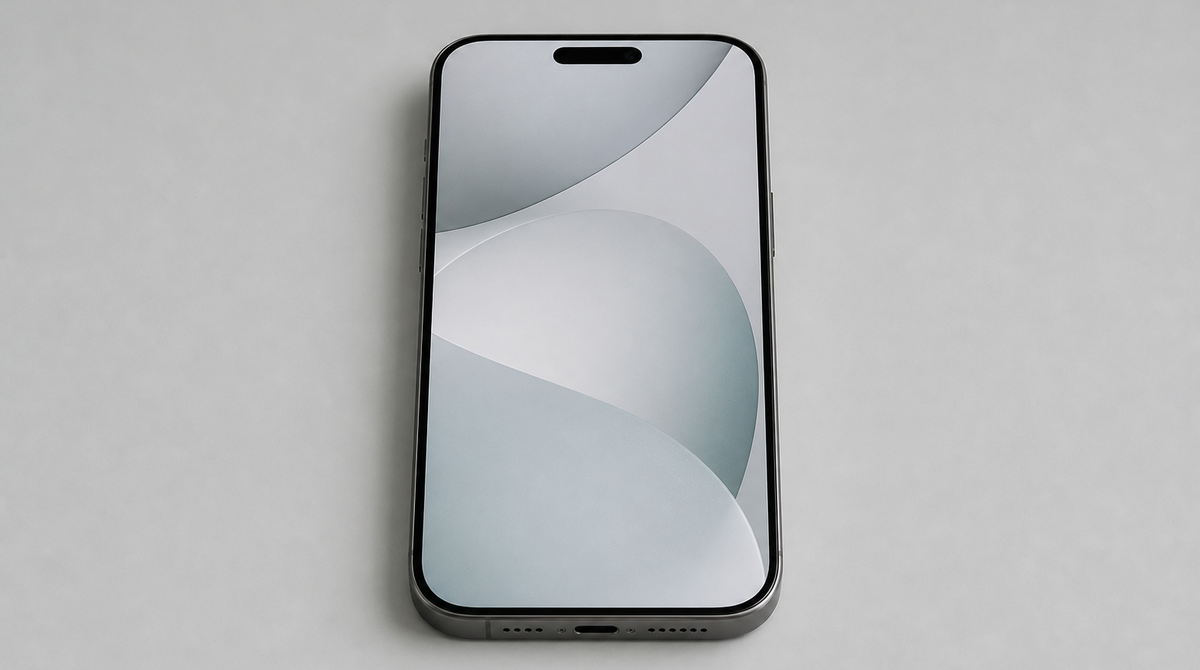
Apple's revamped Siri has been the headline feature of iOS 27, the company's next iPhone operating system. But Apple's AI strategy goes well beyond it. The update quietly weaves AI into the apps people already use every day, with abilities like splitting a restaurant bill from a single photo of the receipt, automatically updating passwords exposed in data breaches, and offering one-tap suggestions based on your conversations. All of them are available now in the developer beta, will reach the public beta soon, and are slated for general release this fall.
AI that makes the apps smarter, not another chatbot
The thread running through these features is a deliberate choice: rather than asking users to talk to a new AI assistant, Apple is embedding AI inside the apps and services they already rely on. The foundation is Apple Intelligence, Apple's AI layer, which handles tasks such as understanding photos, reading text, and organizing on-device information.
Individually, none of these is as dramatic as a Siri that grasps your personal context and acts on your behalf. Taken together, though, they reveal Apple steering away from "chatting with a bot" and toward "software that quietly anticipates what you need." A shared trait is that much of the processing runs on the device itself, with privacy in mind.
AI takes over the tedious work around money and passwords
The most familiar example is splitting the bill at a restaurant. Using Apple Cash, Apple's payment feature, together with Apple Intelligence, you photograph the receipt or import a photo, and the AI reads the items, quantities, tip, and total. You pick the items you ordered and, through a group chat in Messages, ask others to do the same; each person simply selects their share to settle up. If two people split a single item, you can specify a half, and the feature also bills everyone for their portion of the tax and tip. Payment is confirmed by double-clicking the side button, just like any other Apple Cash transaction. Because it appears only when needed and runs on top of familiar tools like Messages and Apple Cash, it is easy to use without any setup.
On the security side, Apple adds automatic password updates. Even if you create complex passwords with managers like 1Password or Bitwarden, they offer no protection once they leak in a data breach. The new feature uses AI to identify weak or compromised passwords, securely visits the affected sites on your behalf, signs in, and upgrades them to stronger new passwords. There is no longer any need to fix them one by one by hand.
Cutting the busywork in Messages, calls, and Calendar
The Messages app gains one-tap suggestions that respond to the content of your conversation. If a friend asks you to bring something when you meet, it offers to add the request to Reminders. If someone asks for photos from an event, it suggests the right images based on its understanding of people, places, and keywords. If a meal or meeting comes up, it prompts you to add the event to your Calendar. In every case, the help appears as a handy tool within the chat rather than an obviously AI-driven addition.
For phone calls, a feature called Call Context eases the stress of contacting a company's support line. When you call about an airline reservation, for instance, it shows your booking confirmation number right on the call screen. The information is pulled by AI from the contents of the Mail app, and because all processing happens on the device, your privacy is protected. You do not need to talk to an AI assistant; the details you need simply surface in the background.
In Calendar, you can now add or change events just by describing them in natural language. Apple Intelligence extracts the contacts and locations and even creates a title for the event, so you no longer have to think about which field each detail belongs in. Adding events becomes noticeably easier.
Automation, the smart home, and browsing get tidier too
Shortcuts, the app for automating tasks, also becomes more approachable. Until now it carried a steep learning curve and felt aimed at advanced users. In iOS 27, you can build an automation just by describing what you want in words. Apple envisions everyday uses such as setting your alarm each night based on the next day's schedule, automatically texting your partner your estimated arrival time as you leave work, or turning on the porch light when your DoorDash order is about to arrive.
In the Home app for smart homes, notifications get tidier. When a family member comes home, opens the garage, checks the mail, and walks inside, a separate alert for each action starts to feel like spam. In iOS 27, AI reads the connections between those actions and consolidates them into a single notification, such as "someone arrived home and closed the garage door." It can also find the clips you need, like a package delivery, through search, and surface noteworthy clips at the top of the screen.
The Safari web browser gains automatic tab organization. Apple Intelligence understands what you are viewing across multiple sites and groups related tabs by topic. If you have several tabs open about a trip you are planning, for example, it can gather them into a travel group. Apple says this processing, too, is designed so that your browsing data is never exposed to anyone — not even Apple.
Summary
In iOS 27, Apple's AI piles up practical features behind the headline of a revamped Siri: bill splitting, password updates, message suggestions, on-screen information during calls, and natural-language Shortcuts creation. What they share is a philosophy of working quietly inside the apps you already use rather than assuming you will converse with AI, along with a commitment to processing as much as possible on the device to protect privacy. These features are available now in the developer beta, will arrive soon in the public beta, and are expected to reach everyone as part of the general release of iOS 27 this fall. Whether these conveniences — aimed at daily usefulness rather than spectacle — become genuinely indispensable will be the thing to watch from here.