

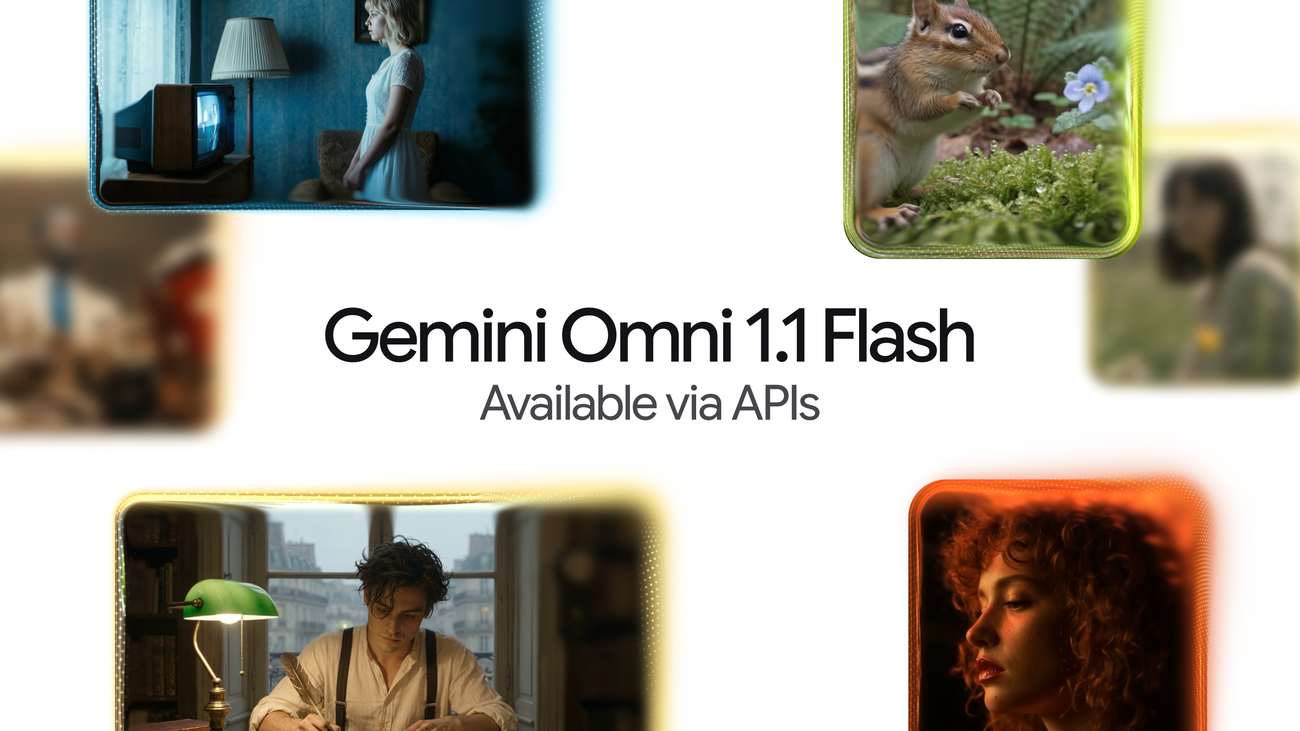
Google made its video generation model Gemini Omni 1.1 Flash generally available to developers on August 27, 2026. The release adds scene extension that stretches existing footage to a cumulative 40 seconds in 10-second steps, first-and-last-frame control for camera moves, and a cheap 360p draft mode you can upscale later[1]. What was a preview of Gemini Omni Flash is now shaped for production work.
It Reads the Previous 10 Seconds Before Continuing
The headline feature is scene extension. Given an existing clip, the model generates footage that picks up where the last frame left off.
Earlier models looked only at the final second when extending. Omni 1.1 reads up to 10 seconds of prior context, which holds visual consistency and narrative flow together far better[1]. Extensions come in 10-second increments, up to a cumulative 40 seconds.
Forty seconds obviously will not get you a film. But it comfortably covers a product explainer, a short social cut, or a moving storyboard used to sell an idea internally. Compared with the roughly 8-second ceiling of earlier generated clips, the range of usable jobs widens considerably.
In the Gemini API, you pass the ID of the previous generation to continue from it.
from google import genai

client = genai.Client()

interaction = client.interactions.create(
    model="gemini-omni-1.1-flash",
    previous_interaction_id=previous_video_interaction.id,
    input=[
        {"type": "text", "text": "Continue the scene."}
    ],
    response_format={
        "resolution": "360p",
    },
)
Pin Down the First and Last Frame
The second addition lets you specify the starting and ending frames of a shot. The model interpolates the video between the two keyframes, which makes orbiting camera moves, zoom transitions, and seamless loops much easier to land[1].
Steering a camera through prompt wording alone tends to send you back for another generation, and another. Handing the model a picture of where the shot starts and ends is an unglamorous change that should save a lot of retries.
Reference material got broader too. You can now include up to 3 seconds of video in the multimodal input, carrying a character's look or a particular motion pattern into the new shot[1].
Draft at 360p, Then Finish
The practical cost story is the 360p draft mode. It runs up to 60 percent faster than 720p and costs a third as much[1].
Generated video normally takes several attempts before you land on the right take. Line up variations at 360p, change one thing at a time, compare them side by side, then render only the winner at full resolution. Building that workflow into the pricing tiers suggests someone was watching how this work actually gets done.
4K Is Upscaled, Not Generated
One caveat is worth holding onto: 1080p and 4K are described by Google itself as upscaling, applied to footage generated at lower resolution. Nowhere does the documentation claim native 4K generation[1][2].
That is enough to satisfy a delivery-resolution requirement. But if you expect the detail density of true 4K source material, some shots will disappoint. Check the output at 100 percent before committing it to an edit.
Pricing and Availability
Billing is per second of output: 0.03 USD (about 5 yen) for 360p, 0.10 USD (about 16 yen) for 720p, 0.15 USD (about 24 yen) for 1080p, and 0.30 USD (about 48 yen) for 4K[1]. The previous Gemini Omni Flash offered 720p only, at 0.10 USD, so the floor dropped to a third and the ceiling rose threefold.
※1 USD = 160 JPY (as of August 31, 2026)
Rendering 40 seconds at 4K costs 12 USD (about 1,920 yen). Testing 10 different 40-second drafts at 360p also costs 12 USD (about 1,920 yen). If you work draft-first, the budget stays predictable.
The model is available in Google AI Studio and the Gemini Enterprise Agent Platform, and in Google Flow for Google AI Plus, Pro, and Ultra subscribers worldwide. Scene extension is open to those same subscribers in the Gemini app[1]. Adobe Firefly, Figma Weave, Runway, and GMI Cloud have already built Omni Flash into their products, so more people will meet the model through someone else's interface[1].
Summary
Gemini Omni 1.1 Flash pushes generated video away from a single roll of the dice and toward something you assemble. The three pillars are 10-second extensions up to 40 seconds, explicit first and last frames, and cheap 360p iteration, with pricing now split by resolution. Set against that, 1080p and 4K are upscaled outputs, so how much you trust your final resolution is something to verify with your own eyes. The era of generating video one lucky clip at a time is drawing to a close.
Source: https://blog.google/innovation-and-ai/technology/developers-tools/build-with-gemini-omni-1-1-flash/



























