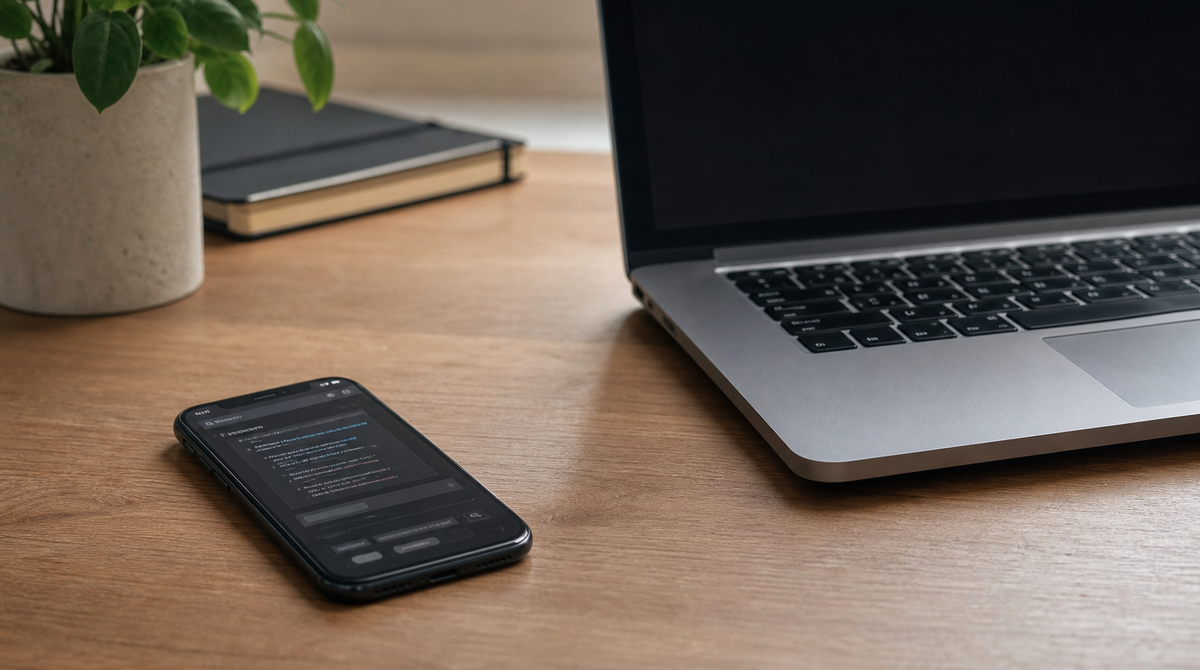
OpenAI released Codex Remote as a general-availability feature for every paid ChatGPT plan on June 25, letting developers control the AI coding agent Codex from a smartphone. You can check on and steer a Codex session running on your own Mac or Windows machine from wherever you happen to be. The general release also reworks how the connection is made, introducing a relay model that never exposes your development machine to the public internet and a one-to-one pairing step based on a QR code.
Control Your Machine's Codex From a Phone
Codex is an AI agent that works through tasks on its own, from writing code and running tests to preparing pull requests. Until now, you had to be sitting at the computer where Codex was running to respond whenever it needed a decision. Codex Remote removes that requirement to be physically present.
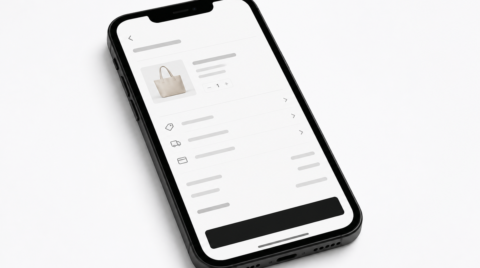
From the ChatGPT mobile app, you can start new threads inside a project on the host machine, send follow-up instructions, and answer the agent's questions. You can approve or deny the commands it wants to run, and review diffs, test results, terminal output, and screenshots on the spot. Push notifications arrive when a task finishes or when input is needed, so you can hand off long-running work and step away. A "steer" function lets you inject guidance into work that is still in progress, rather than waiting to queue the next instruction.
A Relay Model That Opens No Public Ports
The biggest change in the general release is the design that underpins connection security. Reaching a development machine remotely has traditionally meant using a VPN, SSH port forwarding, or a cloud-based development environment. Each of these carries some burden or risk: opening a network port, managing credentials, or moving the execution environment off your own machine.
The new relay model is built to avoid all of that. The Codex app on the host communicates outbound only to OpenAI's secure relay layer, which syncs the session state to authorized devices signed in to ChatGPT. The host's address is never published to the internet, and no inbound port is opened. Your code, credentials, plugins, and MCP (Model Context Protocol) servers all stay local; the only things that pass through the relay are session messages such as prompts, approvals, diffs, screenshots, and terminal output.
Behind this redesign is the reality that Codex credentials have become a target for attackers. In 2026, a malicious package impersonating a Codex-related tool was found circulating and stealing developer tokens. Because a stolen token can grant continued access without a password, the connection path itself needed to be redesigned to be secure.
Pairing a Device and Host One-to-One With a QR Code
The heart of the connection is one-to-one authenticated QR pairing. Setup starts on the host: choosing "Set up Codex mobile" from the sidebar of the Codex app begins pairing and shows a QR code. Scanning it with the ChatGPT app then asks you to confirm the same account and workspace, along with any multi-factor authentication, single sign-on, or passkey steps. Pairing is per device-and-host combination, so you link your phone to each machine you want to control.
Connections that were in use on or after June 8 carry over automatically once you update both the Codex desktop app and the ChatGPT mobile app to their latest versions. Connections unused since before that date need to be paired again. Signing out of ChatGPT temporarily disables remote control without deleting your pairings, and signing back in and re-enabling the feature restores them.
Constraints Worth Knowing Before You Start
Convenient as it is, remote control assumes the host machine keeps running. If the host goes to sleep, loses its network connection, or the Codex app is closed, the connection stops at that moment. On a Mac laptop, you need to keep it plugged in with the lid open, or connect an external display. On Windows, work that uses "Computer Use" requires the screen to stay unlocked, because that feature runs in the foreground. For overnight or long-running jobs, an always-on desktop is recommended as the host rather than a laptop.
Alongside the release, OpenAI added a "DigitalOcean Droplet Workspace" plugin that provisions a cloud machine. Codex can spin up a Droplet in the cloud, configure SSH access, and connect it as a permanent remote workspace. Because it is unaffected when your local machine sleeps or the connection drops, it suits handing off heavy or long tasks entirely. Note as well that in a company workspace, pairing will not succeed unless an administrator has enabled remote control in the permission settings.
Summary
The general release of Codex Remote extends AI-assisted coding into a state where you can watch over and direct it without sitting at your desk. More than a convenience boost, the relay model that opens no external ports and the one-to-one QR pairing suggest an intent to keep human oversight practical at the key moments. Real constraints remain, such as the need to keep the host running, but for developers who want to control long autonomous sessions from anywhere, it looks like a genuinely useful step.