

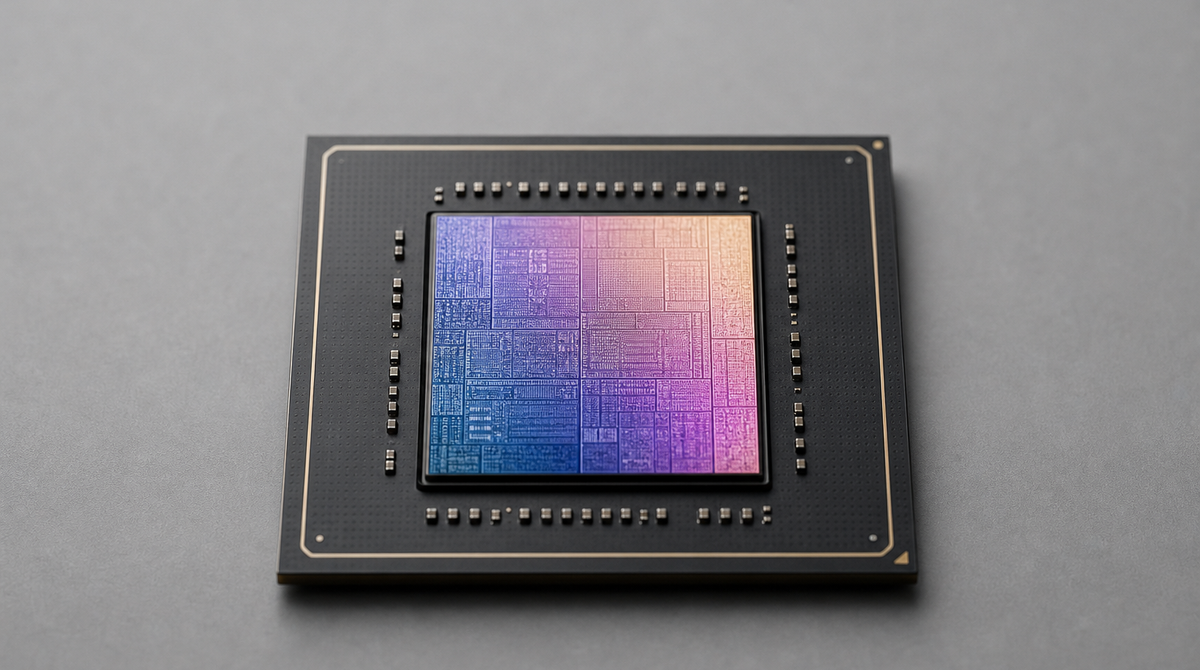
Ollama, a tool for running large language models (LLMs) locally, now supports MLX-powered acceleration on Apple Silicon in preview[1]. The change lets Apple Silicon Macs run models faster than before[1]. On the latest M5, M5 Pro, and M5 Max in particular, Ollama taps into the new GPU hardware to improve responsiveness[1]. For anyone who wants to run AI on their own Mac without relying on the cloud, this is a welcome update.
Built on Apple's MLX framework
This preview is positioned as the fastest way to run Ollama on Apple Silicon[1]. The foundation is MLX, Apple's machine learning framework[1]. Ollama now runs on top of MLX, allowing it to take advantage of the unified memory architecture of Apple Silicon (a design in which the CPU and GPU share the same memory space)[1].
As a result, all Apple Silicon devices can expect a substantial speedup[1]. In practical terms, personal assistants such as OpenClaw and coding agents like Claude Code, OpenCode, and Codex run faster[1].
Faster responses on the M5 generation
On the latest M5, M5 Pro, and M5 Max chips, Ollama uses the newly added GPU Neural Accelerators (a mechanism that speeds up AI processing inside the GPU)[1]. According to Ollama, this improves both time to first token (TTFT, the time until the first response is returned) and generation speed (tokens per second)[1].
Performance was measured on March 29, 2026, comparing Alibaba's Qwen3.5-35B-A3B model quantized to the NVFP4 format (a process that makes models lighter) against the previous Q4_K_M format, both running on Ollama 0.18[1]. The upcoming Ollama 0.19 is expected to go even further, reaching 1851 tokens per second during prefill (processing the input) and 134 tokens per second during decode (generating text) when run with int4 quantization[1].
NVFP4 support and cache improvements
This update also adds support for NVIDIA's NVFP4 format[1]. NVFP4 reduces the memory bandwidth and storage capacity needed for inference while preserving model accuracy[1]. Because many inference services are expanding their use of NVFP4, Ollama users can more easily obtain the same results as in production environments, and it also opens the door to running models tuned with NVIDIA's model optimizer[1].
The caching mechanism (temporary storage of computed results) has also been improved[1]. By reusing the cache across conversations, Ollama lowers memory usage and raises cache hit rates for tools like Claude Code that share a common system prompt[1]. In addition, intelligent checkpoints that save the cache state at key points in processing reduce the need to reprocess input and speed up responses, while shared portions are retained for longer[1].
How to try it and what you need
This preview release can run the coding-tuned Qwen3.5-35B-A3B model at high speed[1]. It requires a Mac with more than 32GB of unified memory[1].
To use it with Claude Code, run the following command[1].
ollama launch claude --model qwen3.5:35b-a3b-coding-nvfp4
For OpenClaw, use this command[1].
ollama launch openclaw --model qwen3.5:35b-a3b-coding-nvfp4
To chat with the model directly, use the following[1].
ollama run qwen3.5:35b-a3b-coding-nvfp4
Ollama says it will keep expanding support for more models, gradually broadening the list of supported architectures and adding an easier way to import custom fine-tuned models[1].
Summary
Ollama now supports MLX on Apple Silicon, making local AI run faster by leveraging unified memory. On the M5, M5 Pro, and M5 Max in particular, it uses the new GPU Neural Accelerators to improve both time to first token and generation speed. With added NVFP4 support and cache improvements, tools like Claude Code and OpenClaw should run faster. For now it is a preview that requires a Mac with more than 32GB of unified memory, but it marks another step in widening what you can do with AI on a single Mac.
Source: https://ollama.com/blog/mlx



























