This guide walks you through how to use Microsoft Safety Scanner, a malware detection tool that requires no installation and works offline.
Download
Microsoft Safety Scanner Download
https://learn.microsoft.com/en-us/defender-endpoint/safety-scanner-download
You can download it from "Download Microsoft Safety Scanner (64-bit)" on the page above.
The downloaded app expires after 10 days, so if it has expired, please download it again.
Start the Scan
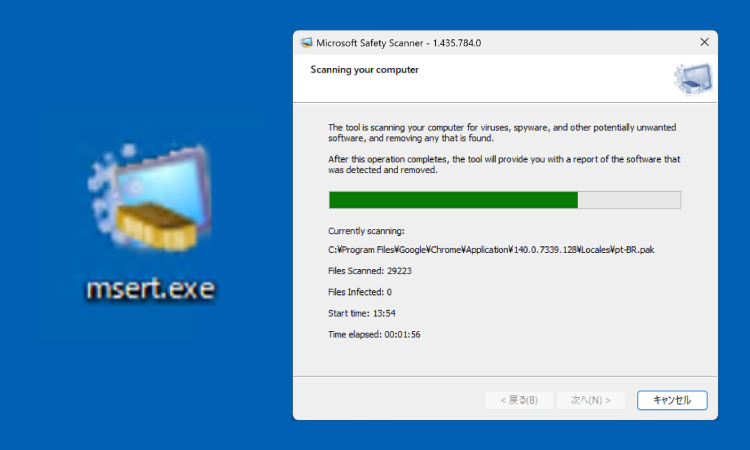
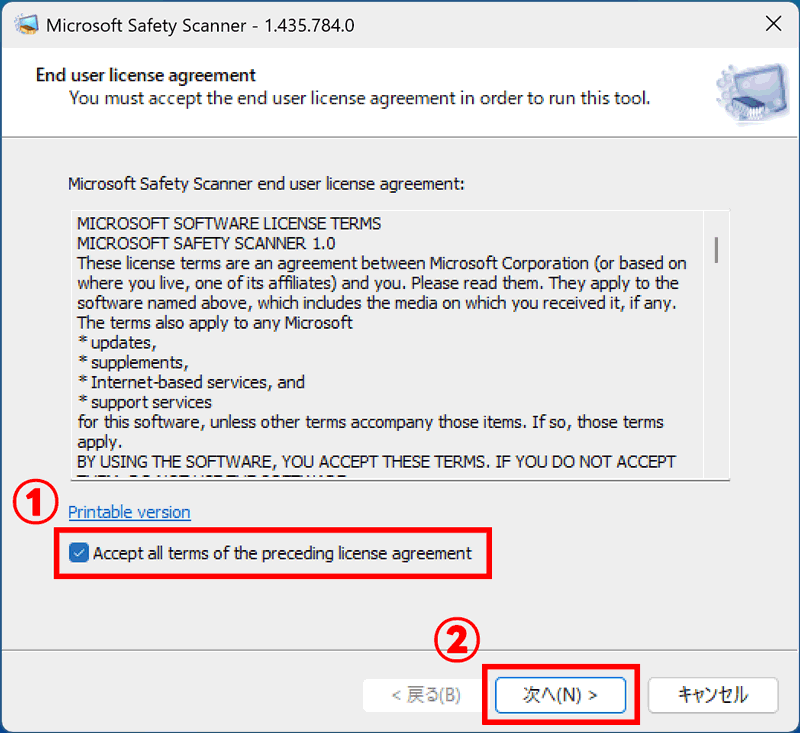
Launch the downloaded app.

Check the box at 1 and press "Next".
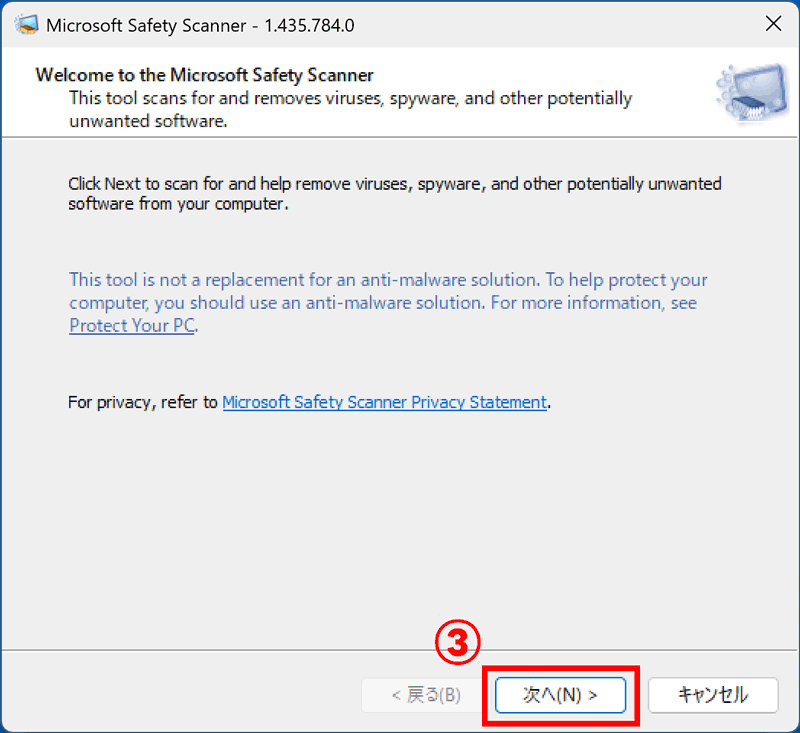
On the screen below, press "Next" at 3.
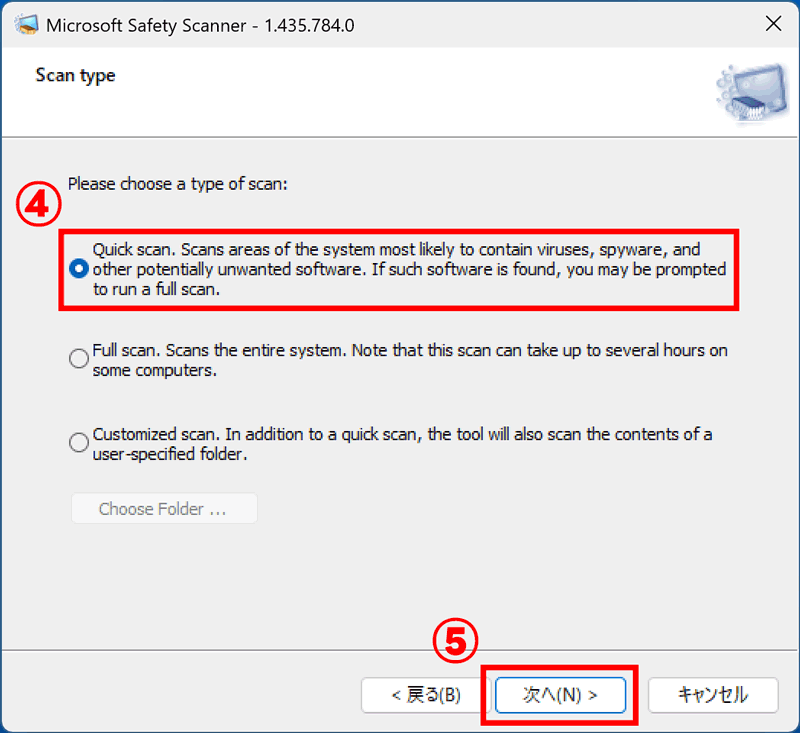
On the screen below, check "Quick scan" at 4 and press "Next".
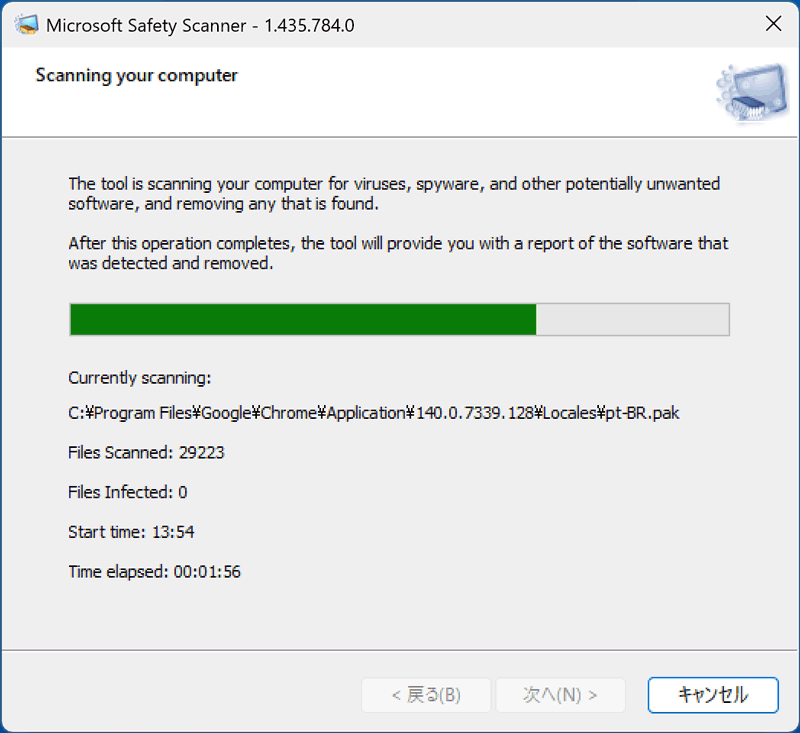
The scan will start, so please wait a moment.
Check the Results
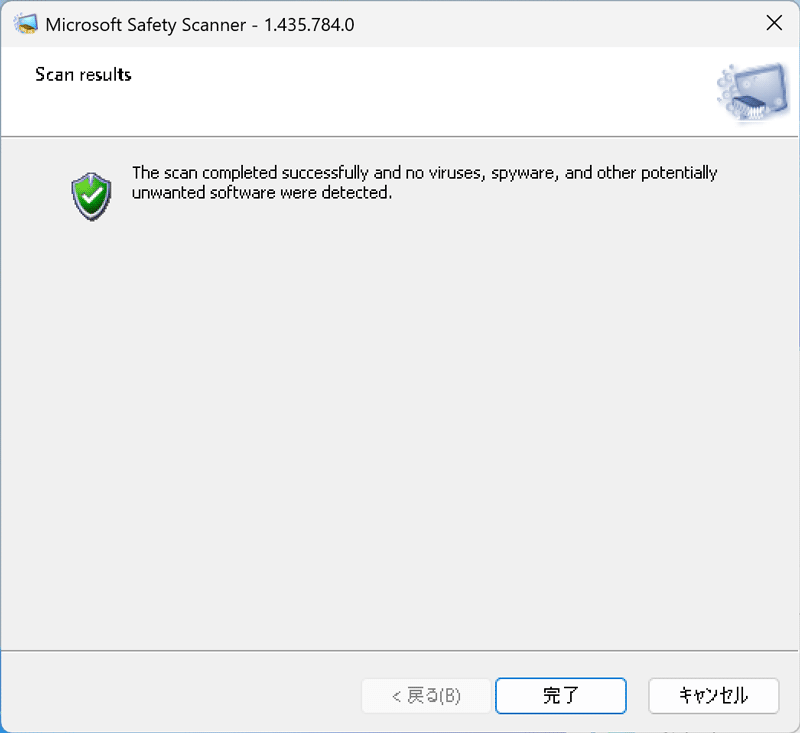
If the green shield icon is displayed, no malware was found by the scanner. Press "Finish" to close the scanner.
If a yellow shield is displayed, an issue has been found.
Press "View detailed results of the scan" to display the details.
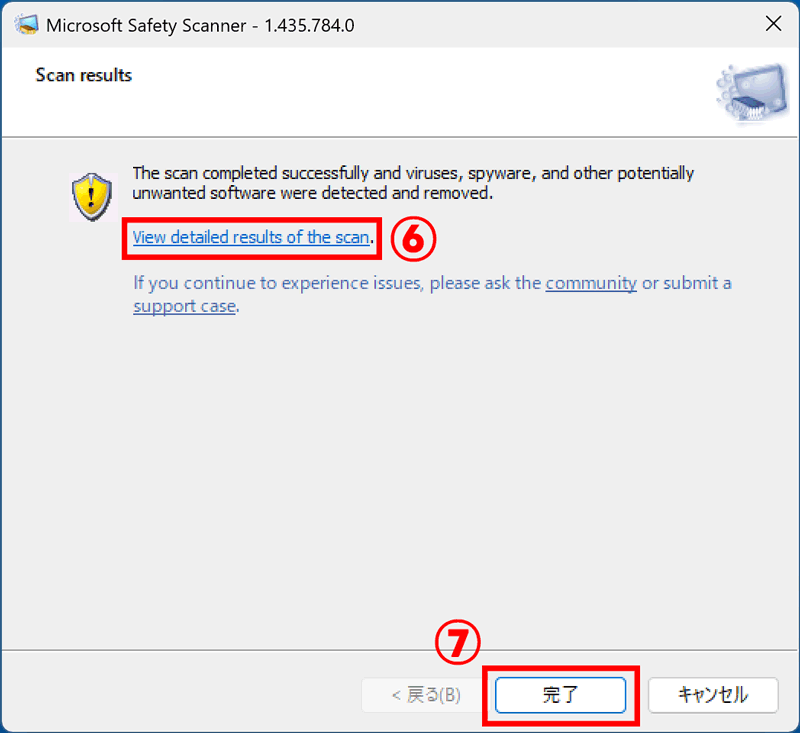
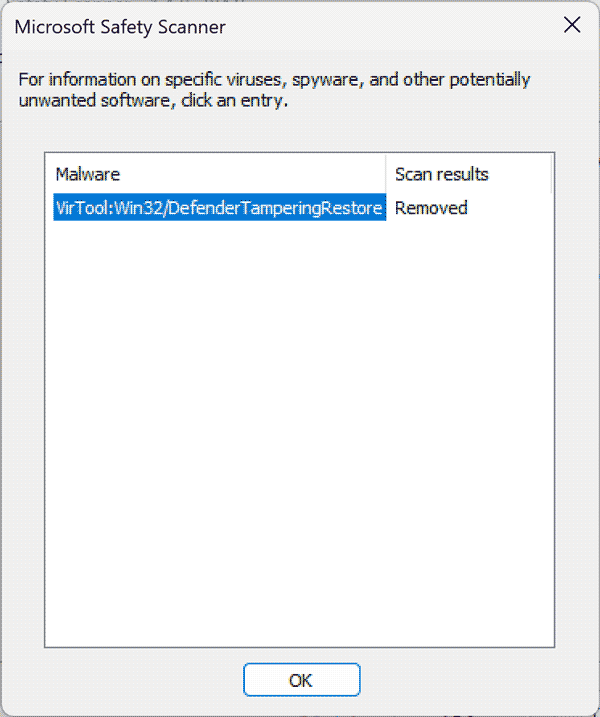
If "VirTool:Win32/Defender TamperingRestore" appears on the details screen, this is a warning that Windows Defender is disabled. There is no problem if you have separate security software installed.