While playing the PC version of Ghostwire: Tokyo, some players have reported that their framerate, which had been stable at 50–60 fps, suddenly stutters and drops below 20 fps.
You might assume it's a PC spec issue, but the same phenomenon has been reported on a wide range of GPUs, from the older GTX 1080 to high-end cards like the RTX 3080, so it appears to be a bug.
It may be fixed in a future update, but as of "Version 1.002" the issue still hasn't been improved, so on this page I'll introduce a temporary workaround for the fps problem by changing in-game settings.
Test Environment
CPU: AMD Ryzen 5 5600X GPU: Palit GeForce GTX 1080 RAM: Crucial Ballistix DDR4 3200 32GB Storage: KIOXIA NVMe M.2 Type 2280 500GB OS: Windows 10 Pro
How to Fix It
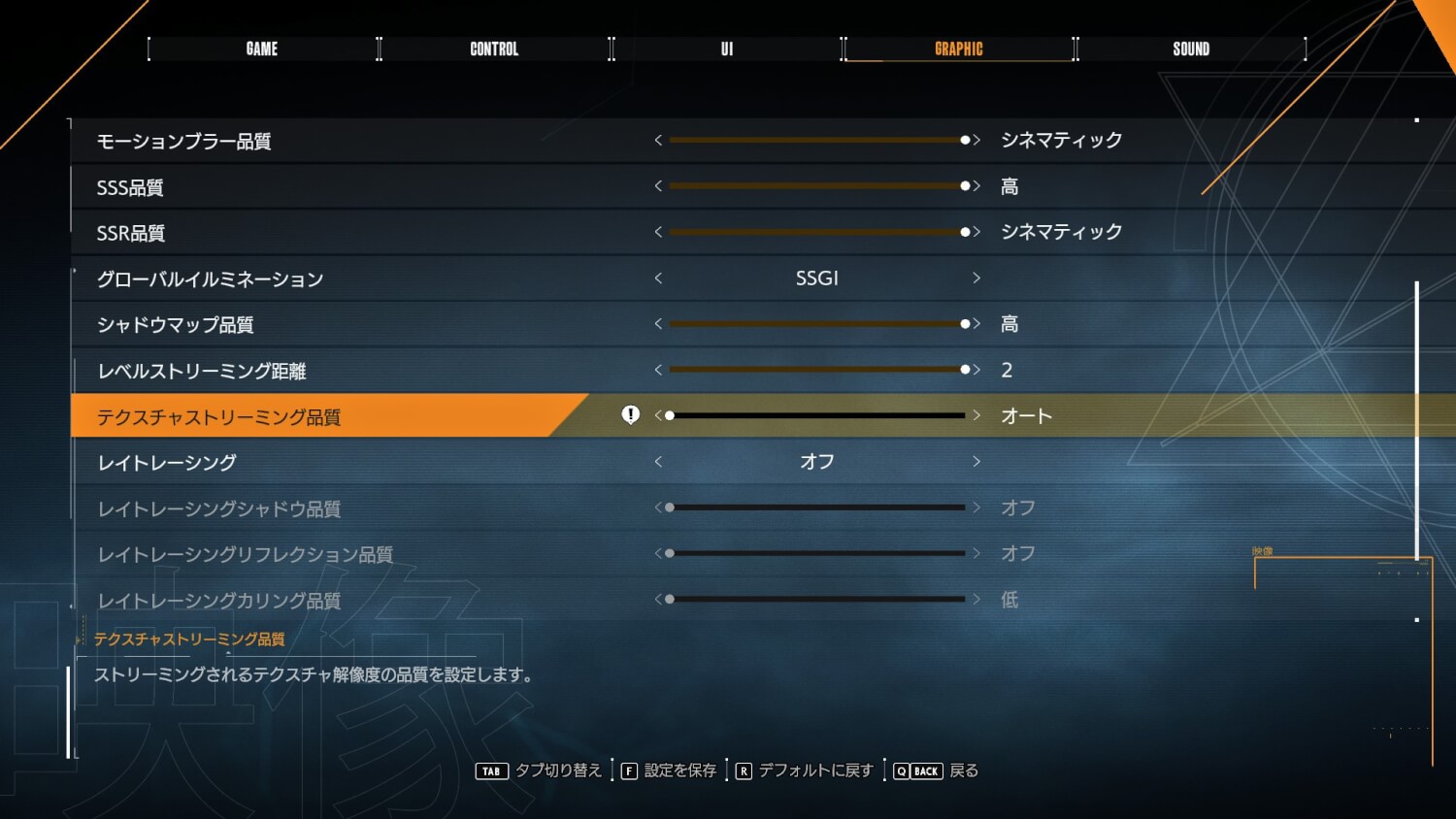
- Set Texture Streaming Quality to "Auto".
In the test environment, the stuttering disappeared after the setting change and the game became comfortable to play.
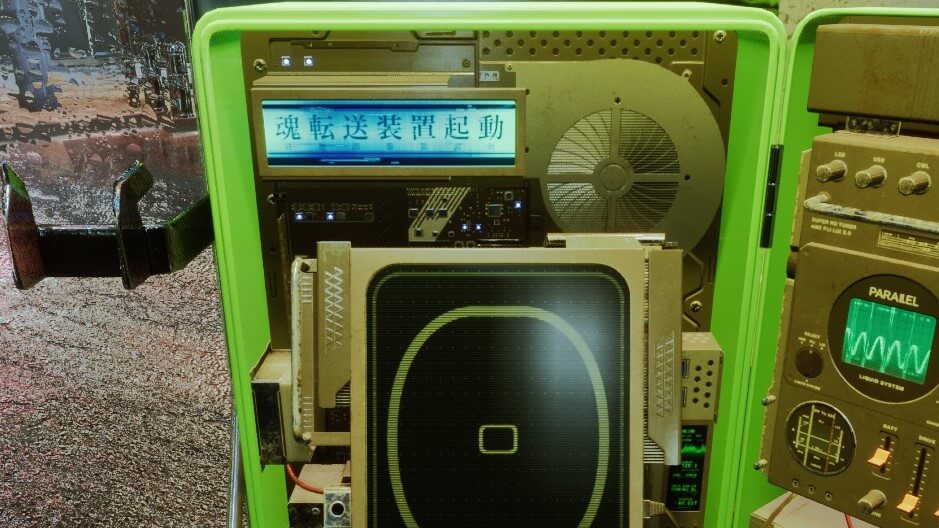
That said, the downside is that the quality of some textures drops, so when you want to take clean screenshots it can be worth switching the setting back to "Cinematic" or similar.