

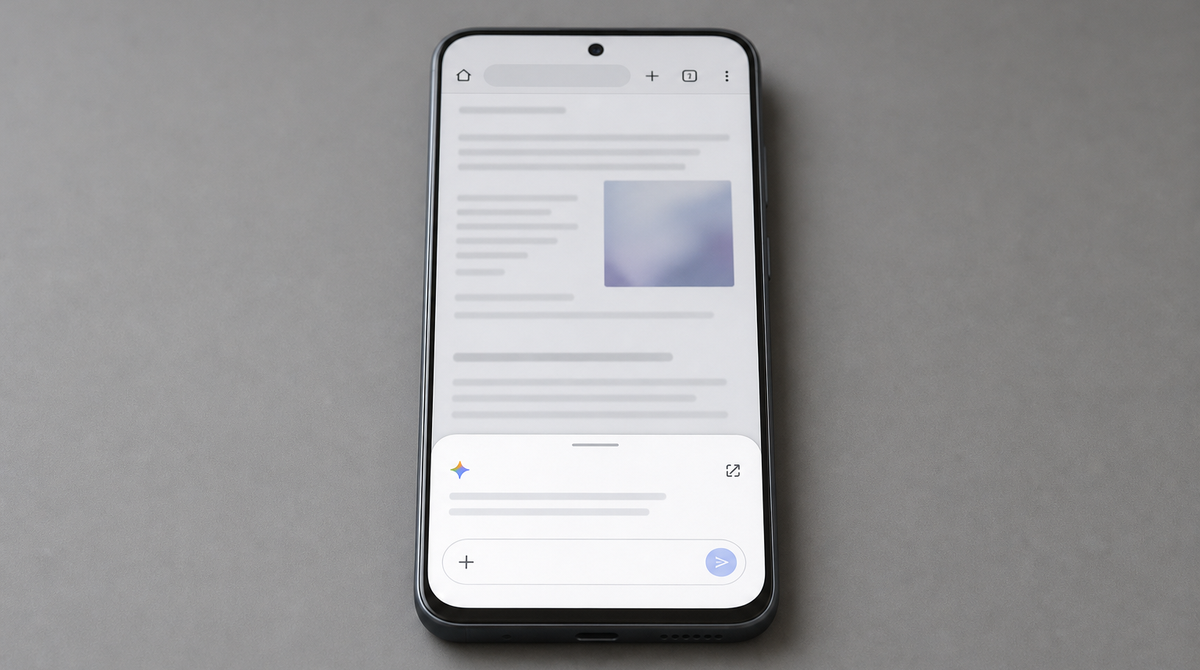
Google is rolling out Gemini, its AI assistant, inside the Android version of Chrome, with a phased launch beginning at the end of June. Beyond summarizing the page you are viewing or answering questions about it, the update adds Nano Banana for editing images right in the browser, and auto browse, which lets Chrome handle tedious chores such as reserving a parking spot on its own. The conversational browsing experience that first arrived on the desktop is finally expanding to the phone in your hand.
A built-in AI assistant that understands the page
The new features are built on Gemini 3.1, the model Google positions as its most capable. Tap the Gemini icon at the top right of the toolbar in Chrome for Android, and Gemini opens at the bottom of the screen, ready to work with whatever page you are on.
It can do a lot: summarize long articles, explain complex topics in plain language, and answer questions about the page, all without switching to another app. Because Gemini reads the contents of the page before responding, it returns answers grounded in what is in front of you rather than a generic search result.
Gemini also connects with the Google apps you use every day. You can add an event to Calendar, drop a recipe's ingredients into Keep, or dig up a detail in Gmail, all starting from the browser. If you opt in to Personal Intelligence, it can tailor responses to your interests and hobbies, and even your family and pets.
Editing web images on the spot with "Nano Banana"
For images, Google's image generation and editing technology, Nano Banana, is built into Chrome. You can tweak an image you found on the web or create a new visual from scratch without ever leaving the browser.
Google's examples are easy to picture. While reading a web page to study for an exam, you might ask it to "turn this page into an informative infographic." Or, while scrolling through apartment listings, you can say "alter the image to include modern living room essentials" and see the result on the spot. It looks handy whenever you want to organize text-based information visually.
"Auto browse" takes tedious web chores off your hands
The headline feature is auto browse, available on Android for the first time. It is an agent-style capability that lets the browser carry out routine web tasks on your behalf.
Say you are about to head out to a comedy show and forgot to reserve parking. Ask Chrome, and it will use the date and place from your ticket confirmation to find an open spot through the parking service SpotHero. Or, as your pet grows and you want to switch a subscription from puppy food to adult dog food, you can have Chrome update the order on the shopping service Chewy. The appeal is that tasks that once took you through screen after screen can be reduced to a short request.
Security safeguards and availability
As convenient as it is, letting a browser act on its own raises concerns. Google says it carries over the same protections as the desktop version, defending users against emerging threats like prompt injection, in which malicious instructions are slipped into a page. In addition, auto browse is designed to always ask for confirmation before completing sensitive actions such as making a purchase or posting to social media.
The rollout begins at the end of June for eligible devices running Android 12 or later in the United States. It requires at least 4GB of memory and the device language set to English (United States). Gemini in Chrome and Nano Banana will be widely available on eligible devices, while auto browse is limited to subscribers of the paid AI Pro and Ultra plans in the United States. For now the focus is English-speaking markets, but expansion to other regions, including Japan, will be worth watching.
Summary
This announcement pulls page summaries, question answering, image editing with Nano Banana, and task automation with auto browse together into Chrome for Android, moving the browser itself closer to a workspace for AI. Even on a small phone screen, you can research and handle routine tasks without hopping between apps. The launch starts with eligible devices in the United States and the conditions differ by feature, but it is a step worth noting as it reshapes how we use the browser.



























