

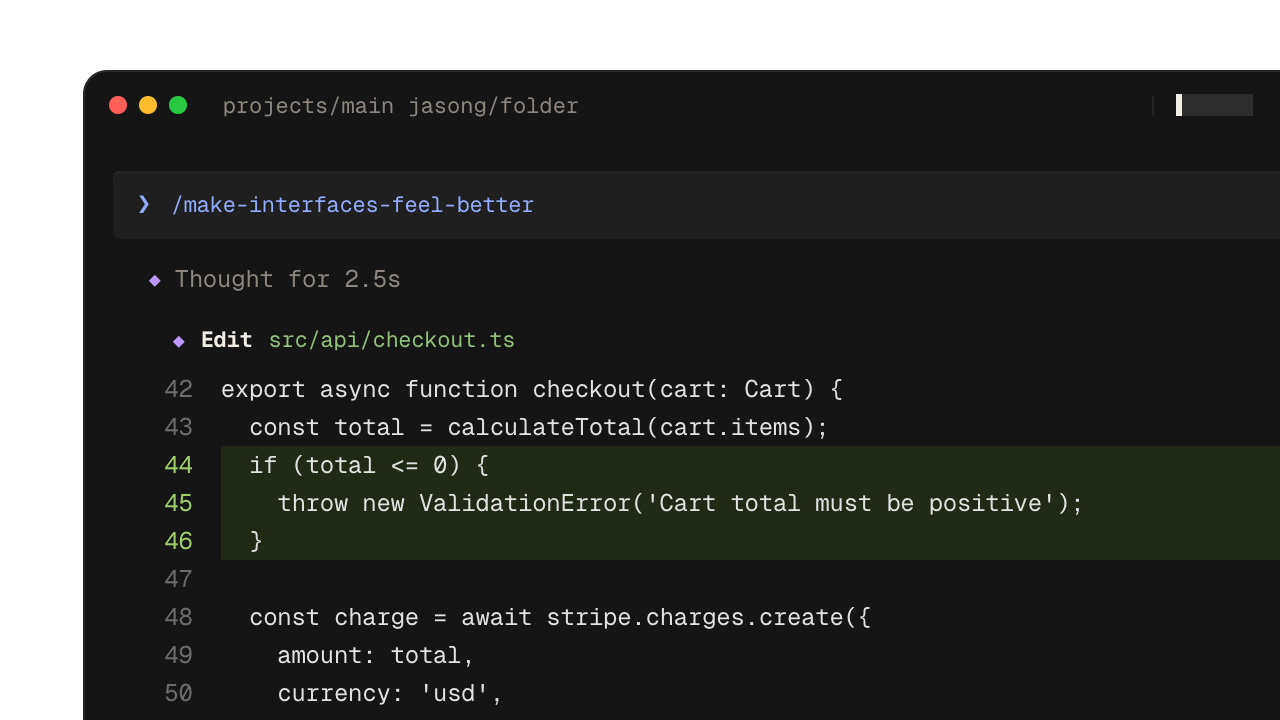
Elon Musk's xAI rolled out the Grok Build Plugin Marketplace on June 11, a built-in catalog that distributes plugins for Grok Build, the company's terminal-based coding agent. Integrations that developers used to wire up one at a time can now be pulled in with a single command. Six well-known services, including MongoDB and Vercel, lined up as launch partners. Here is what actually changes.
What Grok Build Is
Grok Build is xAI's coding agent for software engineering work. It lives in the terminal (the command line) and runs as an "agent," carrying out multiple steps of a development workflow on its own judgment. Under the hood it is powered by a coding-focused model called grok-code-fast-1.
The new marketplace is easiest to understand as a discovery-and-distribution layer placed on top of Grok Build. A single plugin bundles together several parts: routine task flows (skills), slash commands, helper agents, hooks, MCP servers, and LSPs (the language servers behind features like code completion). Where developers previously had to set up each integration separately, one command now brings the whole bundle to their machine.
The catalog itself is managed in an open GitHub repository, xai-org/plugin-marketplace. It acts as an index pointing to where each plugin lives, and Grok Build uses it as the starting point to fetch the packages.
The Six Launch Plugins
At launch, the marketplace ships with plugins for six services widely used in development, each tied to a concrete task. MongoDB handles data exploration, collection management, and query optimization. Vercel manages deployments, checks build status, and configures domains. Sentry analyzes stack traces from production errors and helps isolate bugs. Chrome DevTools drives a live browser to record performance traces and inspect network requests. Cloudflare bundles work for services such as Workers and Durable Objects, and Superpowers packages popular agent-driven workflows.
For example, when a MongoDB query feels slow, you can install the plugin and ask the agent to optimize it on the spot. An on-call engineer who gets a production alert might install Sentry to trace the cause of an error.
Installing Without Leaving the Terminal
Installation stays entirely inside the terminal. Type /marketplace in Grok Build to browse the catalog, select an entry, and press i to install. You can also work directly from the shell with commands.
grok plugin marketplace list
grok plugin install <name> --trust
The --trust flag at install time is not to be overlooked. Because plugins execute code and access data in the user's environment, the design deliberately requires an explicit signal of trust.
Security Anchored in "SHA Pinning"
The security model centers on "SHA pinning," which fixes a plugin to a specific commit. Every plugin pulled from outside must specify a 40-character commit SHA (a unique identifier of a set of changes). After downloading, Grok Build verifies that what it fetched matches the specified SHA. Without pinning, a malicious rewrite of a repository could quietly ship different code to users. Locking it down closes that entry point at install time.
In the catalog, first-party plugins maintained by xAI are kept separate from third-party ones. xAI states that it does not author, control, or verify third-party plugins, positioning their use as the user's own responsibility. It is worth noting that SHA verification only confirms whether the code matches what was specified; it does not guarantee that the code is safe.
An Open Catalog Anyone Can Publish To
The catalog is open to outside submissions. To add a plugin, you edit a configuration file with your plugin's information and open a pull request. An index file that records each plugin's makeup is generated automatically by an included script, and stale contents are rejected by a continuous integration (CI) check. The approach avoids manual edits and keeps registration quality consistent.
The idea of bundling parts into a single package is itself familiar from earlier agent development tools, such as Anthropic's Claude Code. Grok Build layers onto that a distribution entry point you can browse and install from the terminal.
At the same time, the limits are clear. Using Grok Build requires a paid SuperGrok or X Premium Plus subscription, so it is not something anyone can immediately try. The launch catalog is also modest at six plugins, with its real value still ahead. And the way third-party plugin safety rests with the user is something the platform will have to grapple with as it scales.
Summary
The Grok Build plugin marketplace is an attempt to fold scattered external integrations into "a single command" and to settle a coding AI into real development workflows. Putting a supply-chain measure like SHA pinning at the front door is a sensible move, but the paid-plan barrier and the thin launch lineup remain. How far the roster of supported plugins expands will likely decide whether this mechanism takes hold.



























