

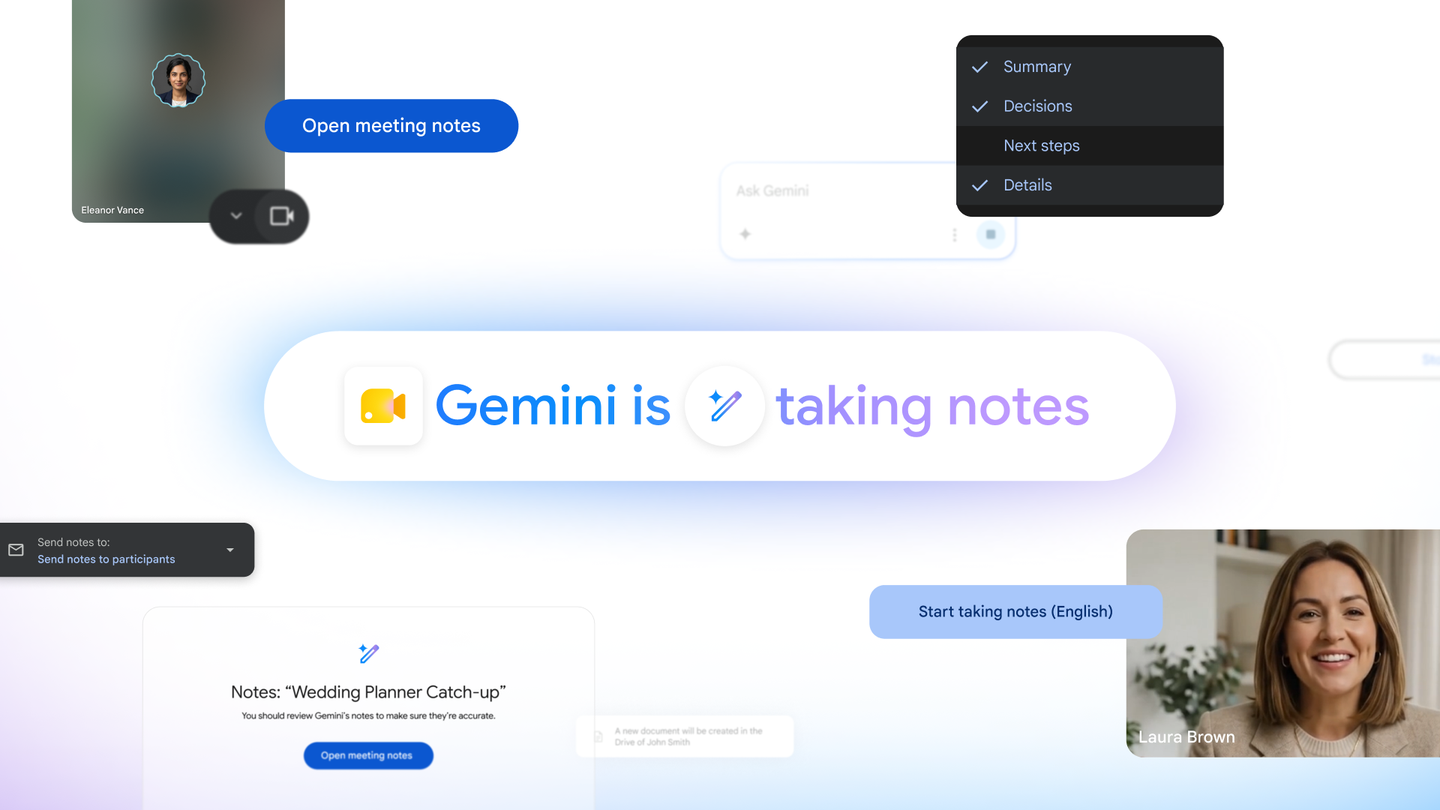
Google has begun rolling out "Take notes for me," a Google Meet feature in which the Gemini AI assistant handles note-taking on your behalf, starting June 29, 2026, for Google AI Pro and Ultra subscribers[1]. It transcribes the conversation in real time, distills the key points and action items, and saves the result automatically to a Google Doc. The aim is to let participants focus on the discussion itself rather than on keeping notes.
Capturing the conversation into a summary and action items
With "Take notes for me," Gemini works in the background during a call, with your permission, to take notes for you[1]. It provides three main capabilities.
First, it transcribes the conversation on the spot and builds a meeting summary that includes the key points and the action items to follow up on. Second, the resulting notes are saved automatically to a Google Doc in your Google Drive. Third, once the meeting ends, you receive an email containing the summary and action items, so you can review the discussion and share it with others right away[1].
Whether you are tracking the next steps from a planning session or gathering a client's requests for a catering order, Gemini takes over the record-keeping so participants can concentrate on what is said and decided[1]. The generated document is organized into a summary along with decisions, next steps, and details, and you can adjust how detailed the recap is[2].
Getting started from icons in the meeting window
The feature is available to Google AI Pro and Ultra subscribers as well as eligible Workspace business customers, in each case for meetings that you host[1].
You start it from the meeting screen. To begin taking notes during a call, click the pencil icon at the top of the Meet window. If you want it always enabled for every call, turn the feature on under "Meeting records" in your Google Meet settings[1]. On the web you use the pencil icon in the top-right corner, while in the Android and iOS apps you launch it from the menu[2]. When note-taking is enabled, all participants are notified, so everyone in the meeting knows that a record is being kept[1].
Available on web and mobile, initially in select languages
The feature works on both web and mobile devices, but for now it is available only in a limited set of languages[1]. Google has steadily been embedding AI across its services, from formula-error fixes in Google Sheets to Gemini's integration into Chrome on Android. Adding note-taking to Meet is another step in that effort to weave AI into the everyday tools people use for work.
Transcribing and summarizing meetings has long been an area that relied on dedicated third-party tools or manual notes. By building it directly into Meet, the workflow from recording to sharing can be completed without launching a separate app, which is the practical advantage here. At the same time, the feature is limited to paid-plan subscribers and a handful of languages, so it is not something everyone can use right away. How quickly support expands to more languages, including Japanese, will be a point to watch.
Summary
Google Meet's "Take notes for me" hands the entire flow over to Gemini, from transcribing the conversation and extracting summaries and action items to saving them in a Google Doc and emailing them after the meeting. You can start it from an icon in the meeting window or from settings, and participants are notified that a record is being kept. Use is limited to subscribers such as Google AI Pro and Ultra users, and language support remains partial for now, but it is a practical step toward reducing the everyday chore of taking meeting notes.
Source: https://blog.google/products-and-platforms/products/workspace/take-notes-for-me/
Source: https://9to5google.com/2026/06/29/google-meet-take-notes-ai-pro-ultra/



























